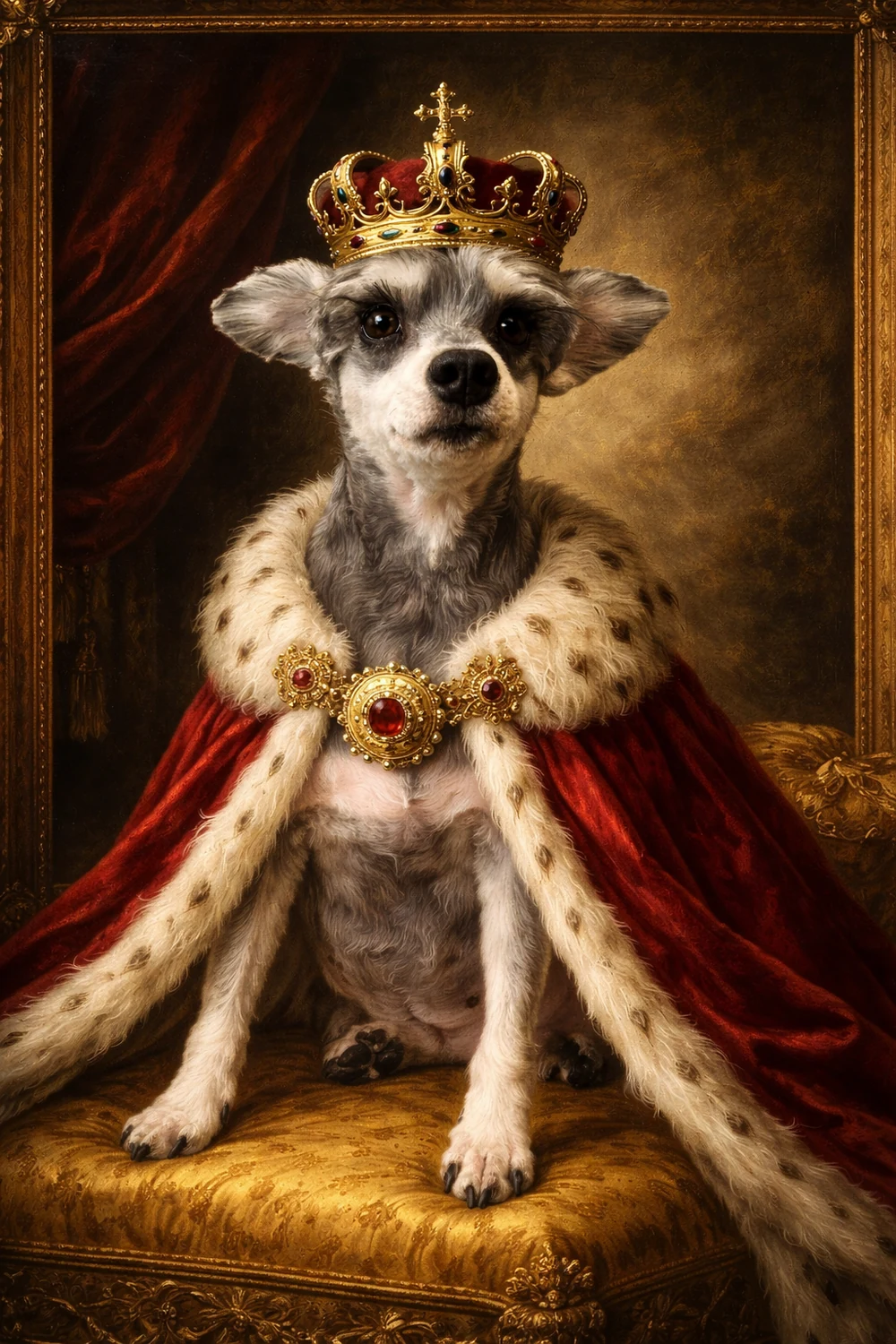
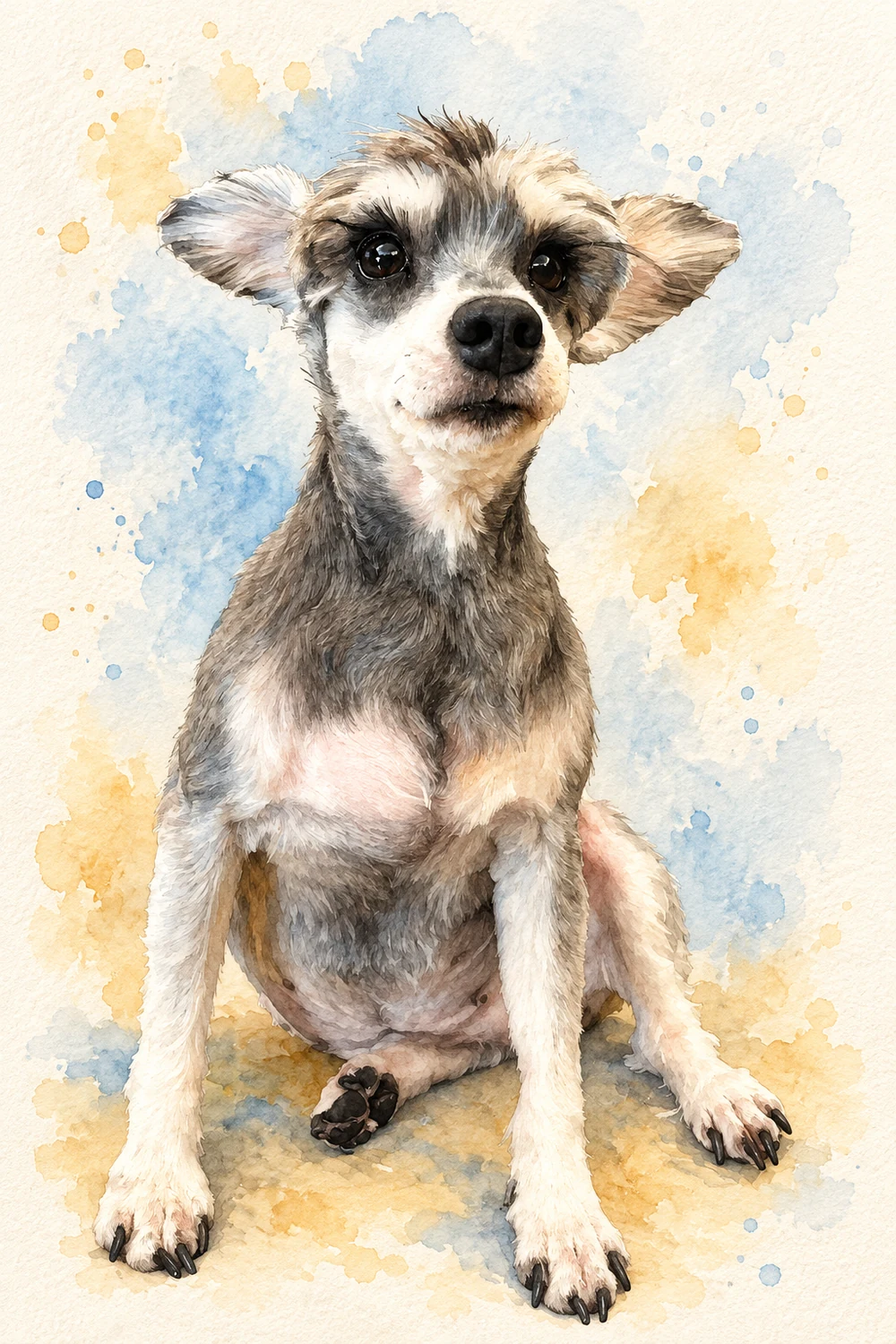
Dog portrait from photo
A dog portrait from one phone photo
Upload one clear photo of your dog, pick a look and get a finished portrait in about a minute. The portrait is made from your photo, so the face, coat colours and markings stay your dog’s own.
Make my dog’s portrait – free previewFirst preview free · 20 portraits for $4.99 · No subscription
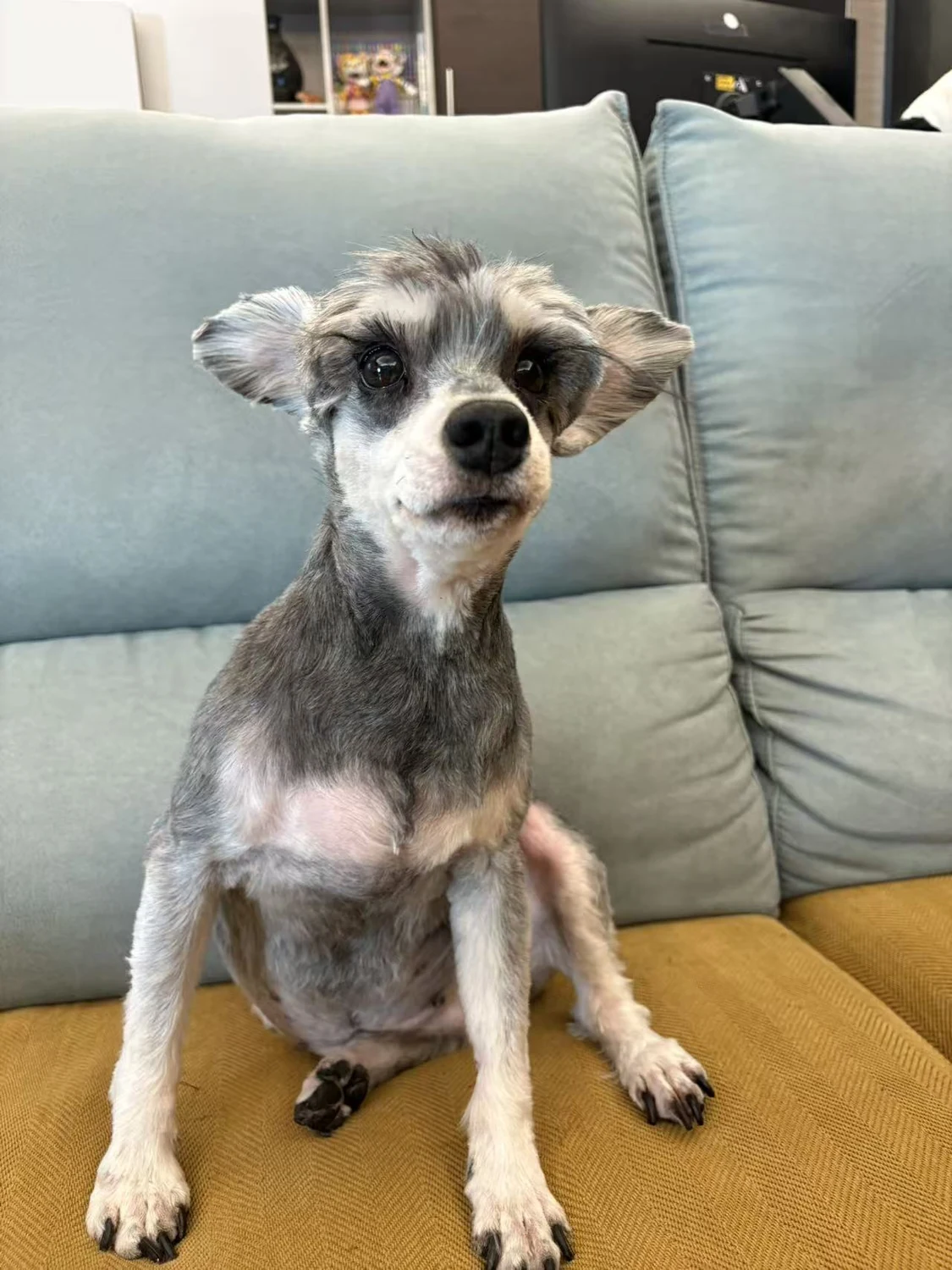
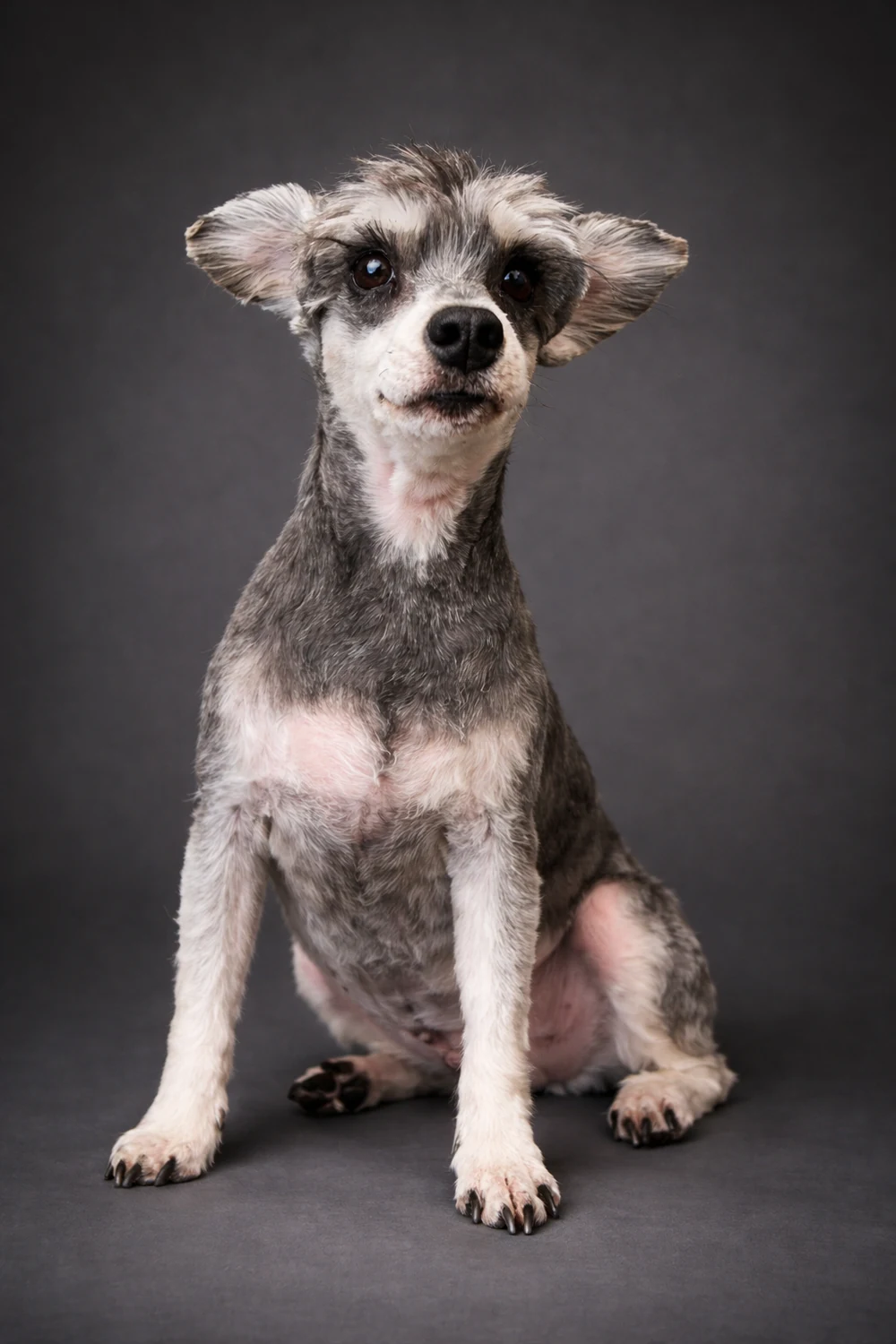
Choose a look
All styles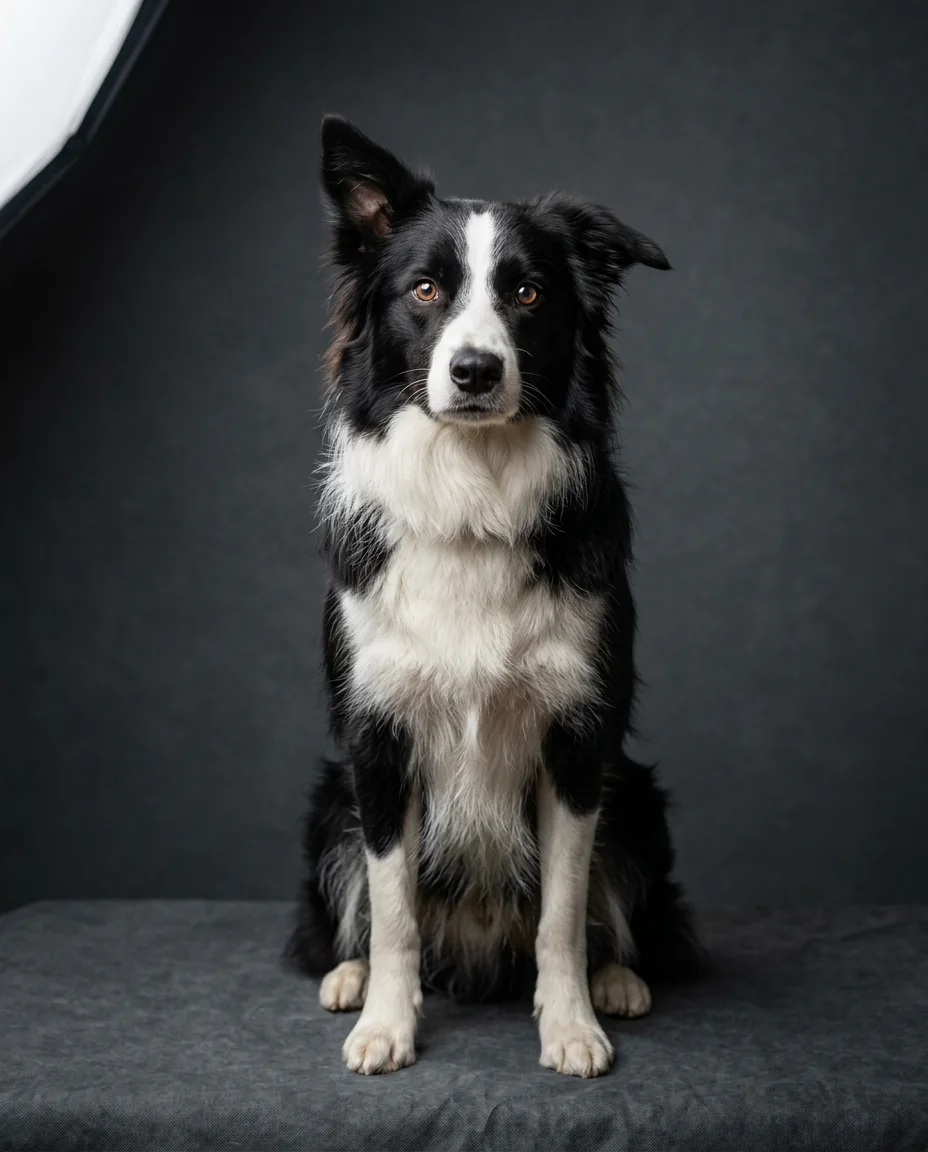
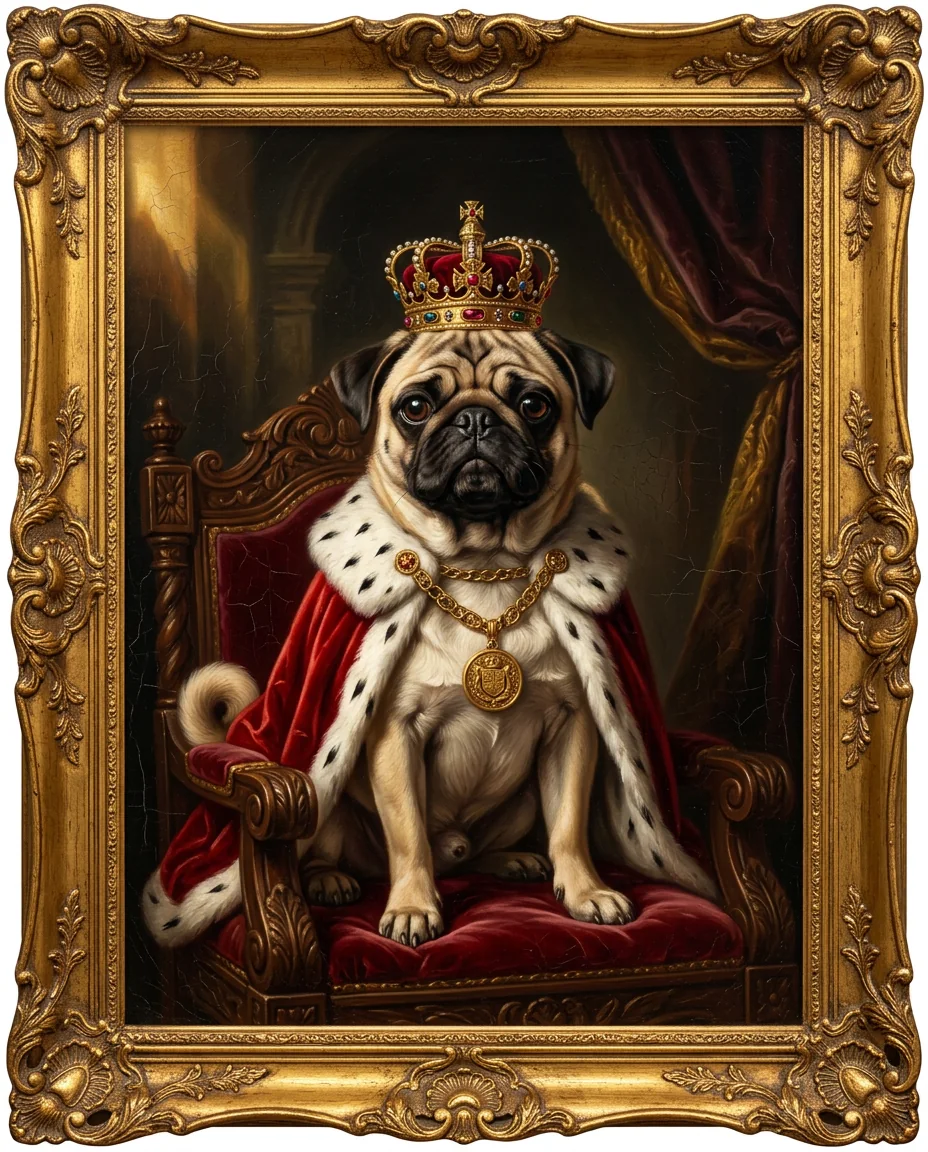
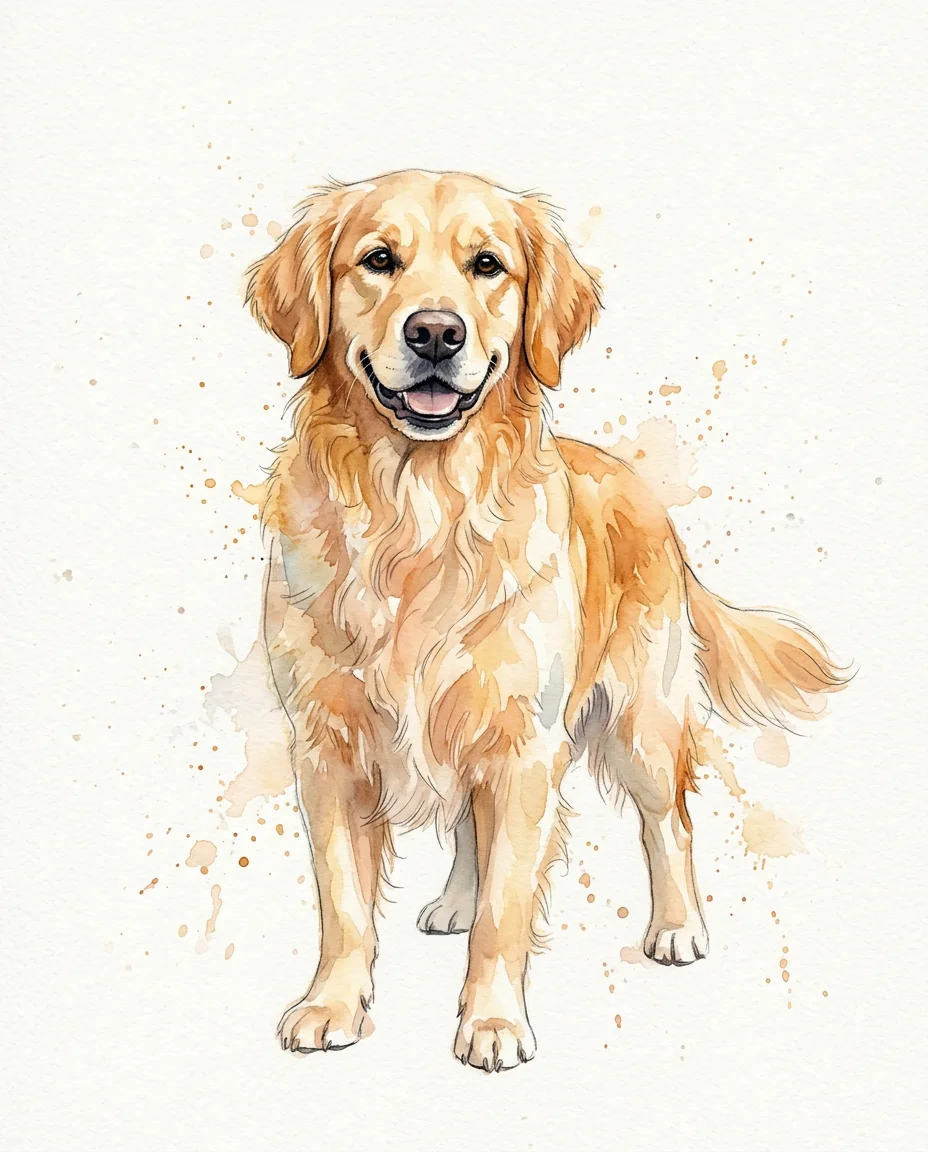
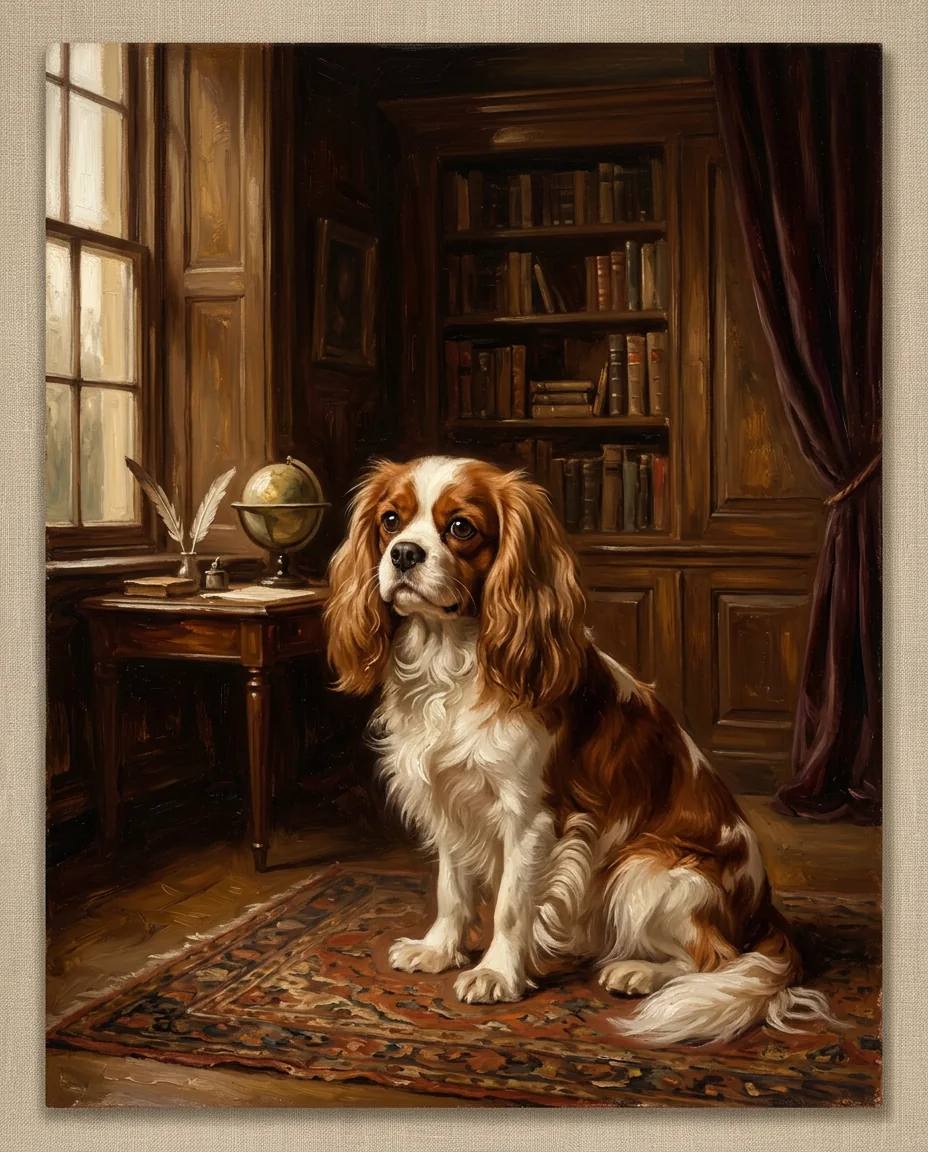
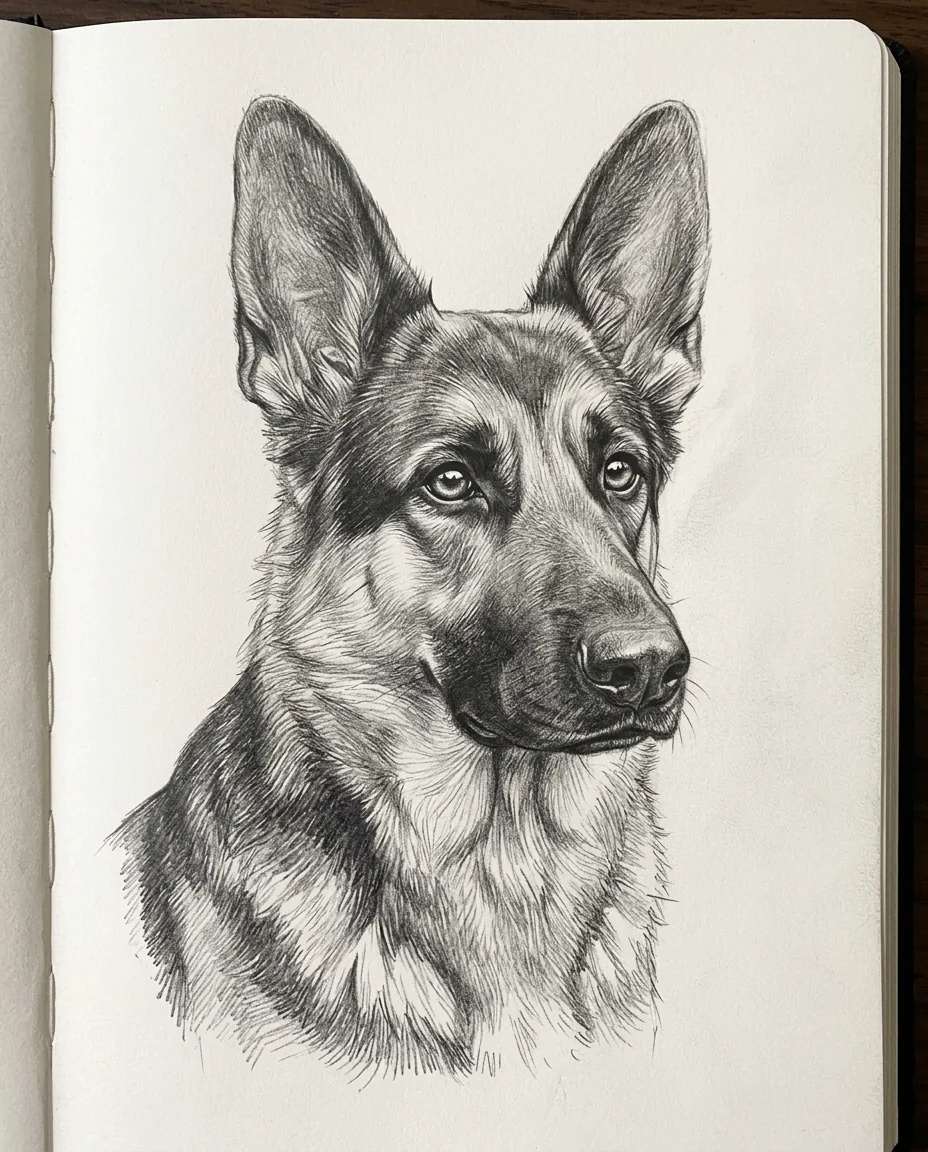
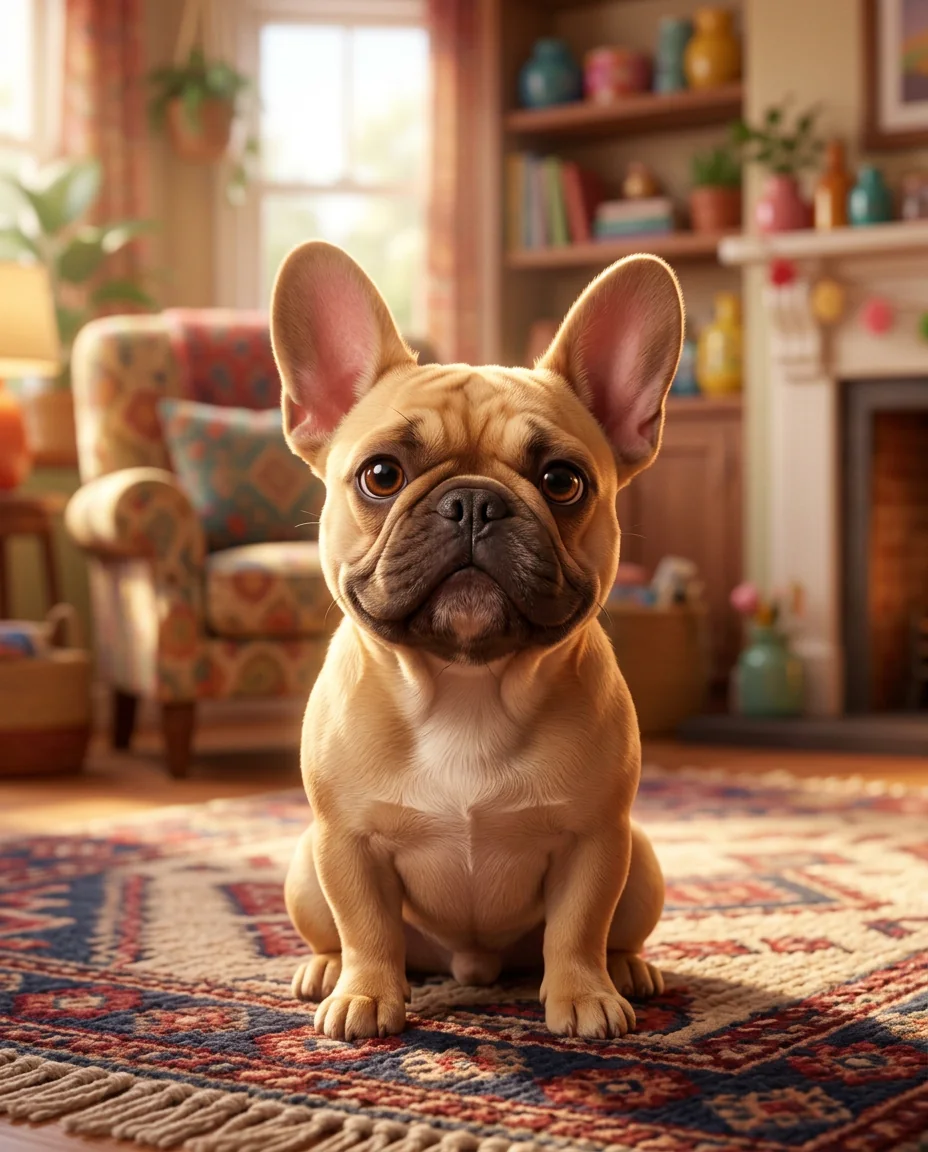
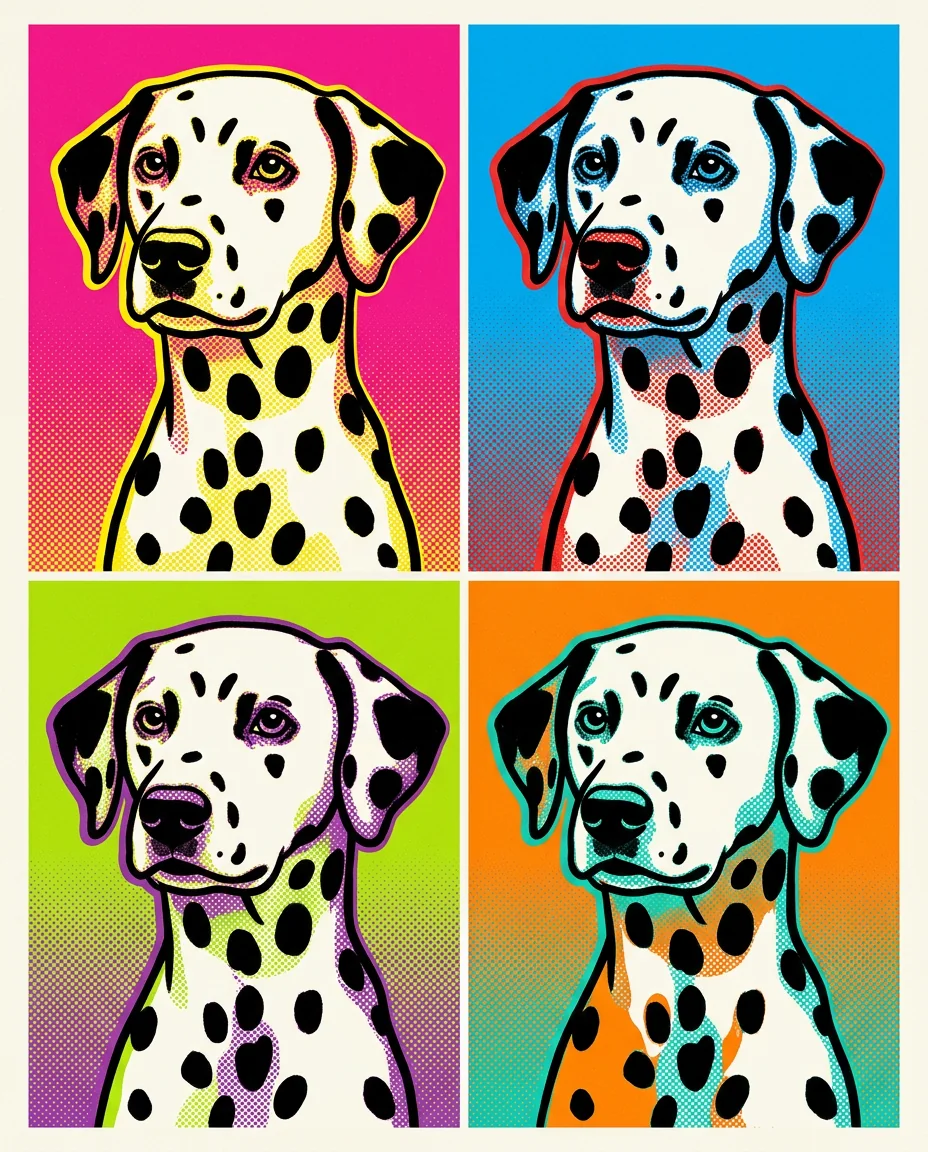
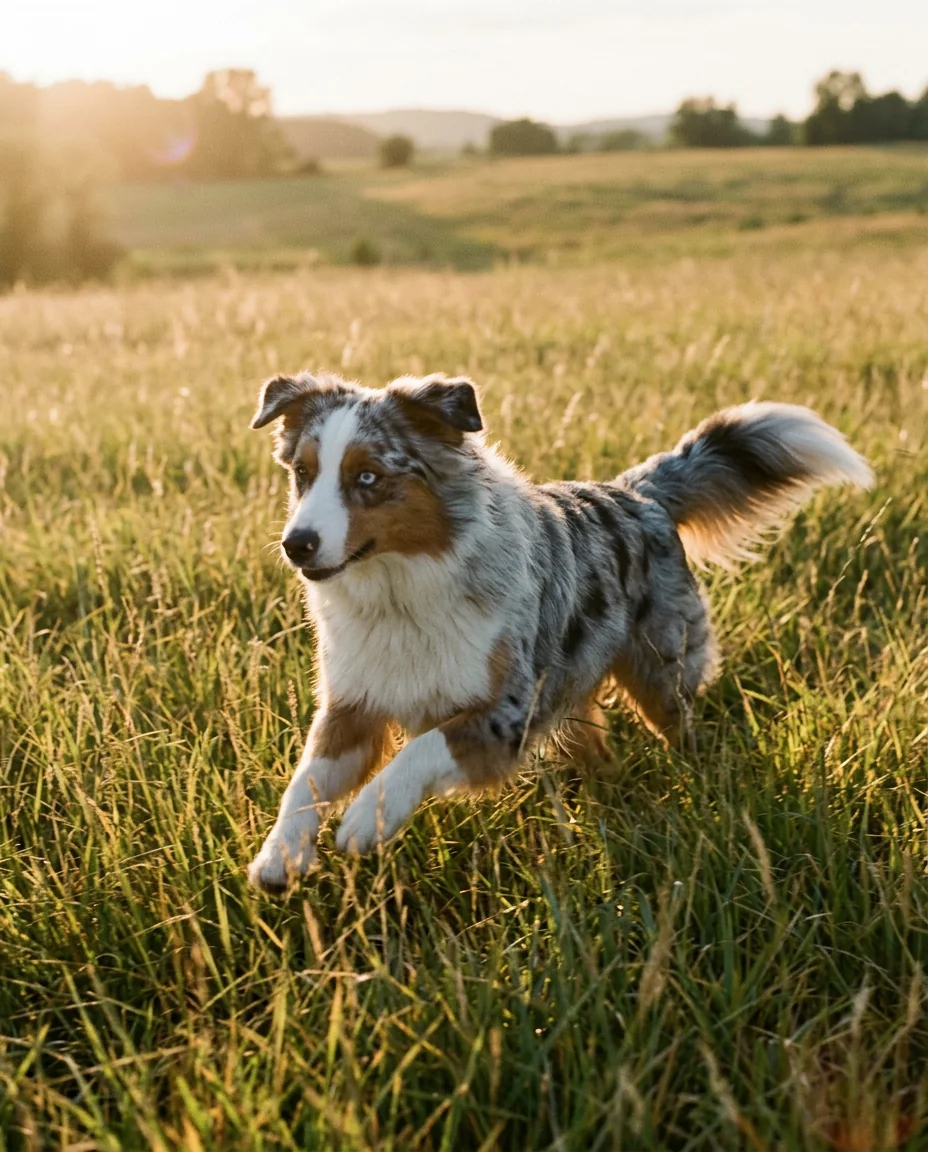
How it works
- 1Upload one photo
A clear phone photo with your dog’s face in daylight. It is resized in your browser before upload.
- 2Choose a look
Studio, royal, watercolor, oil painting, sketch, cartoon and more. Add one extra detail if you like.
- 3Get the portrait
Your first portrait is a free preview. Unlock it with one credit to download the full-size image without the watermark.
What you get
You get one finished portrait at 1024 × 1536 pixels for each credit. That size is sharp on a phone or laptop screen and prints cleanly at 5 × 7 and 8 × 10 inches. The file is yours to download, post, print or send to a print shop.
Why start from a photo
A text-only AI picture gives you a generic dog of the same breed. Starting from your photo is different: the model edits the picture you uploaded and is told to keep the face, muzzle, ear shape, coat colours and markings, and to change only the style, light and background. That is what makes the result read as your dog and not a lookalike.
Which photo to use
Choose a photo taken at your dog’s eye level, in daylight, with the face sharp and both eyes visible. A plain phone photo is enough. Avoid heavy filters, strong backlight, motion blur and pictures where the dog is small in the frame or partly hidden.