
Dog portrait maker
Turn your dog’s photo into a portrait
Upload one clear photo and choose a look. You get one finished portrait that keeps your dog’s face, colours and markings.
previewThen 20 portraits for $4.99. No subscription.
How it works
- 1Upload one photo
A clear phone photo with your dog’s face in daylight. It is resized in your browser before upload.
- 2Choose a look
Studio, royal, watercolor, oil painting, sketch, cartoon and more. Add one extra detail if you like.
- 3Get the portrait
Your first portrait is a free preview. Unlock it with one credit to download the full-size image without the watermark.
Every look you can choose
Tap a picture to use that look with your photo. Your uploaded photo stays in place.
Portrait styles 16
About the styles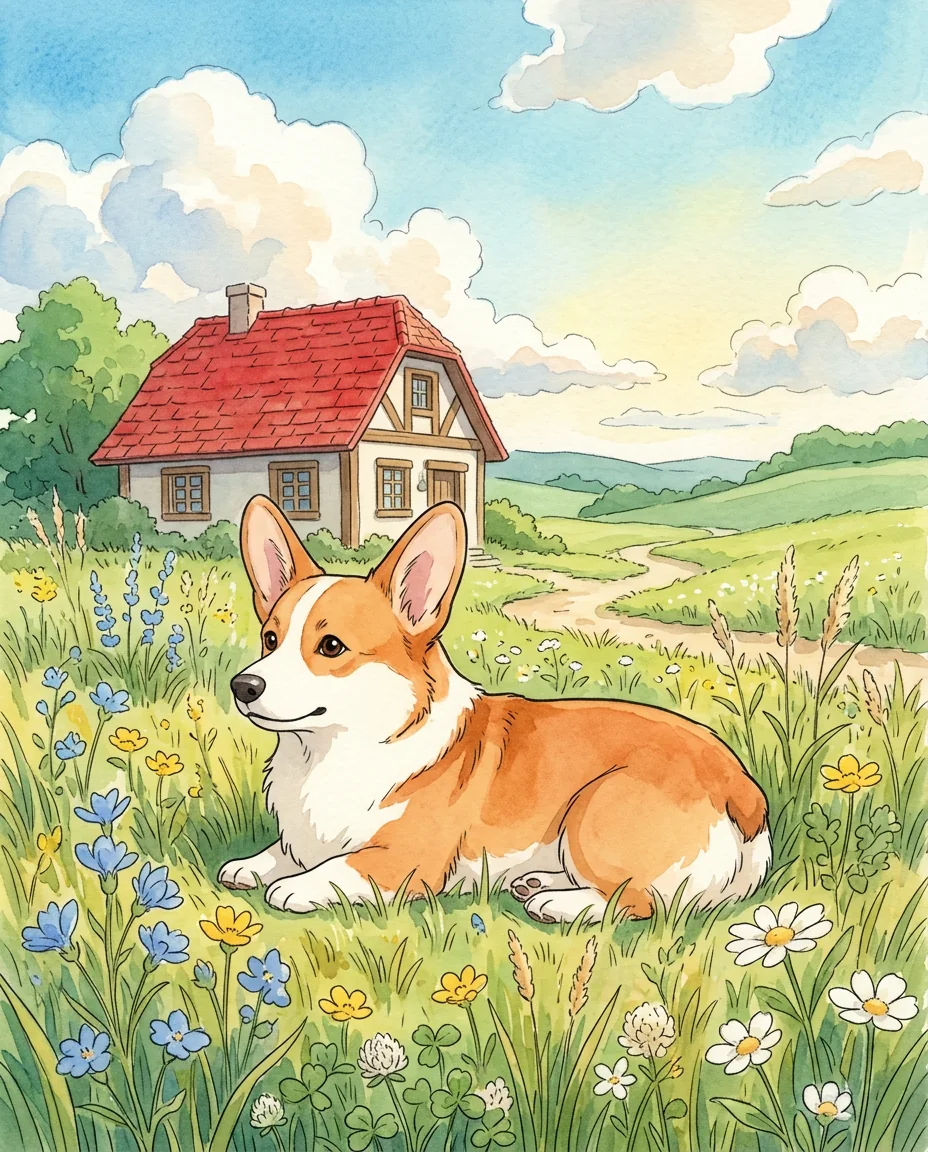 Storybook dog portraitUse with my photo
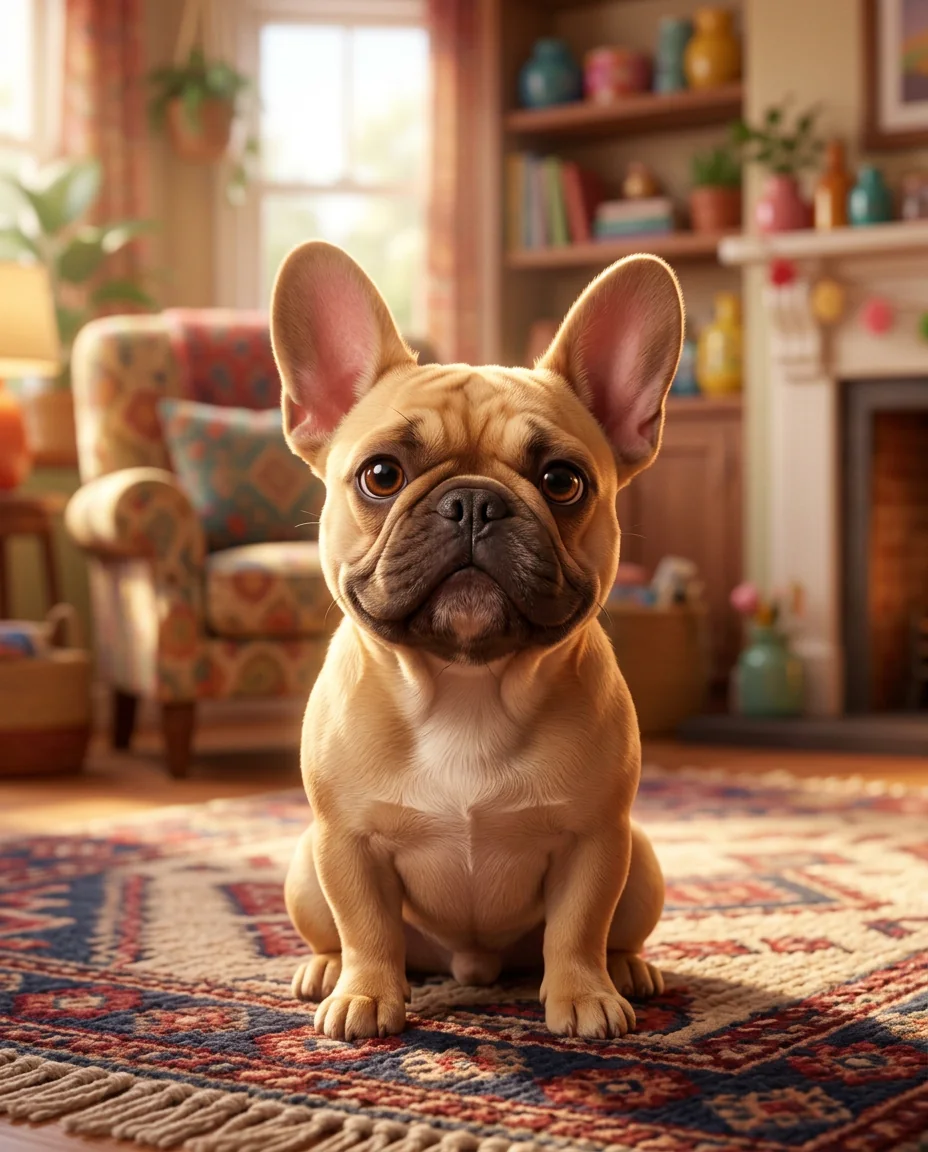 3D cartoon dogUse with my photo
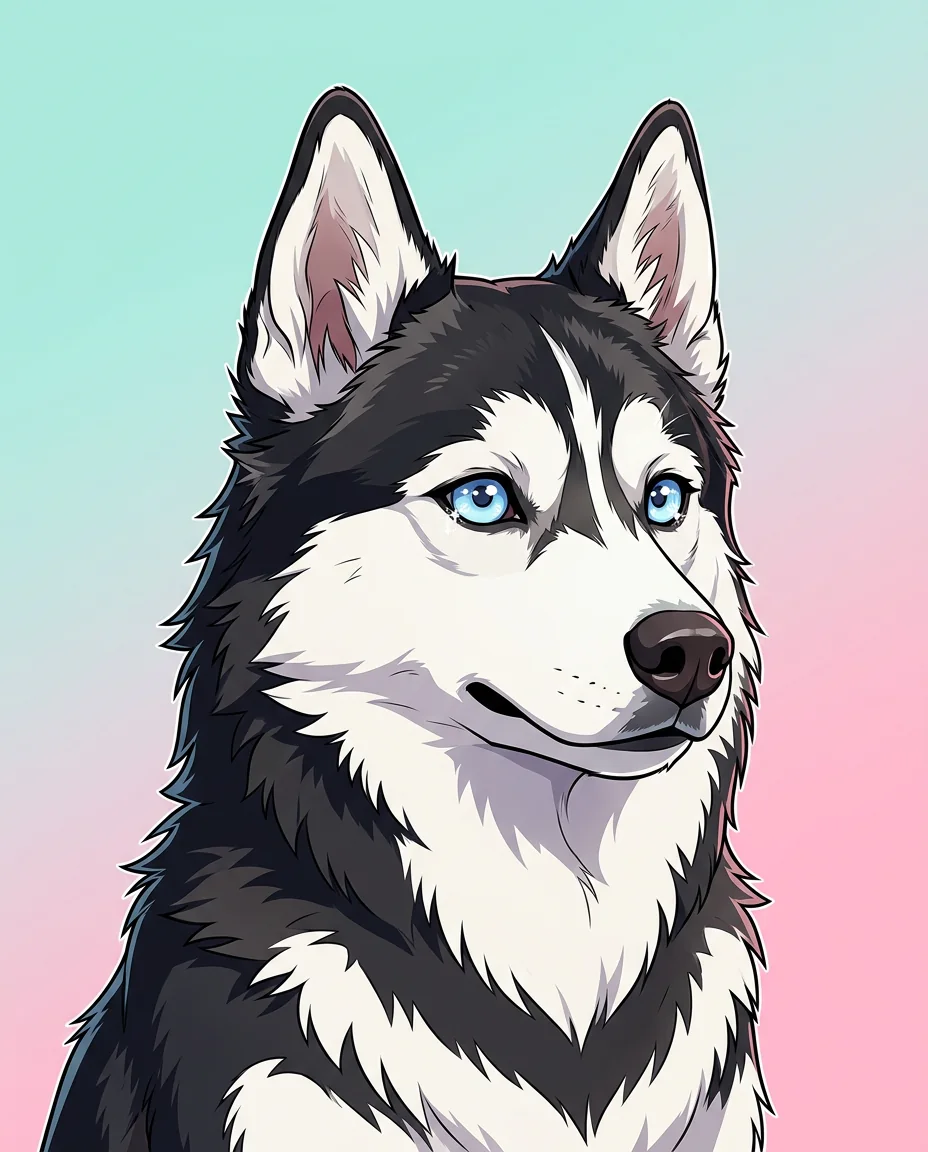
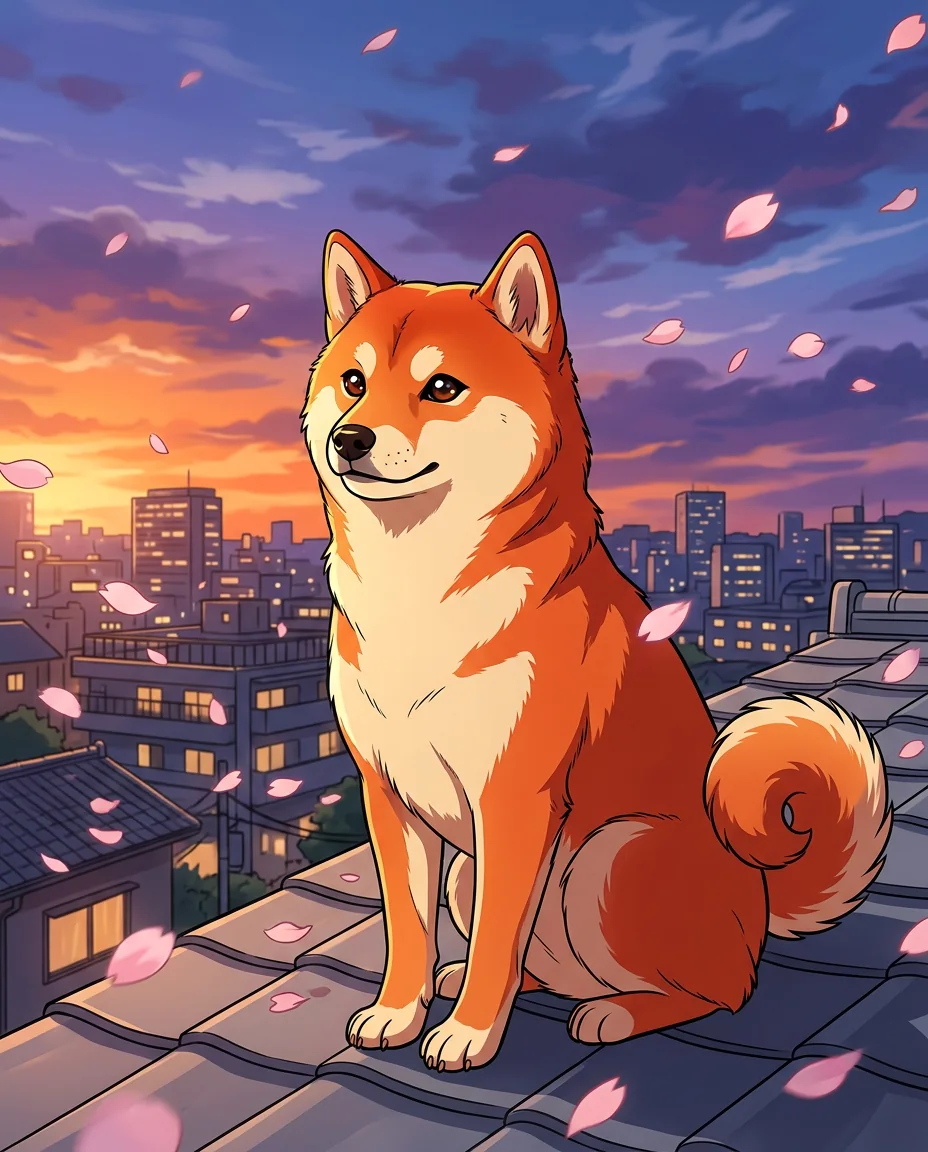 Anime dog portraitUse with my photo
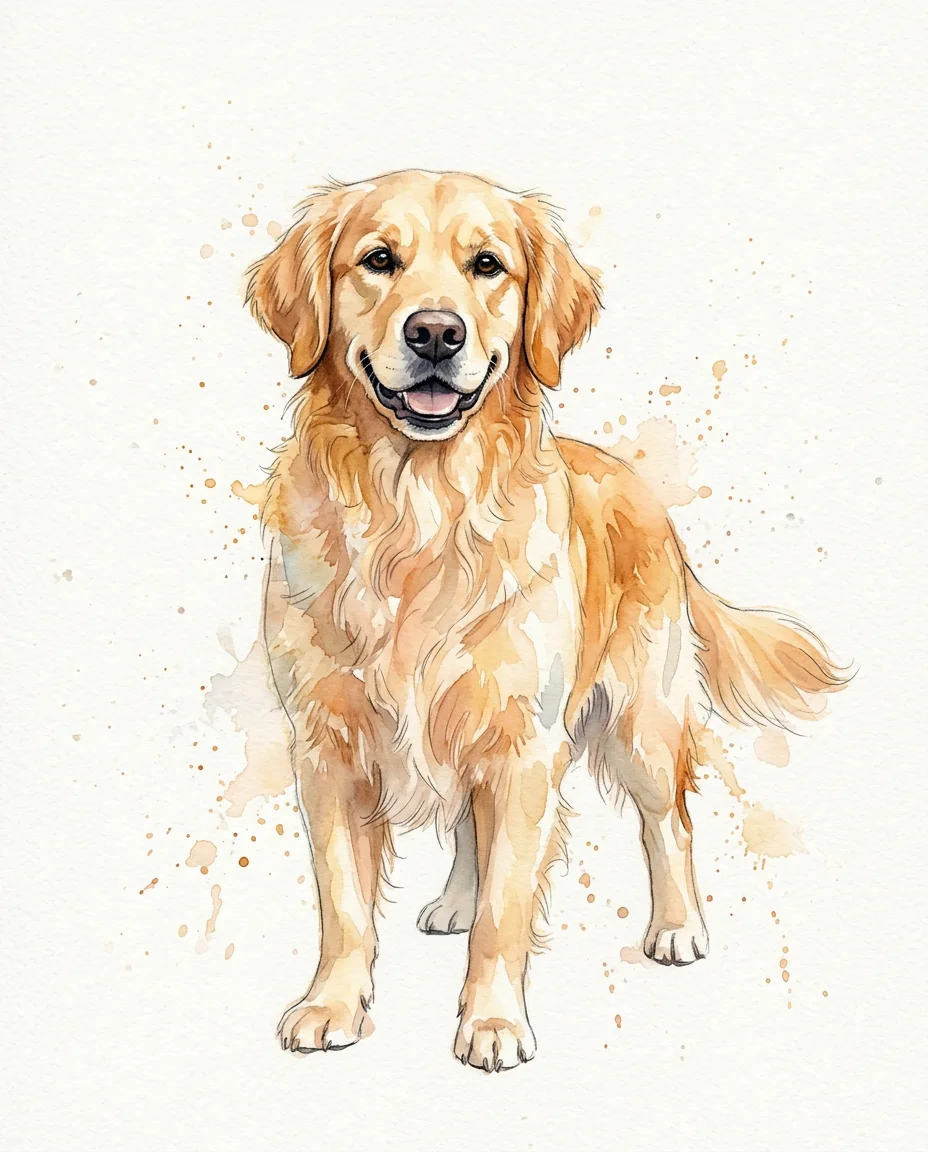 Watercolor dog portraitUse with my photo
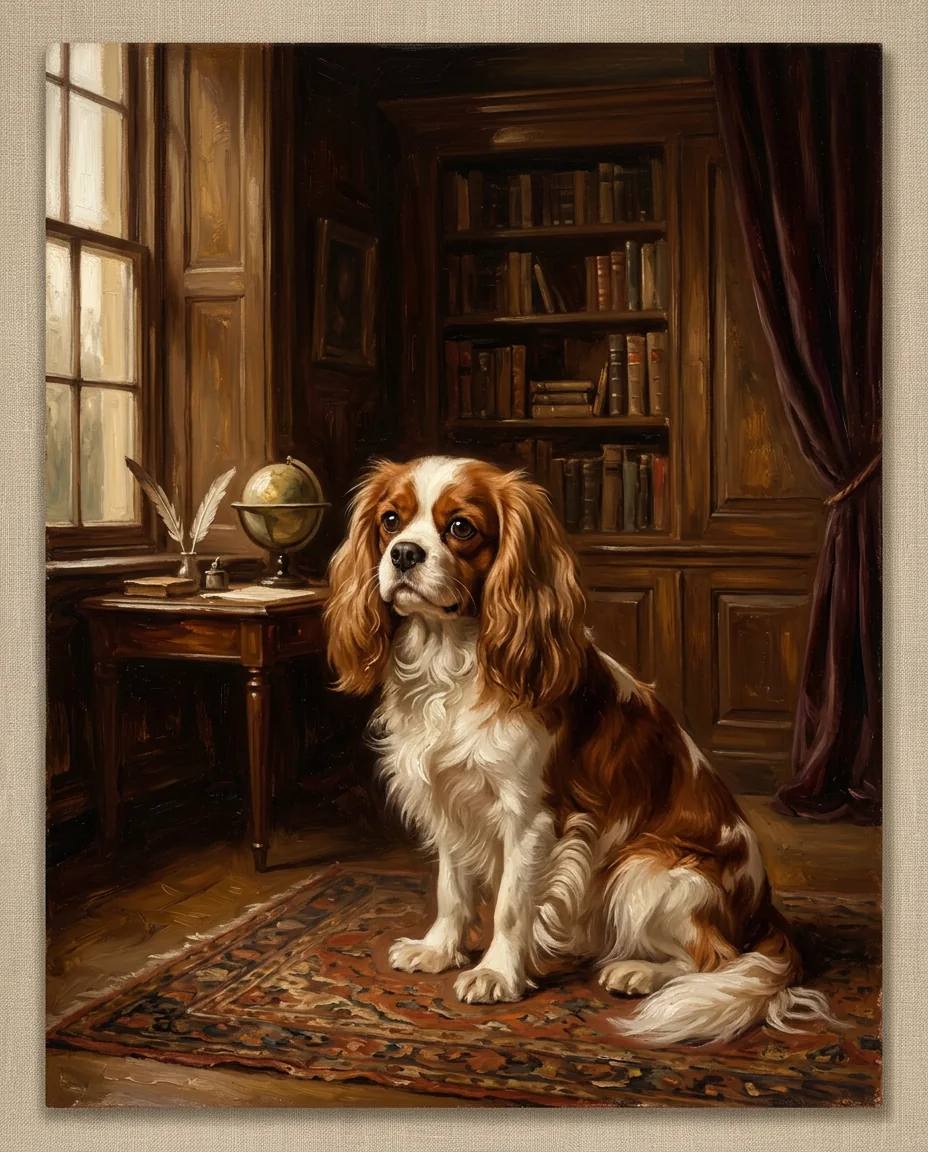 Dog oil paintingUse with my photo
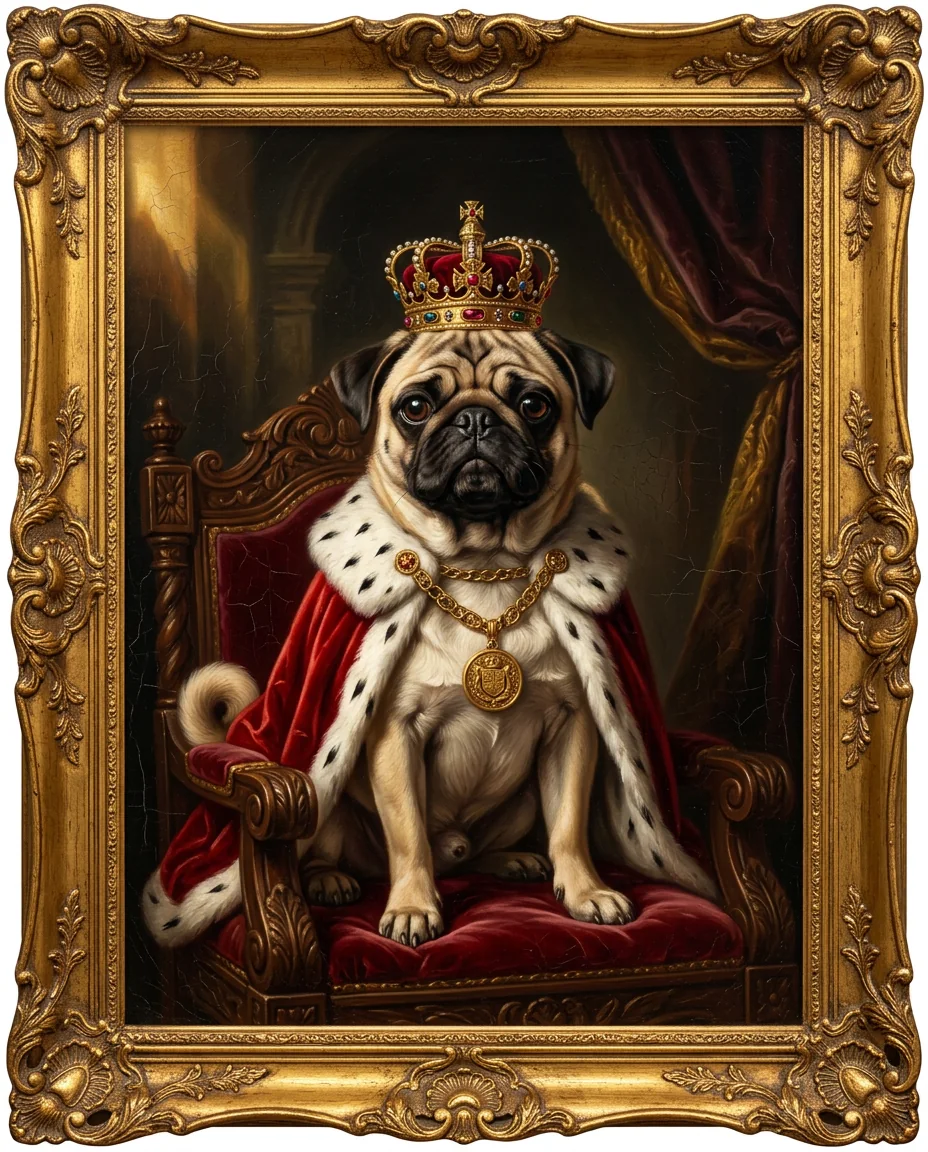 Royal dog portraitUse with my photo
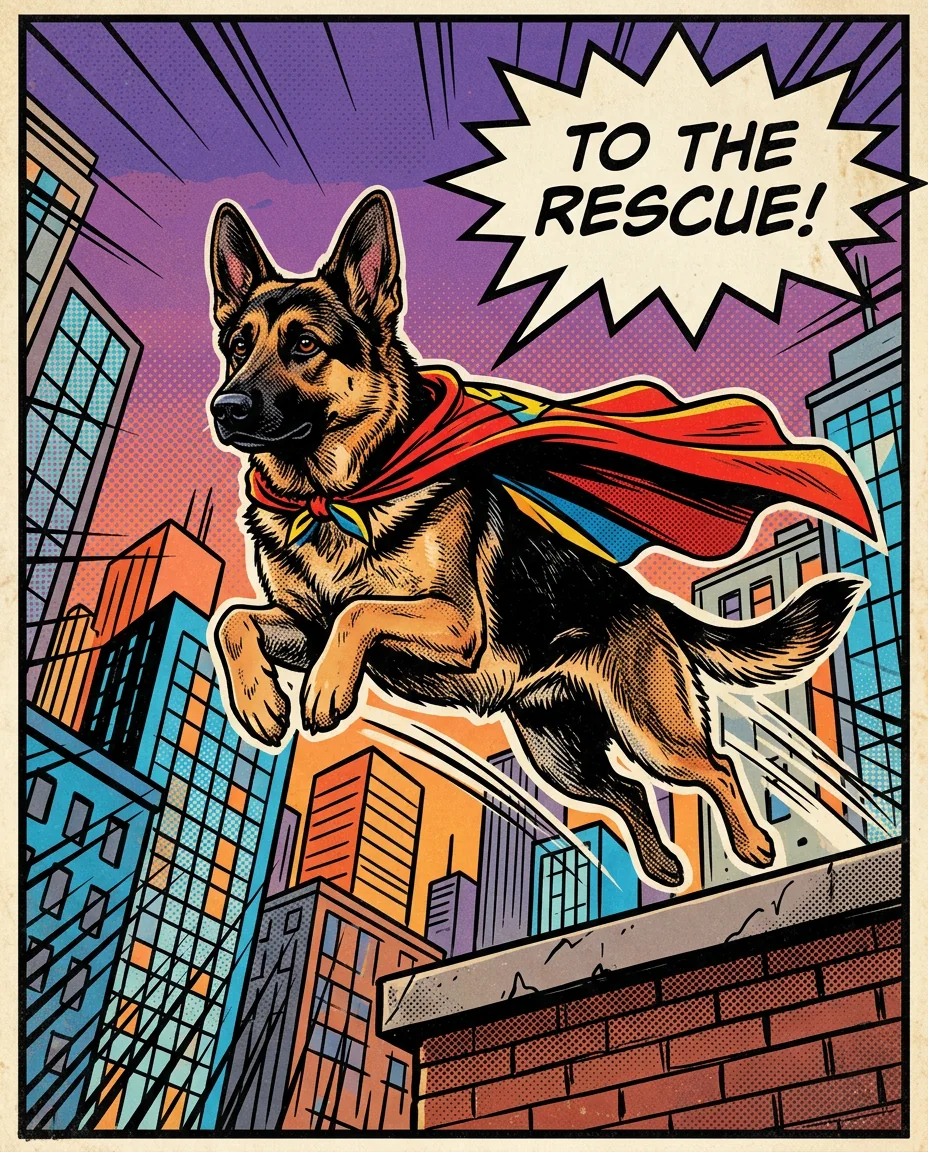
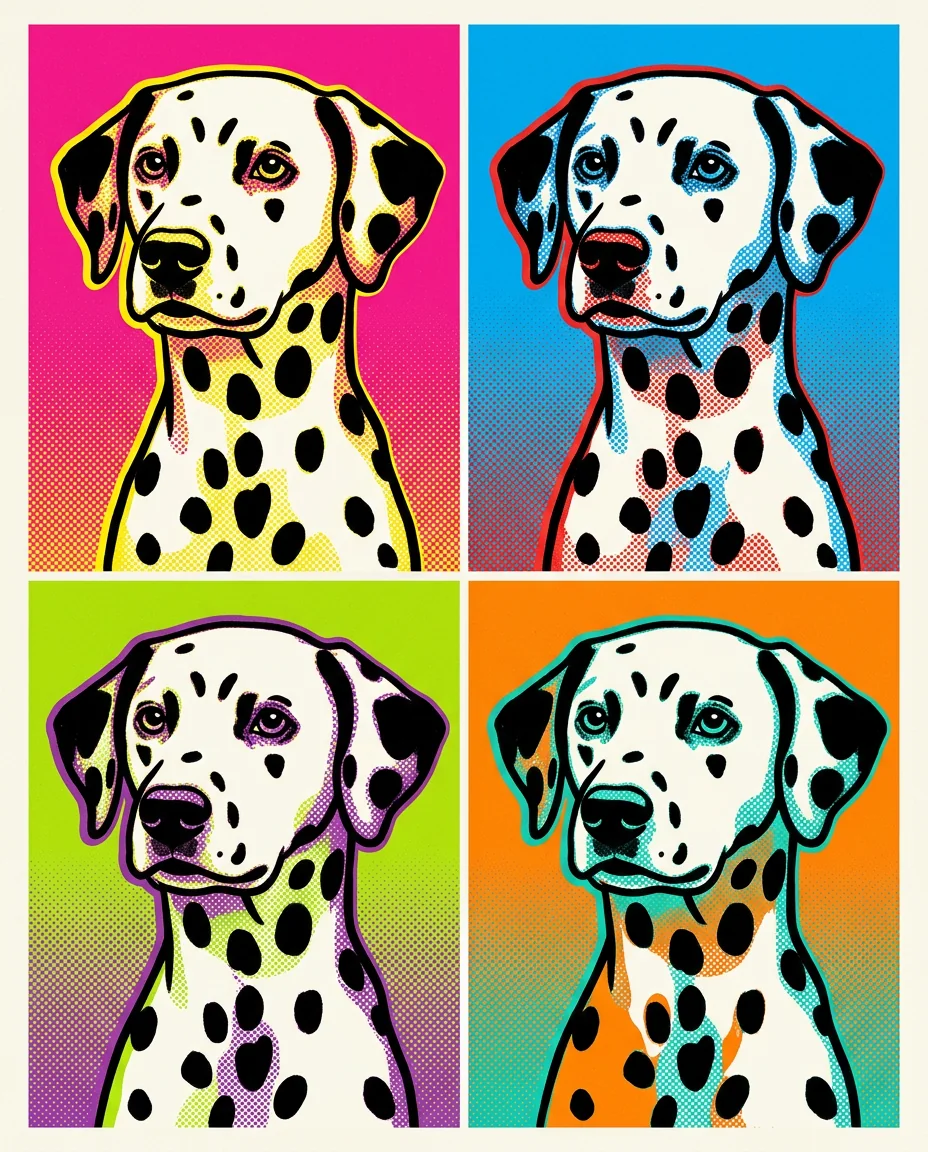 Pop art dog portraitUse with my photo
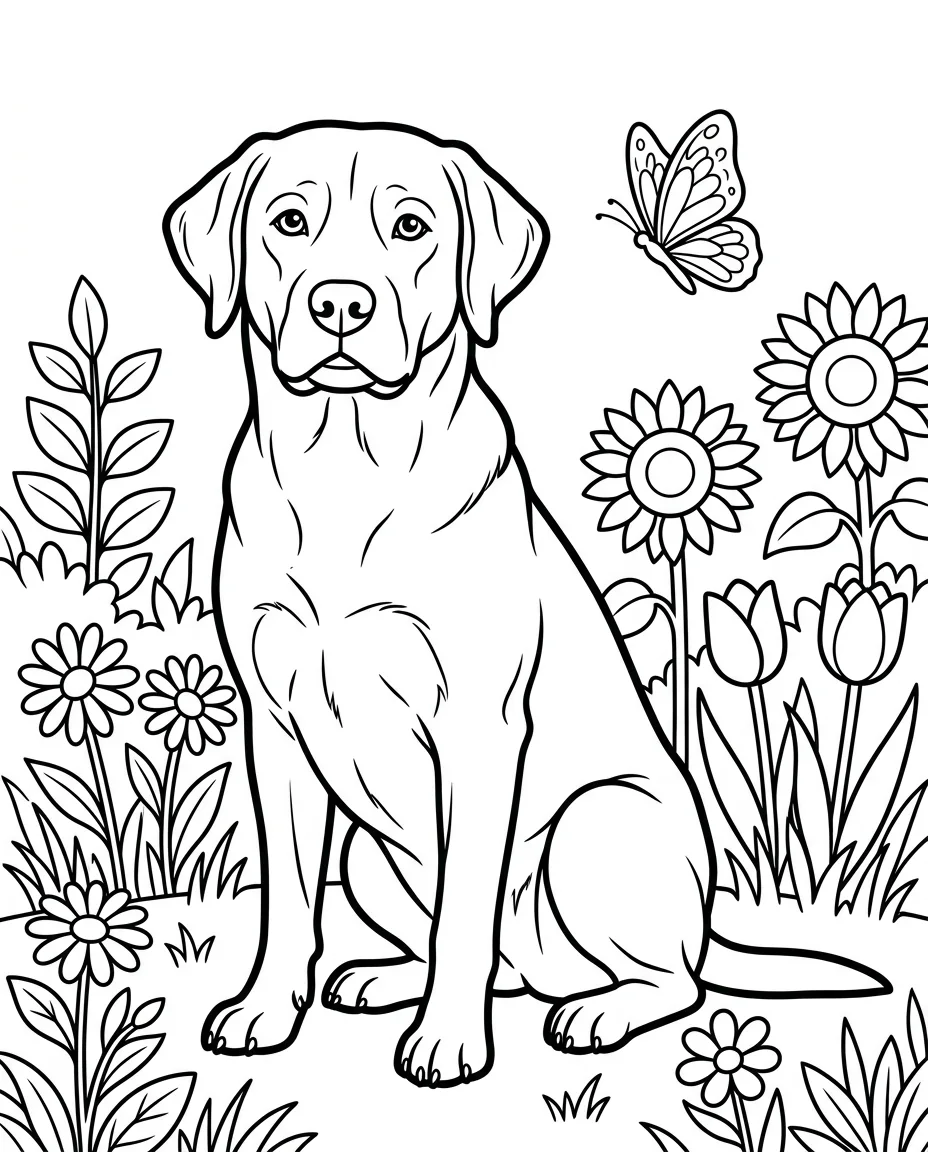
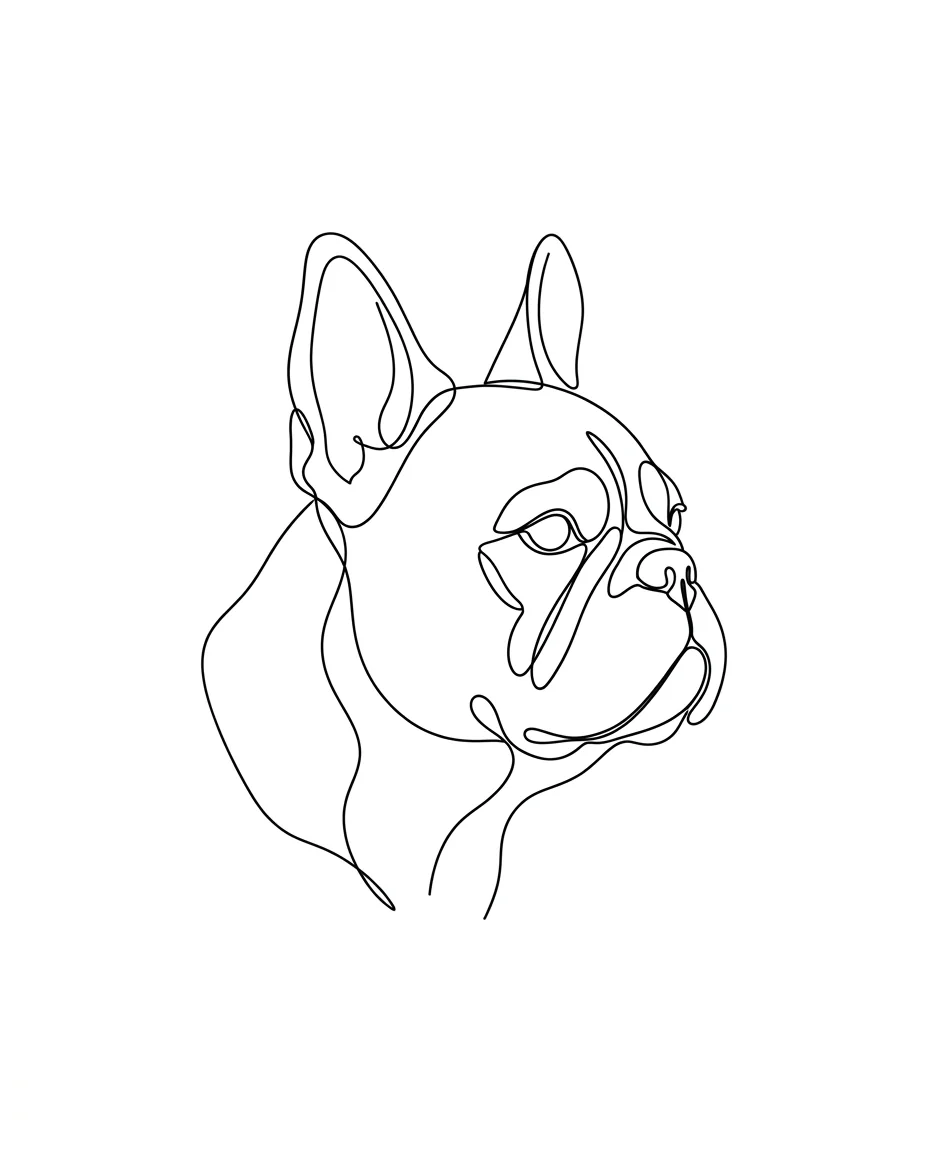 Dog line artUse with my photo
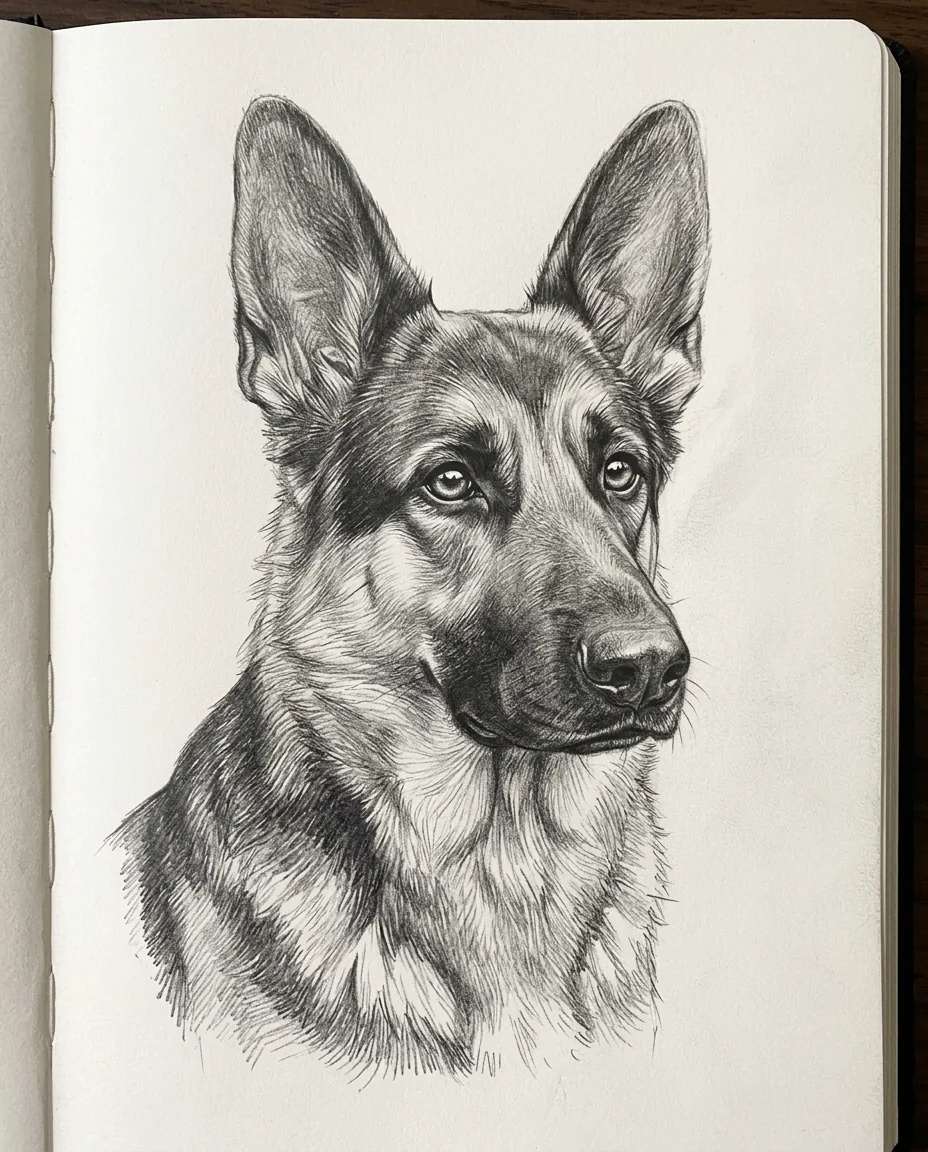 Dog pencil sketchUse with my photo
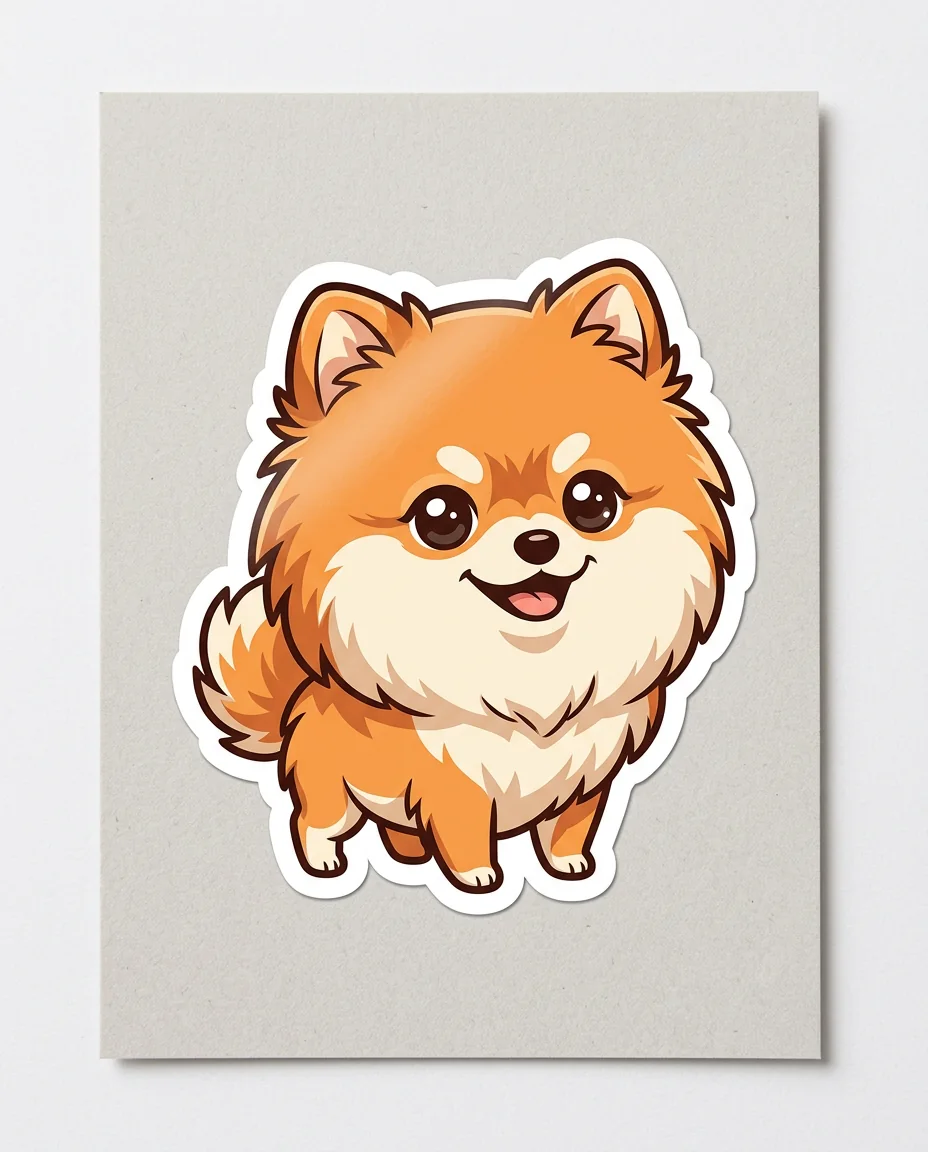
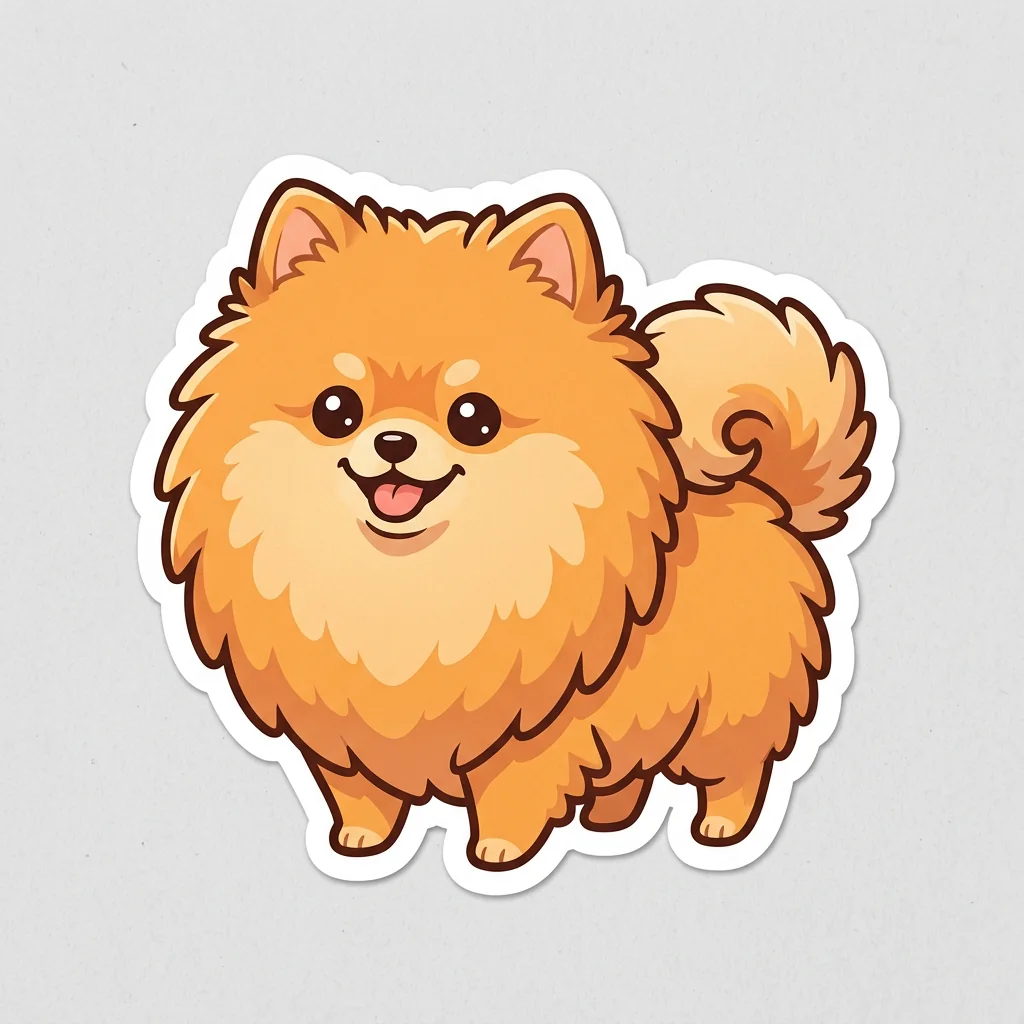 Dog stickerUse with my photo
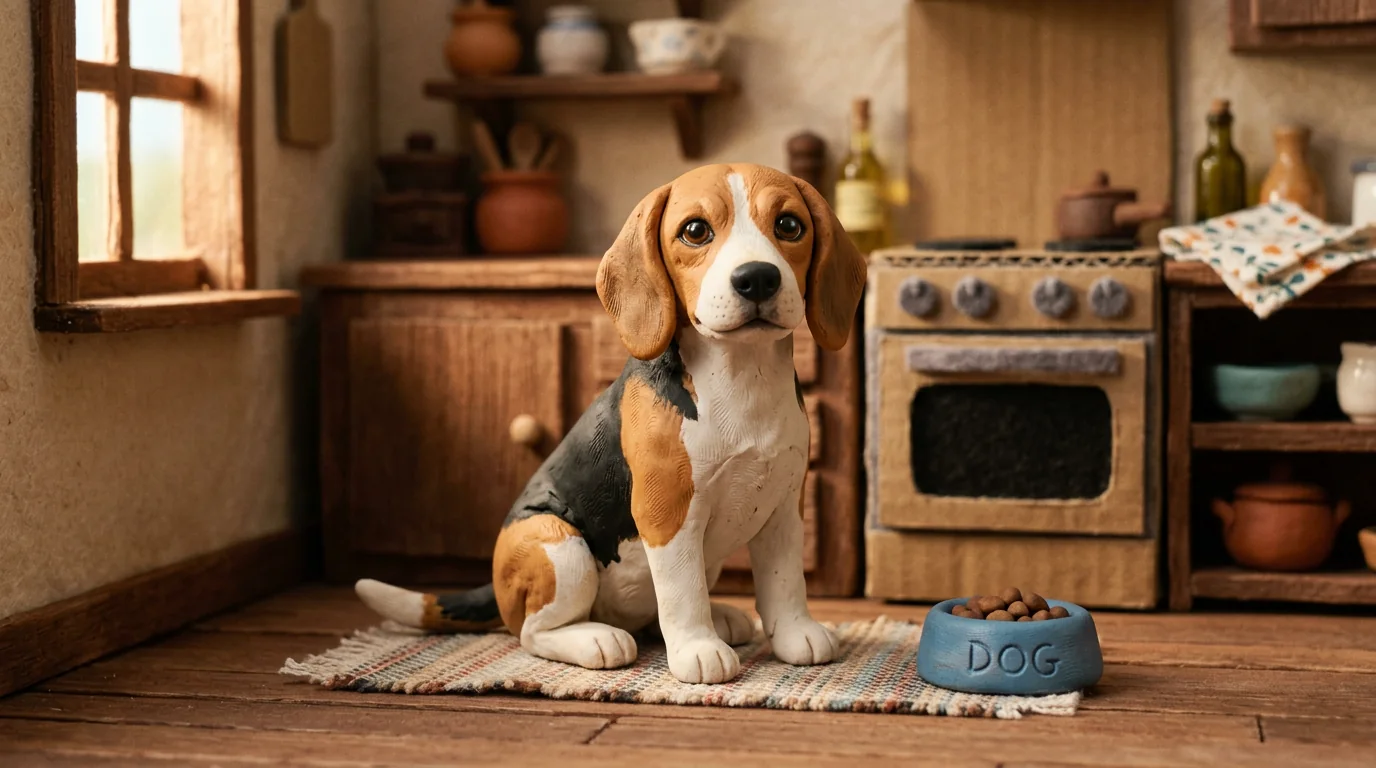
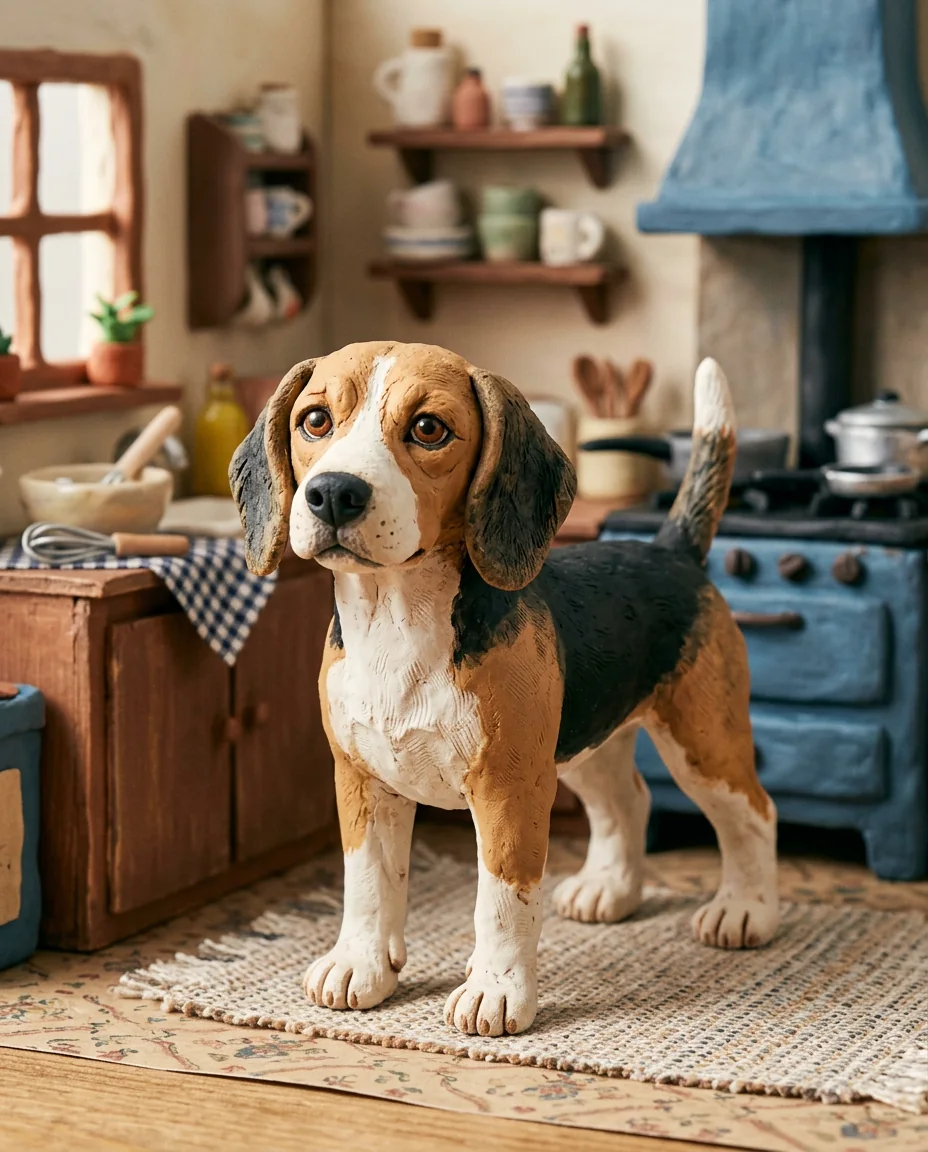 Claymation dogUse with my photo
 Pixel art dogUse with my photo
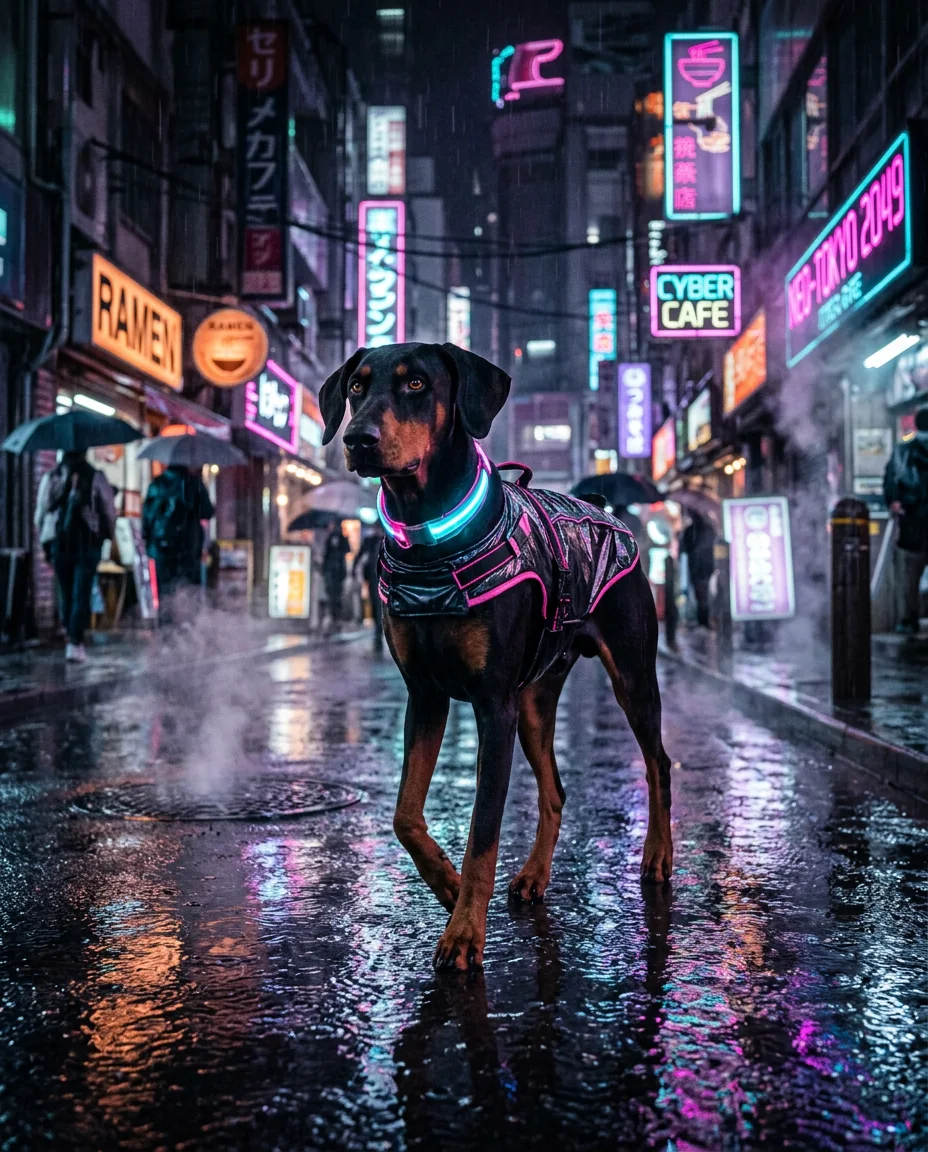 Cyberpunk dog portraitUse with my photo
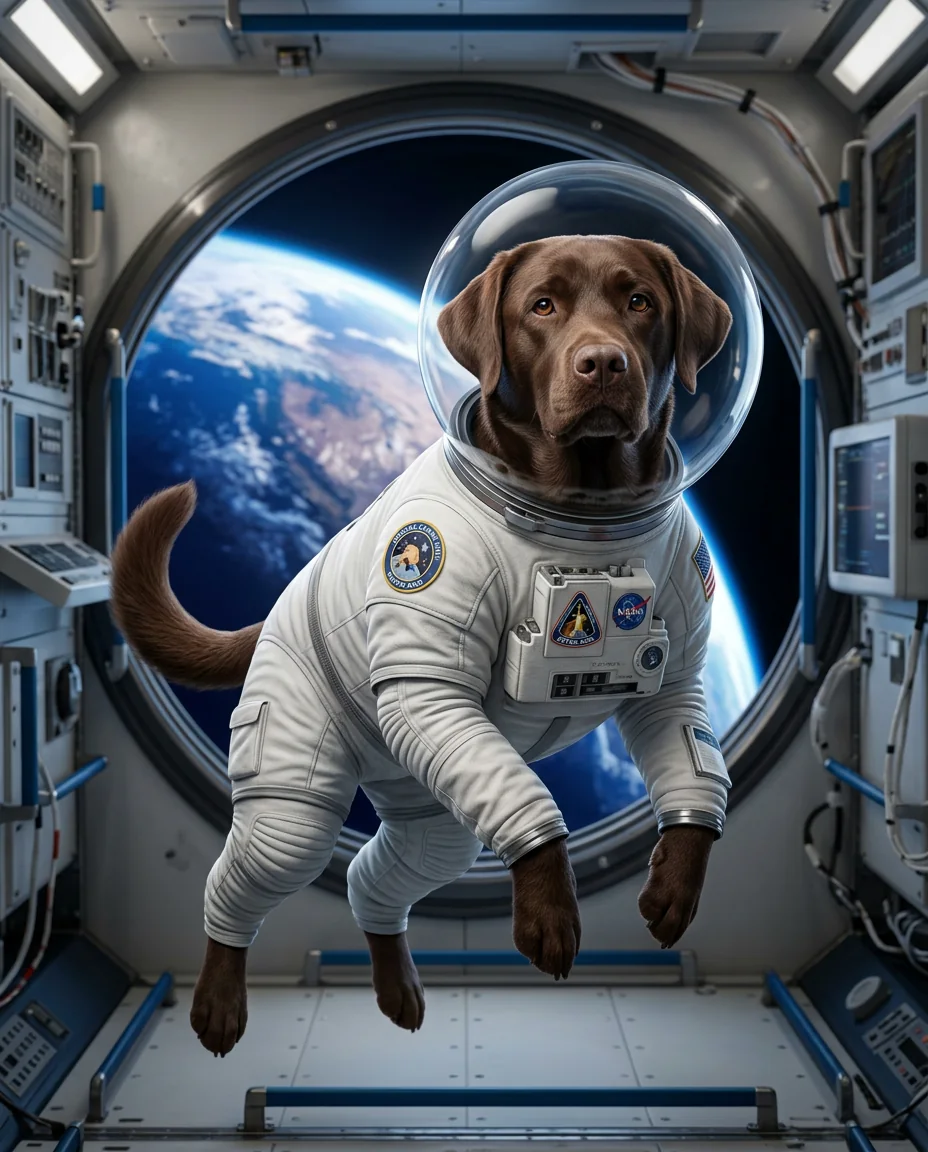 Astronaut dog portraitUse with my photo
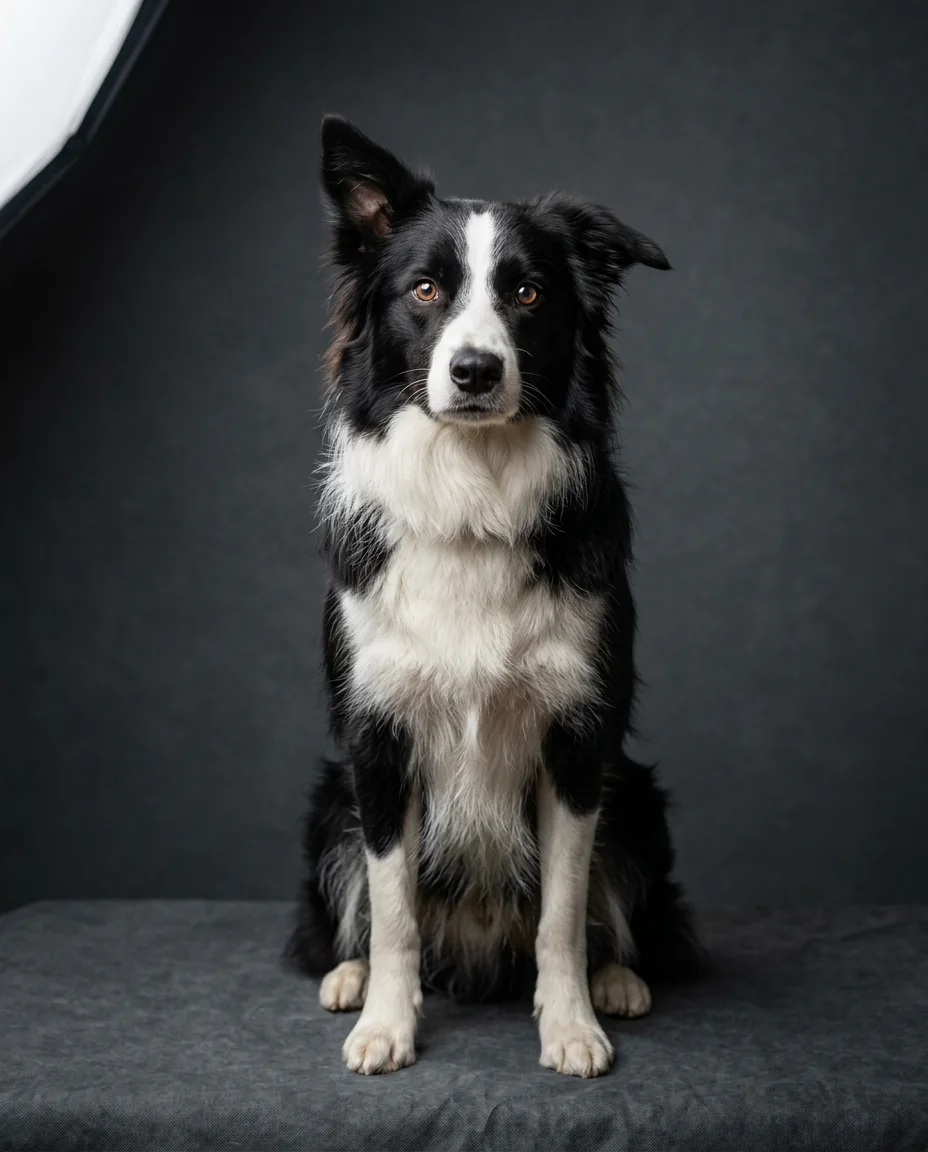 Studio dog portraitUse with my photo
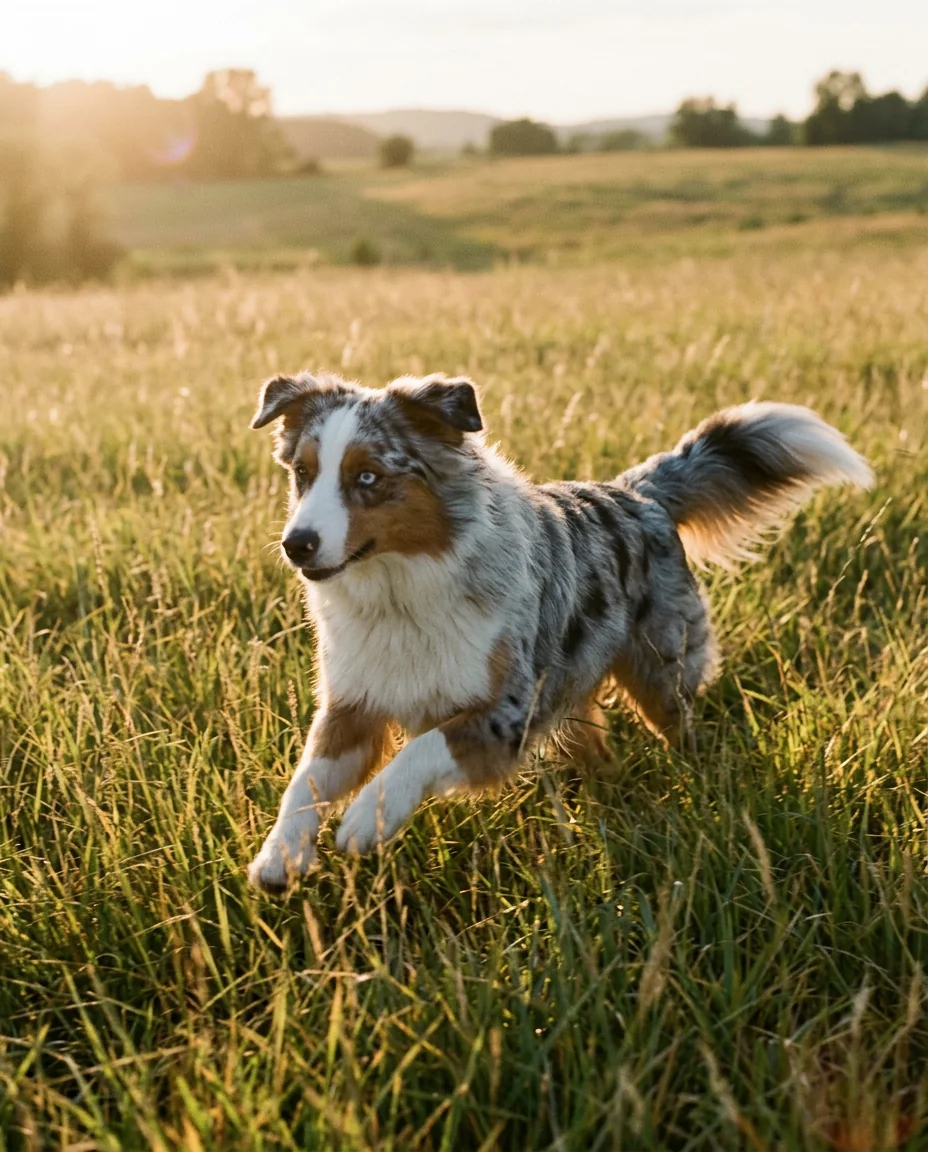 Film photo dog portraitUse with my photo
Dog Thanksgiving 20 In season
See the prompts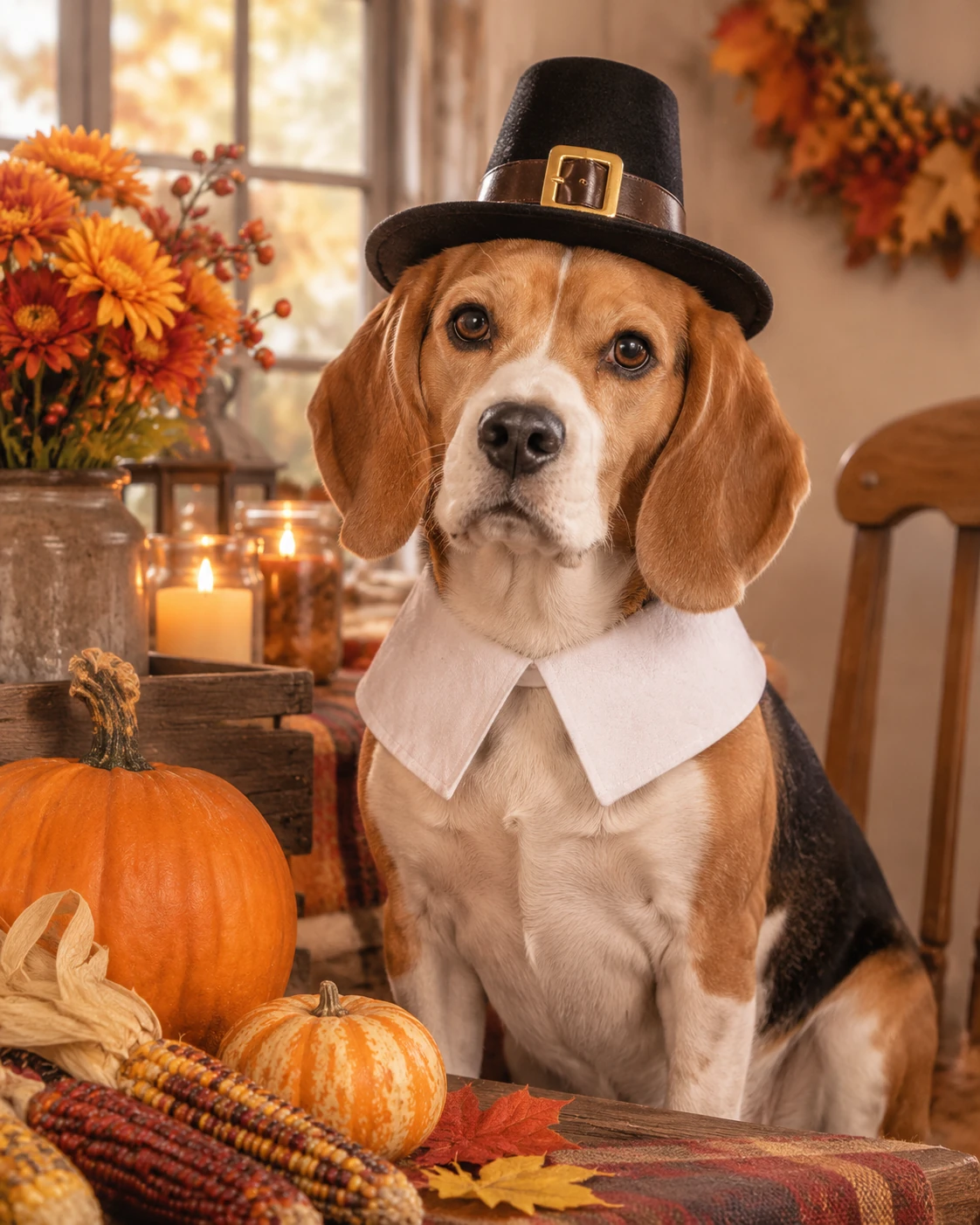 Pilgrim hat and collarUse with my photo
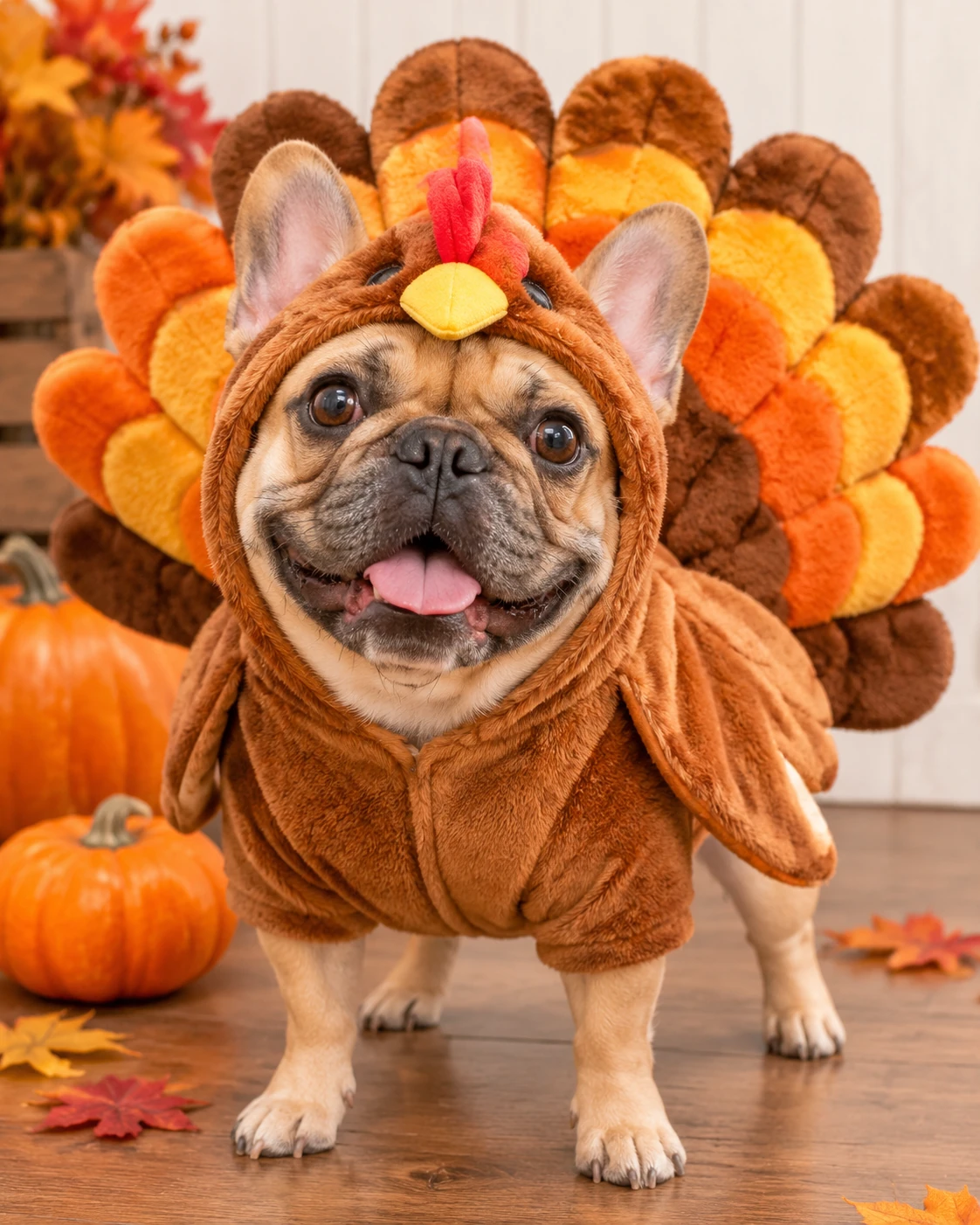 Turkey costumeUse with my photo
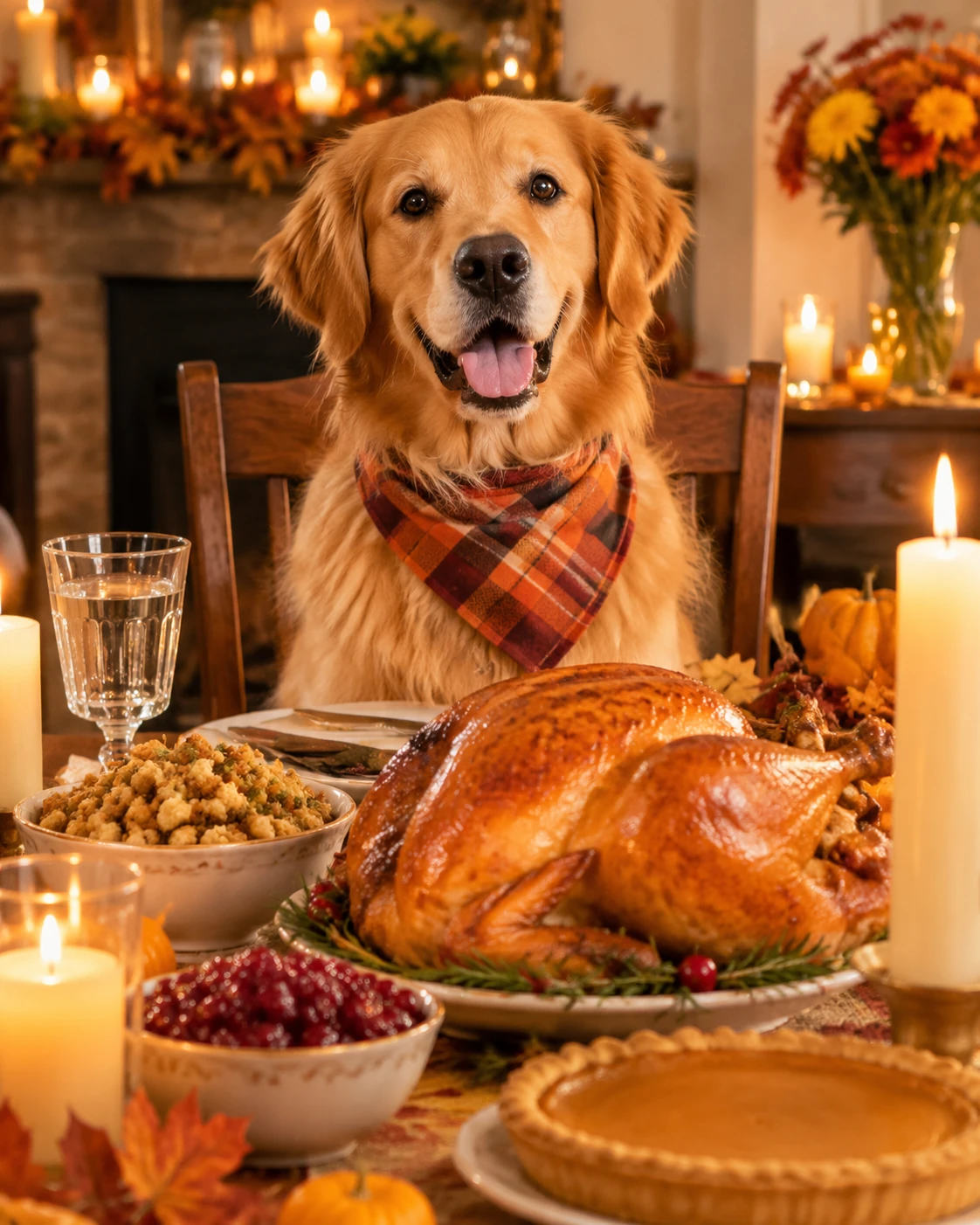 At the Thanksgiving tableUse with my photo
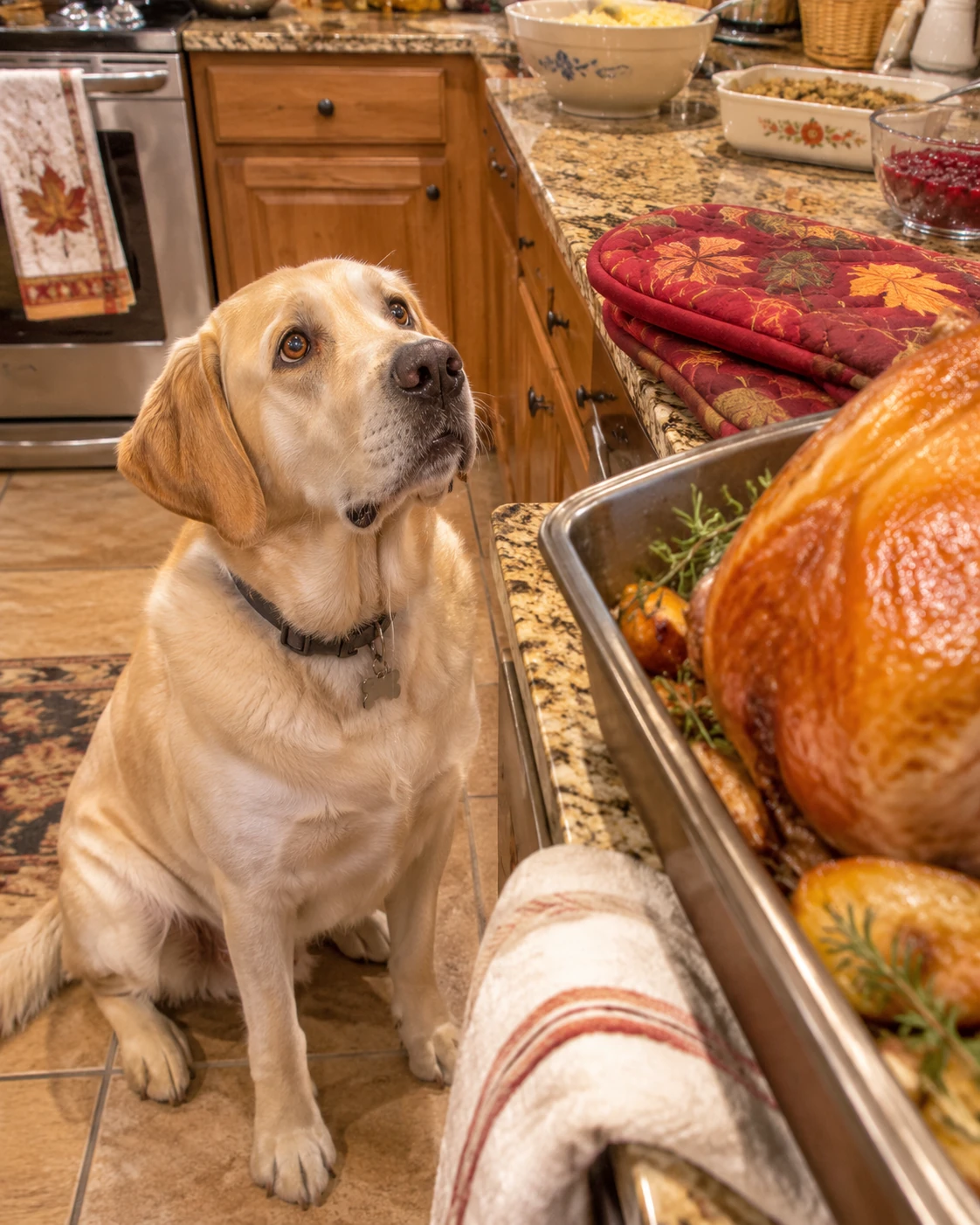 Waiting for the turkeyUse with my photo
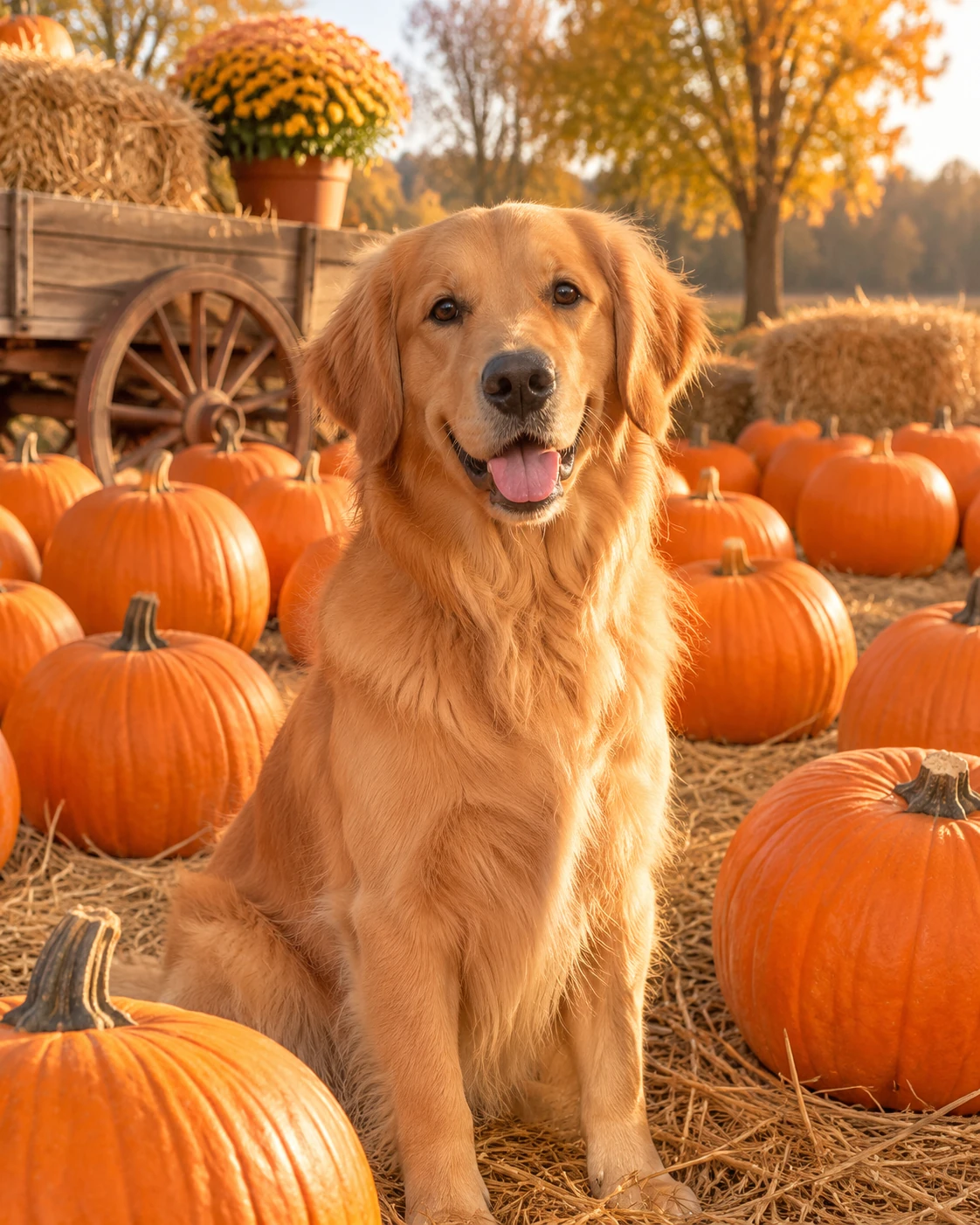 Pumpkin patchUse with my photo
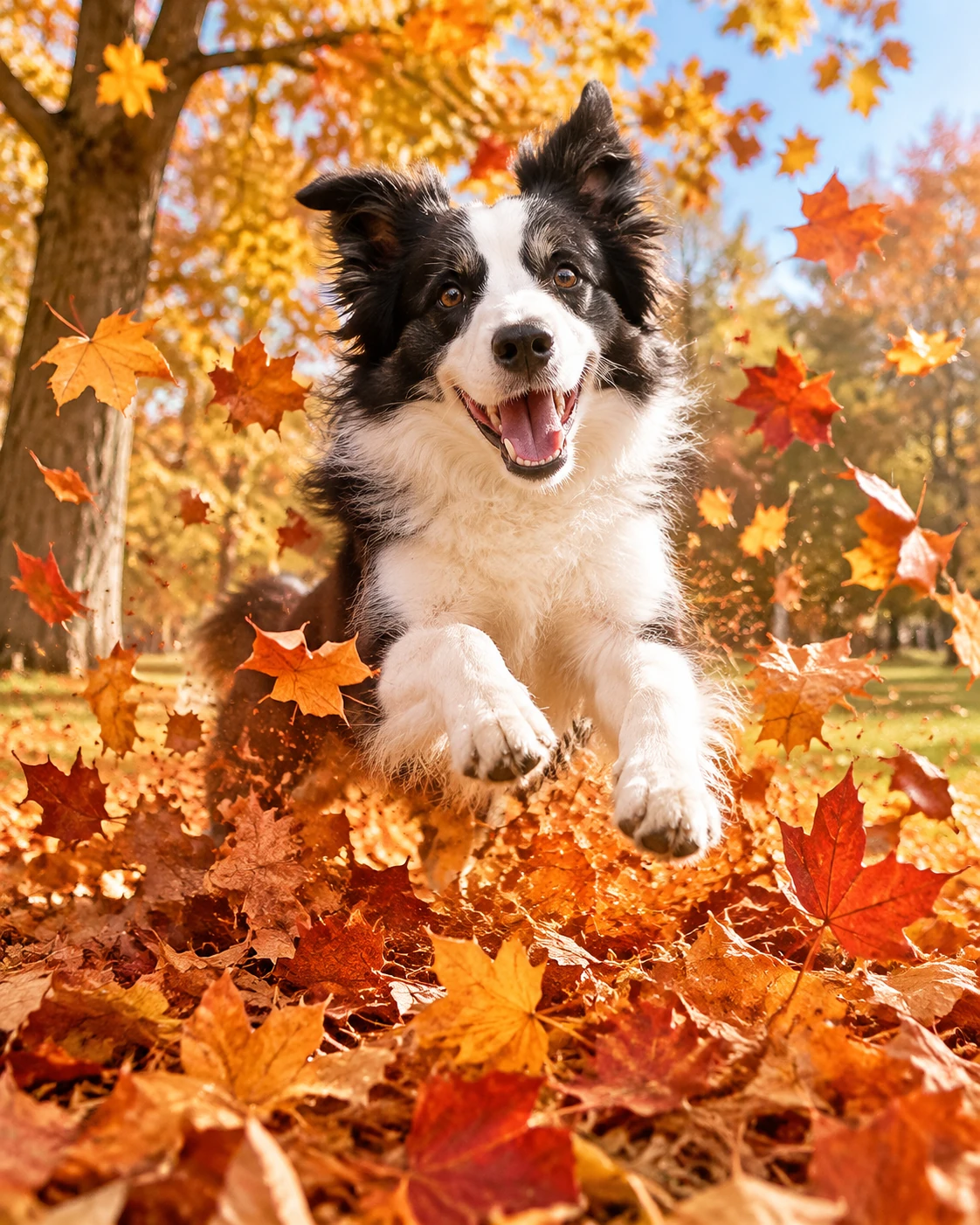 Jumping in fall leavesUse with my photo
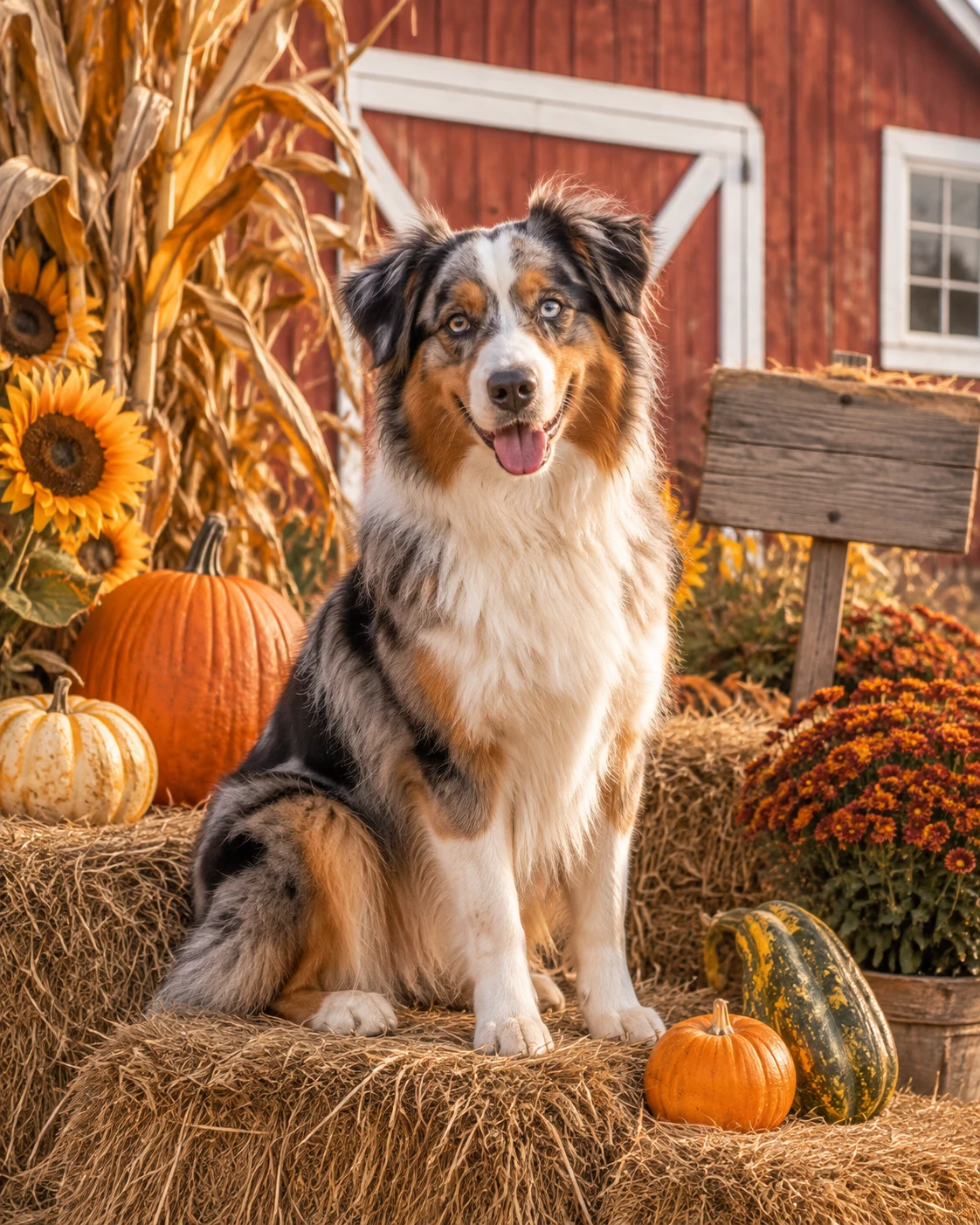 Hay bales and corn stalksUse with my photo
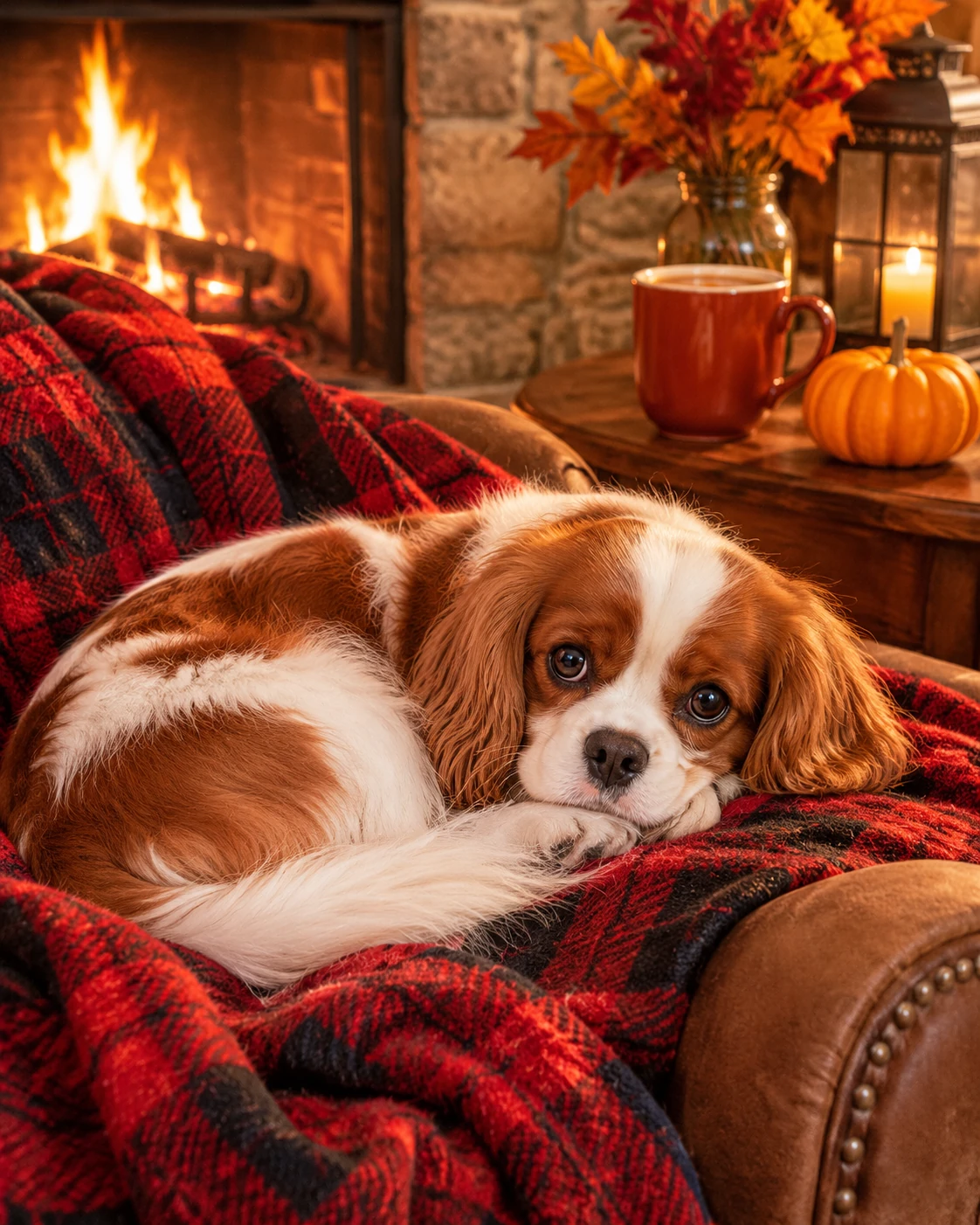 Flannel blanket by the fireUse with my photo
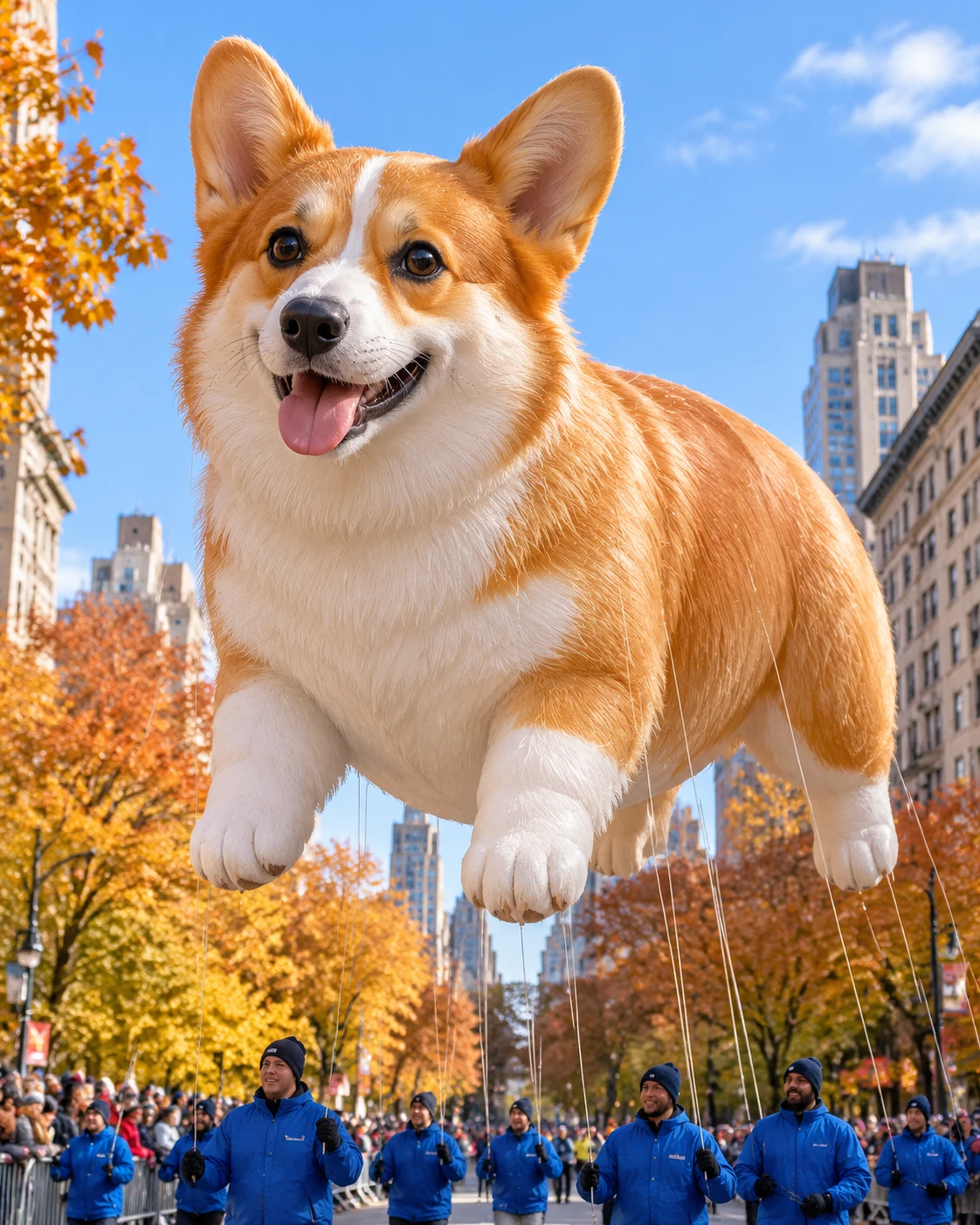 Giant parade balloonUse with my photo
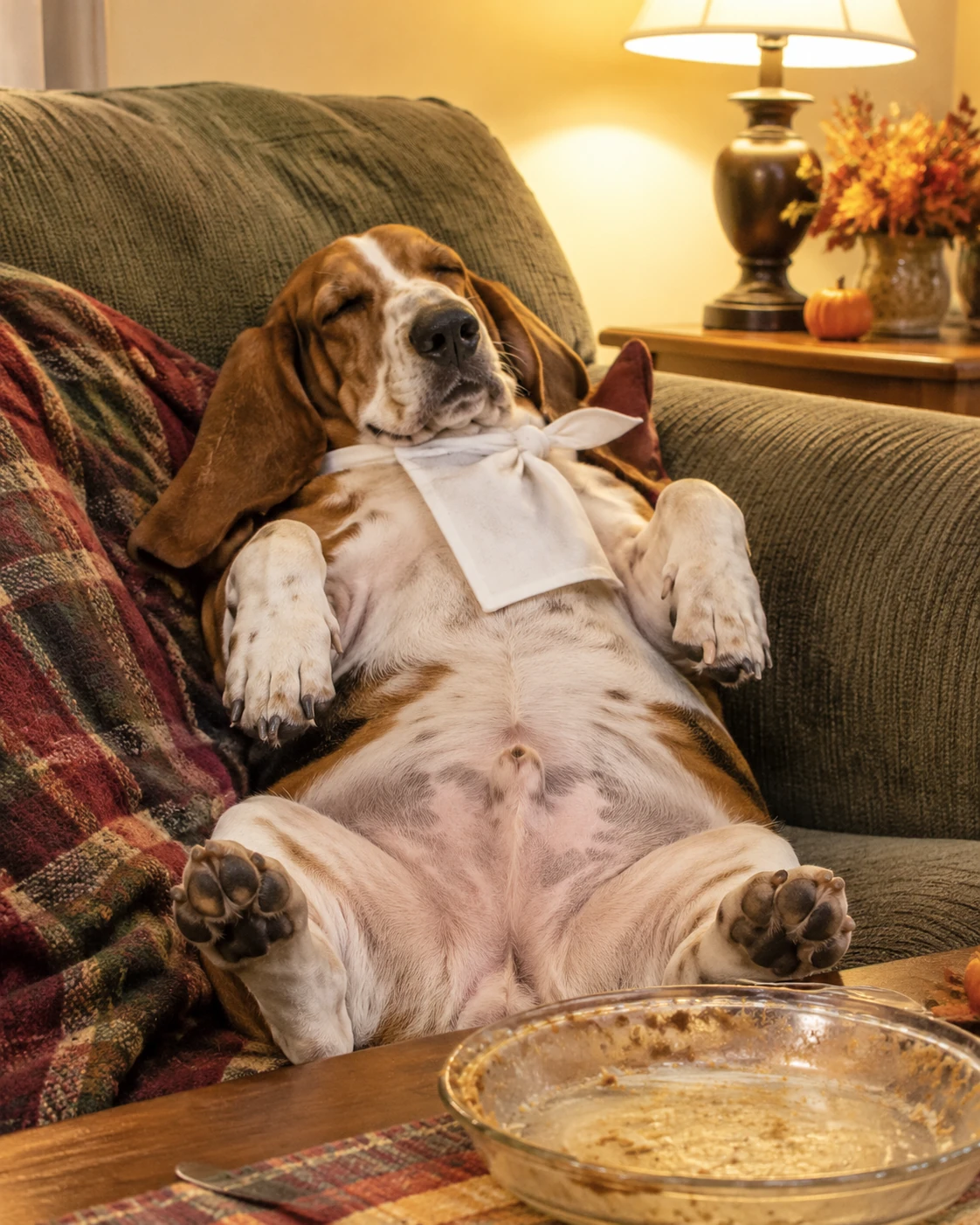 After-dinner napUse with my photo
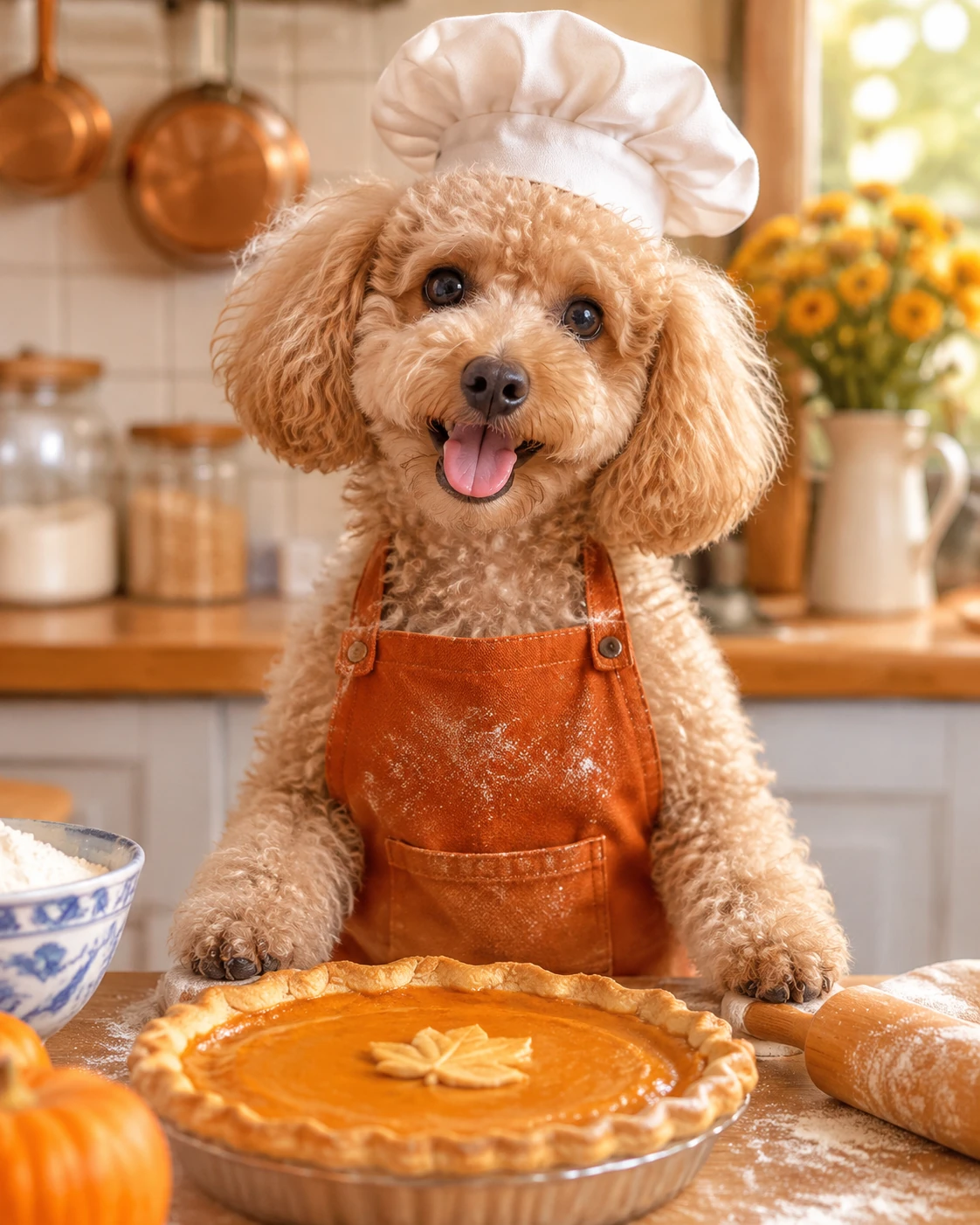 Pumpkin pie bakerUse with my photo
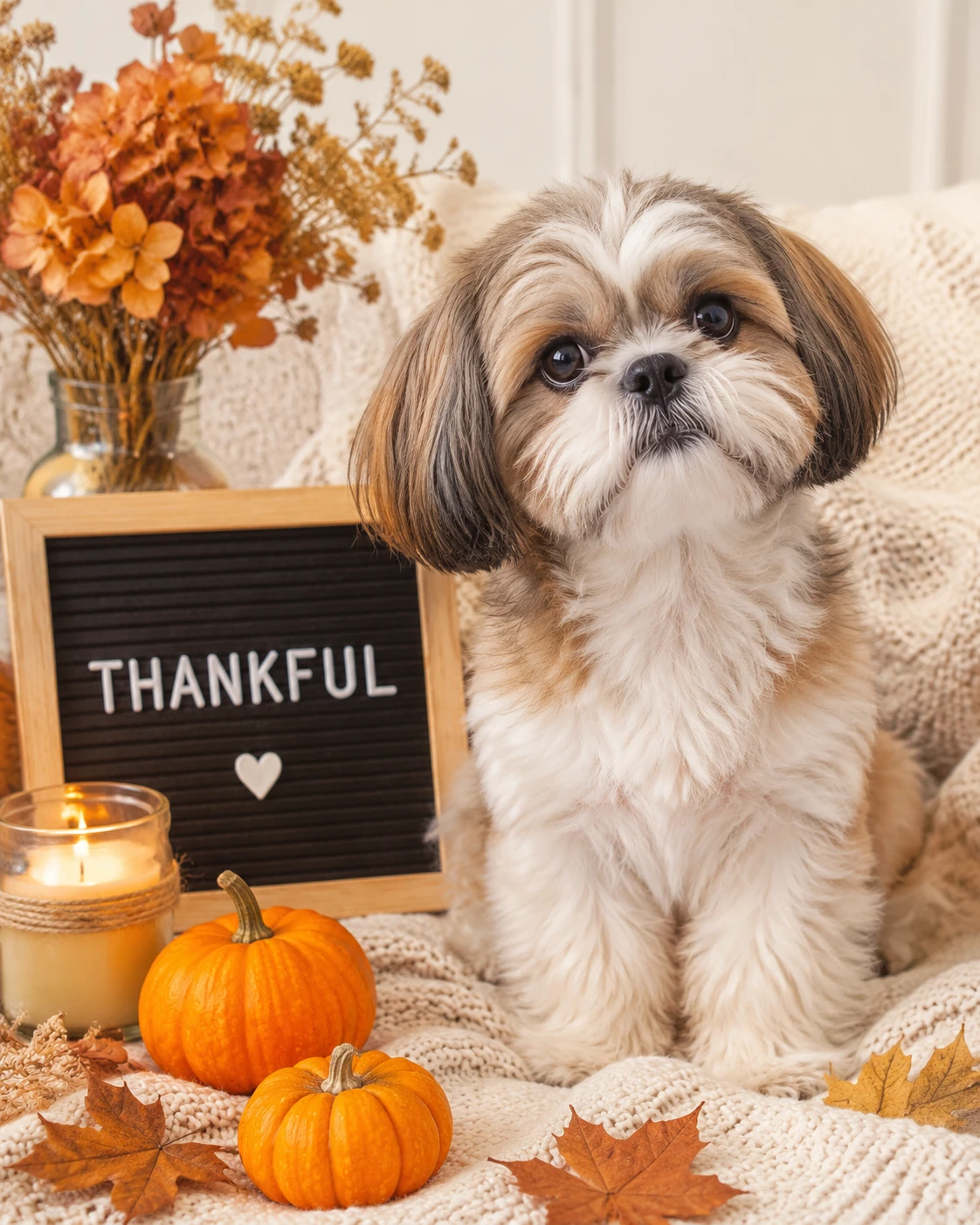 Thankful letter boardUse with my photo
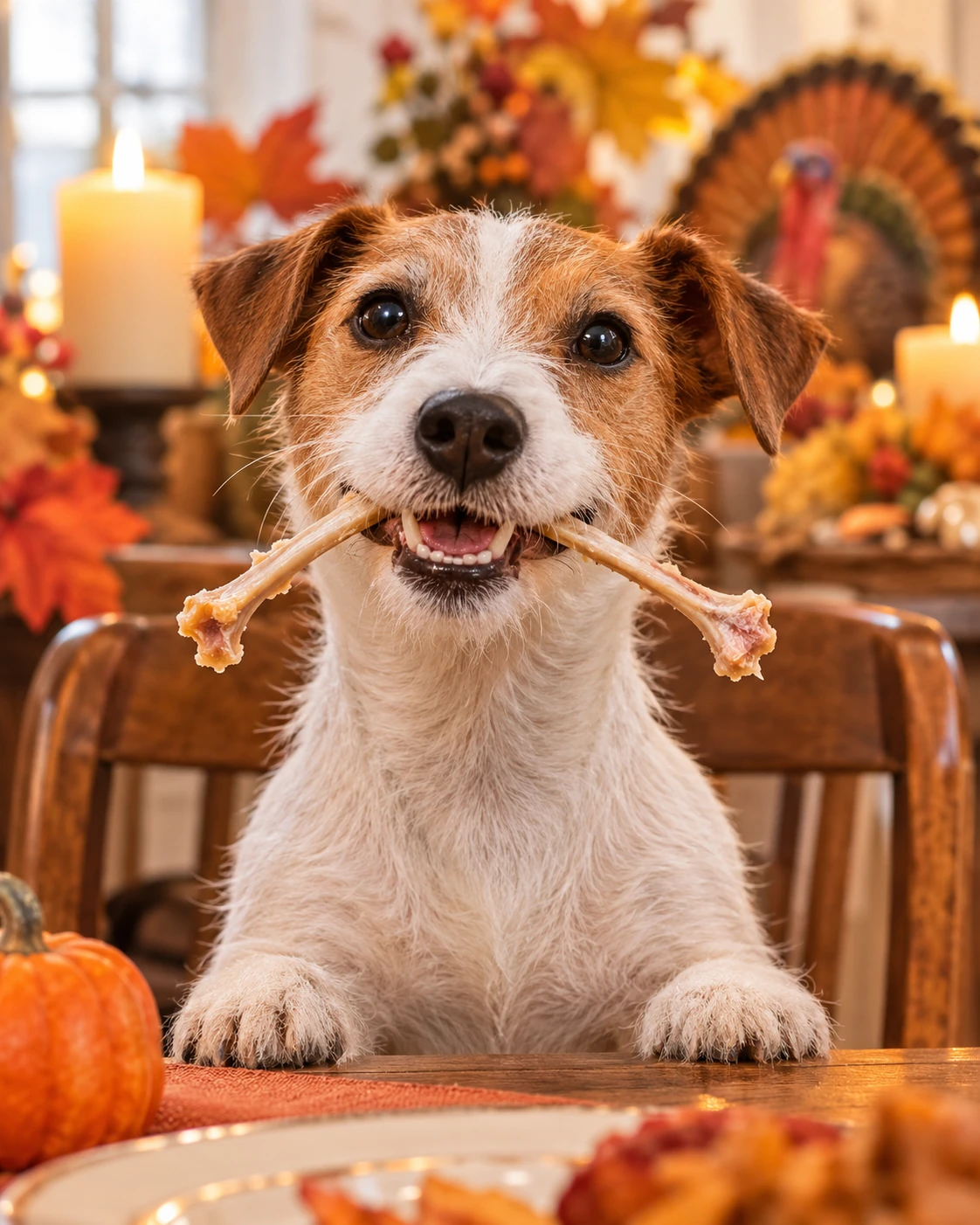 Holding the wishboneUse with my photo
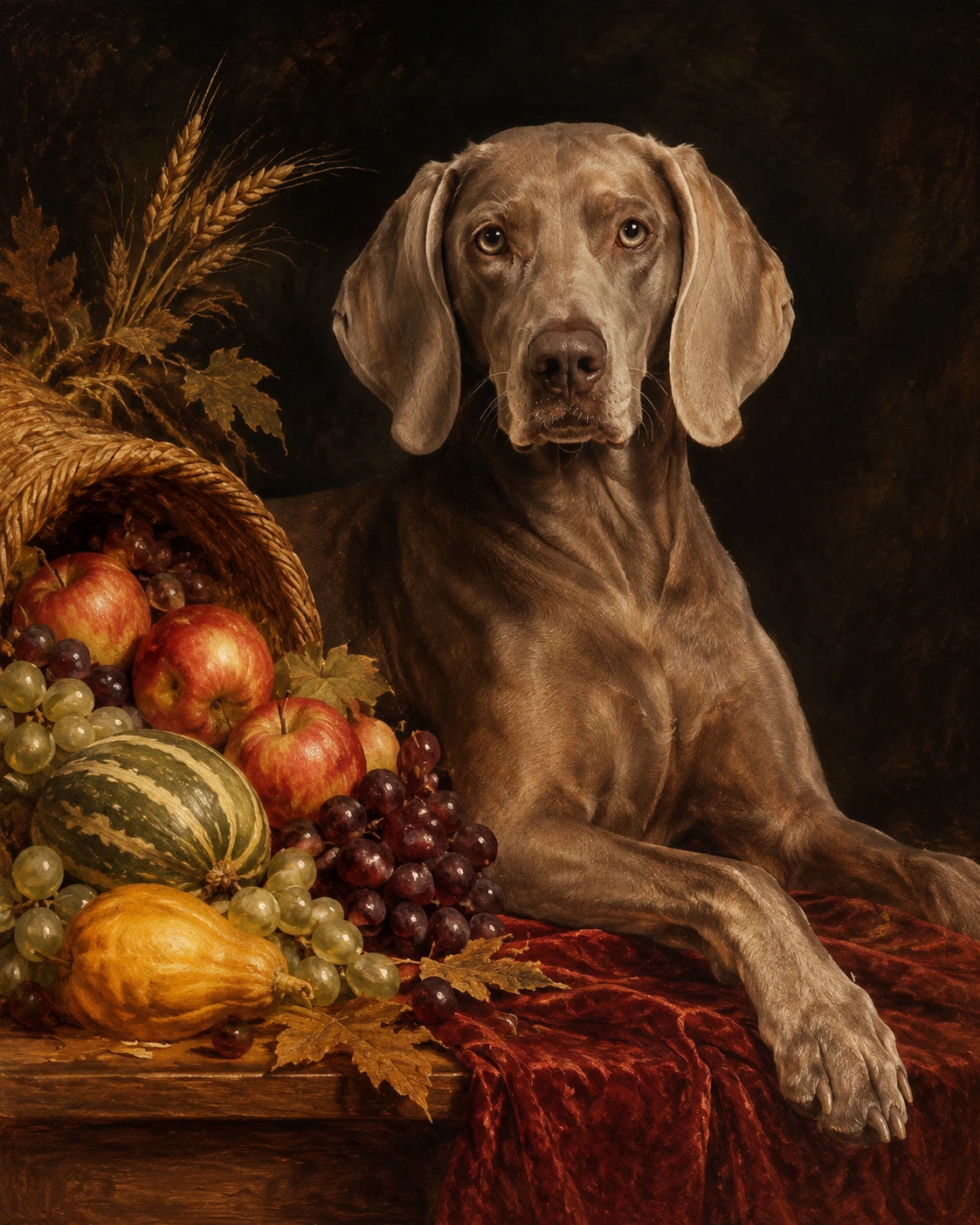 Harvest still lifeUse with my photo
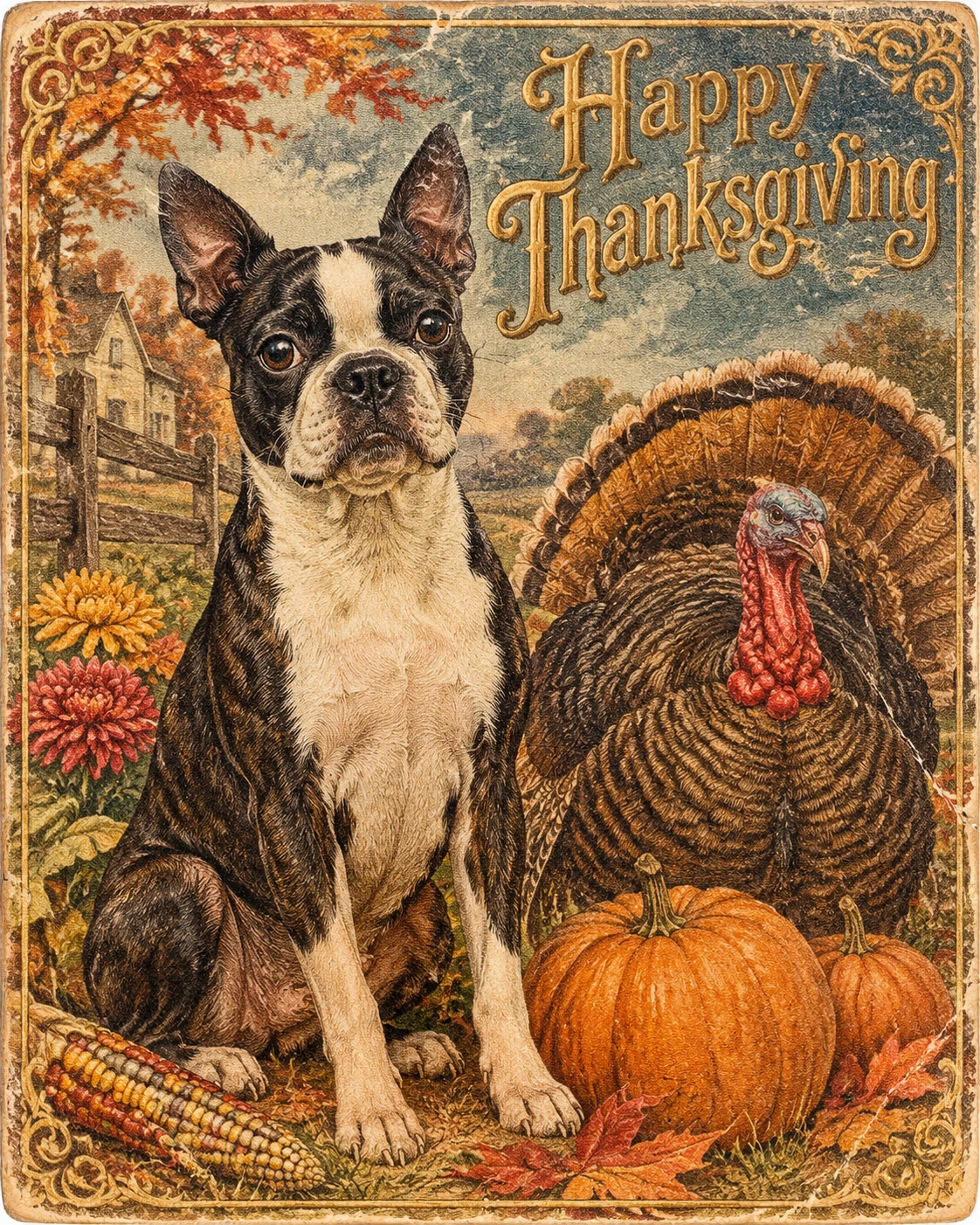 Vintage Thanksgiving postcardUse with my photo
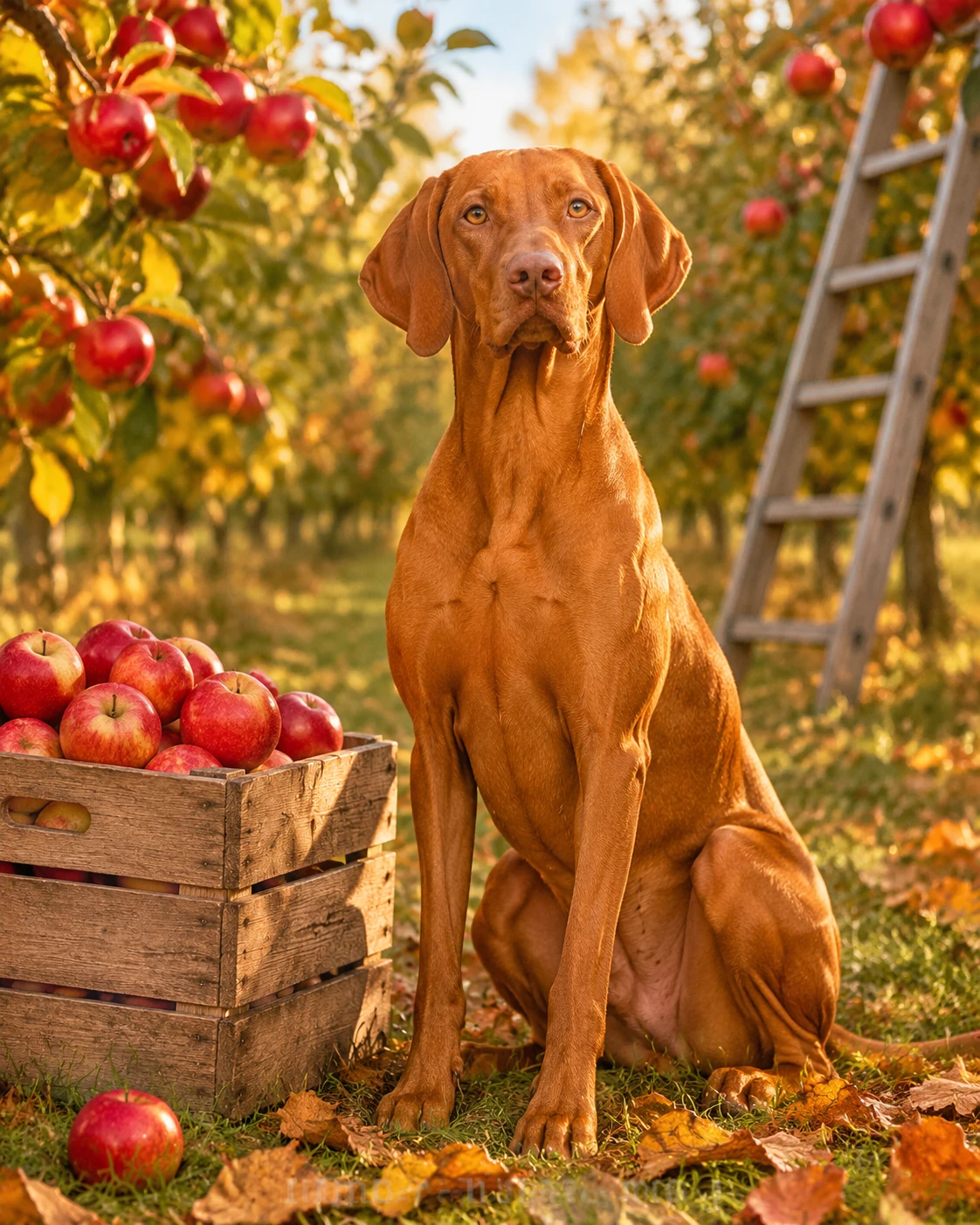 Apple orchardUse with my photo
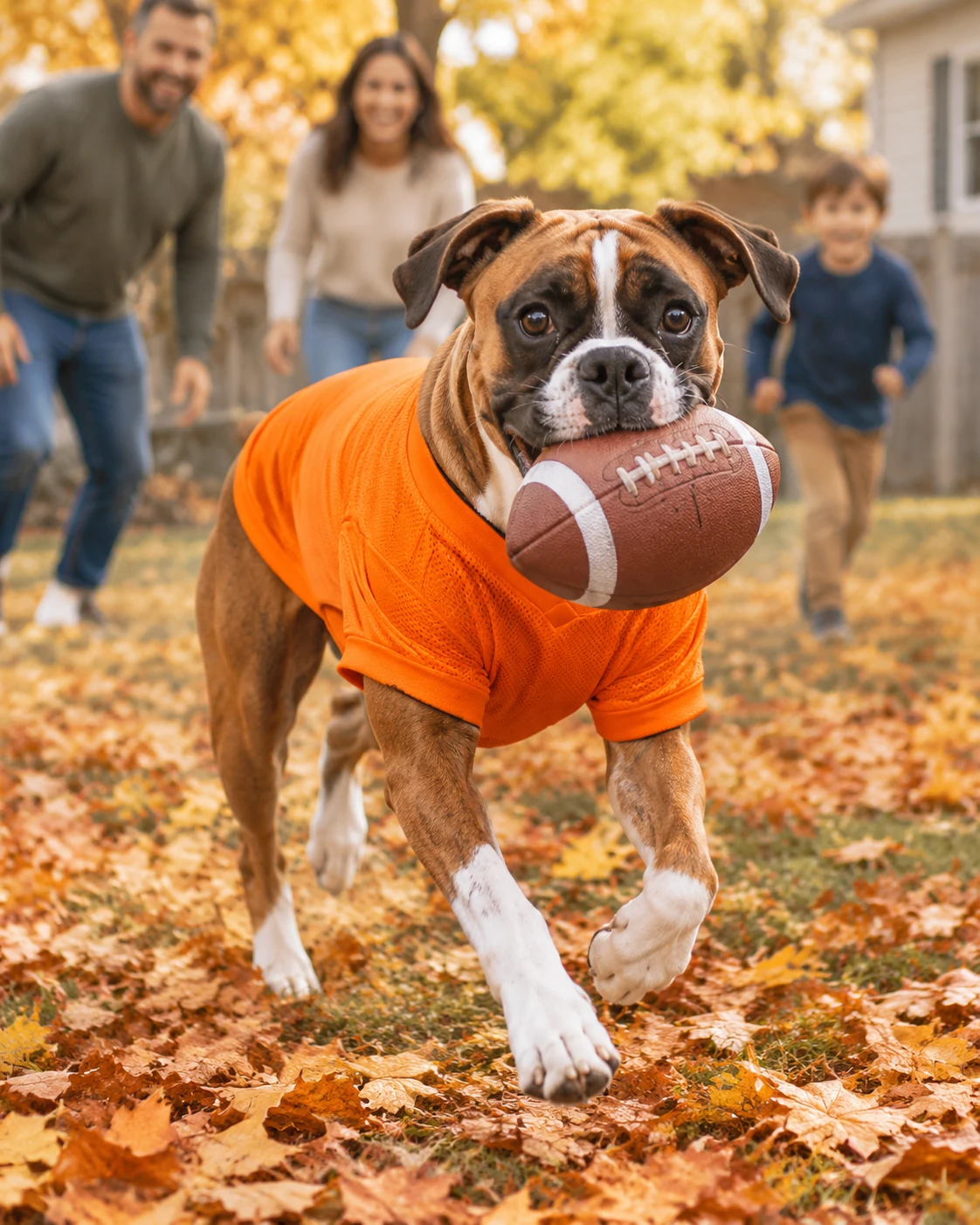 Thanksgiving footballUse with my photo
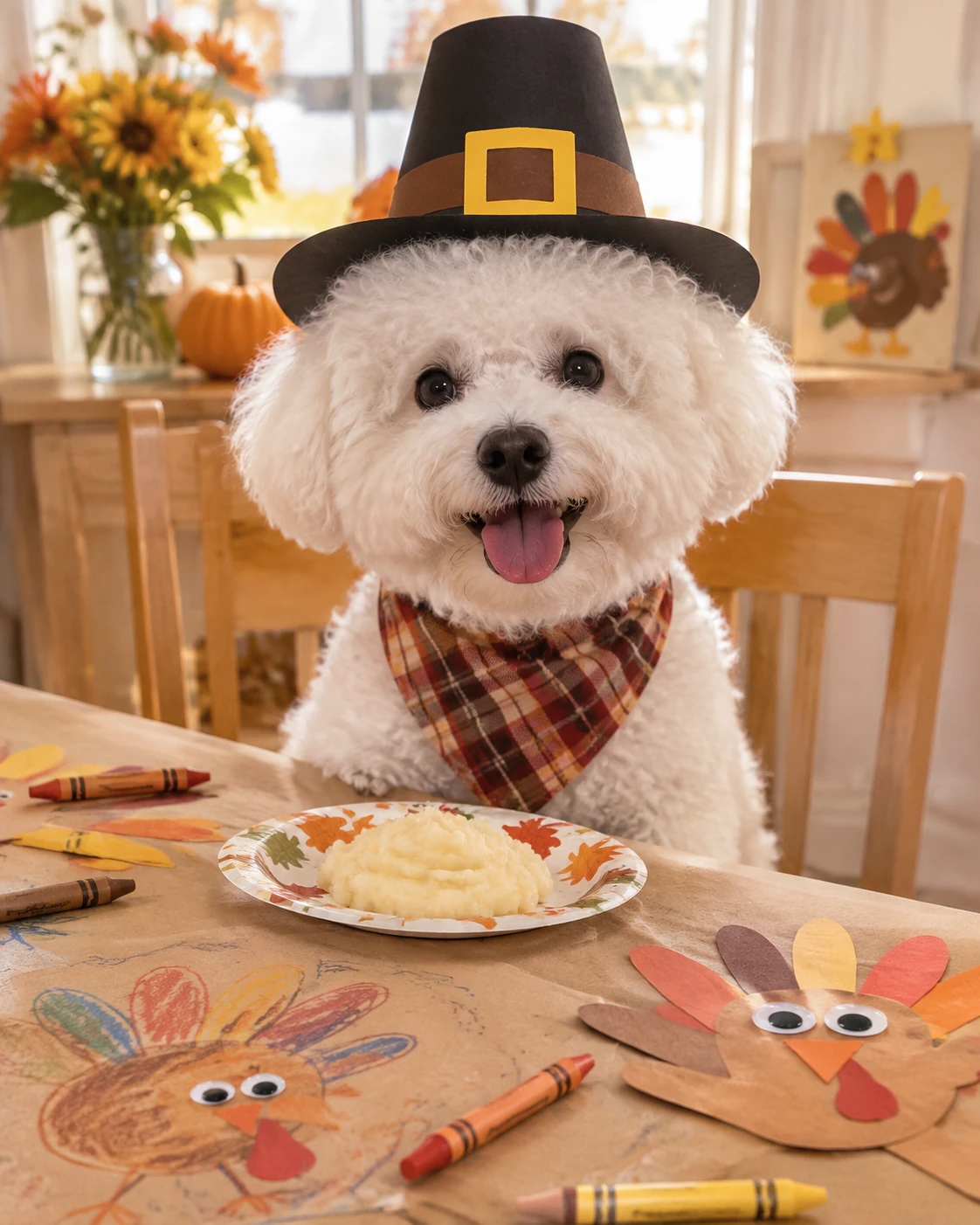 The kids’ tableUse with my photo
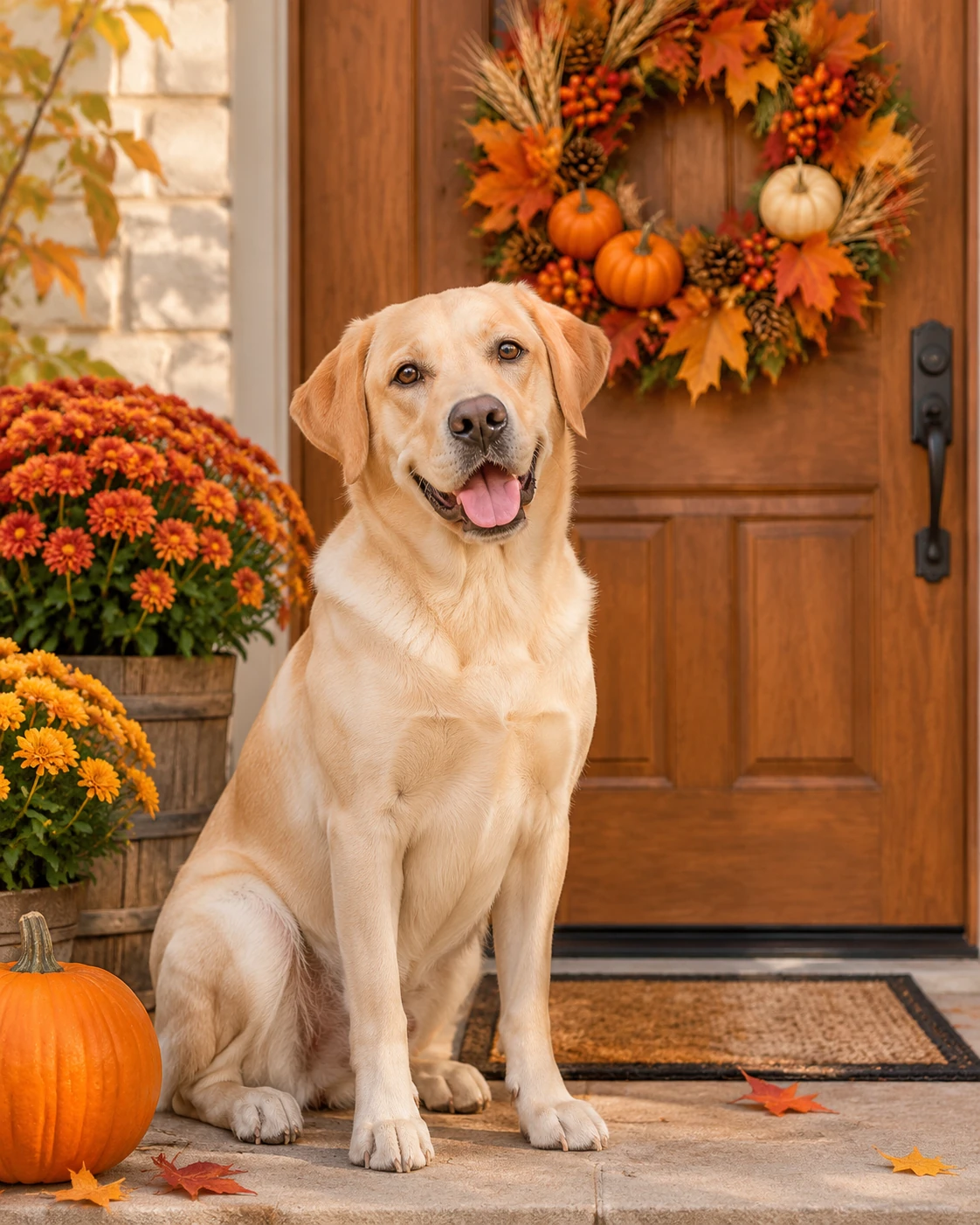 Fall wreath at the front doorUse with my photo
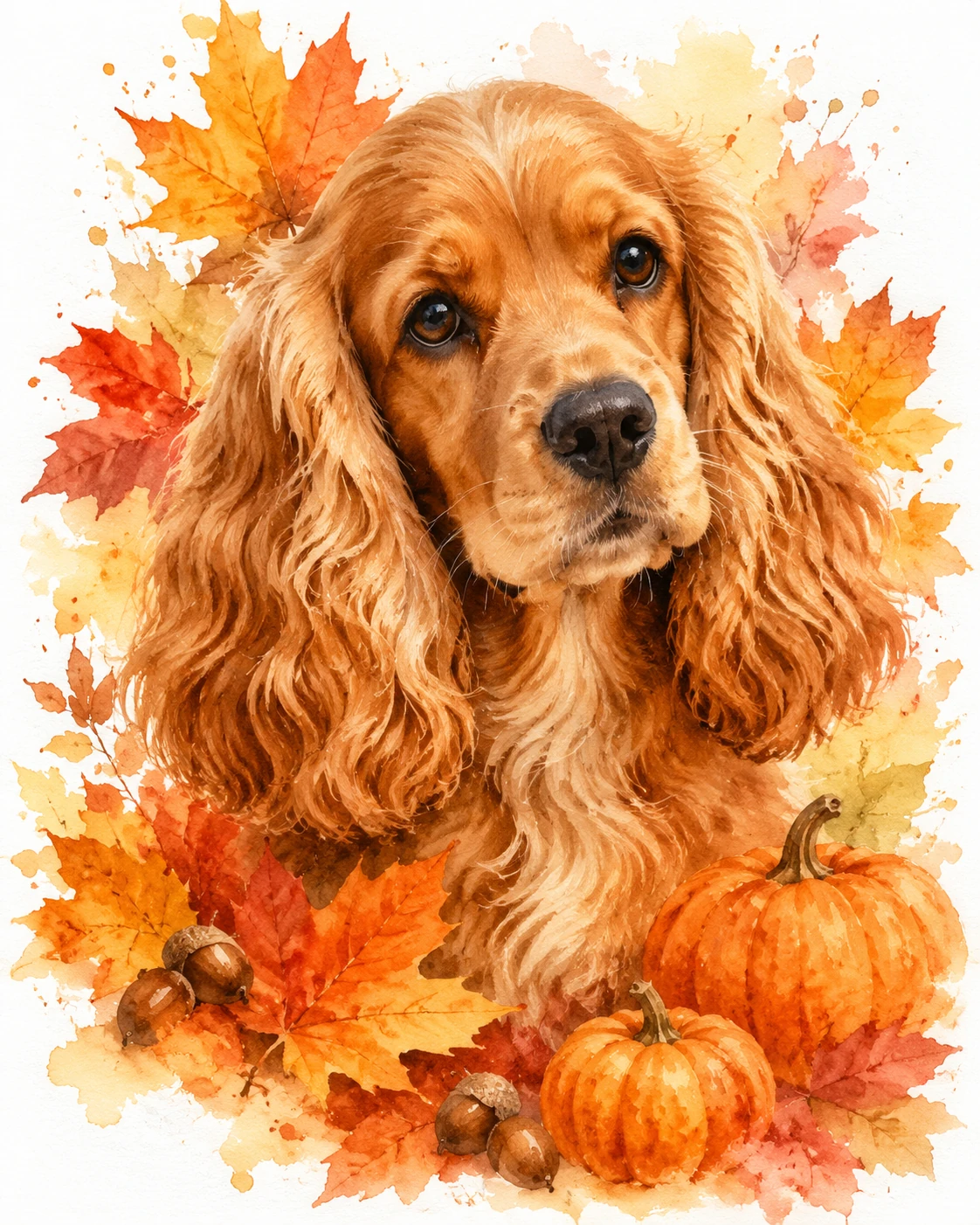 Watercolor autumn portraitUse with my photo
Dog Christmas 46 In season
See the prompts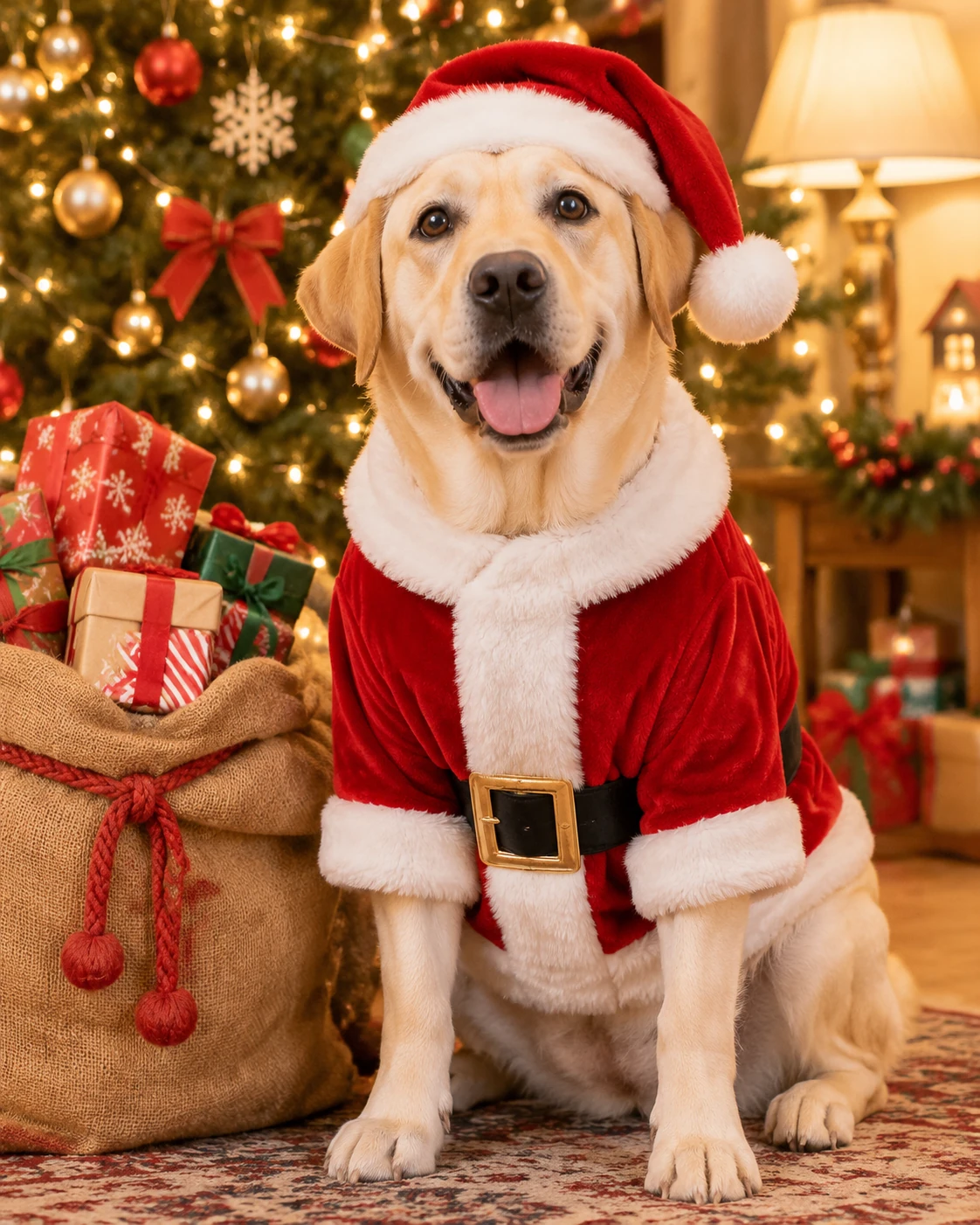 Santa suitUse with my photo
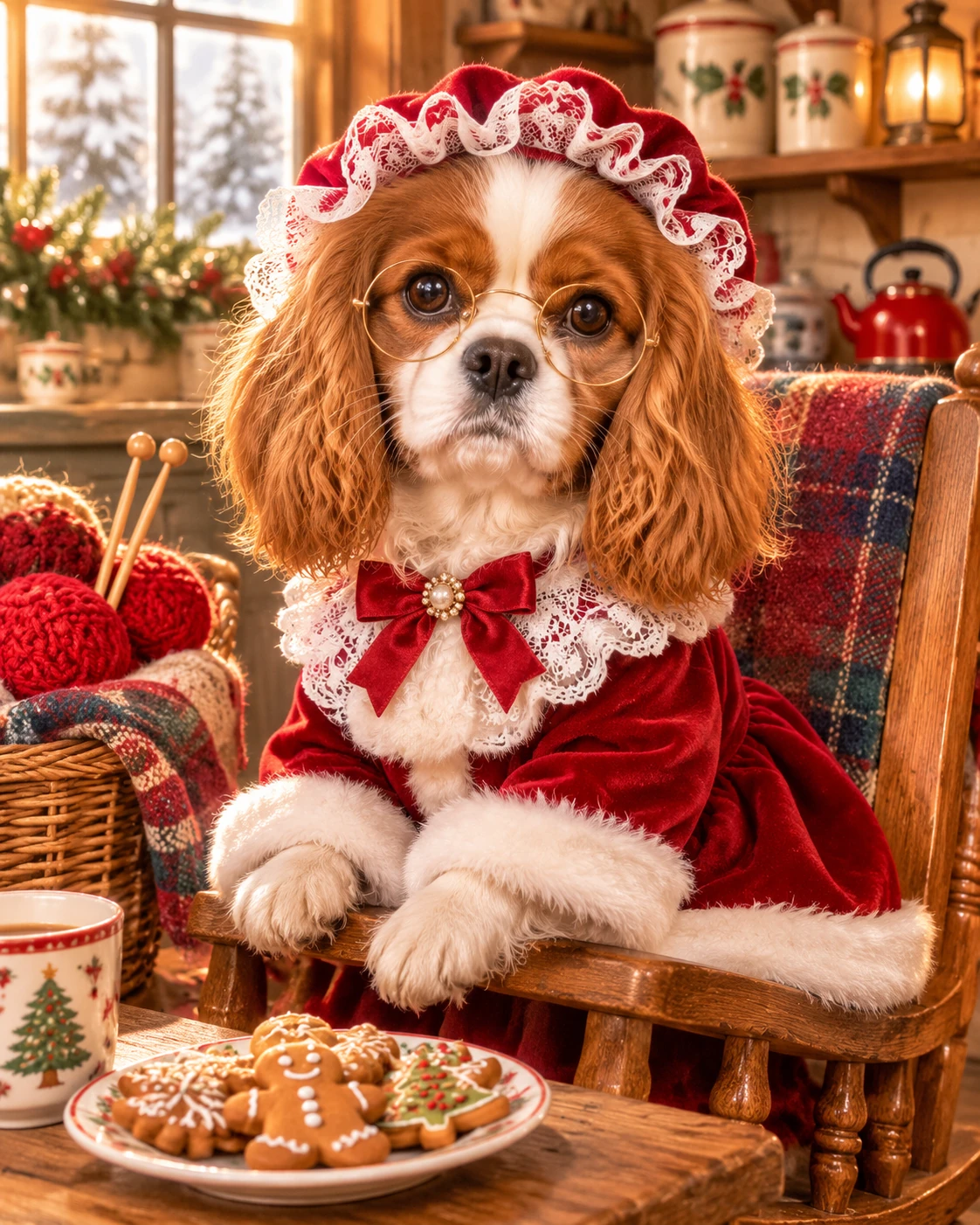 Mrs. Claus outfitUse with my photo
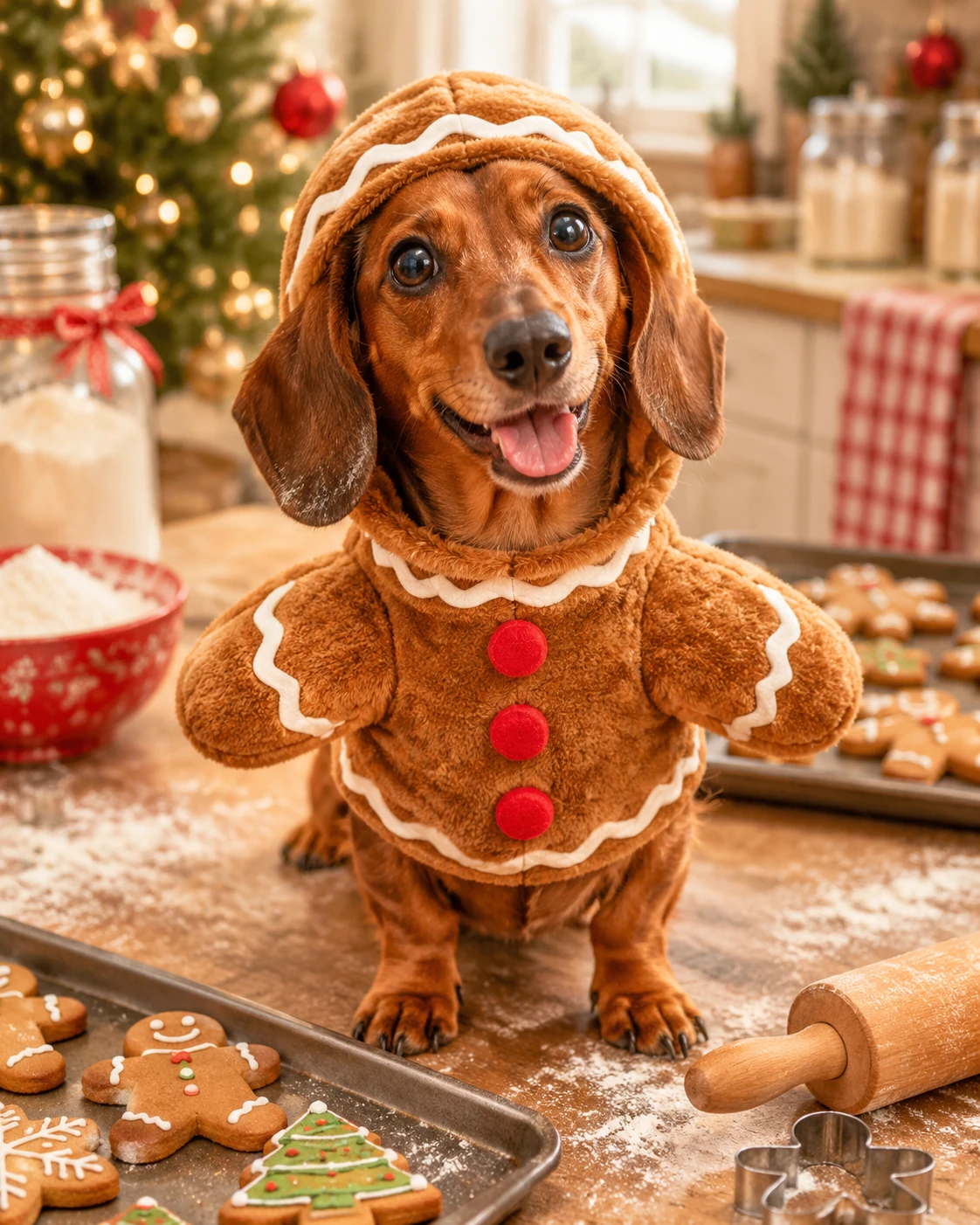 Gingerbread dogUse with my photo
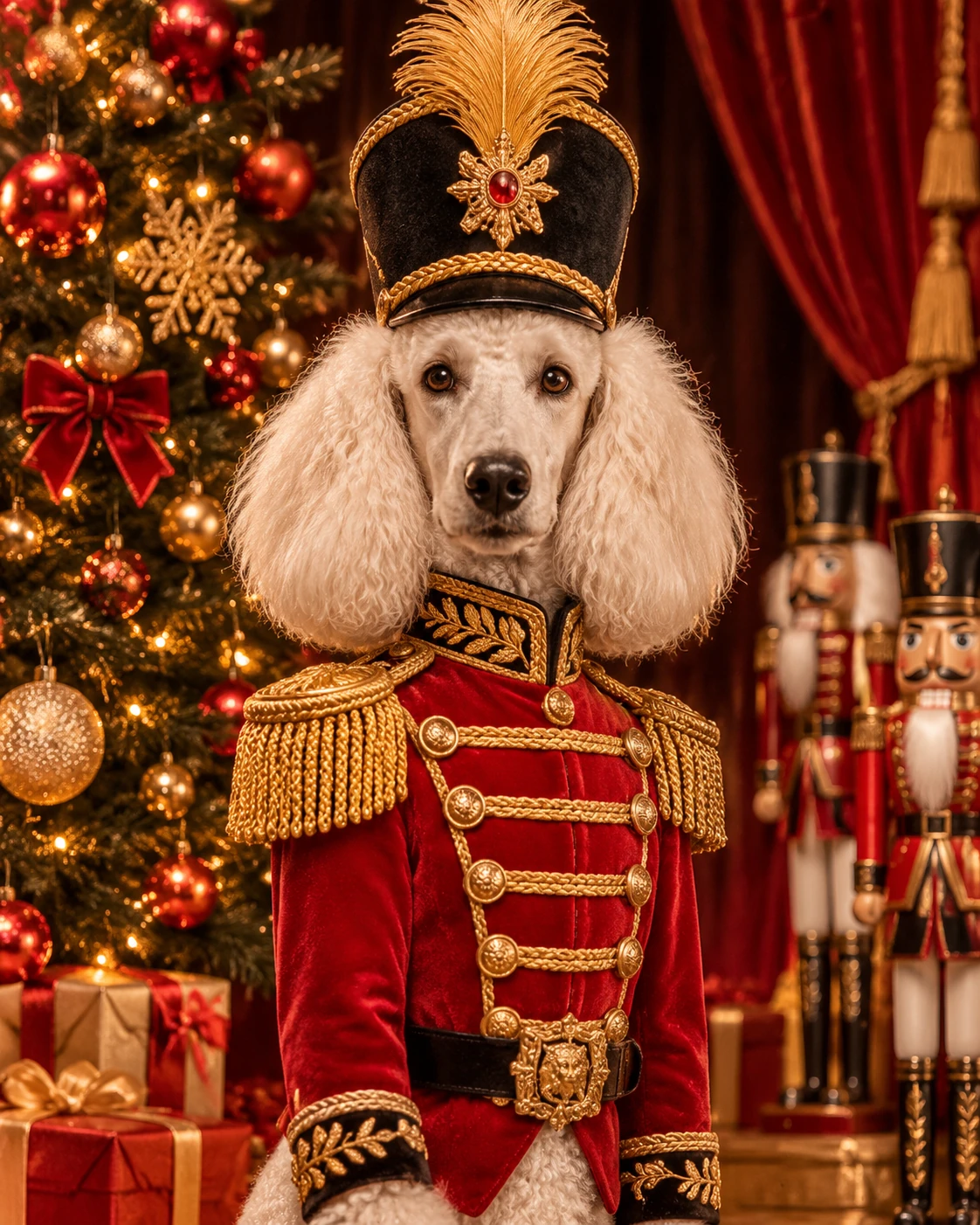 Nutcracker soldierUse with my photo
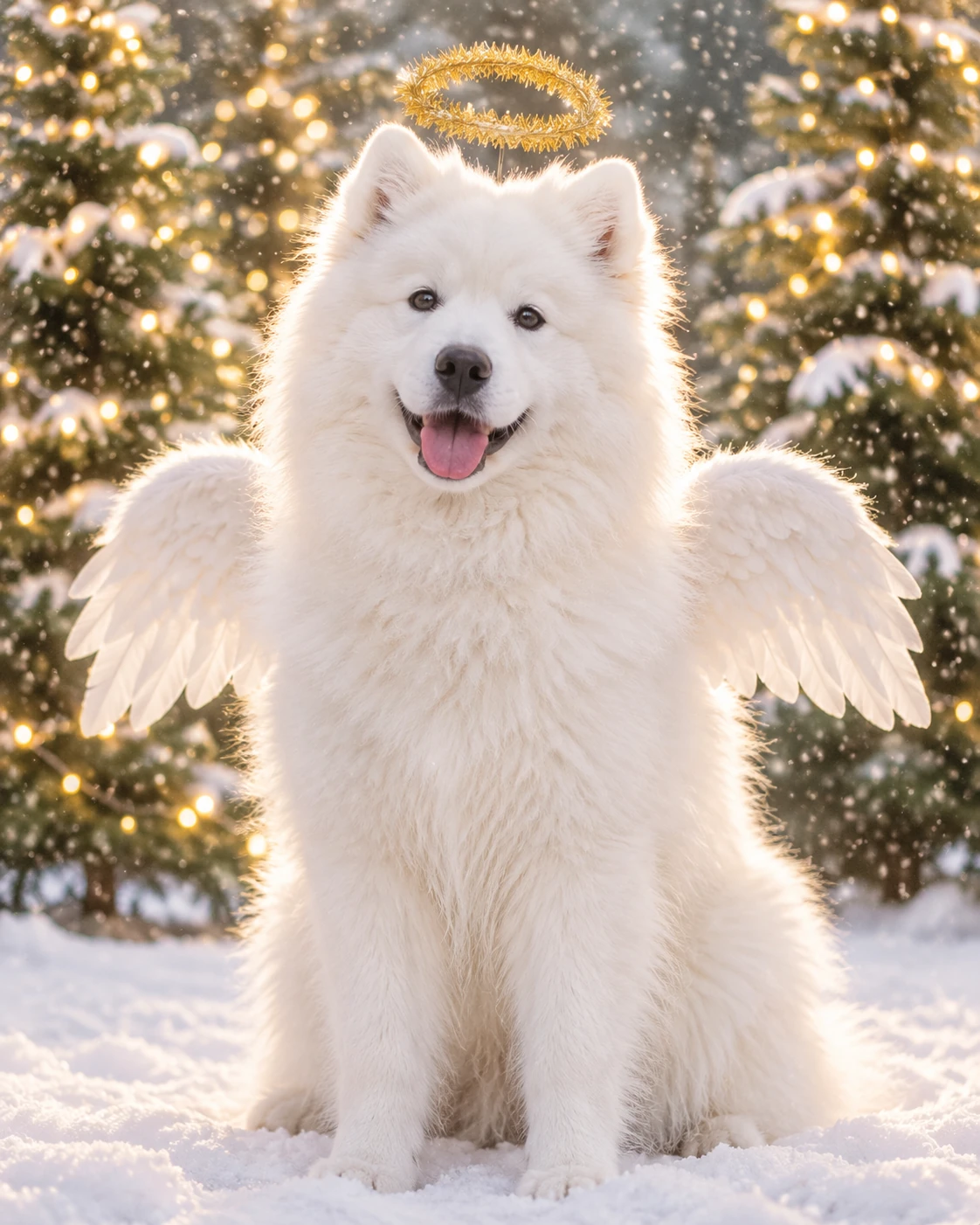 Christmas angelUse with my photo
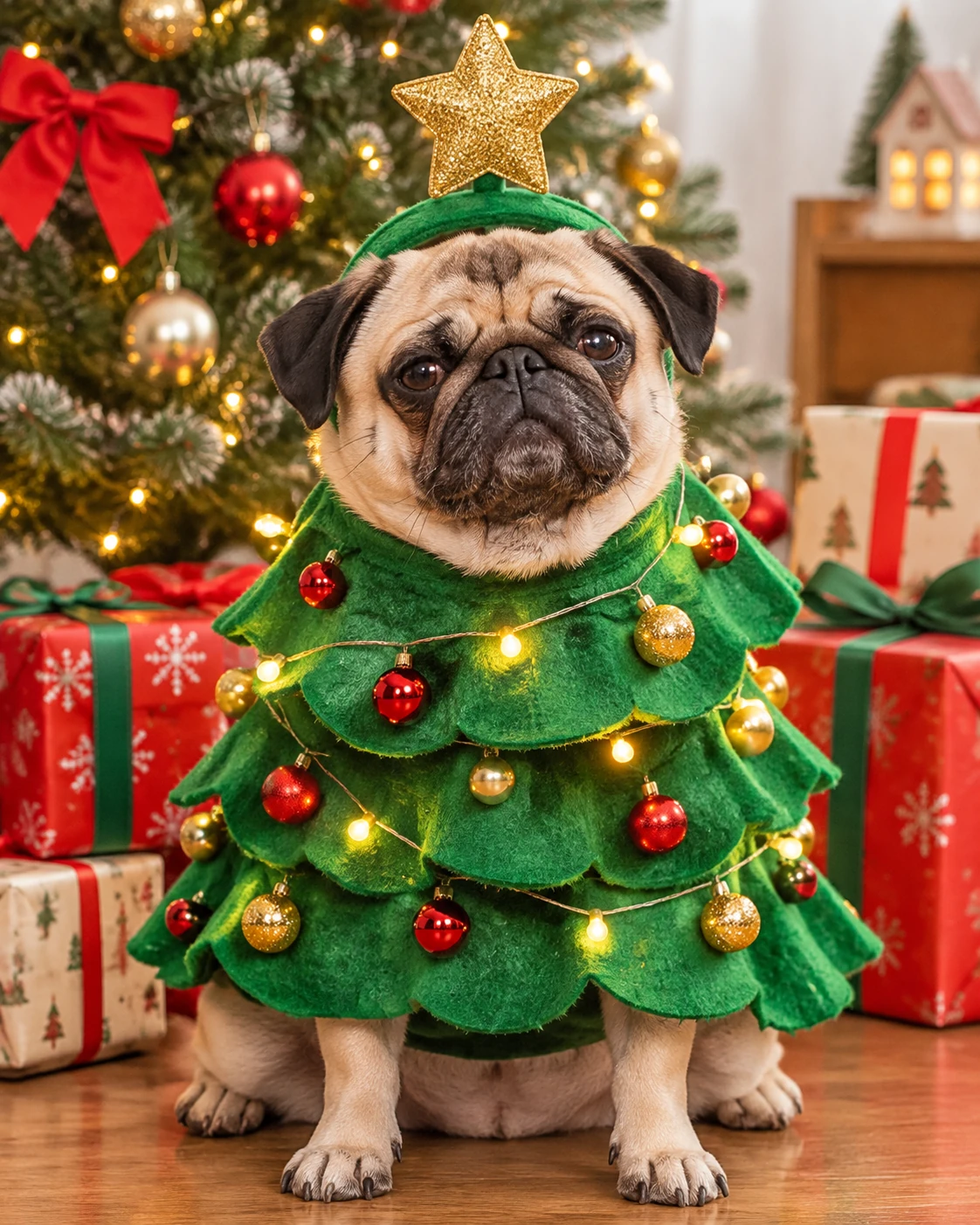 Christmas tree costumeUse with my photo
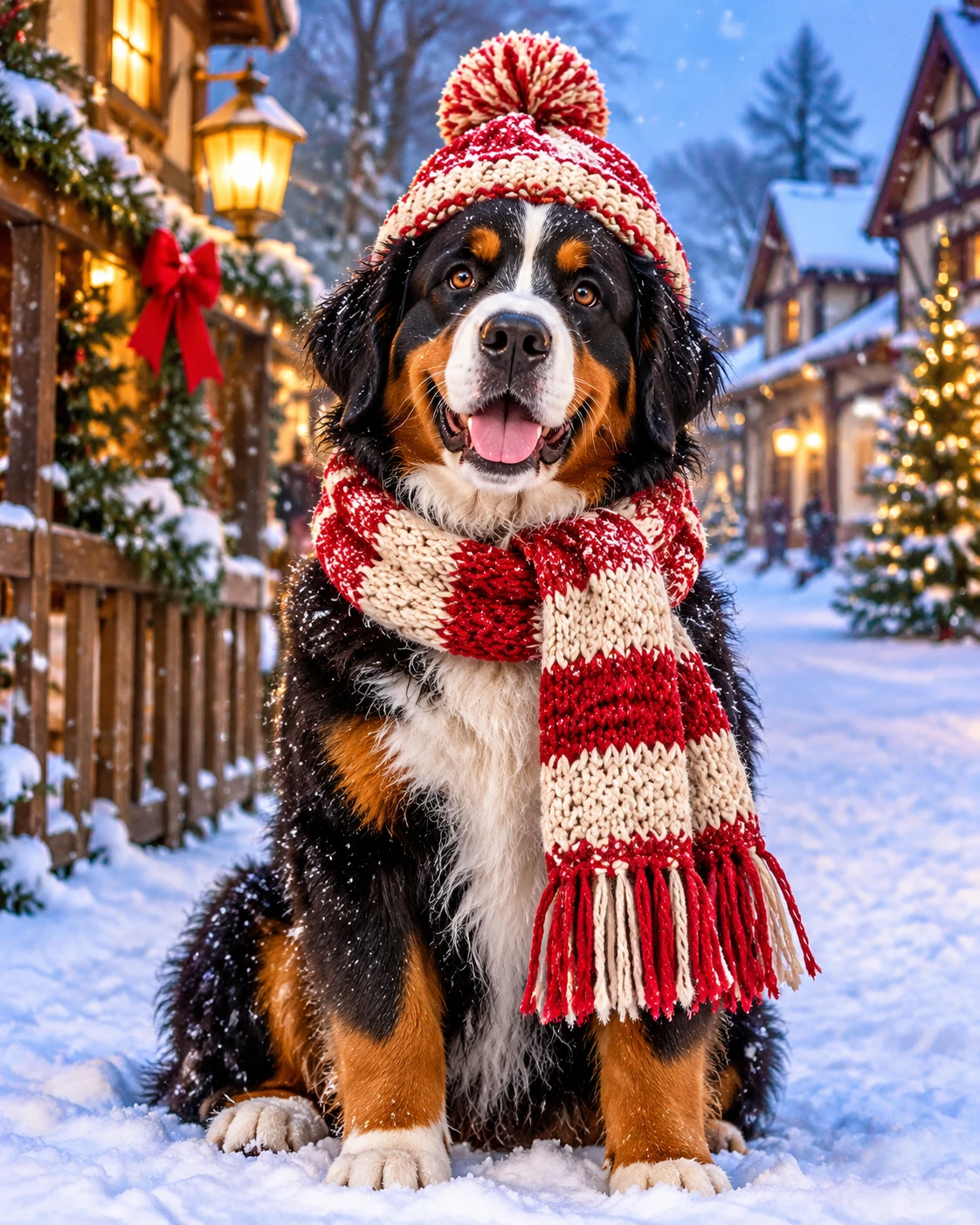 Knitted scarf in the snowUse with my photo
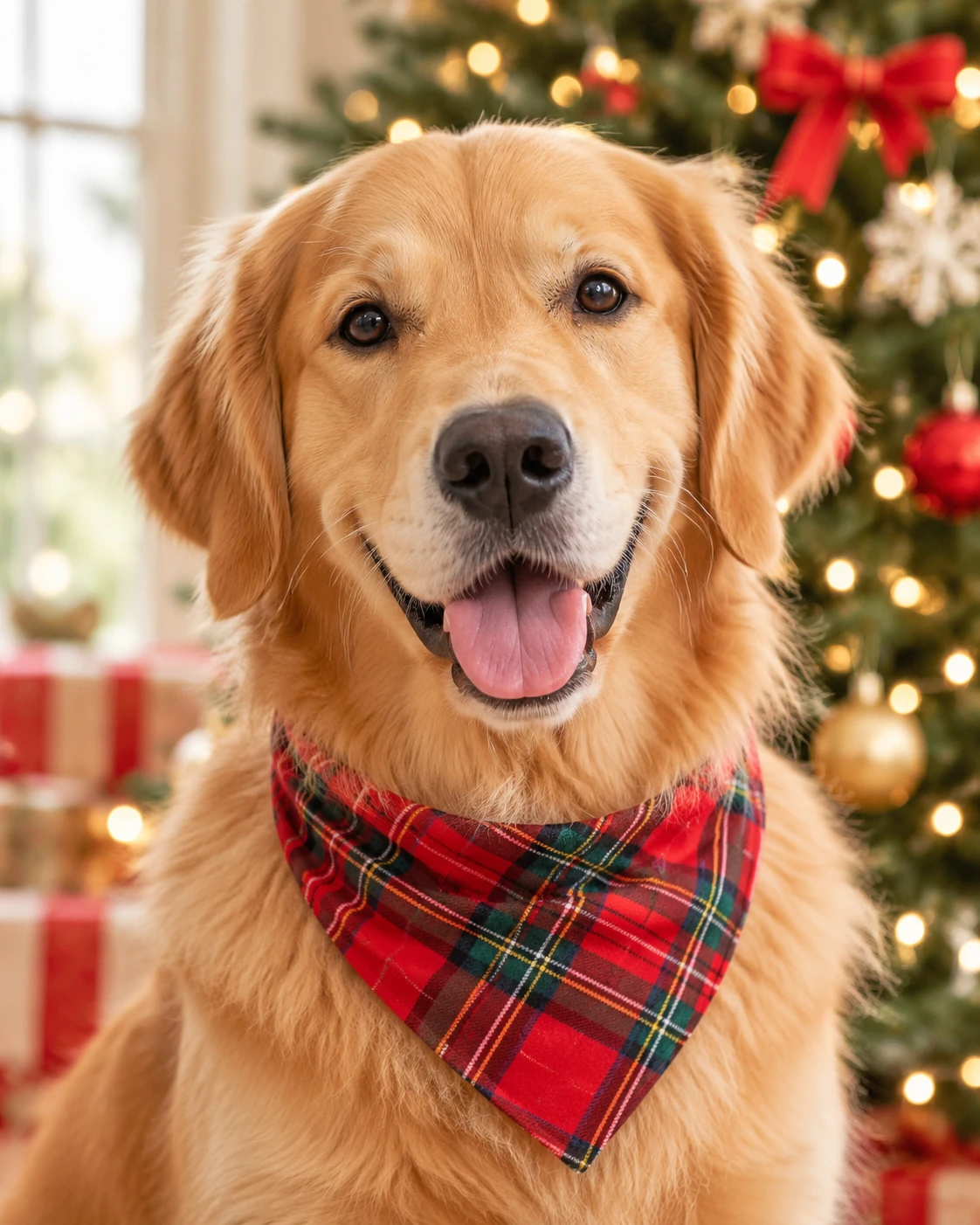 Christmas bandanaUse with my photo
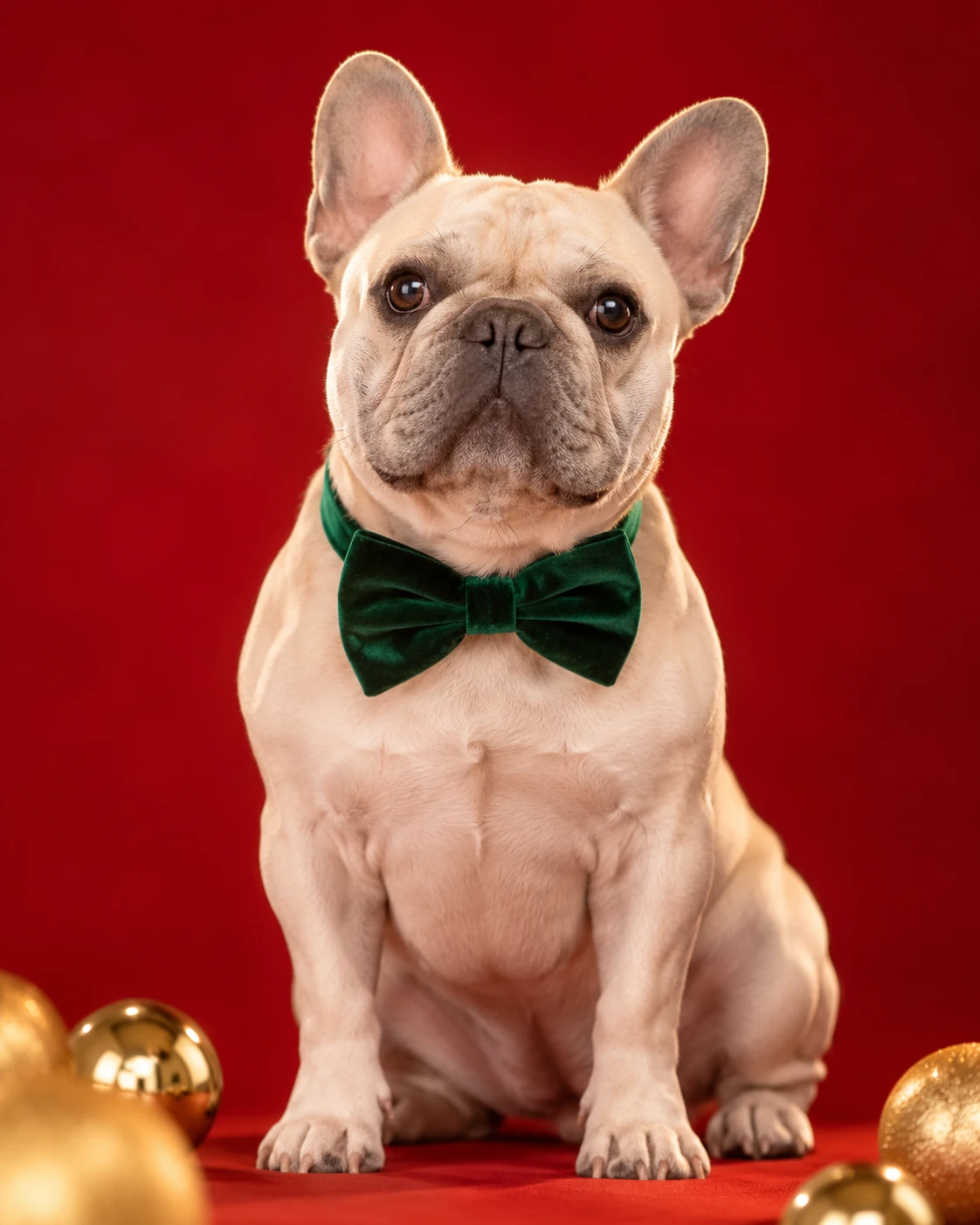 Bow tie studio portraitUse with my photo
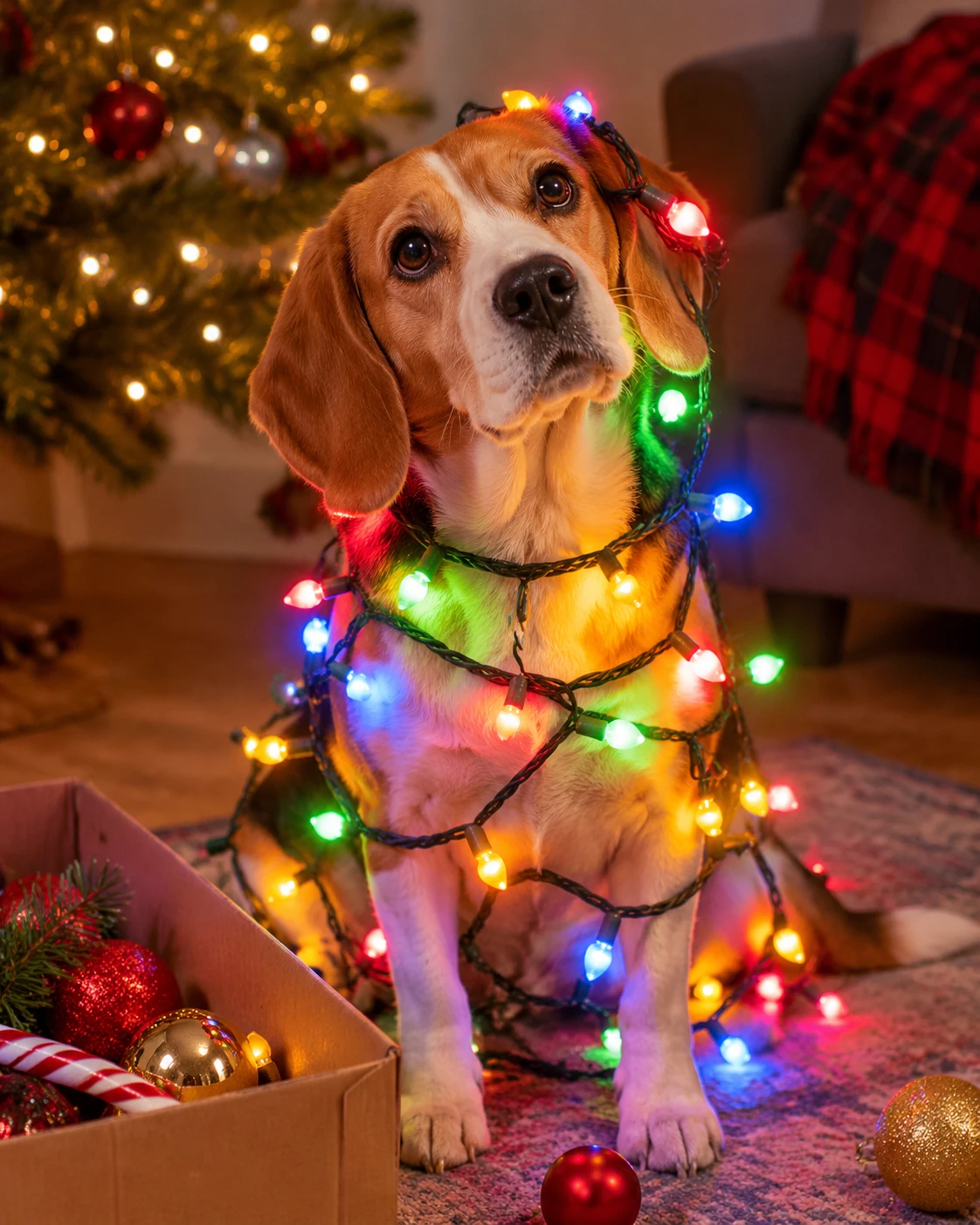 Tangled in Christmas lightsUse with my photo
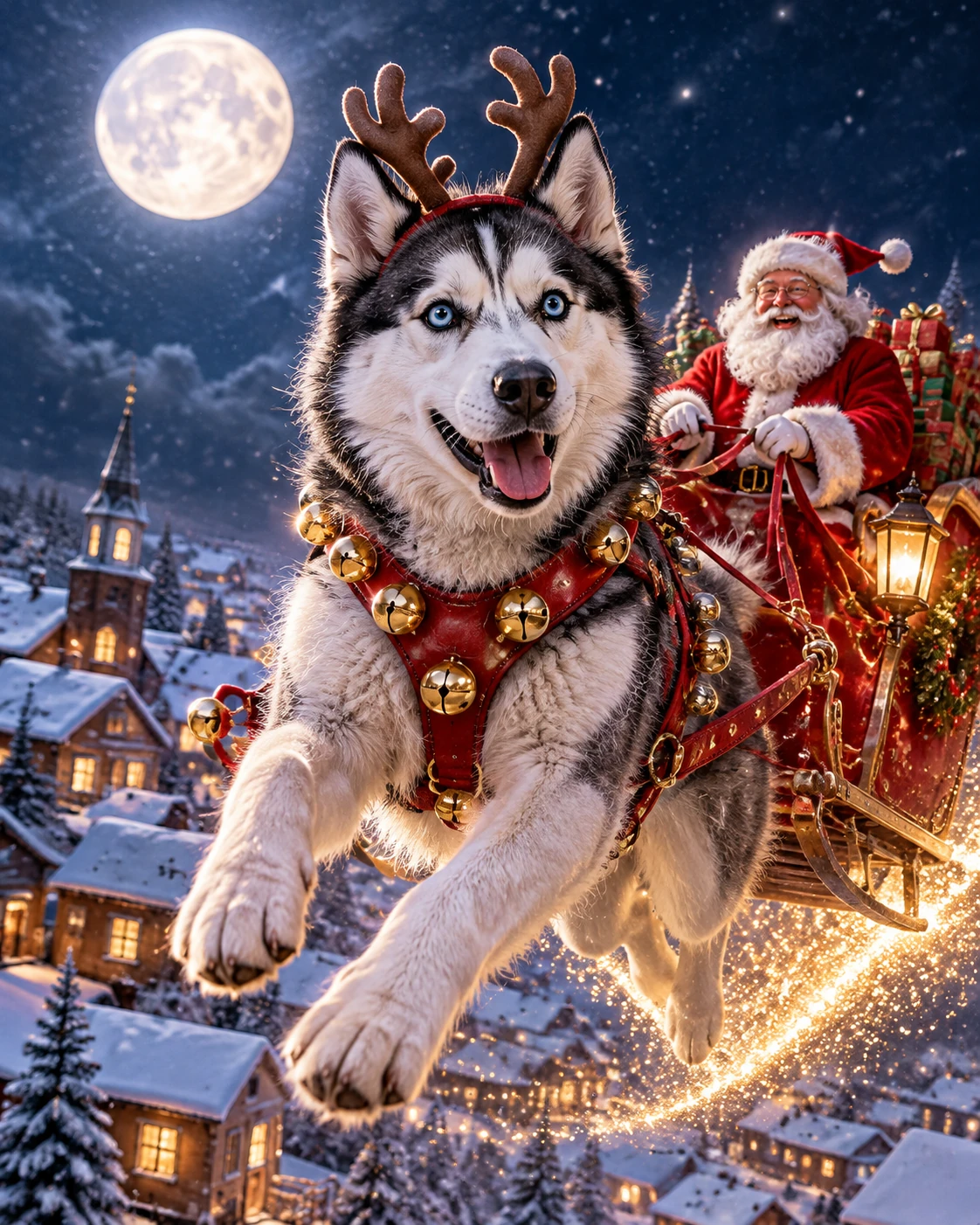 Pulling Santa’s sleighUse with my photo
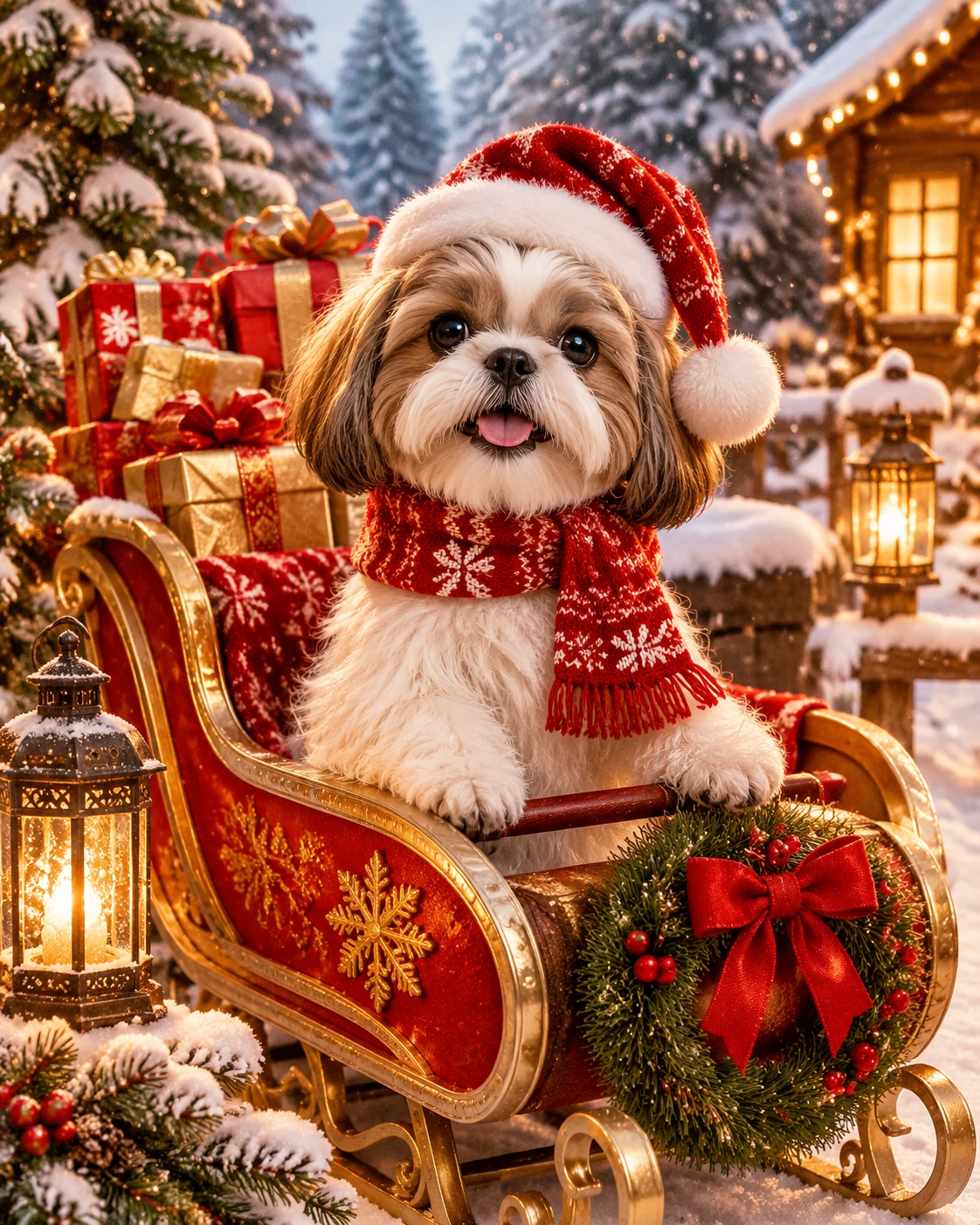 Riding in Santa’s sleighUse with my photo
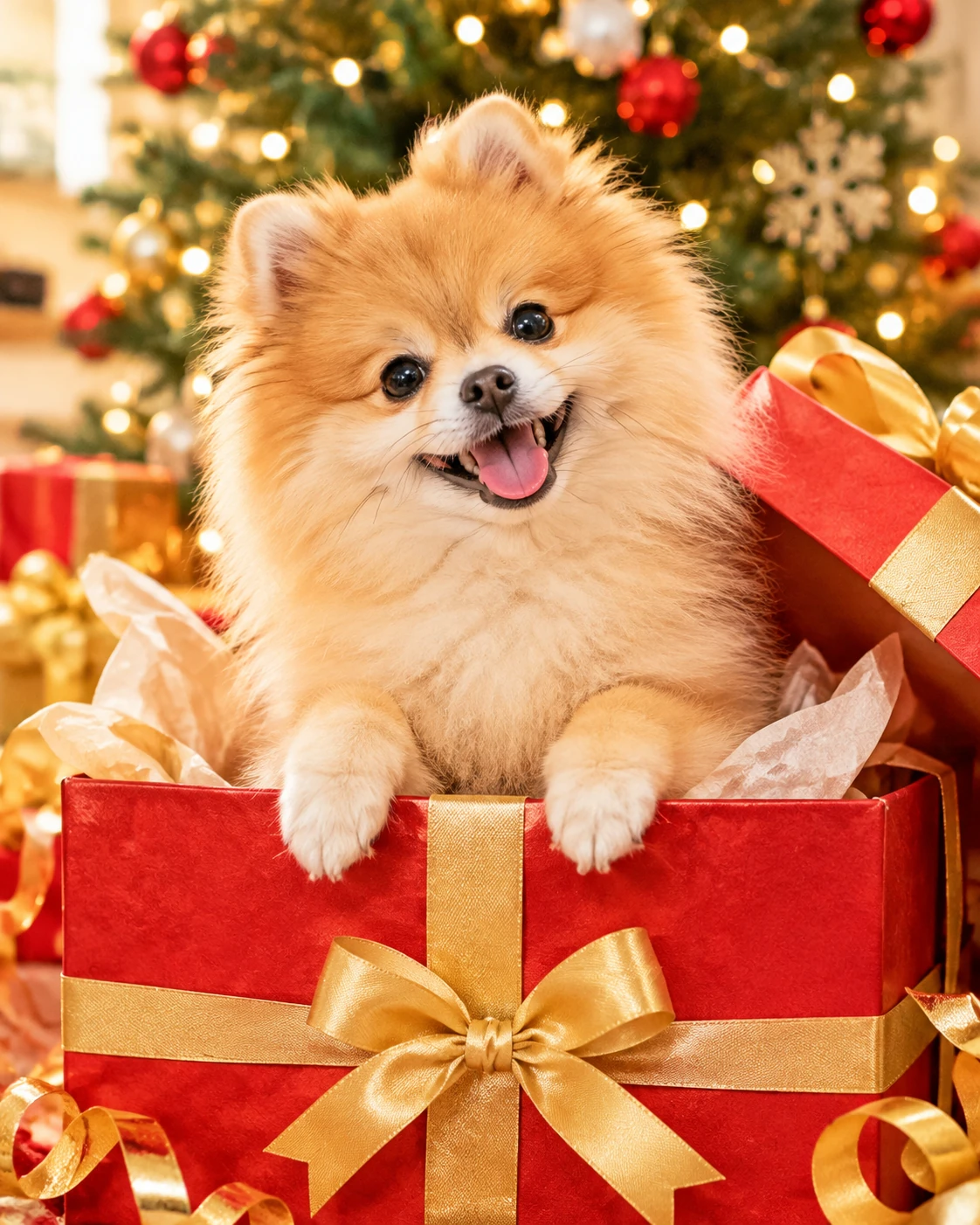 Popping out of a gift boxUse with my photo
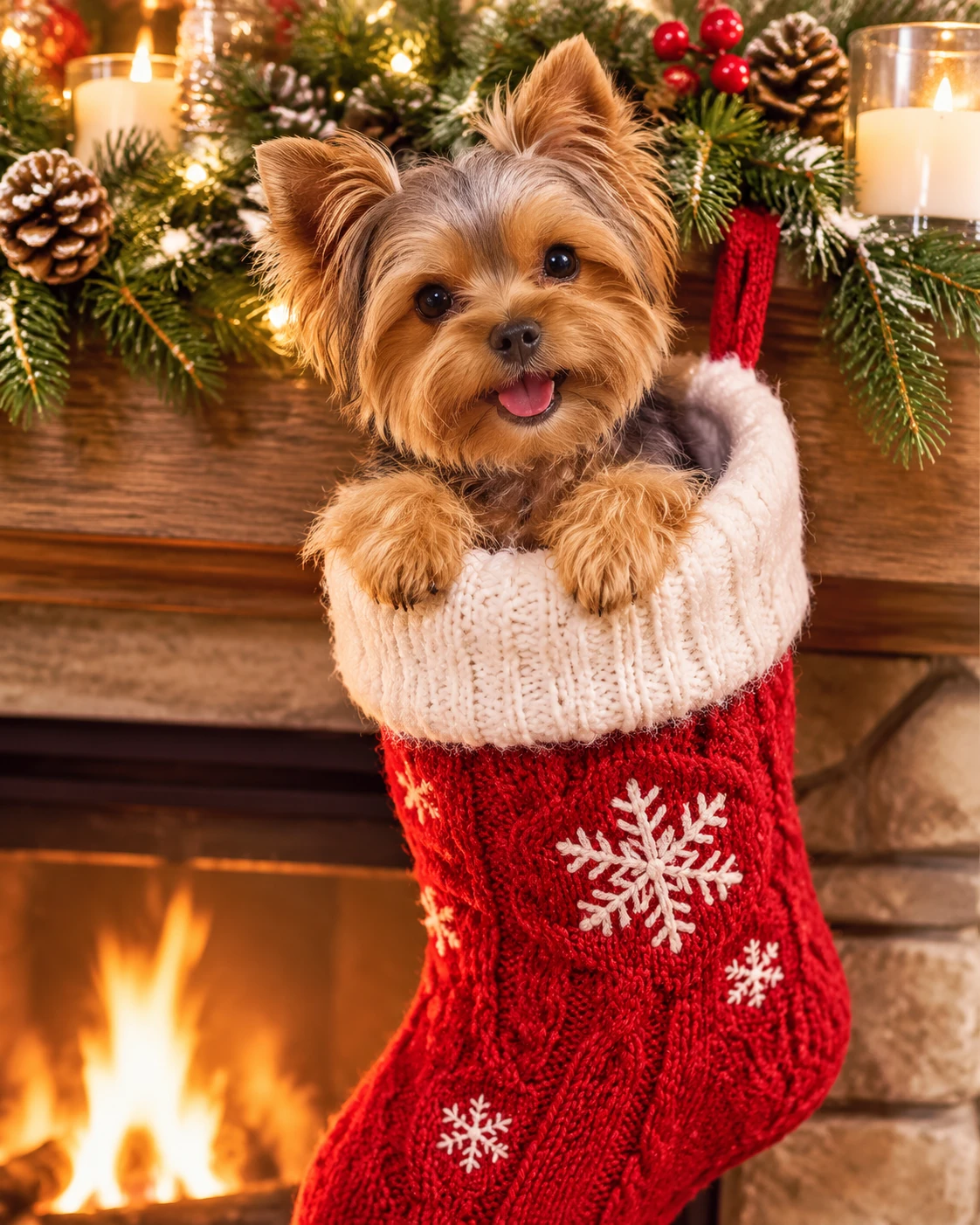 In a Christmas stockingUse with my photo
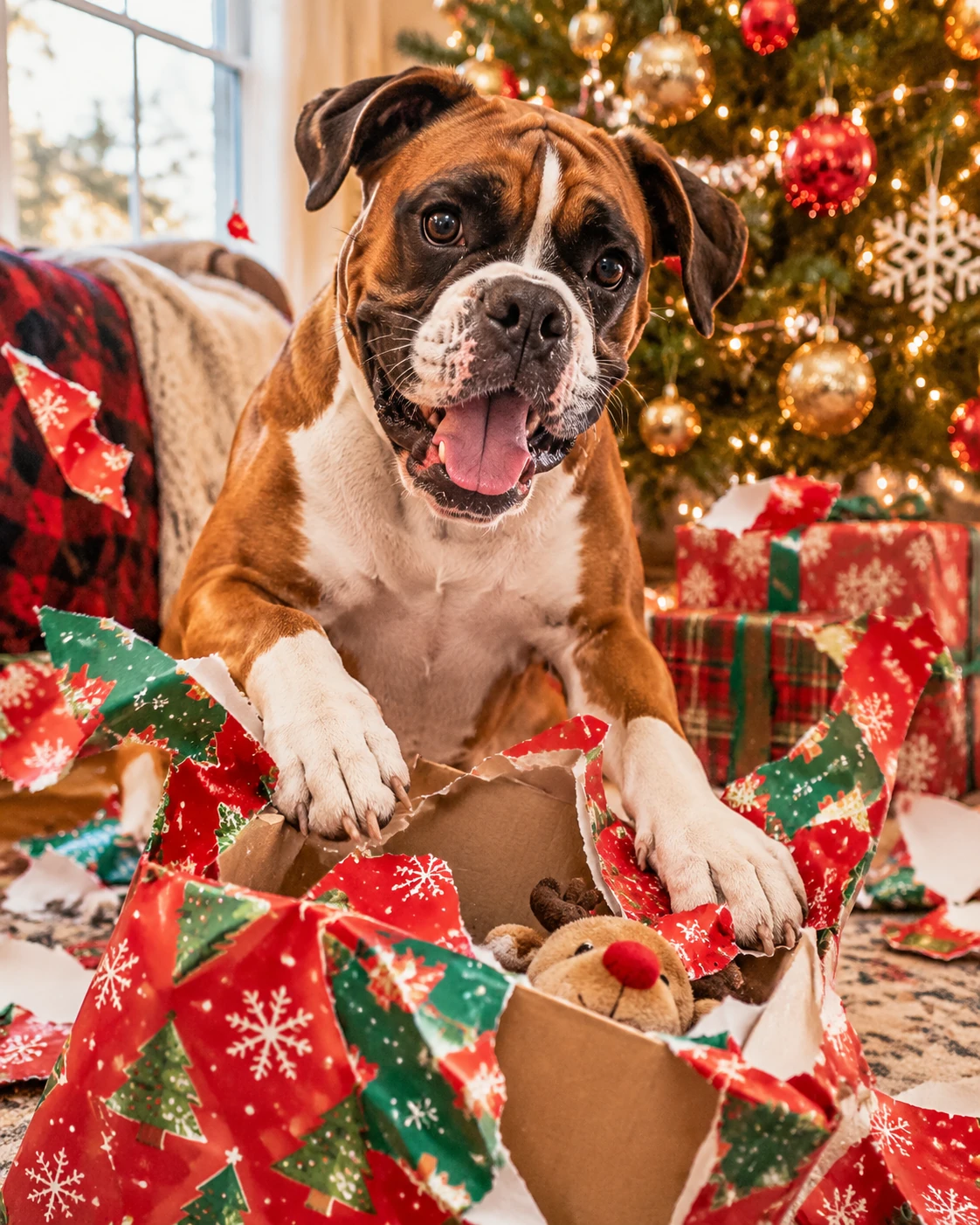 Christmas morning presentsUse with my photo
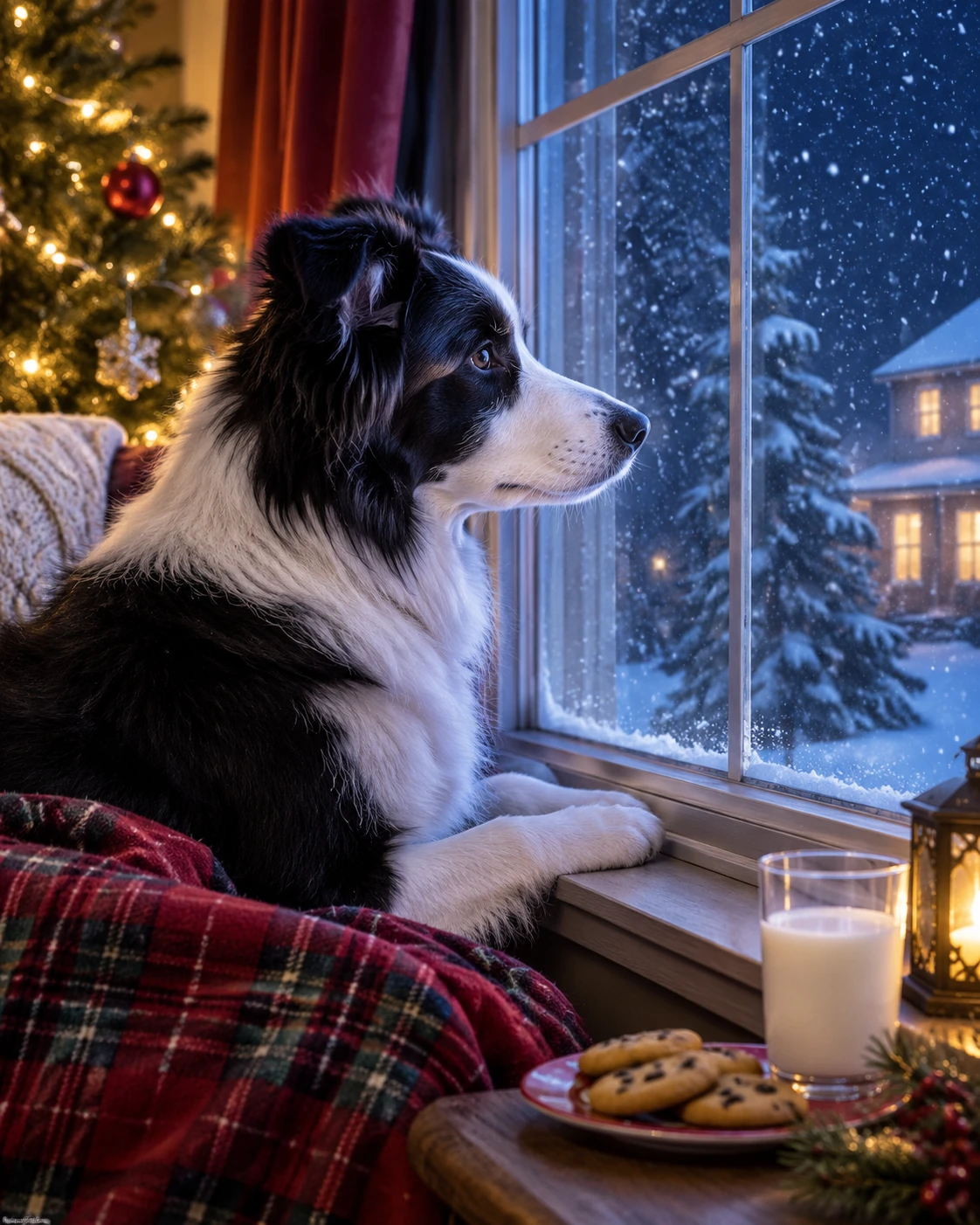 Waiting for SantaUse with my photo
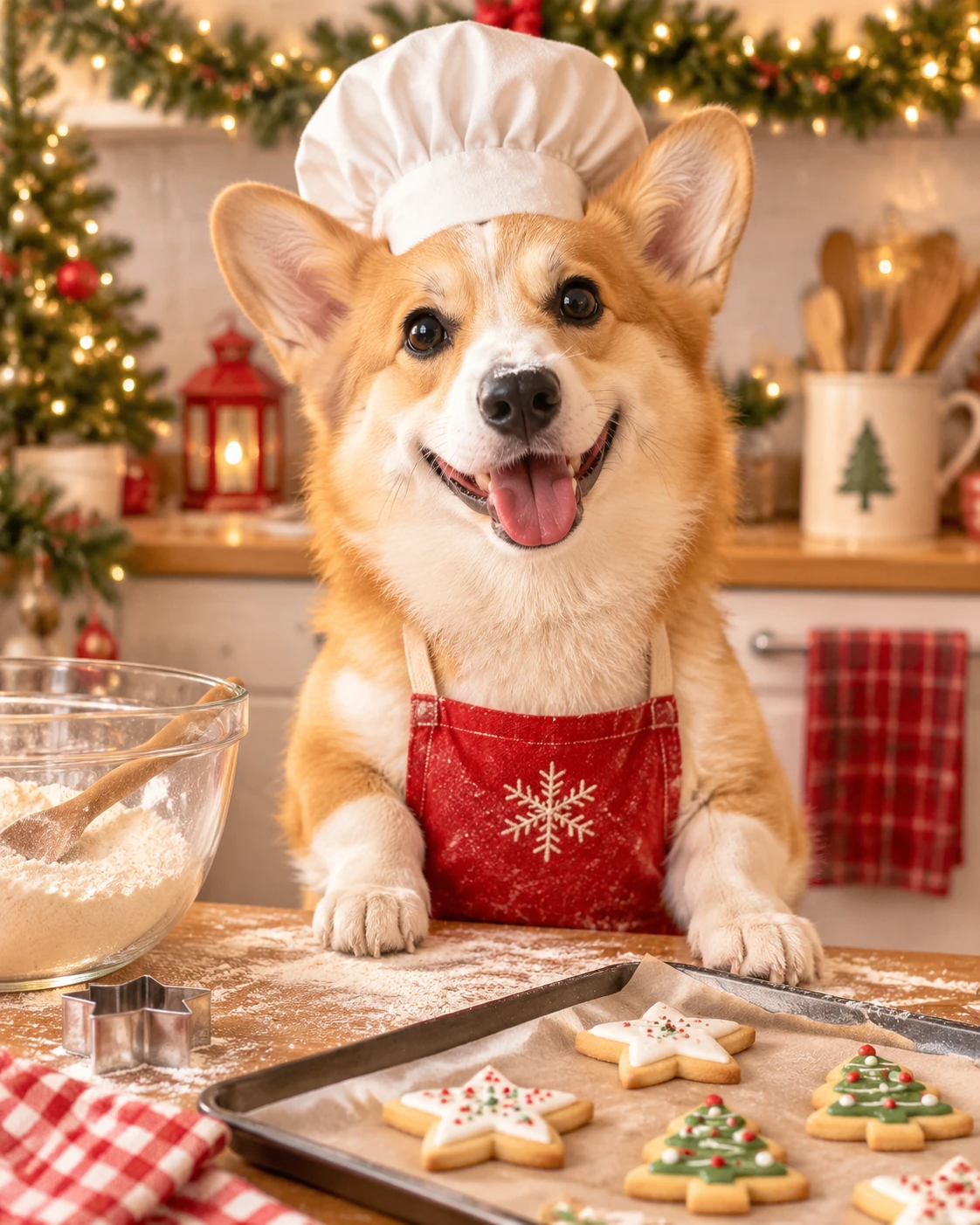 Baking Christmas cookiesUse with my photo
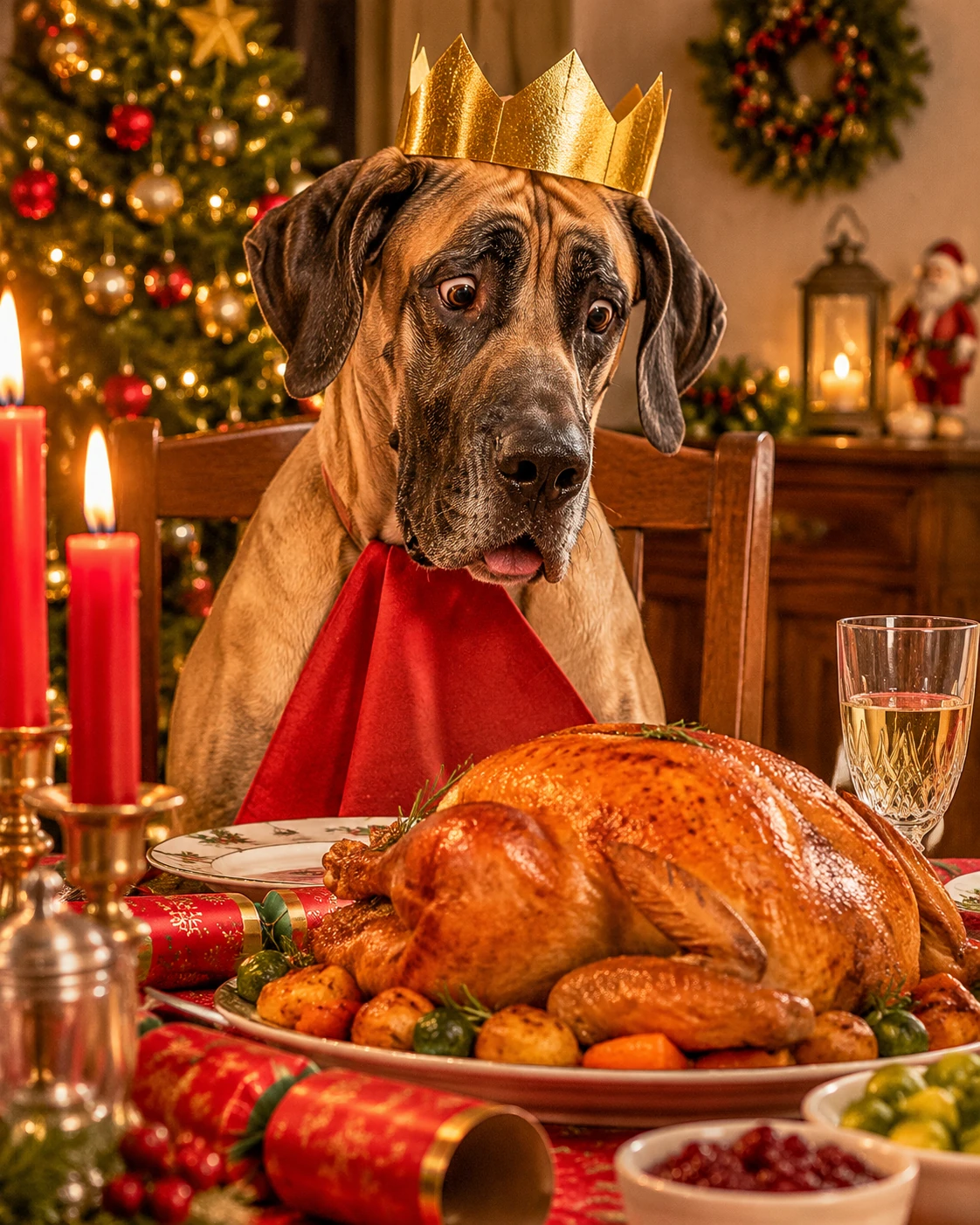 Christmas dinnerUse with my photo
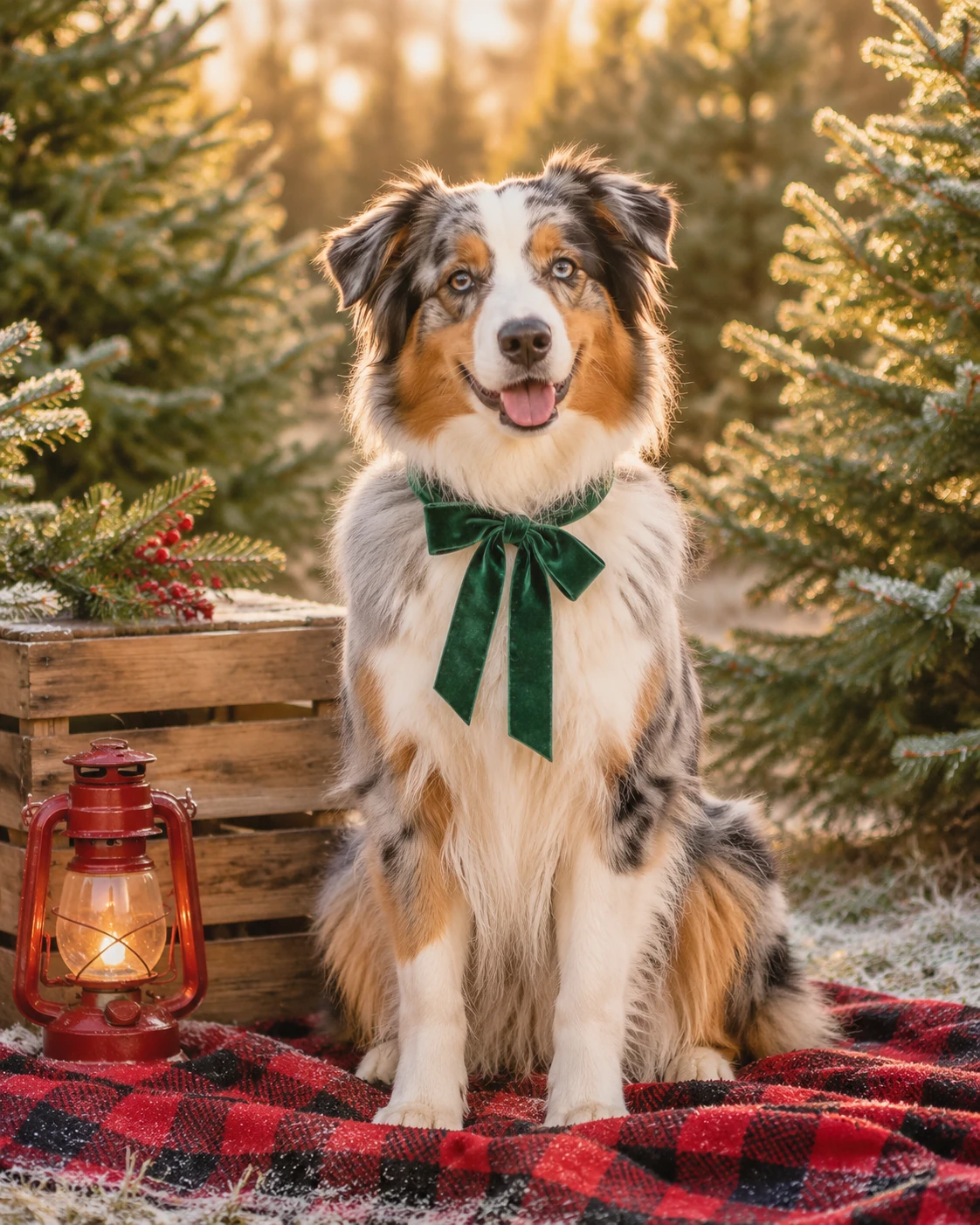 Christmas tree farmUse with my photo
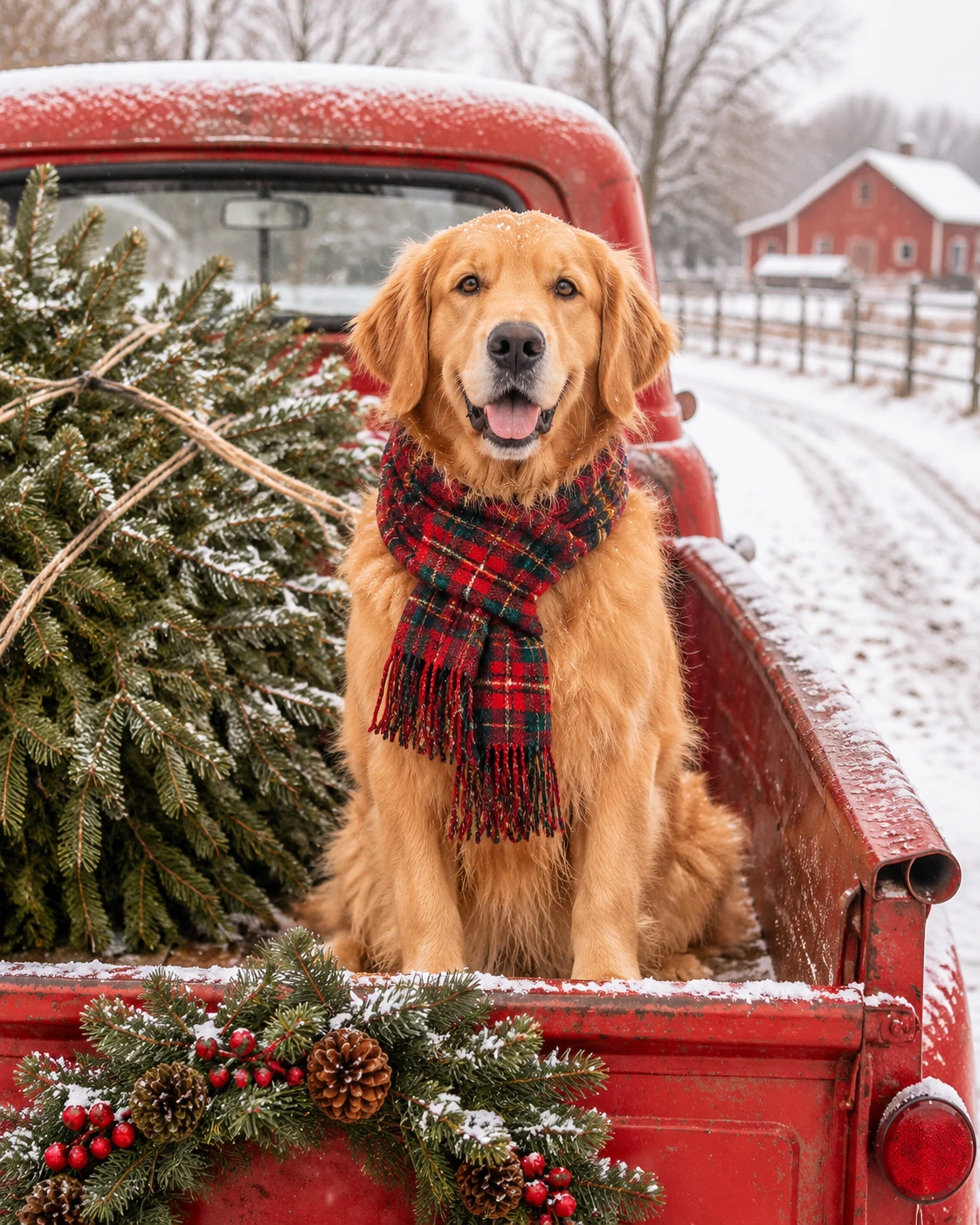 Red truck with a treeUse with my photo
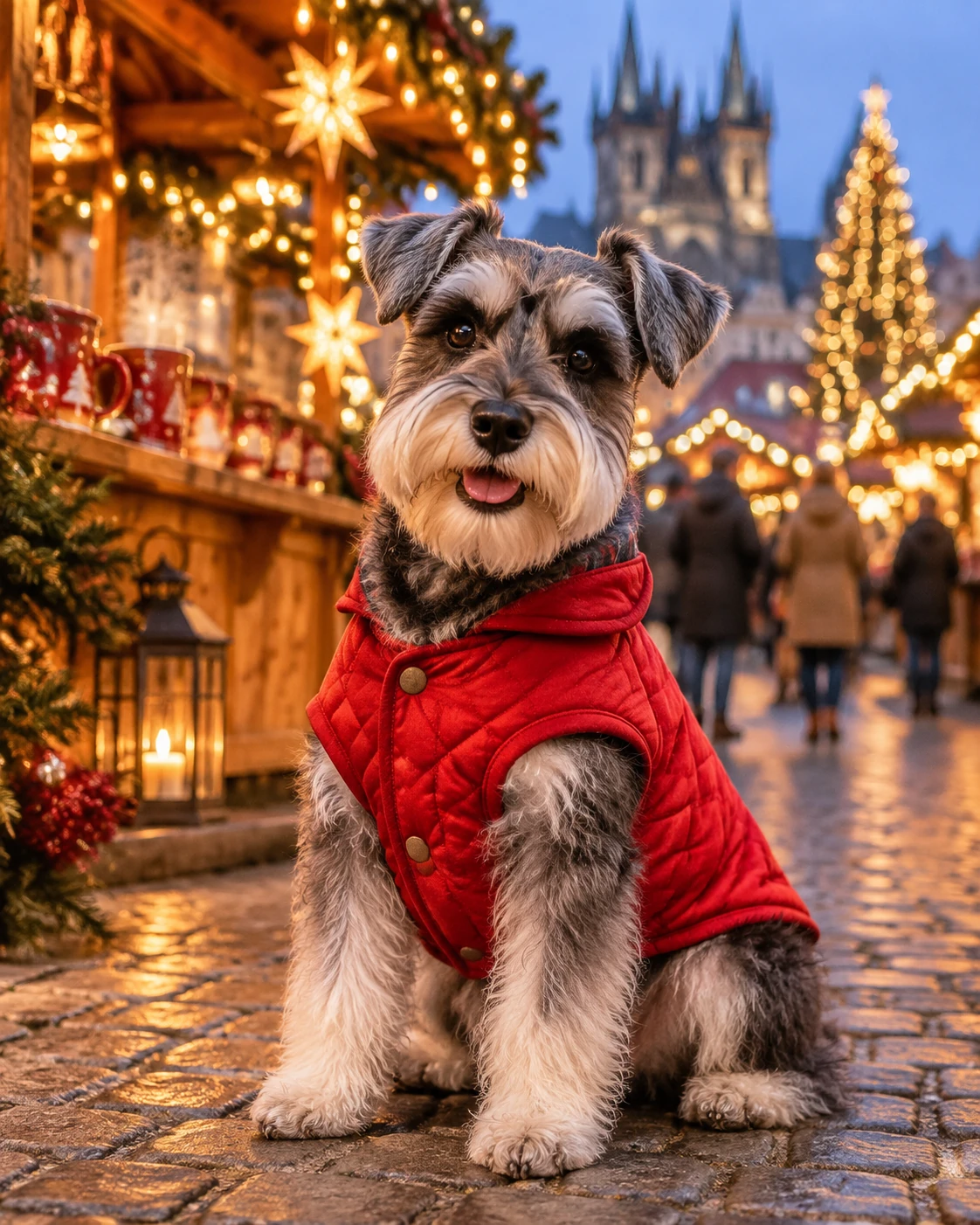 Christmas marketUse with my photo
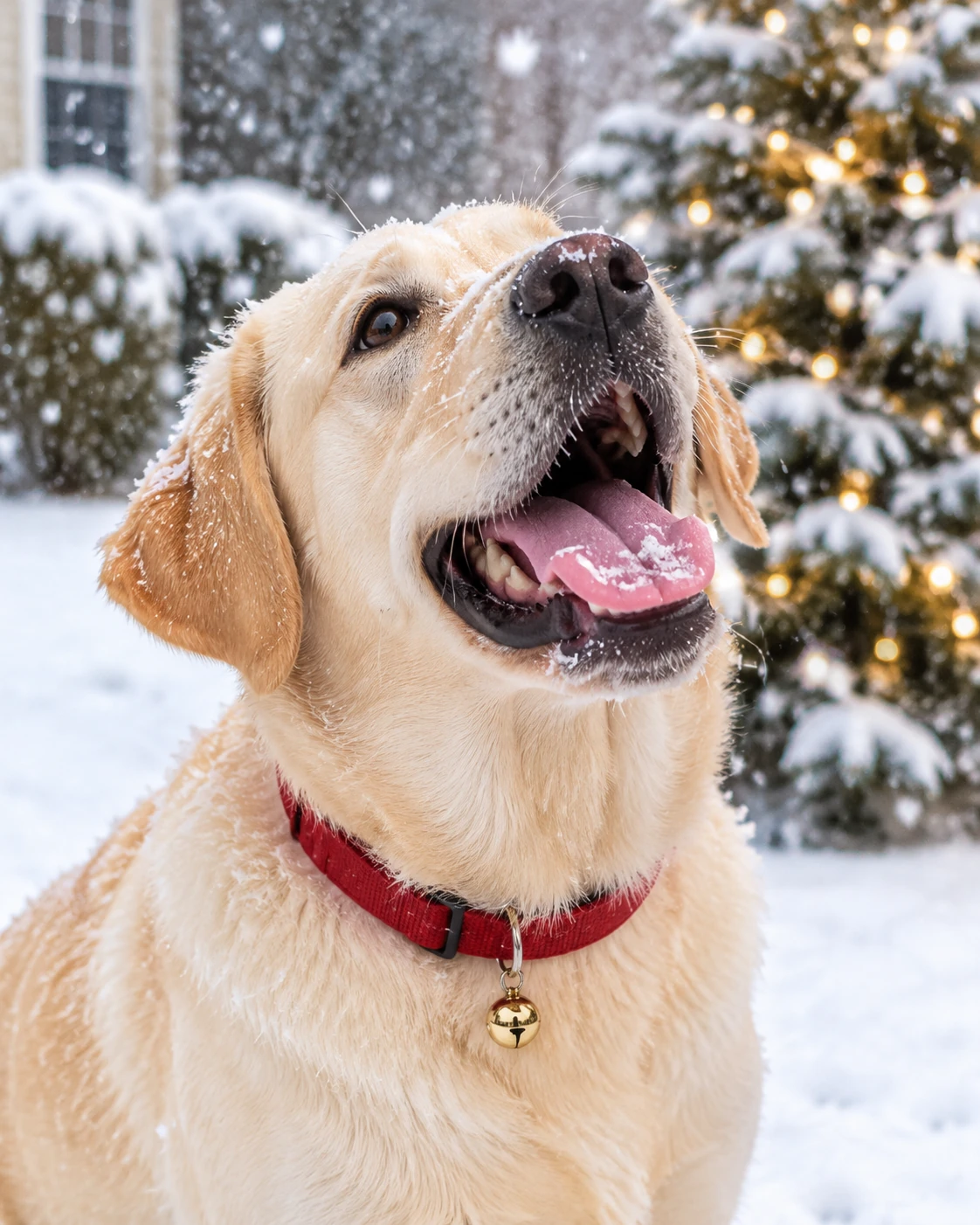 Catching snowflakesUse with my photo
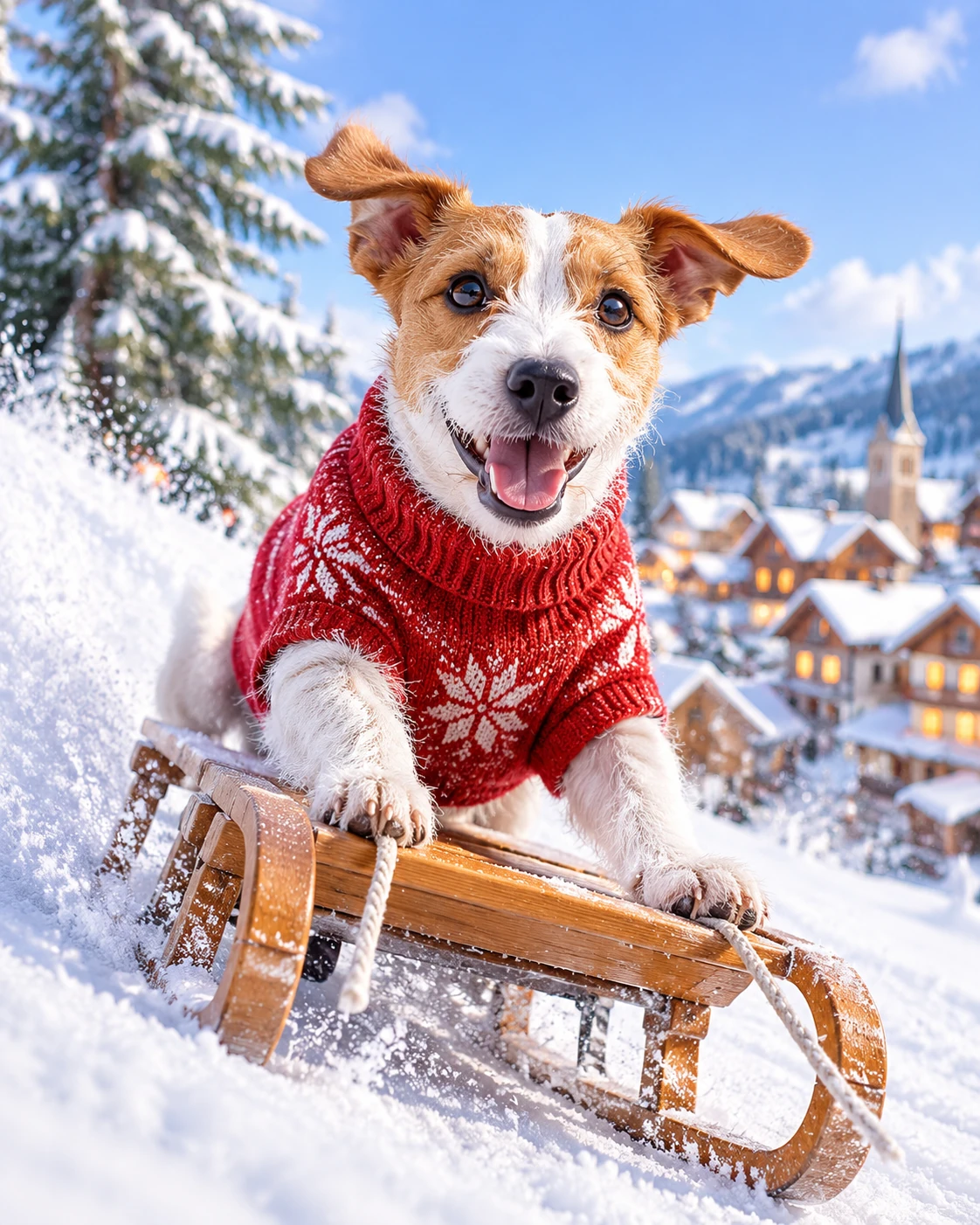 SleddingUse with my photo
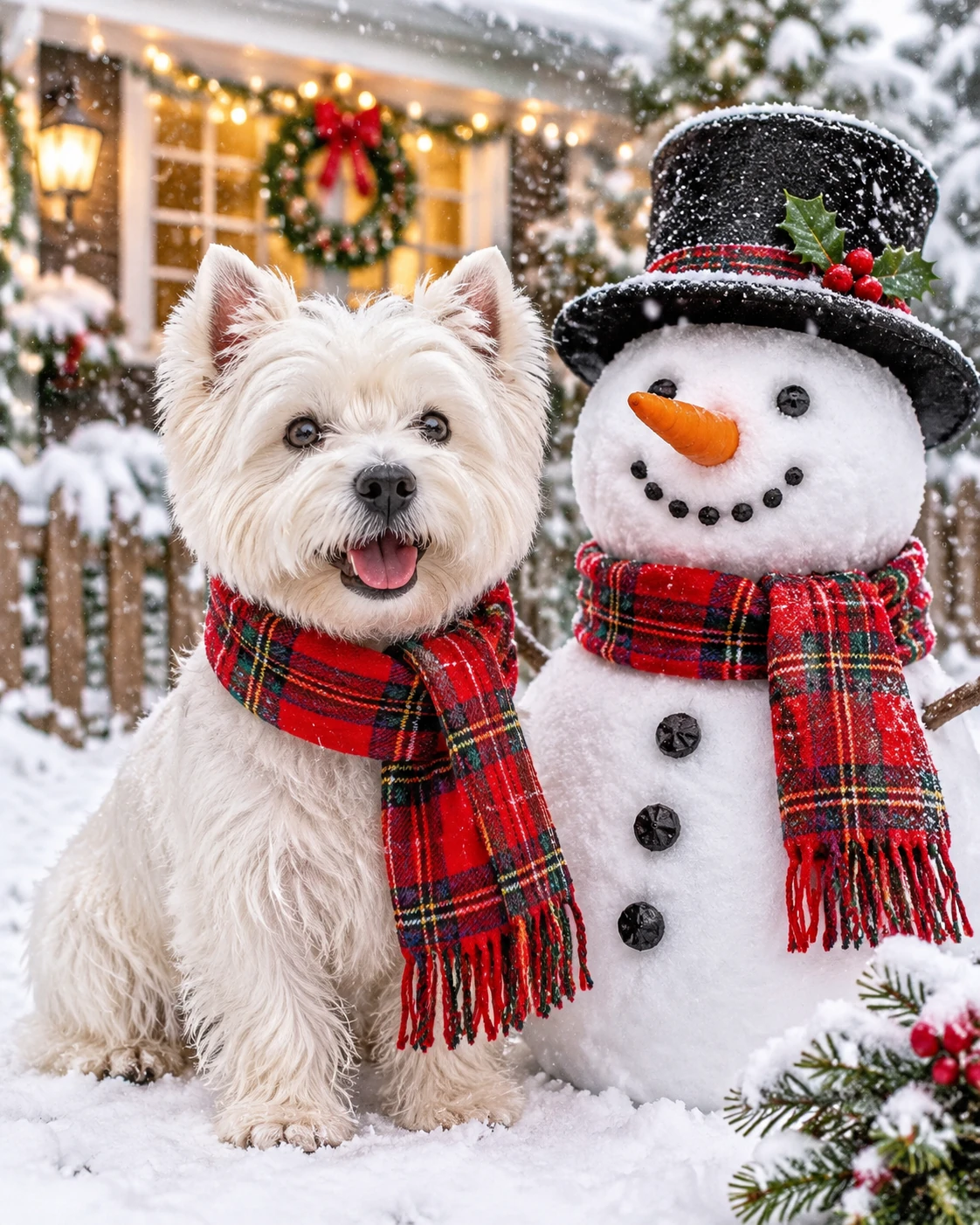 Building a snowmanUse with my photo
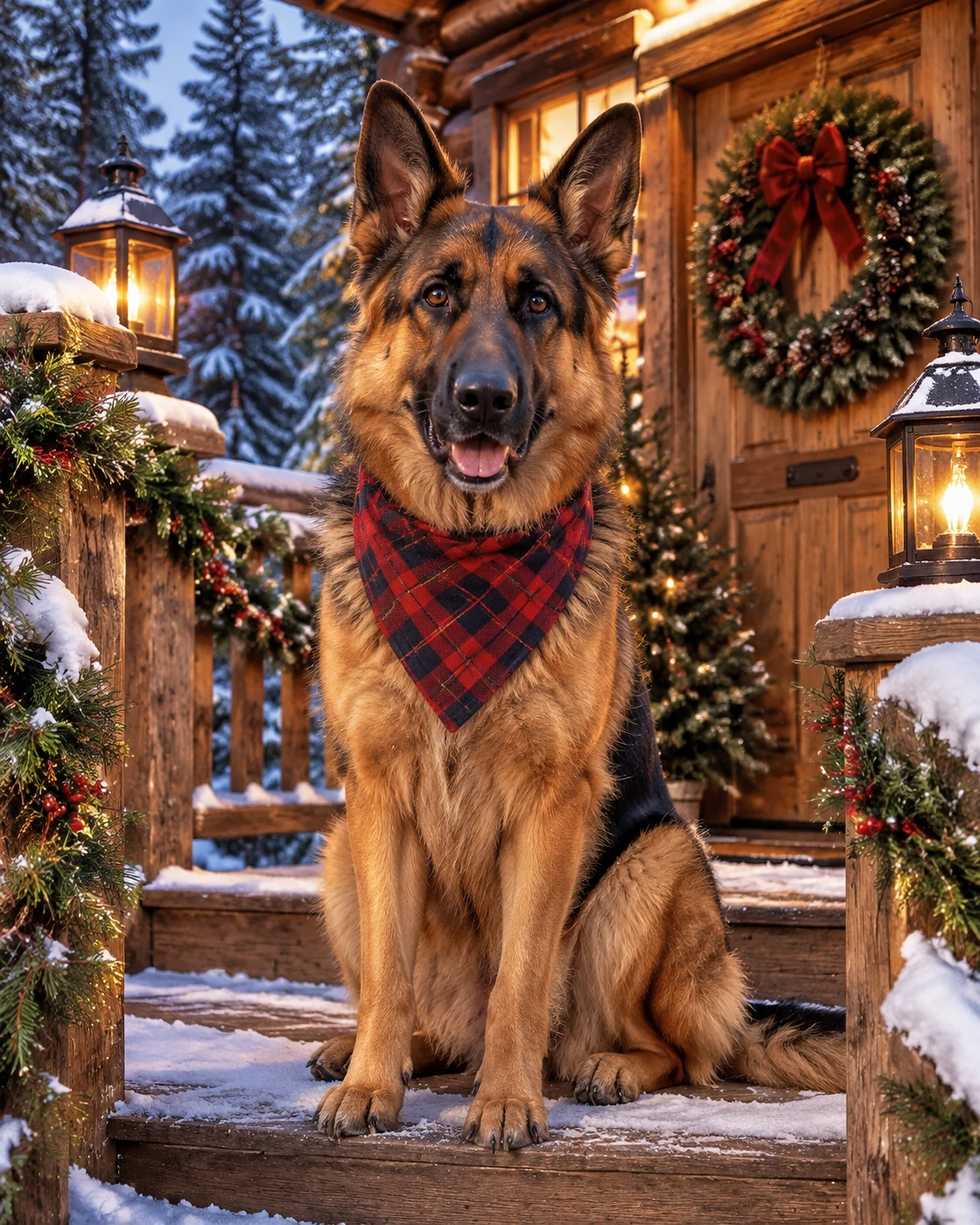 Cabin porch at ChristmasUse with my photo
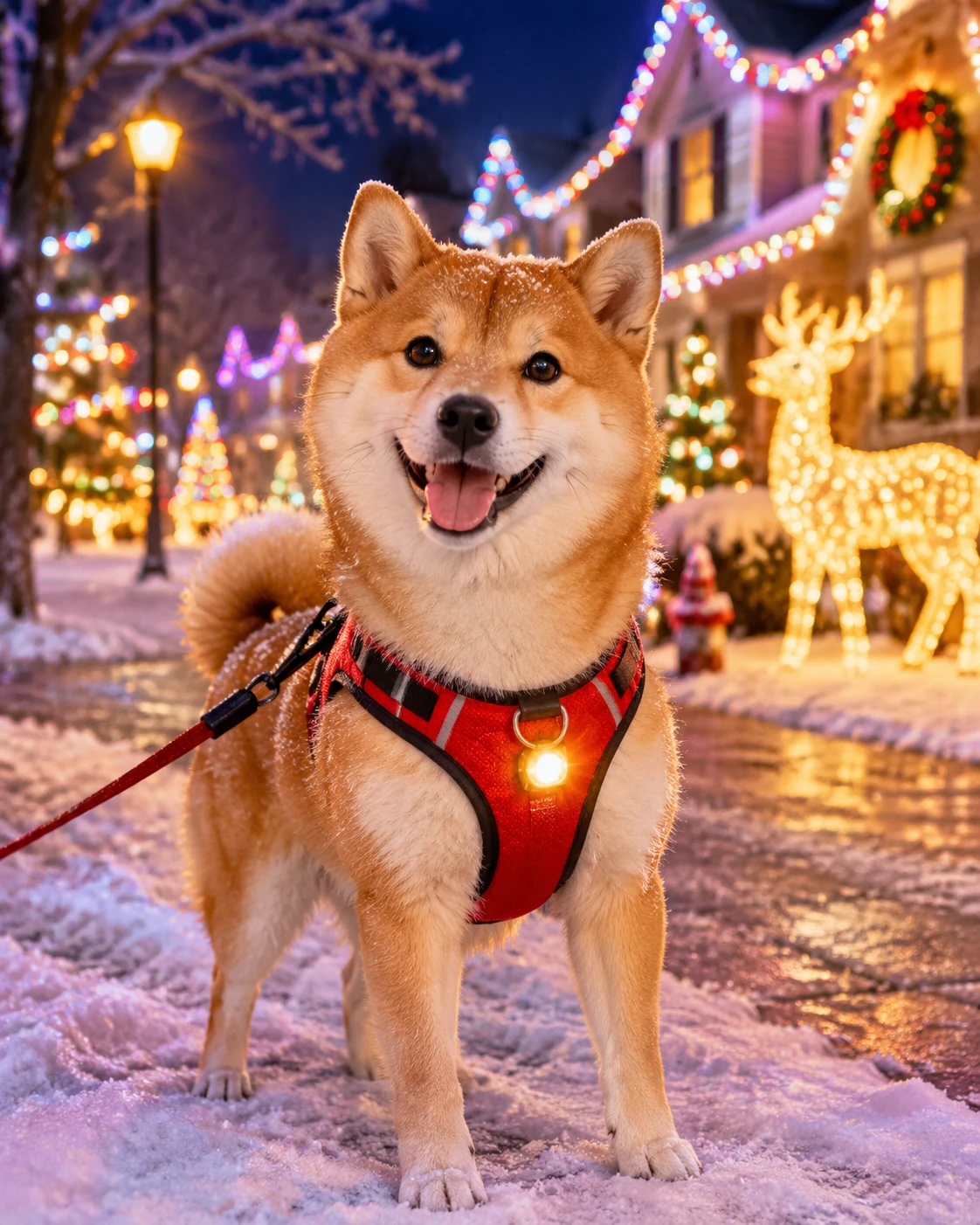 Christmas lights walkUse with my photo
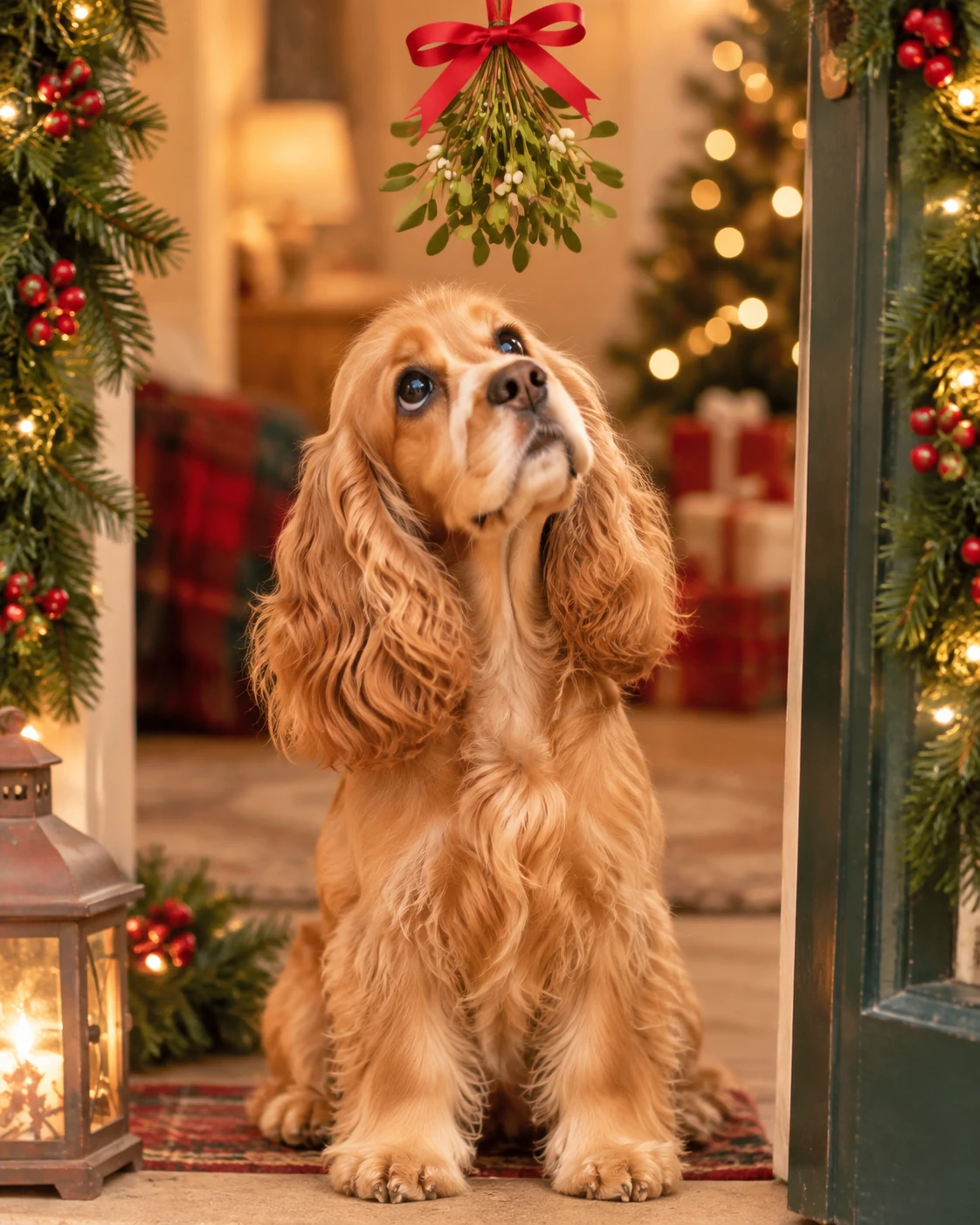 Under the mistletoeUse with my photo
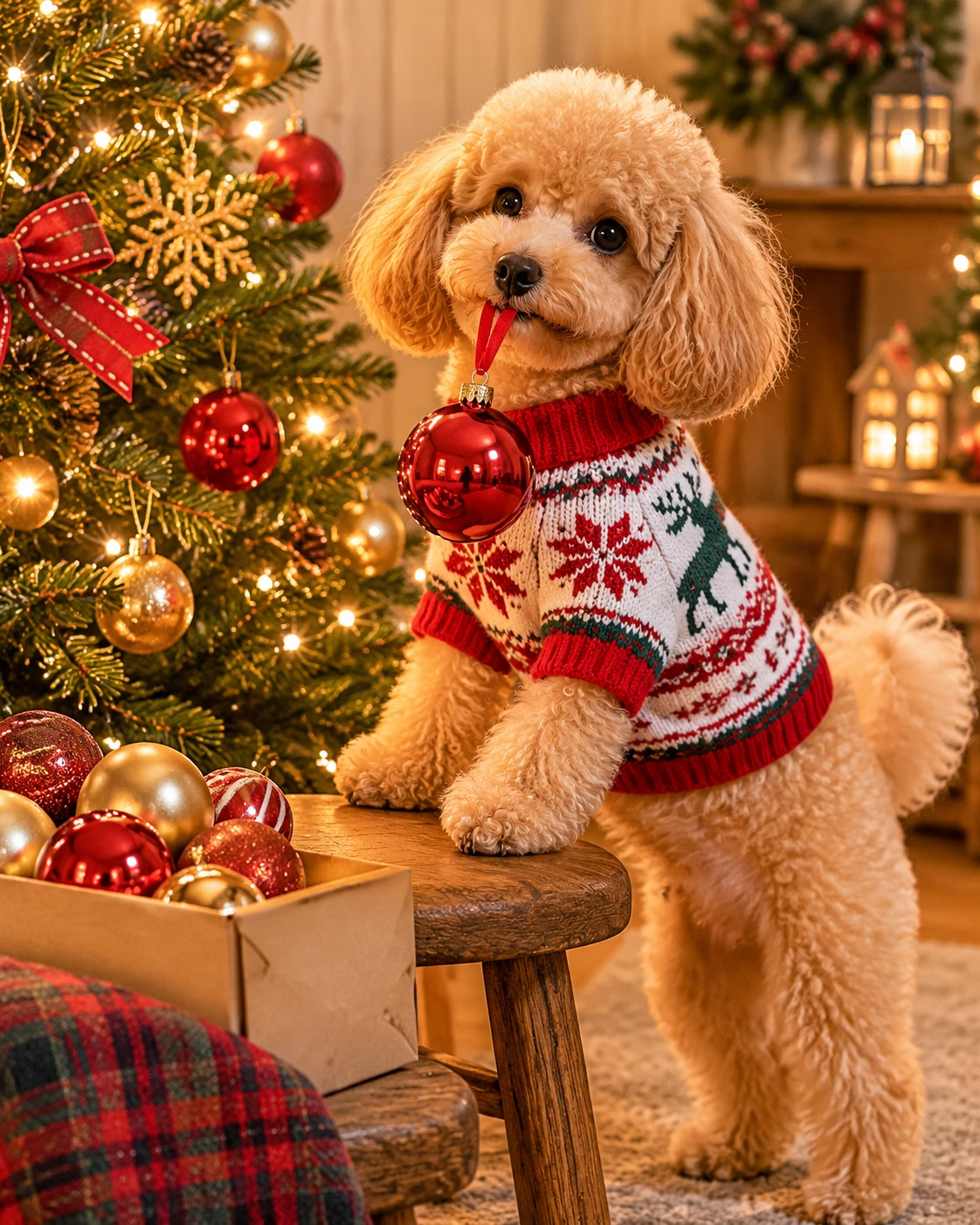 Decorating the treeUse with my photo
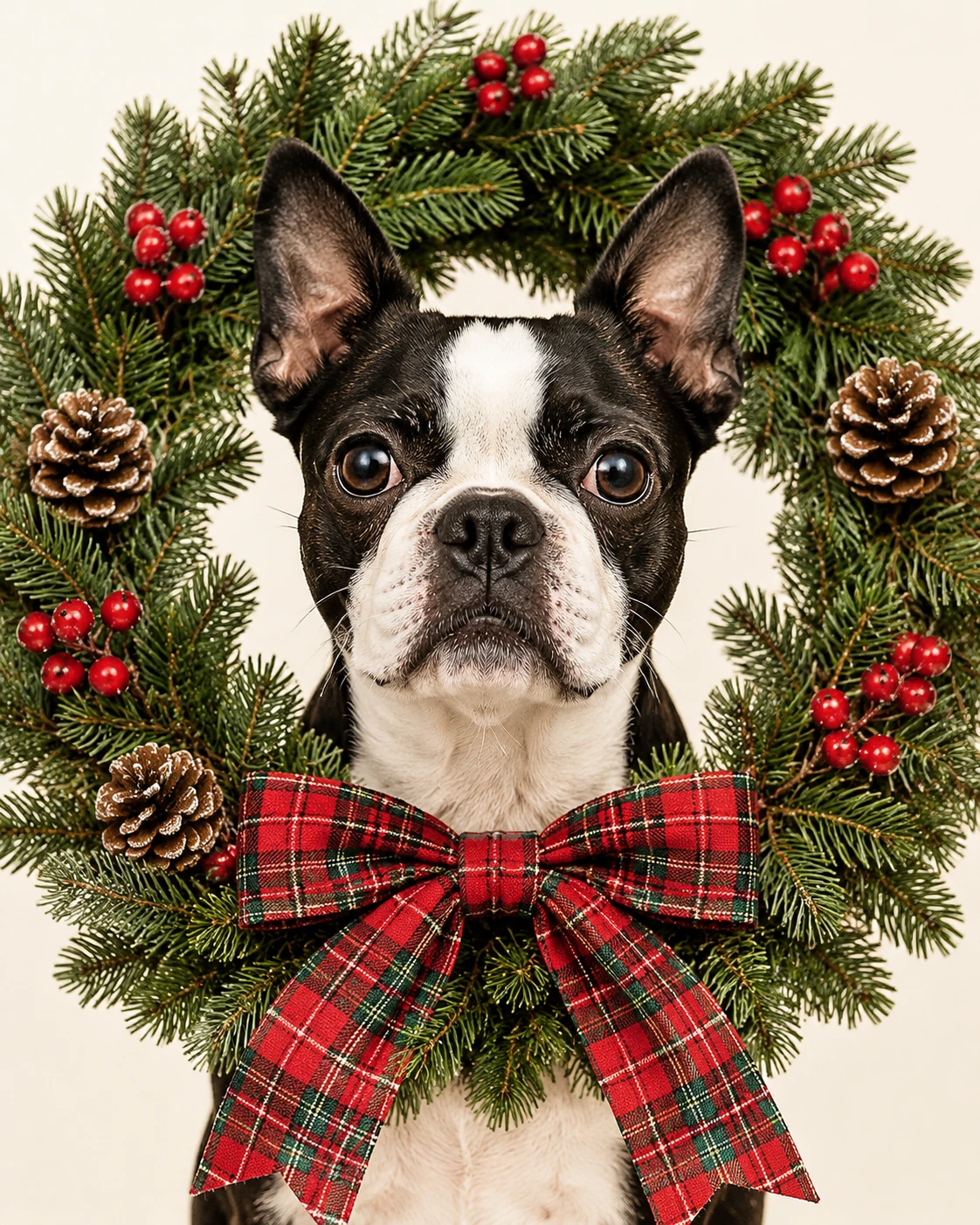 Wreath frame portraitUse with my photo
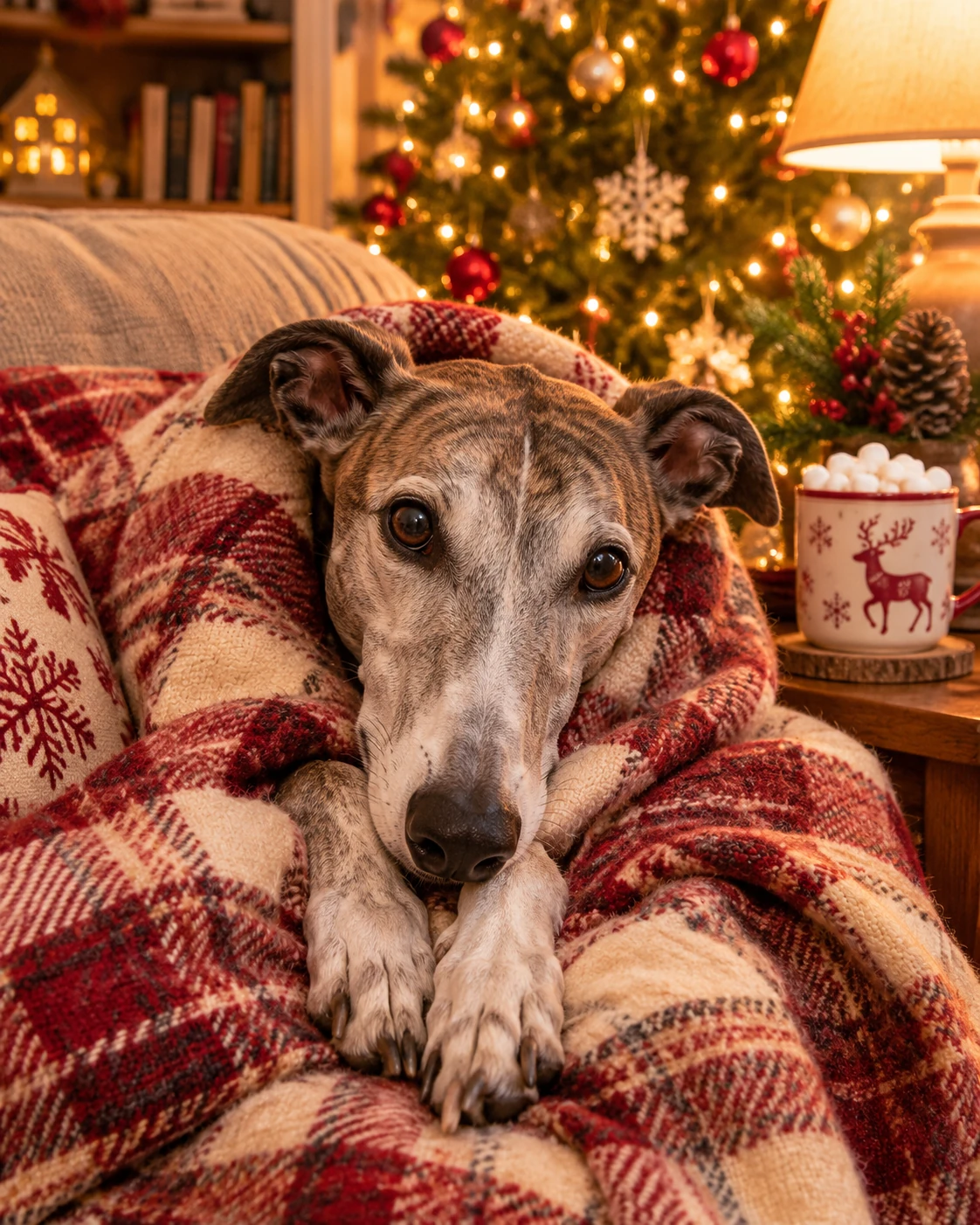 Cosy blanket and cocoaUse with my photo
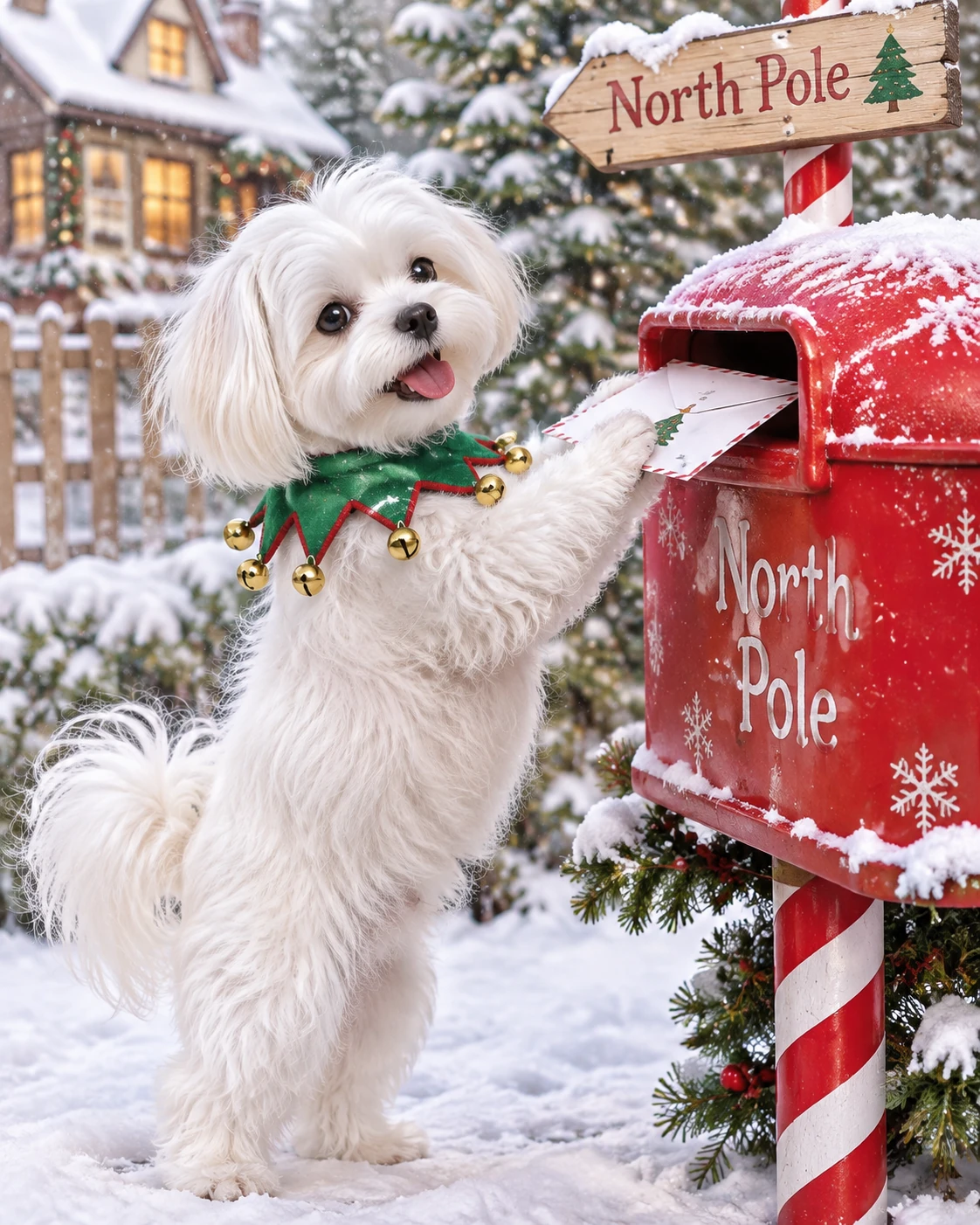 Letter to SantaUse with my photo
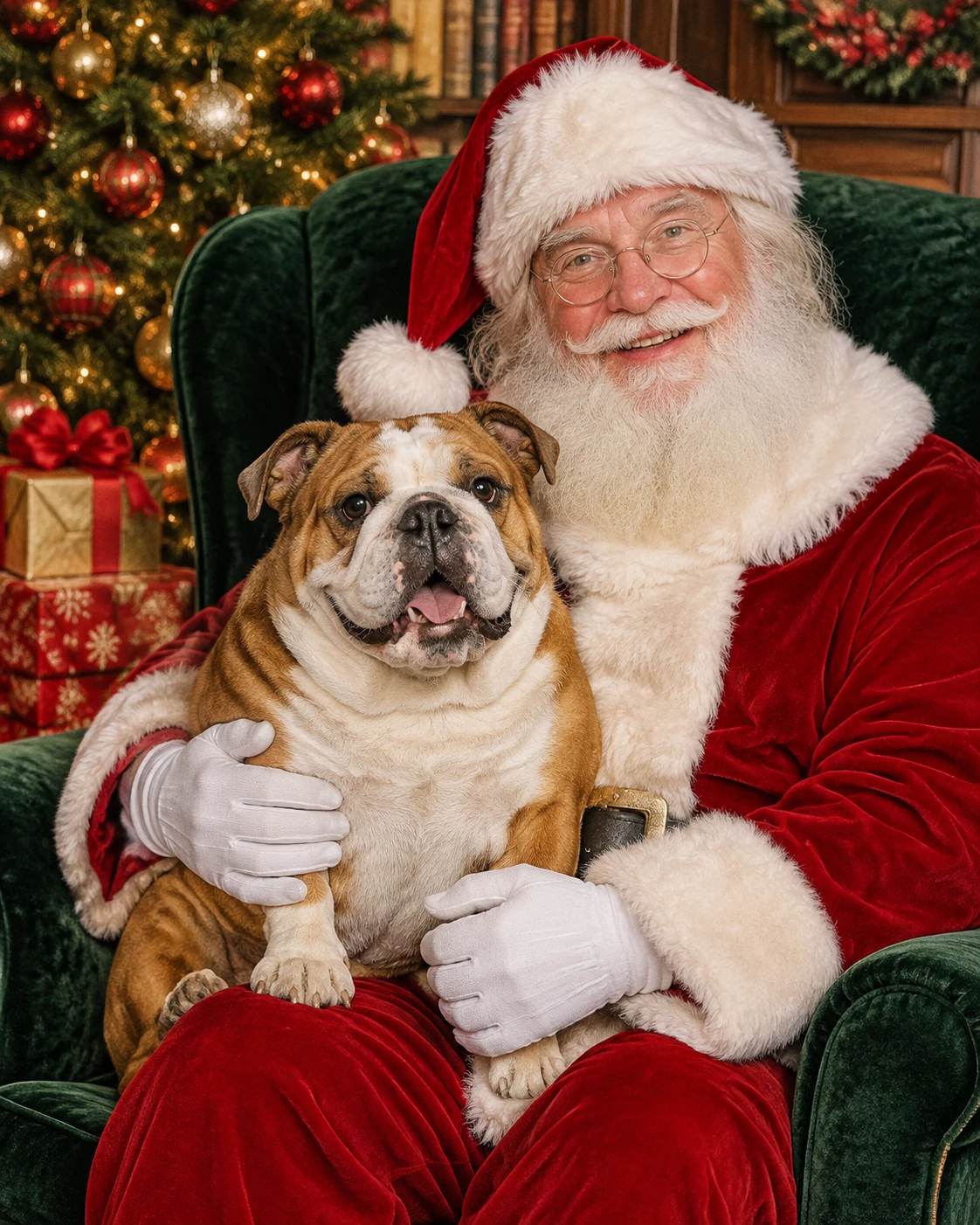 Photo with SantaUse with my photo
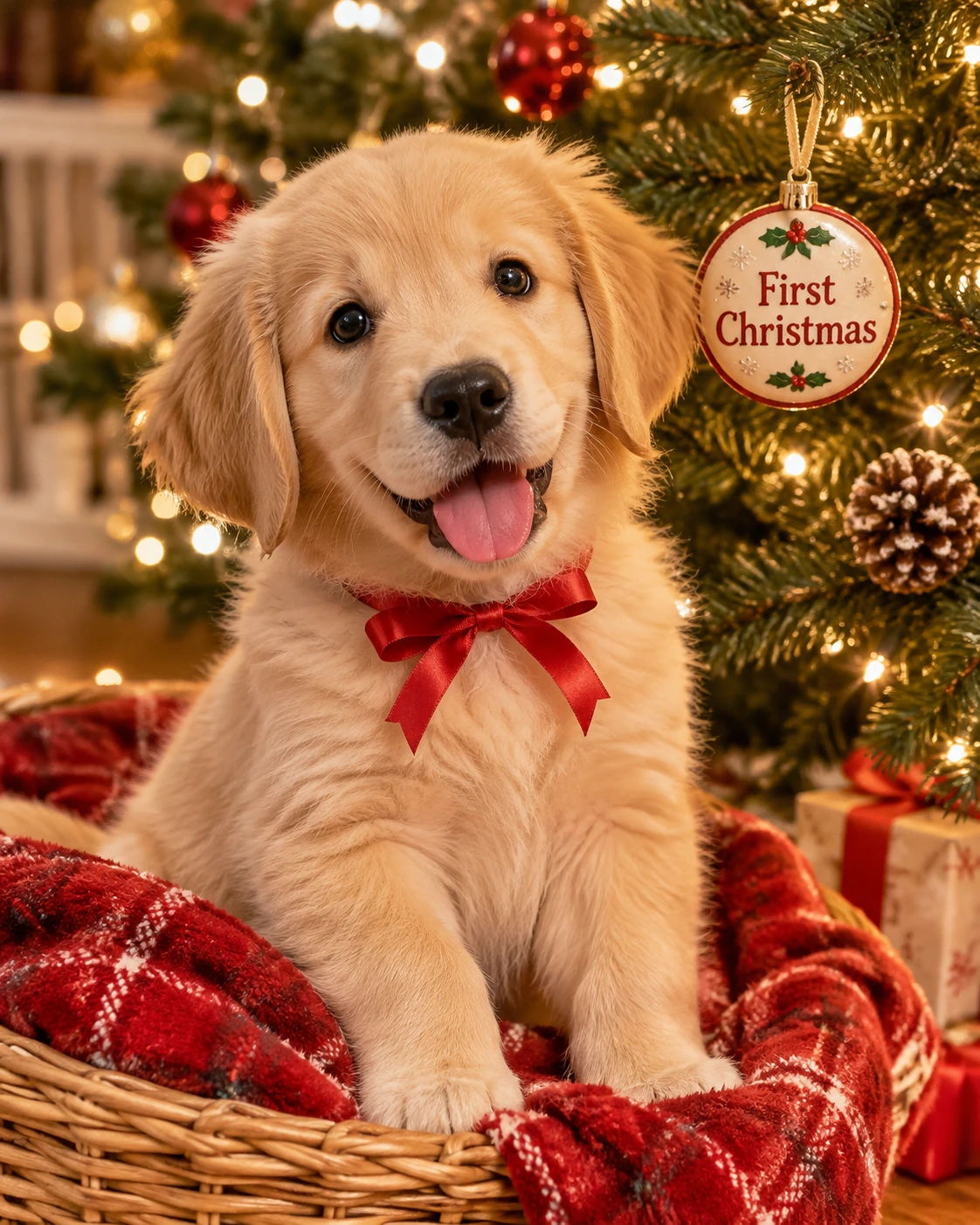 Puppy’s first ChristmasUse with my photo
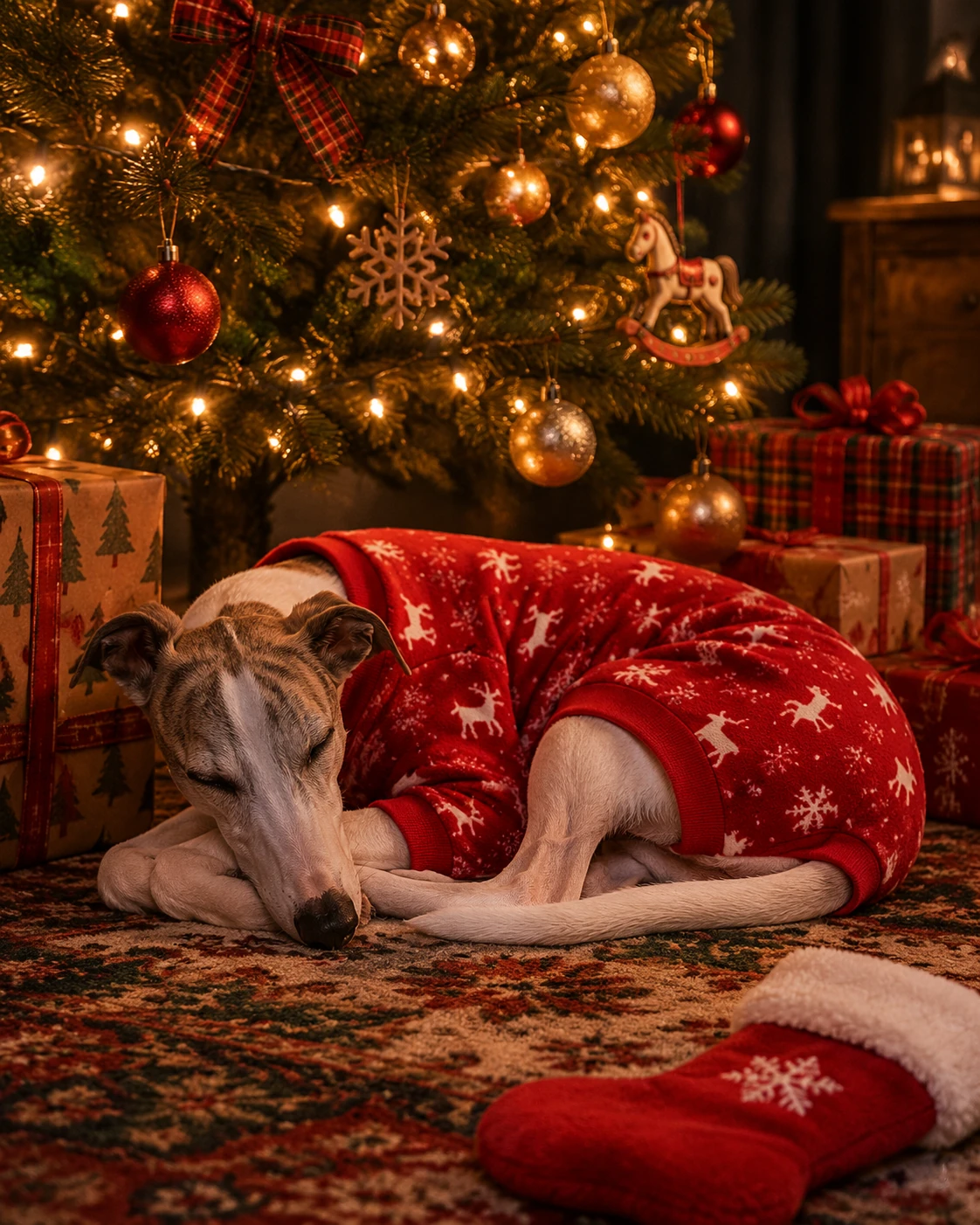 Asleep on Christmas EveUse with my photo
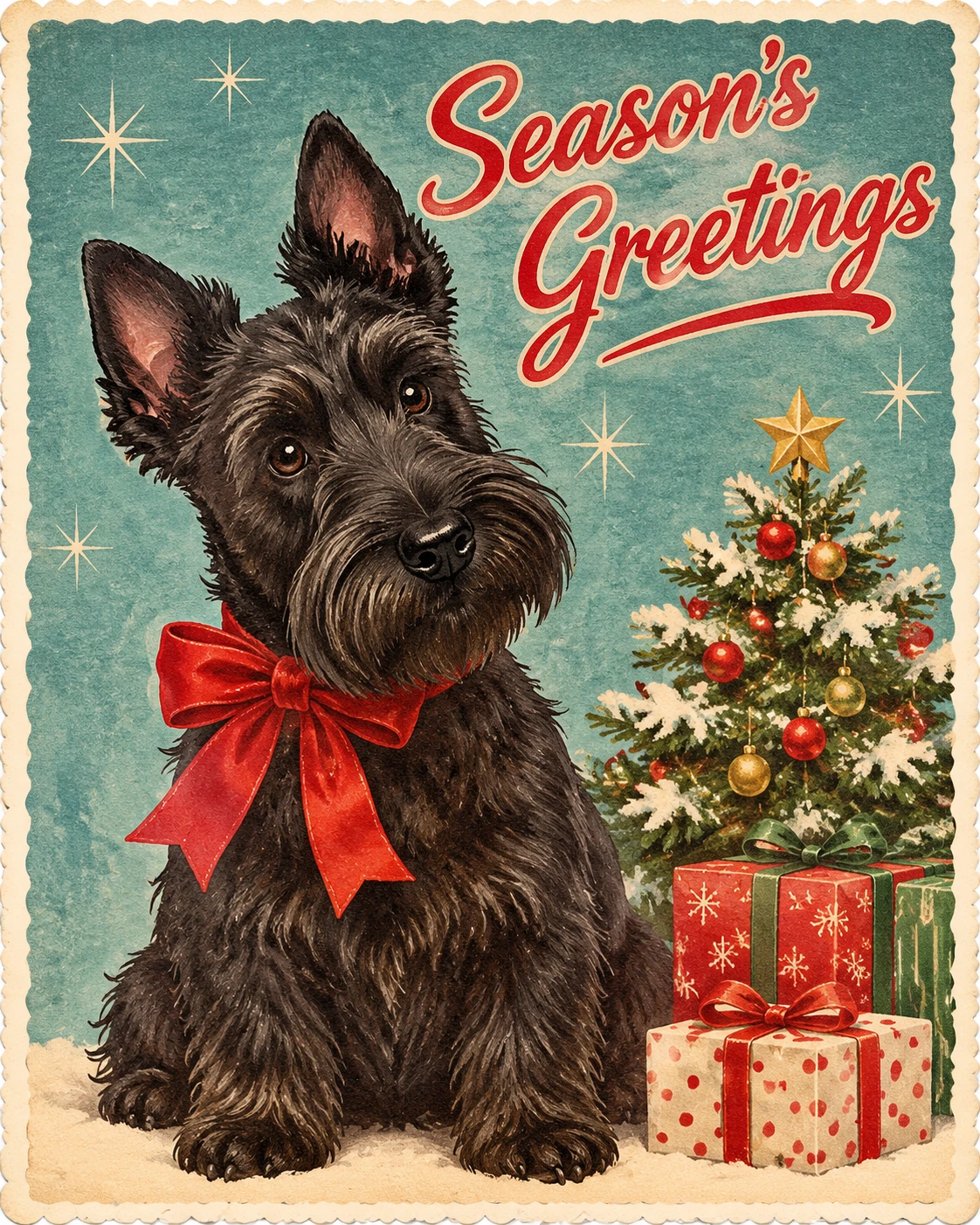 Vintage Christmas postcardUse with my photo
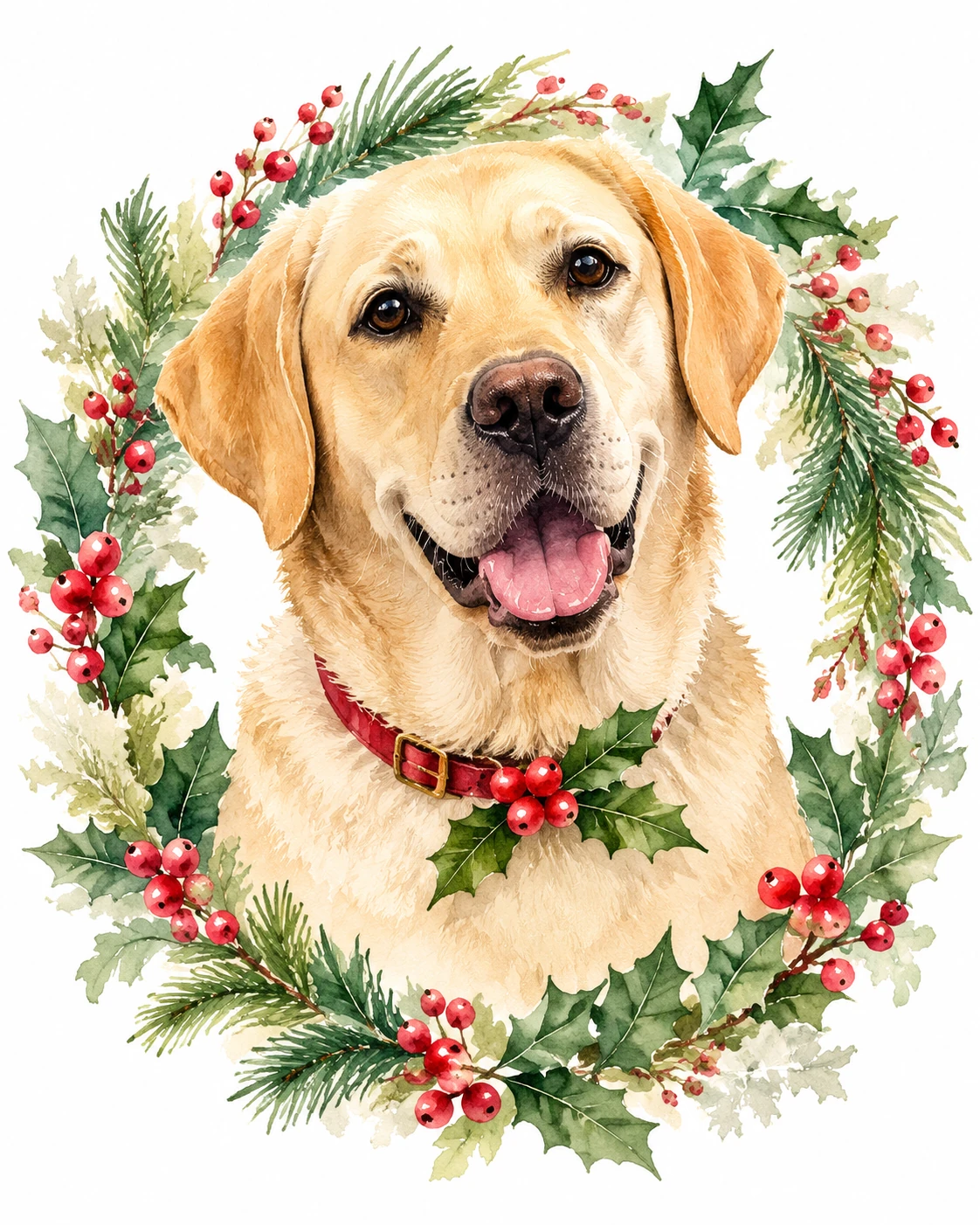 Watercolor Christmas cardUse with my photo
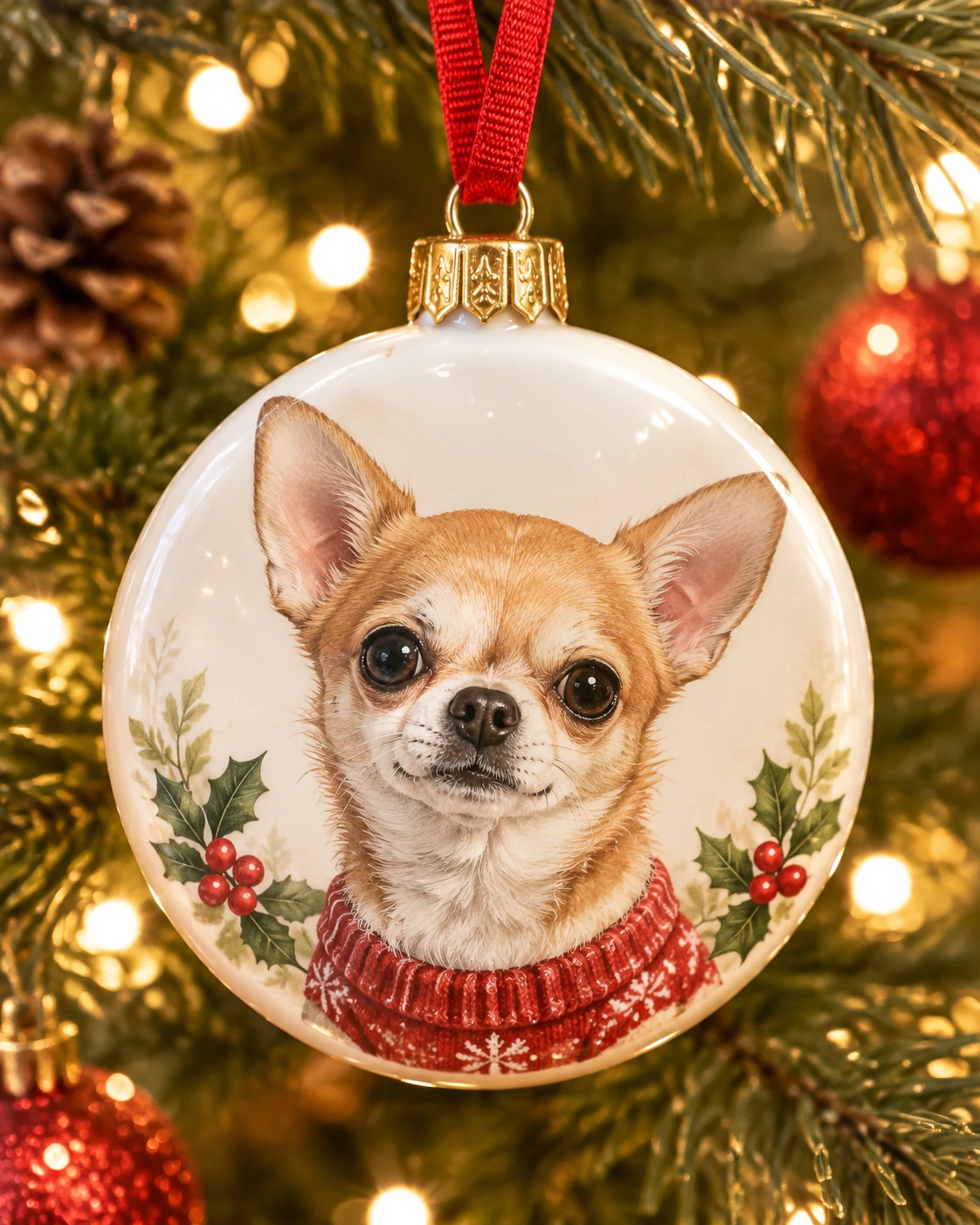 Portrait ornamentUse with my photo
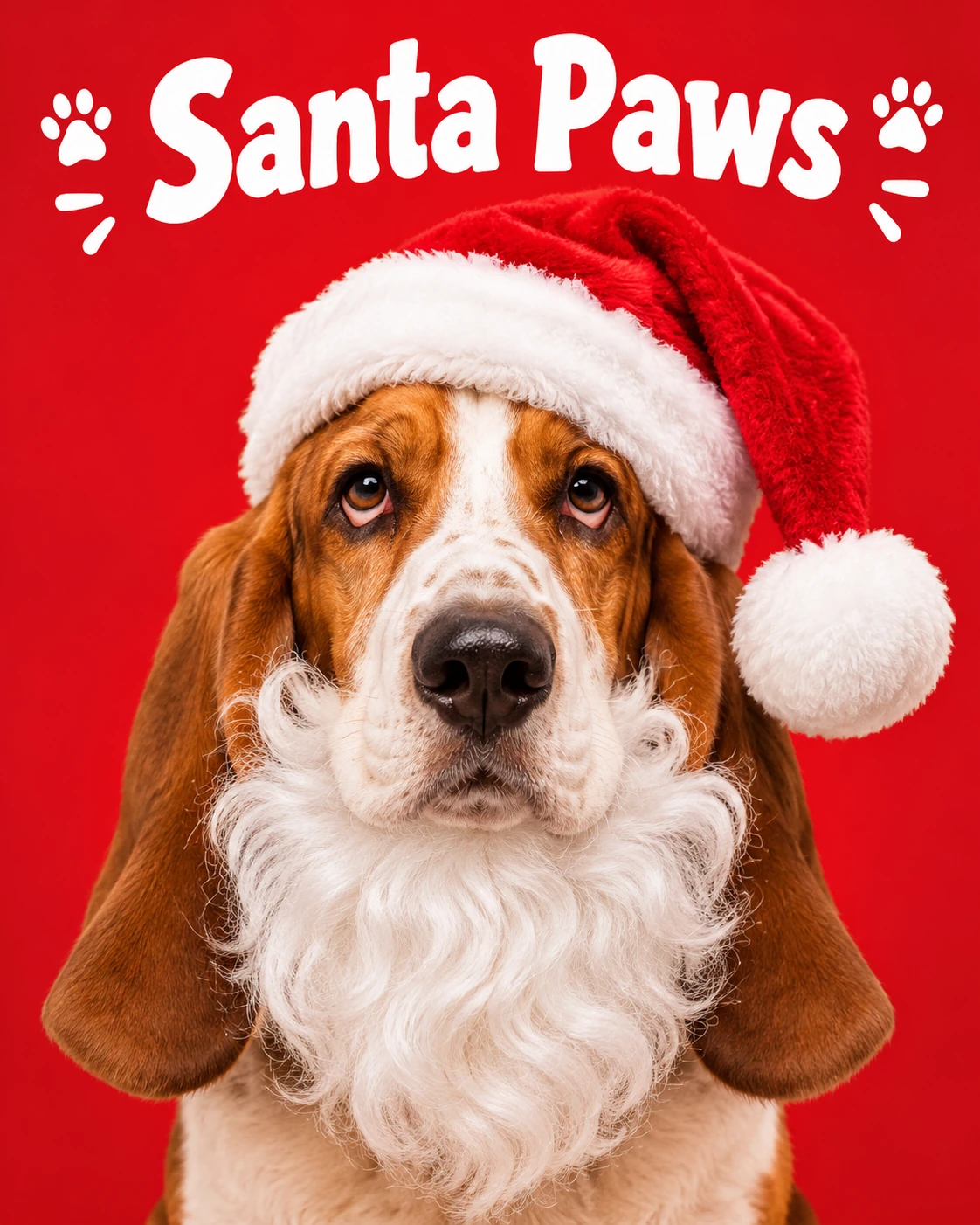 “Santa Paws” cardUse with my photo
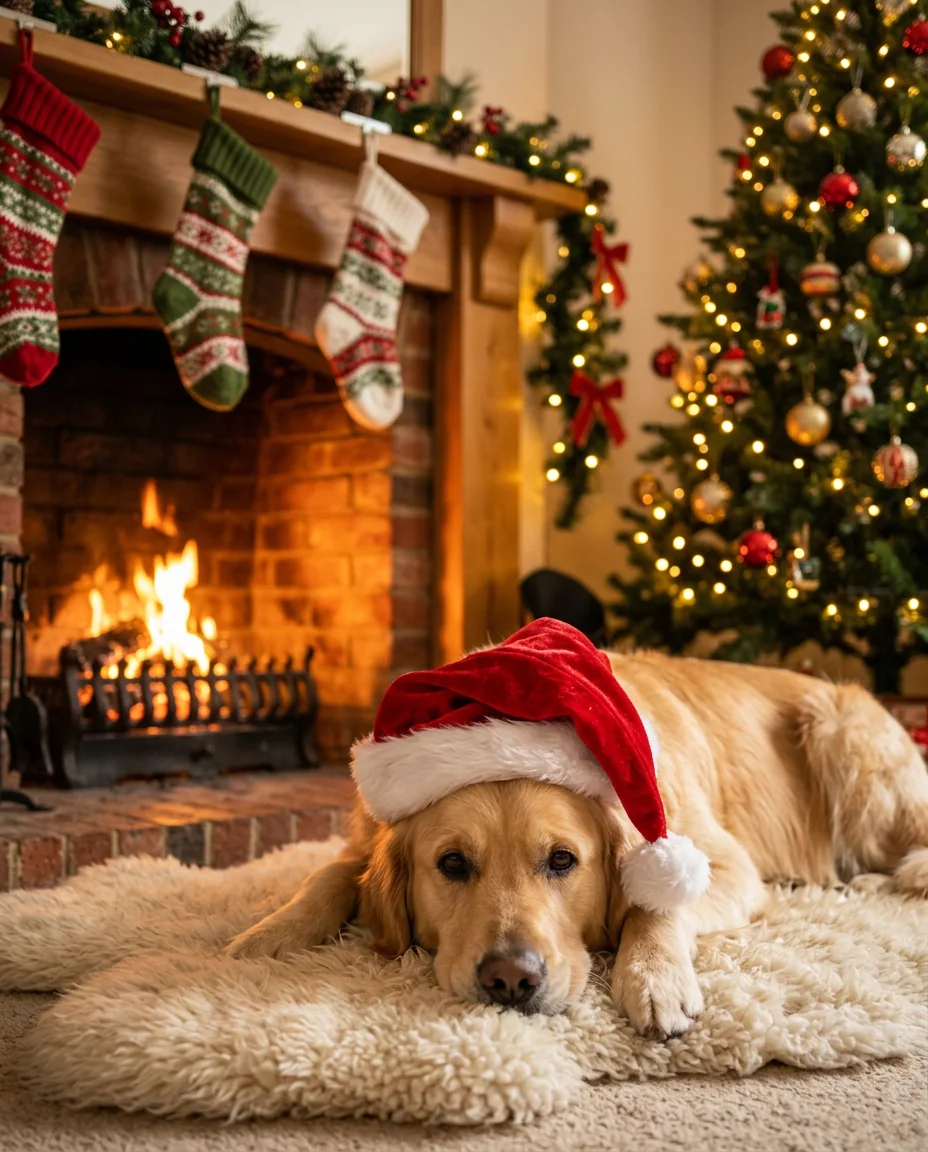 Santa hat by the fireplaceUse with my photo
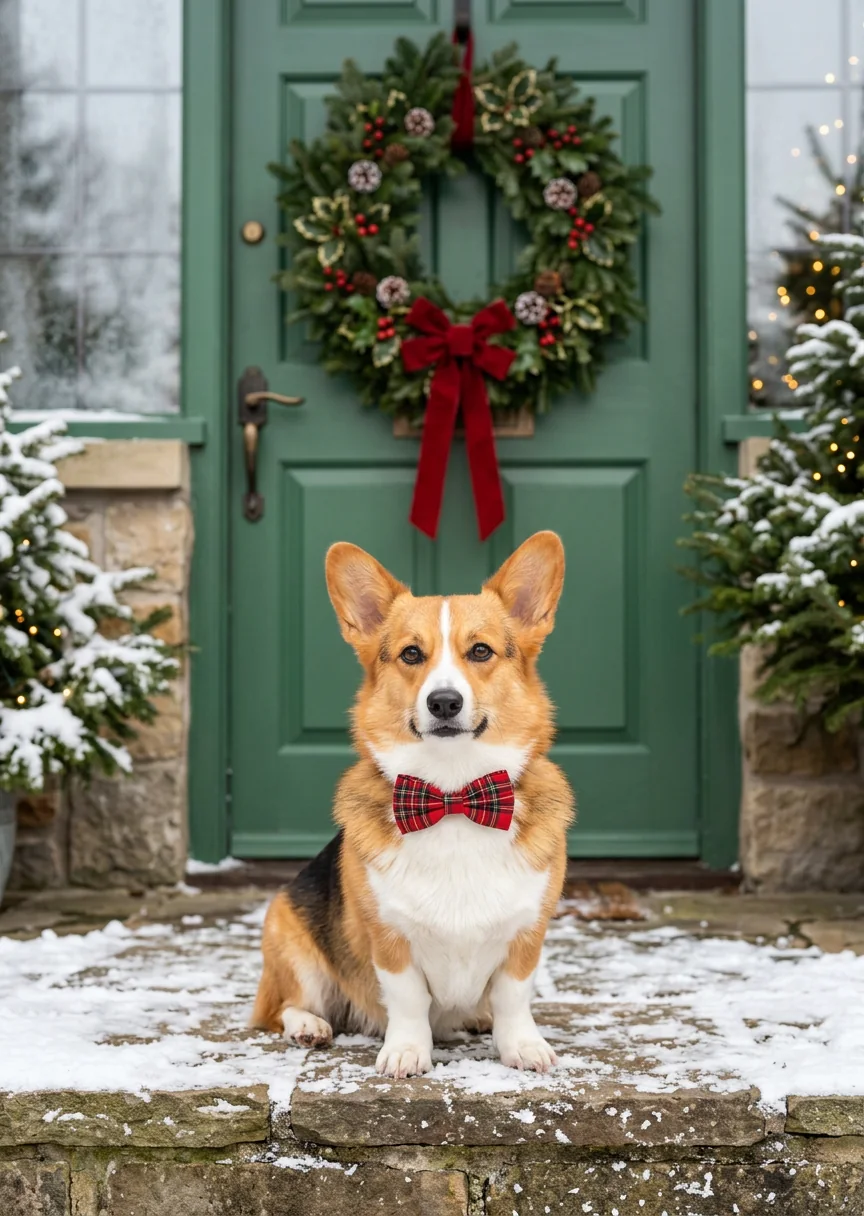 Christmas cardUse with my photo
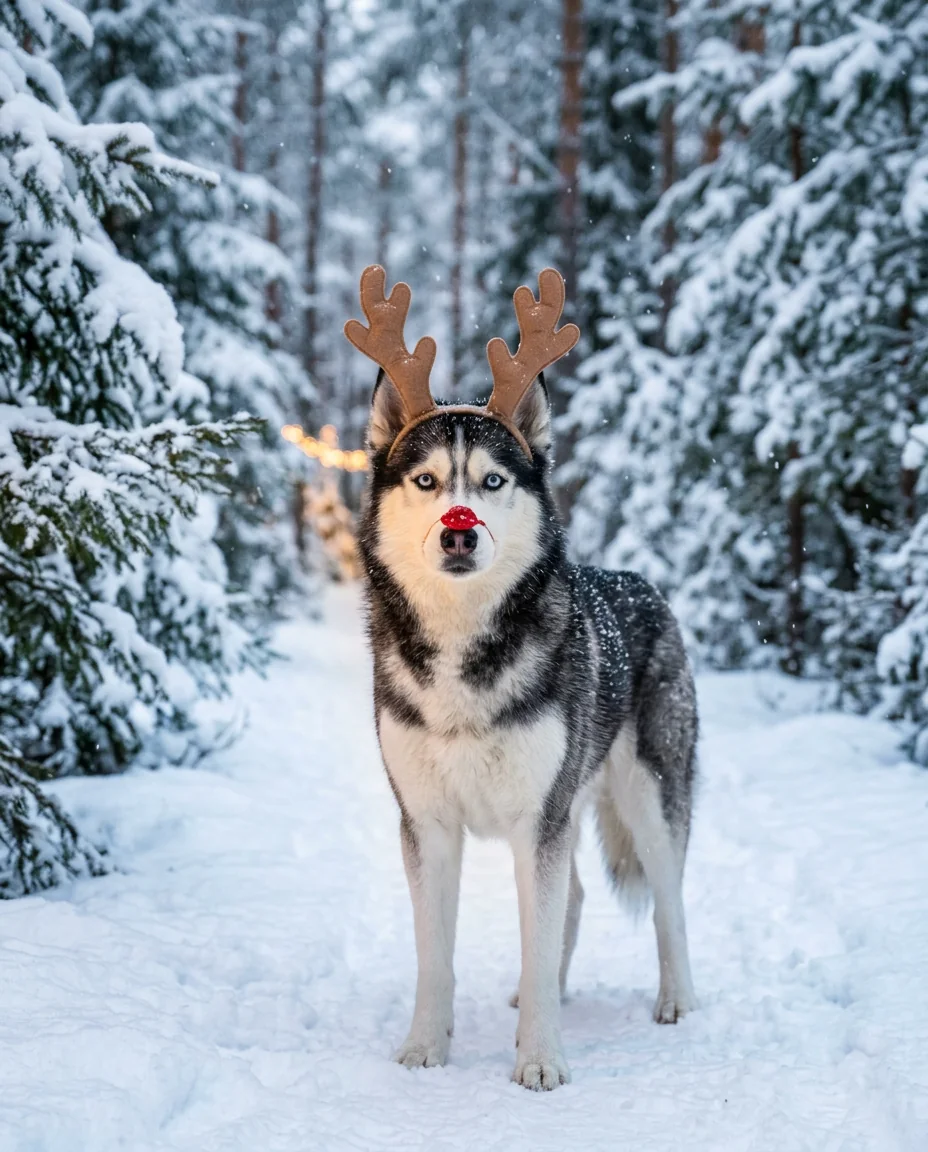 Reindeer antlers in the snowUse with my photo
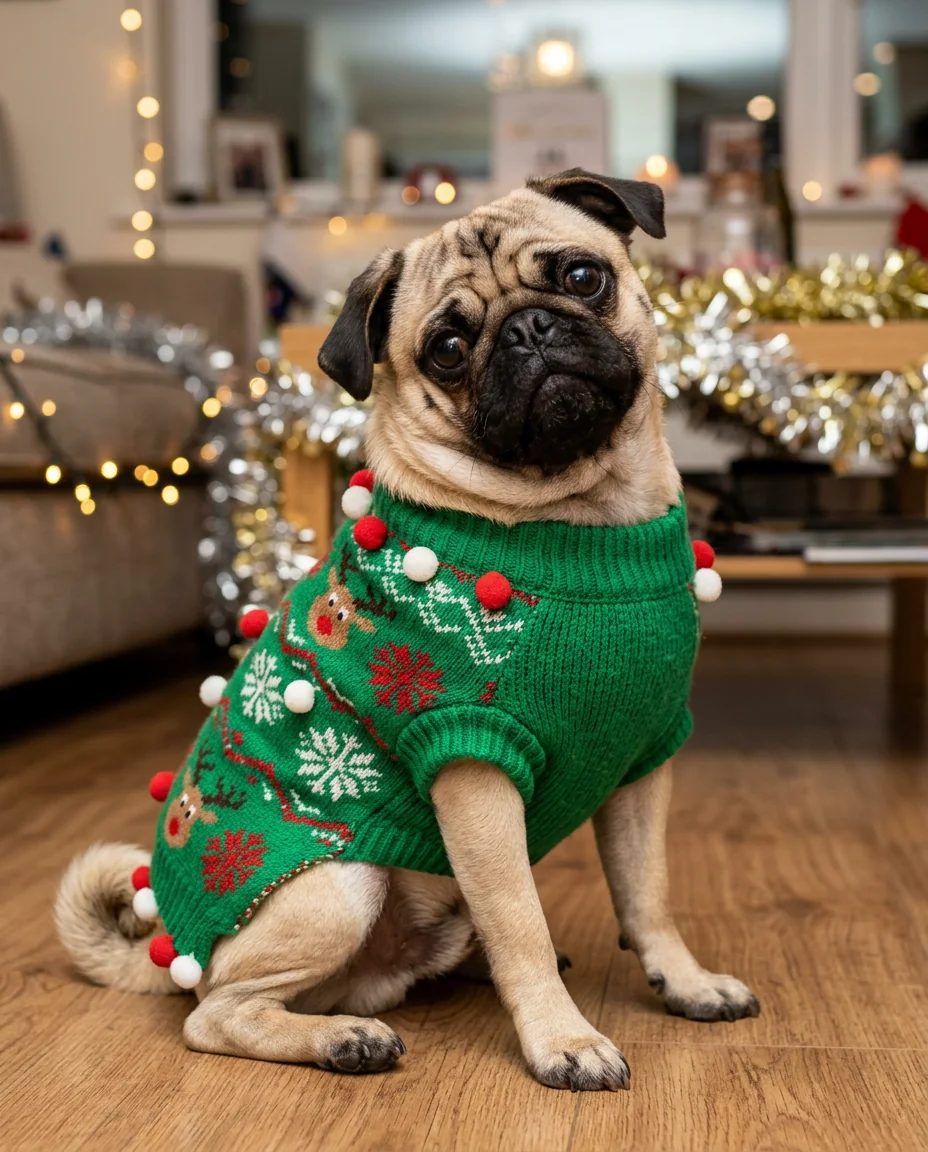 Ugly Christmas sweaterUse with my photo
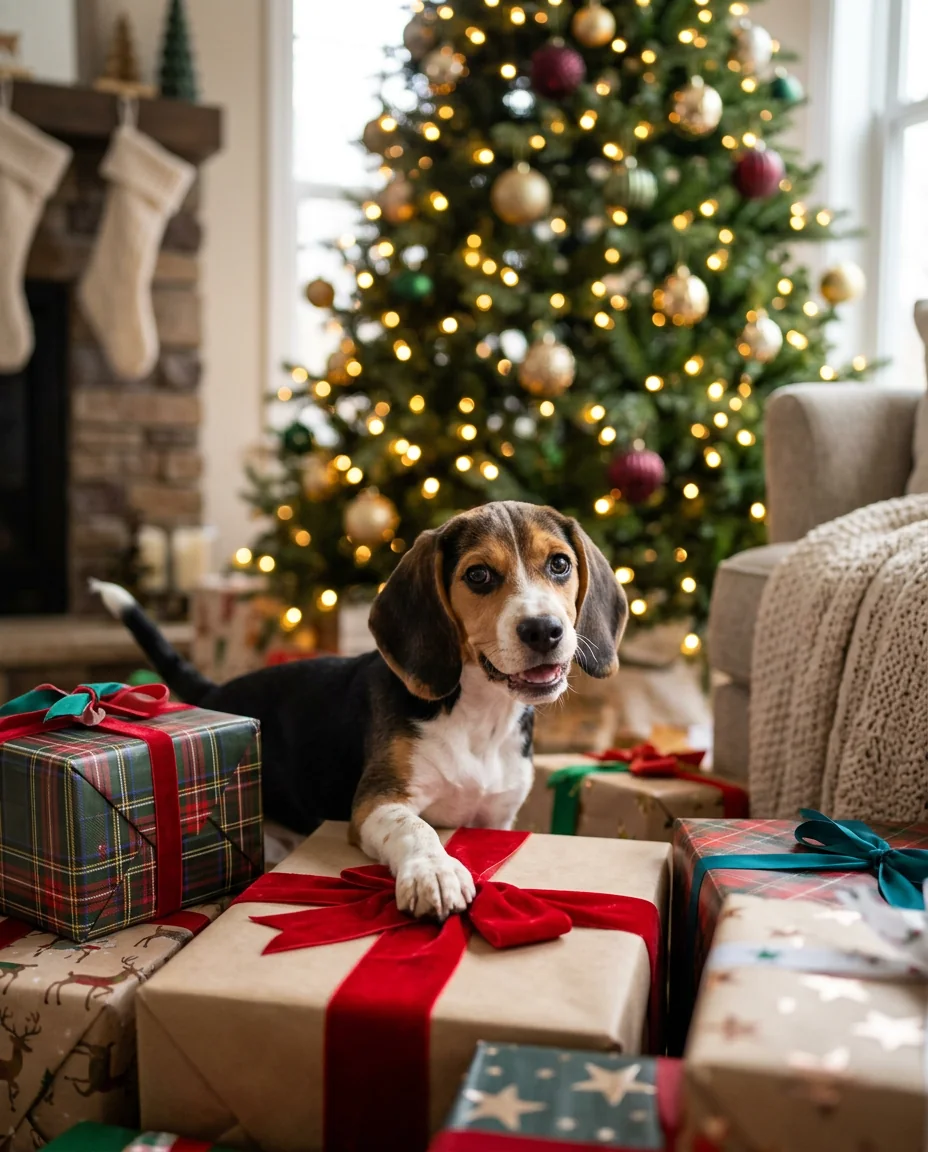 Under the Christmas treeUse with my photo
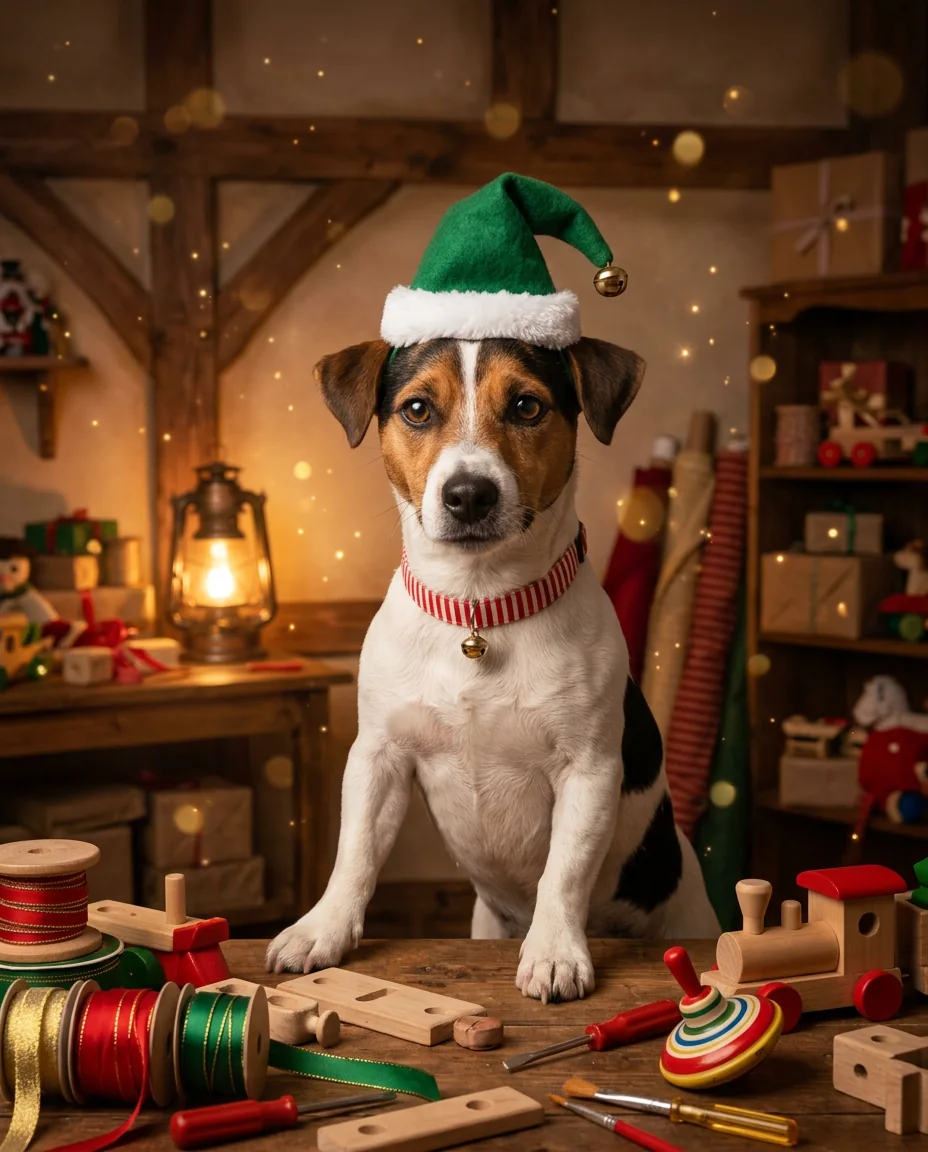 Santa's little helperUse with my photo
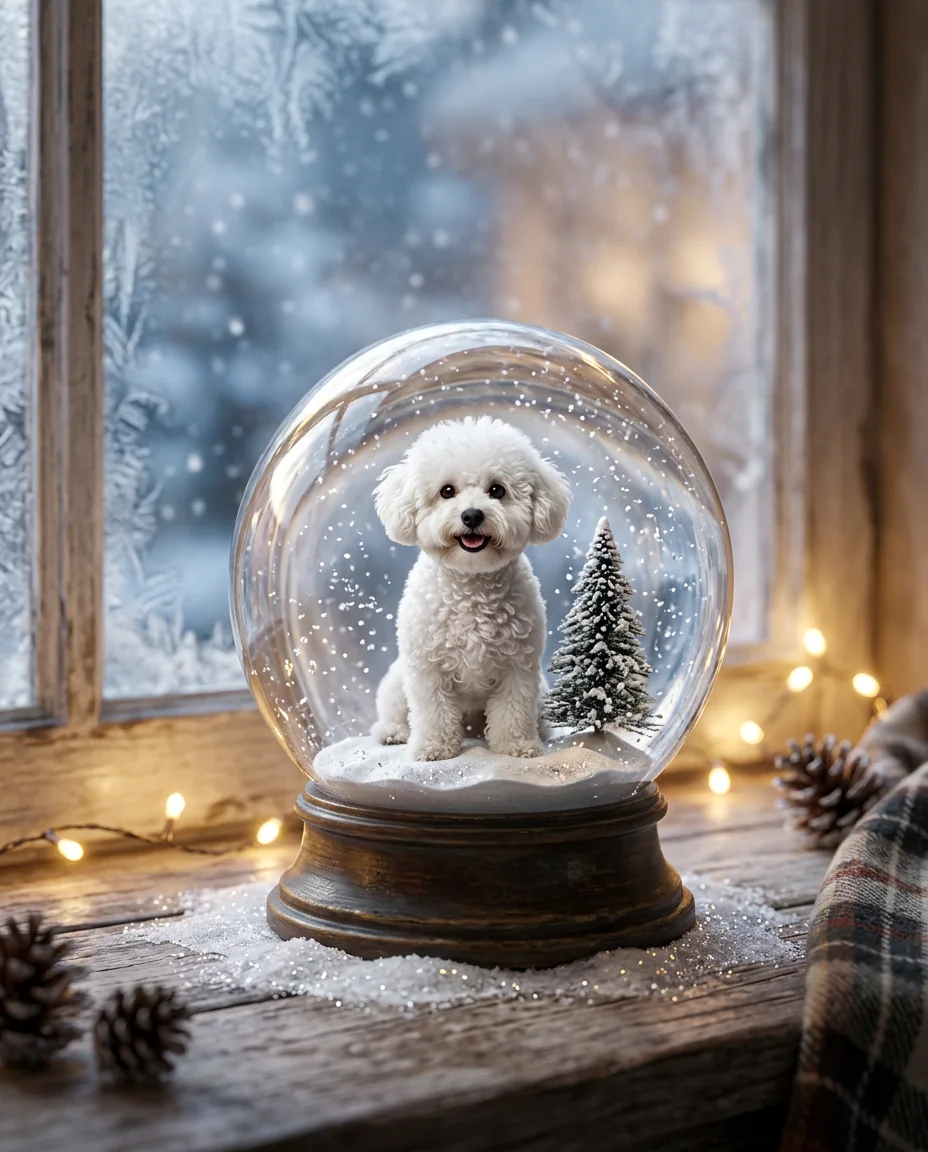 Snow globeUse with my photo
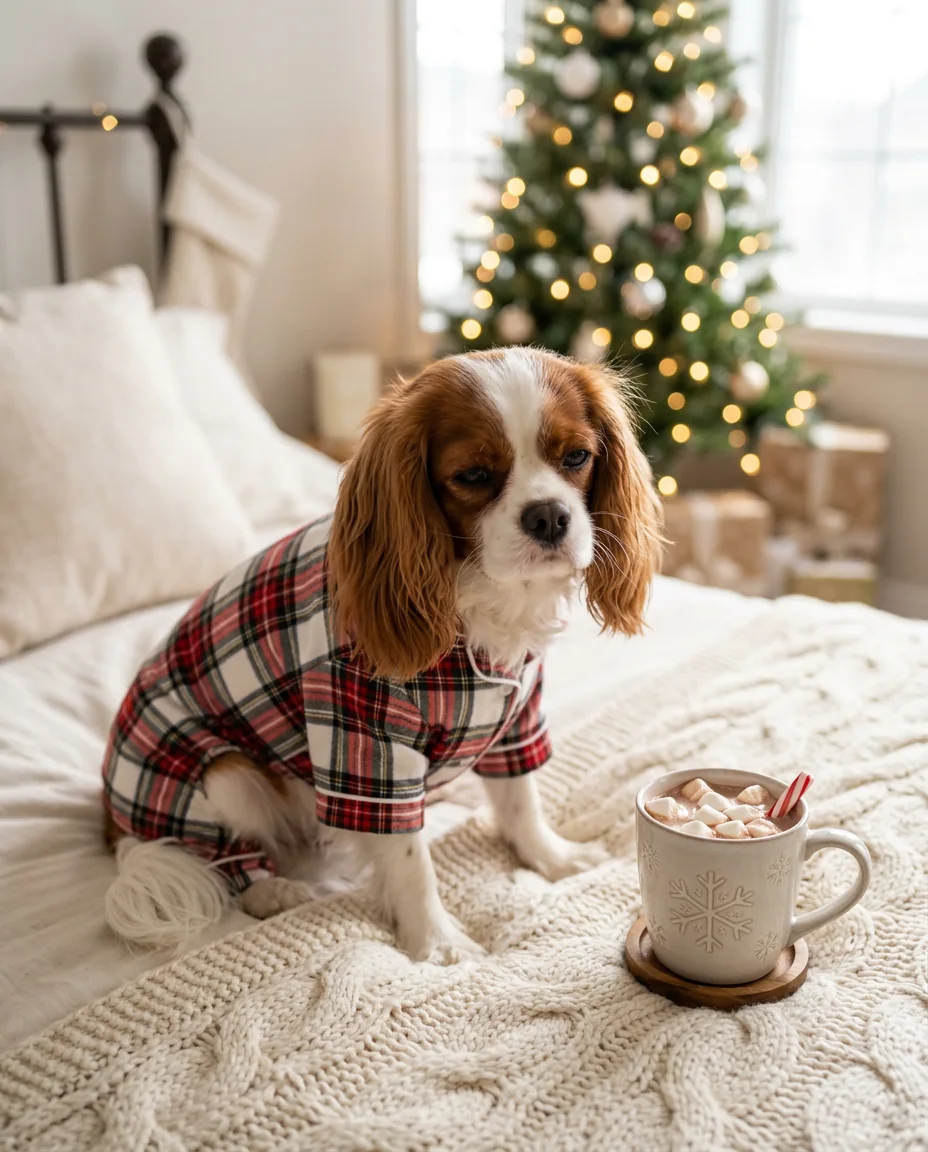 Christmas pajamasUse with my photo
Fantasy Christmas dog 45 In season
See the prompts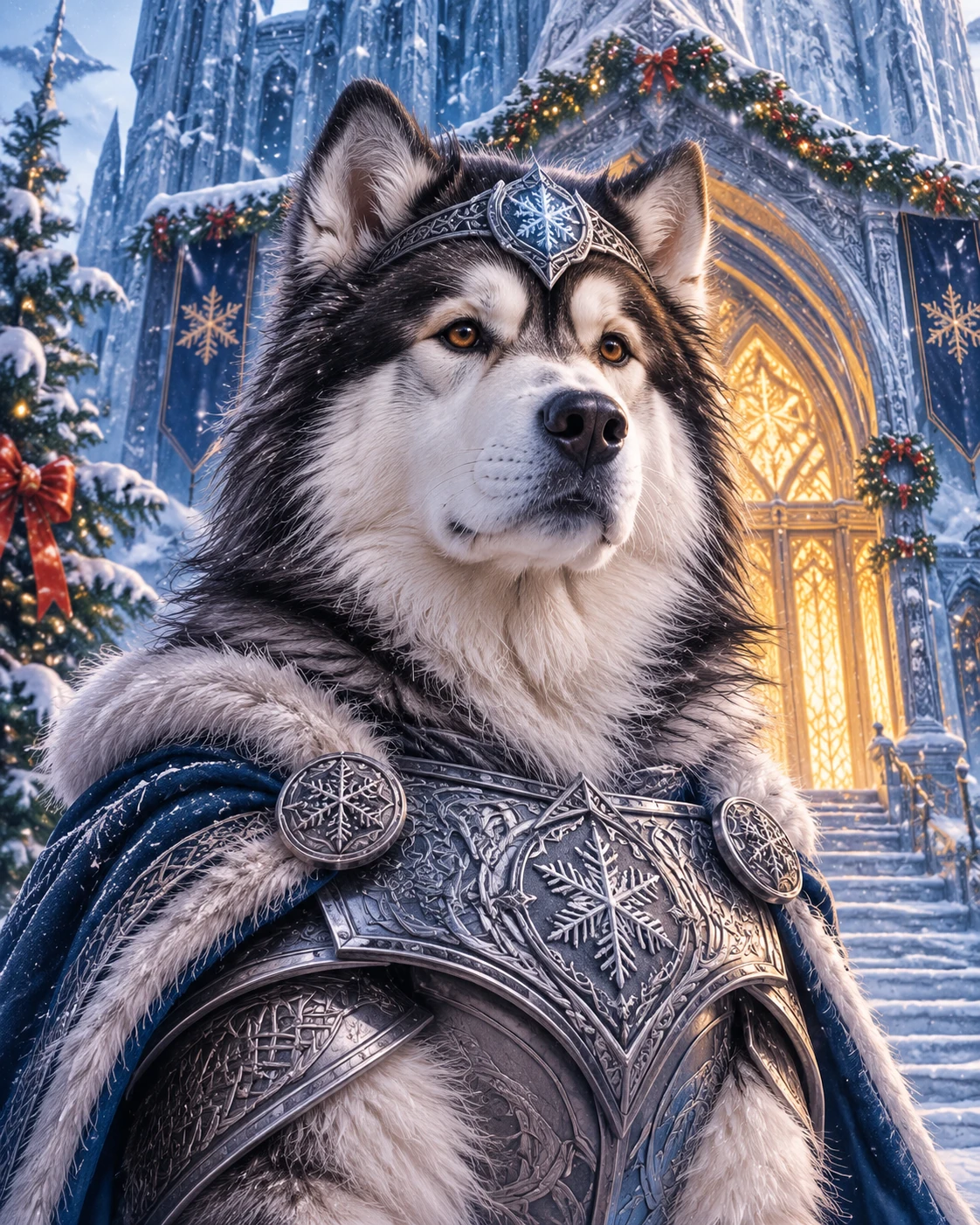 Norse snow guardianUse with my photo
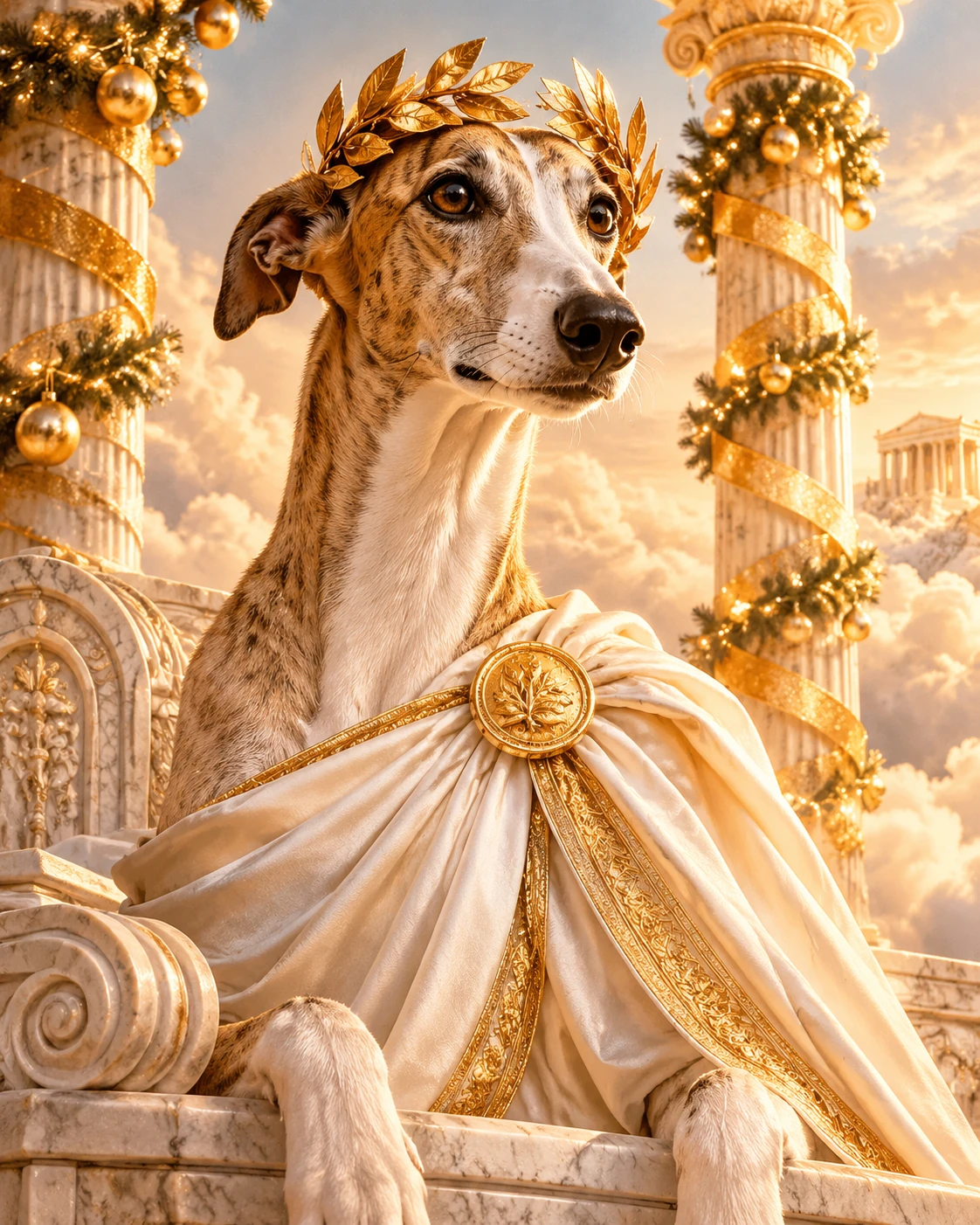 Christmas on OlympusUse with my photo
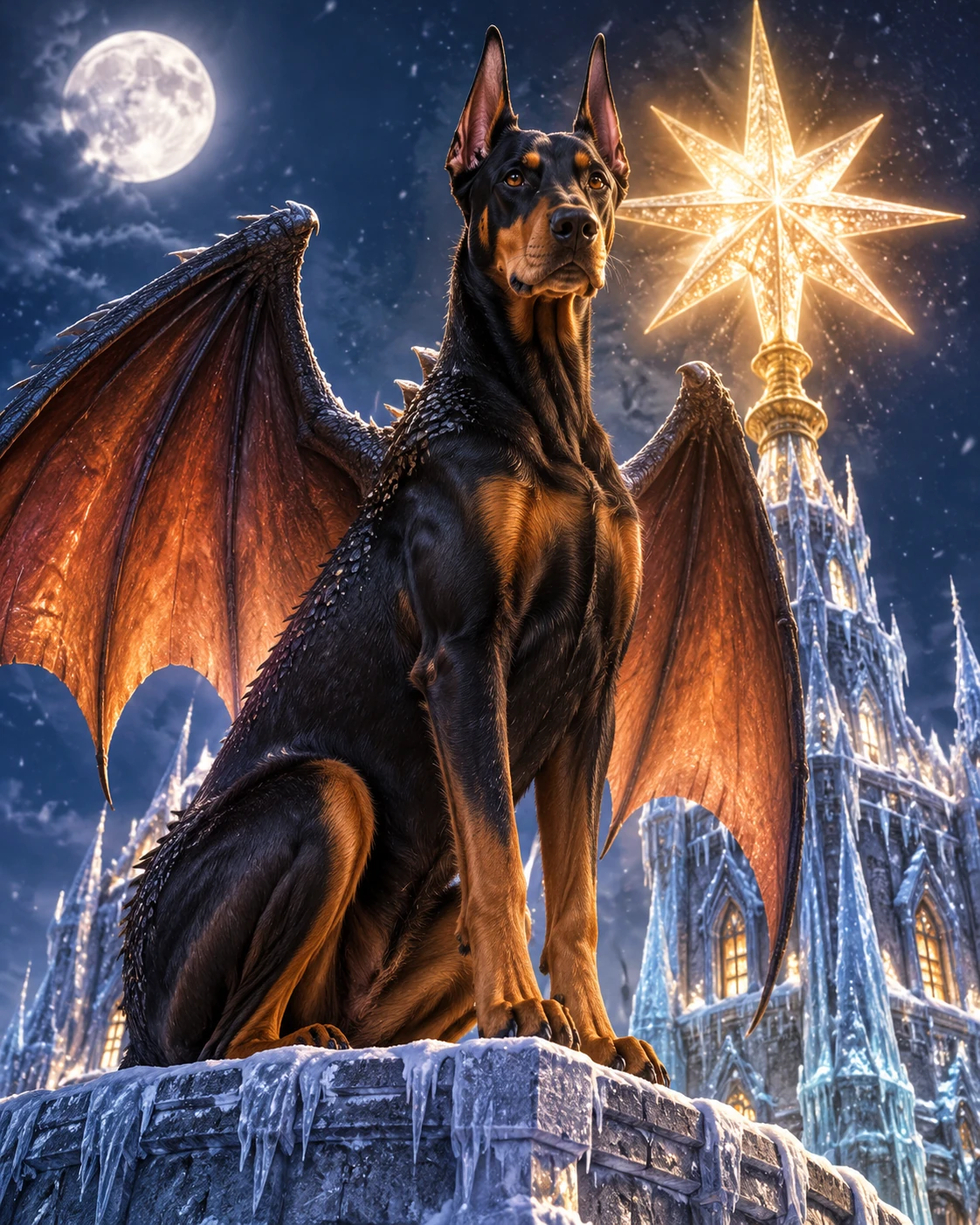 Dragon-winged guardianUse with my photo
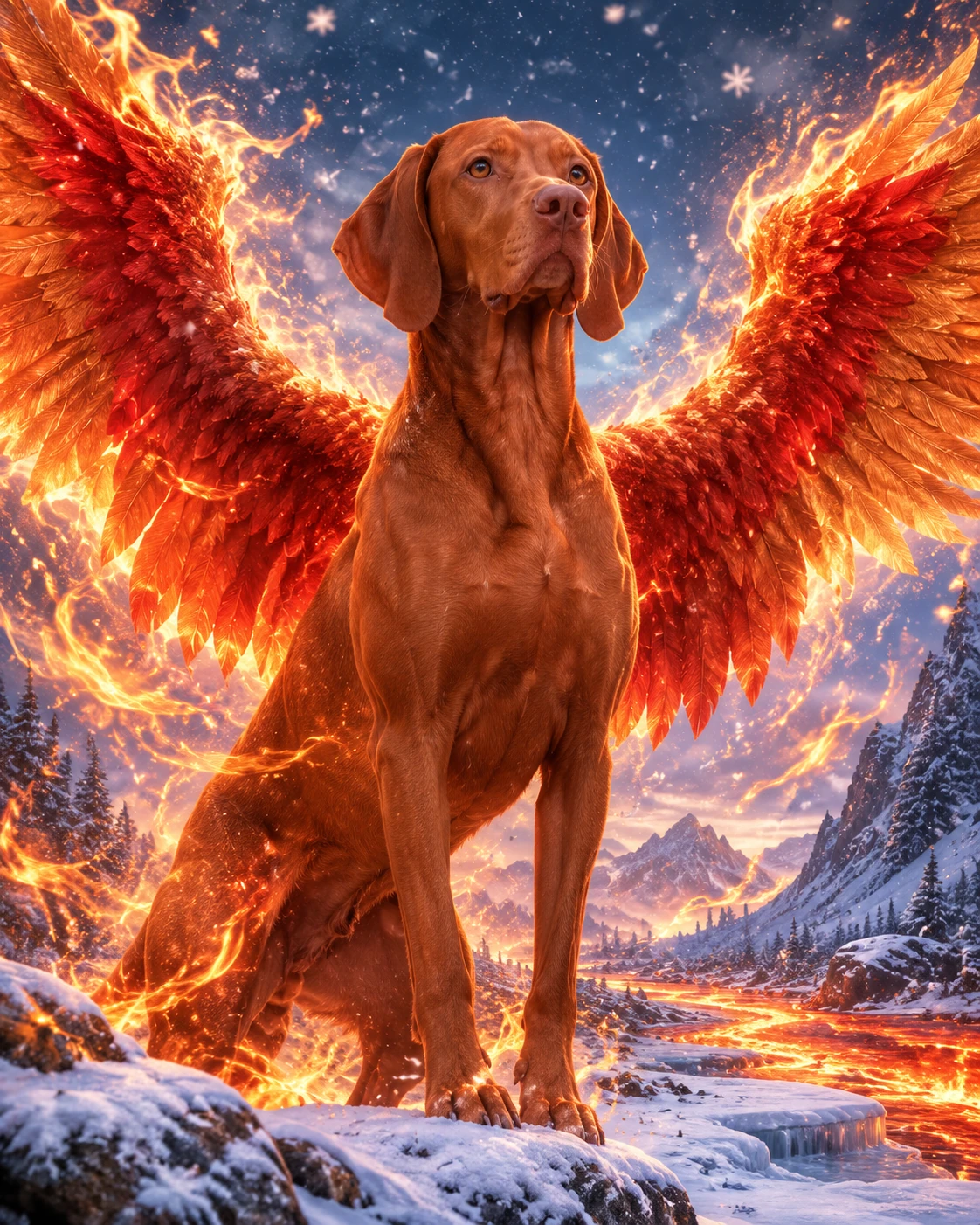 Phoenix dogUse with my photo
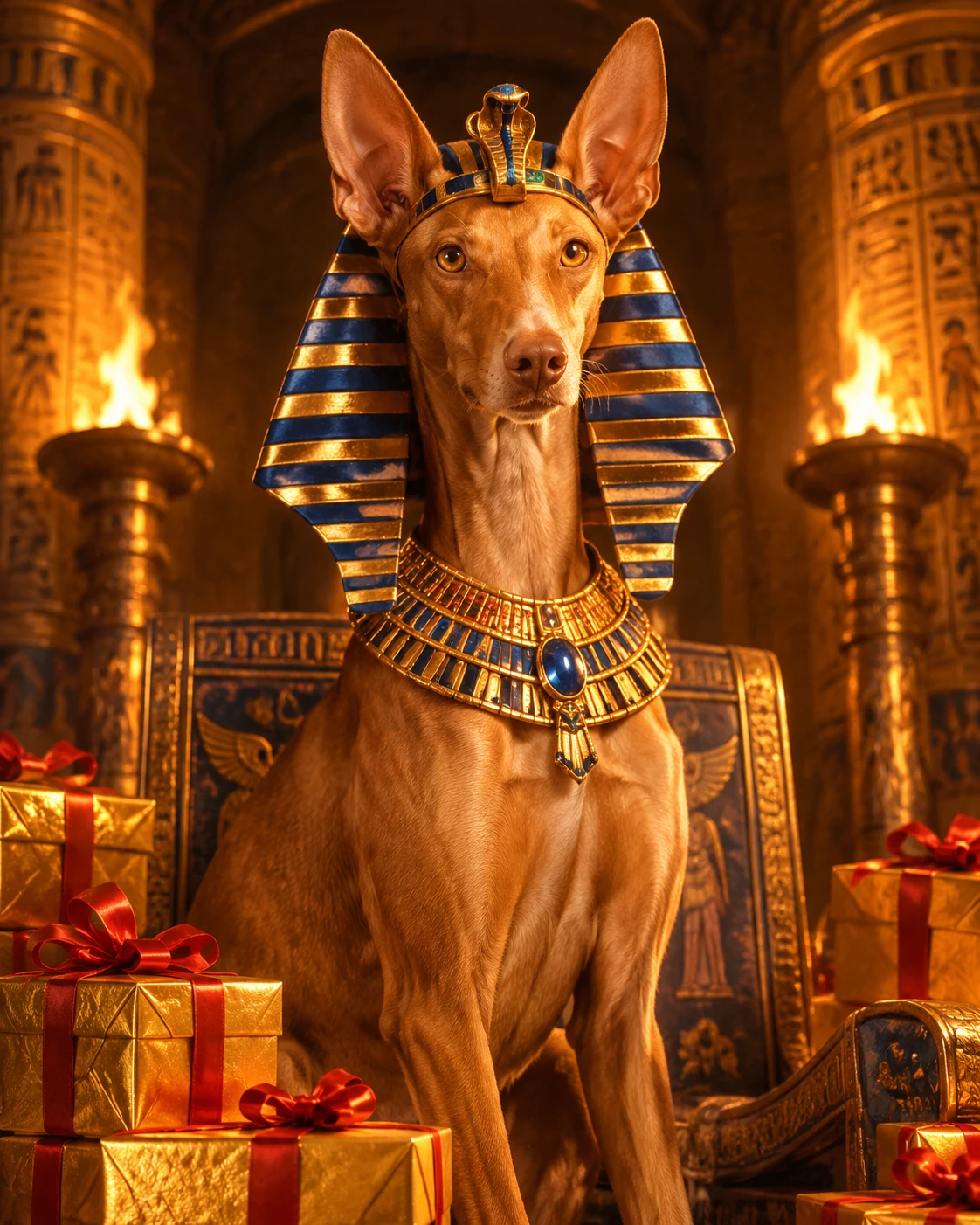 Pharaoh’s ChristmasUse with my photo
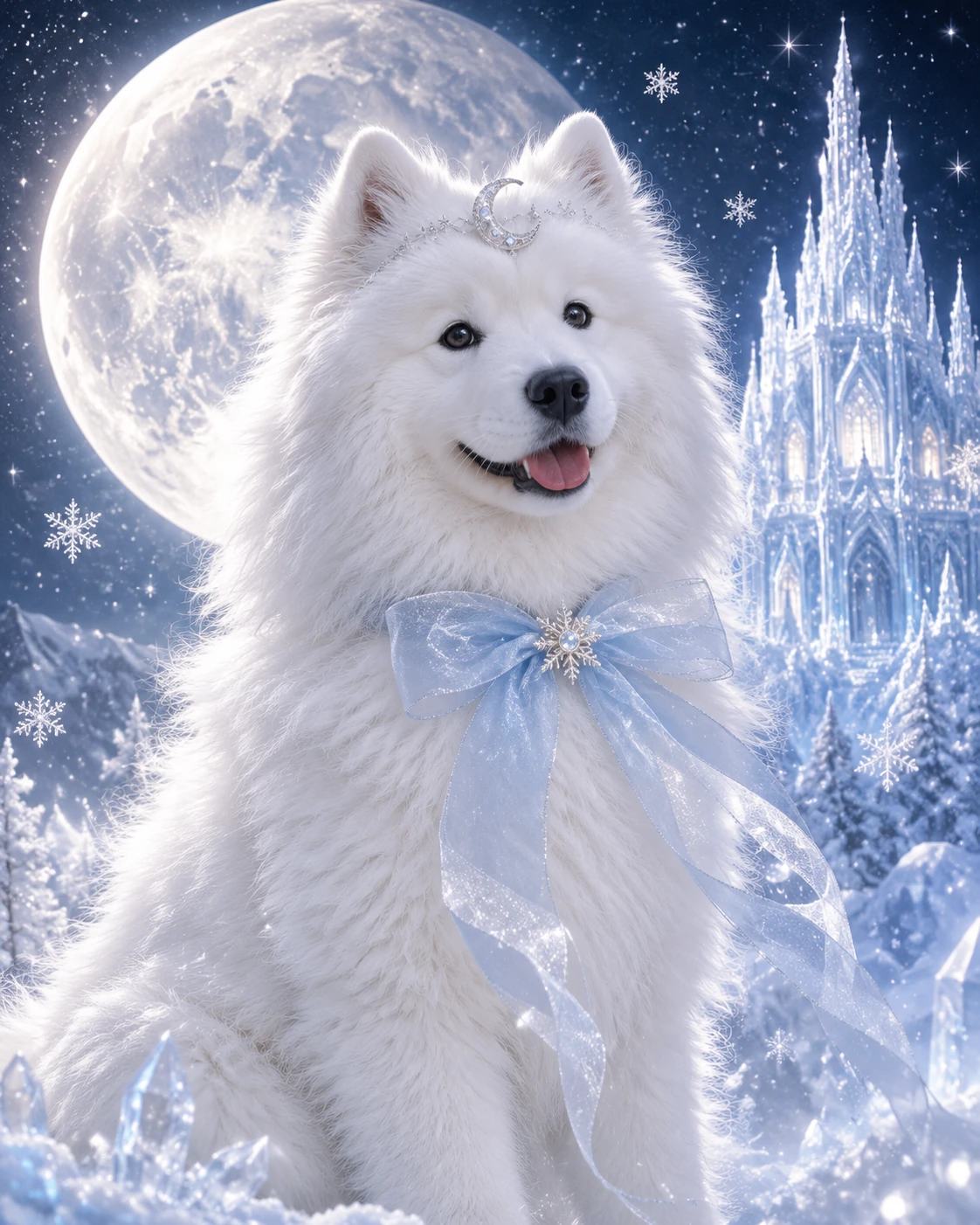 Moon palace snow spiritUse with my photo
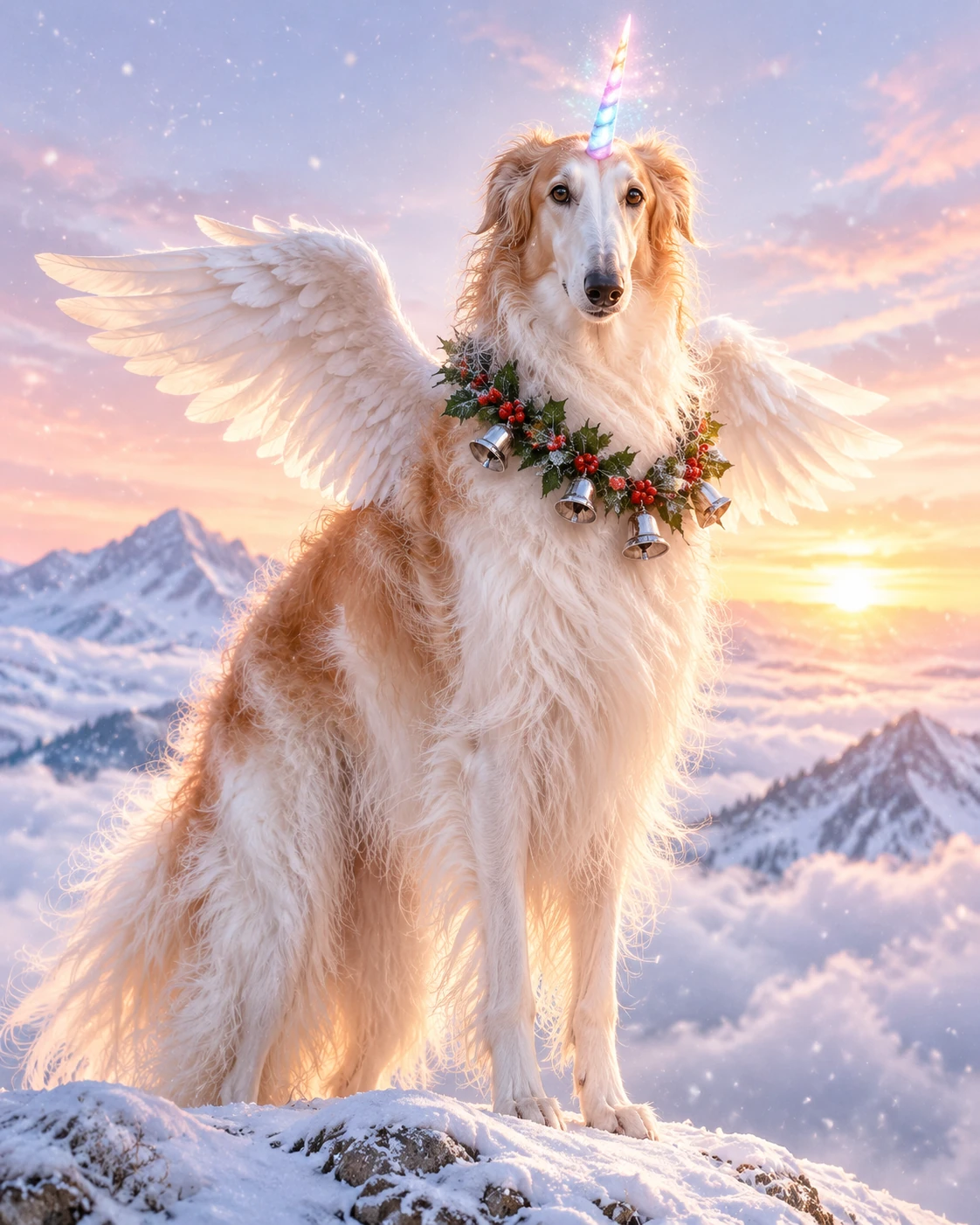 Christmas unicornUse with my photo
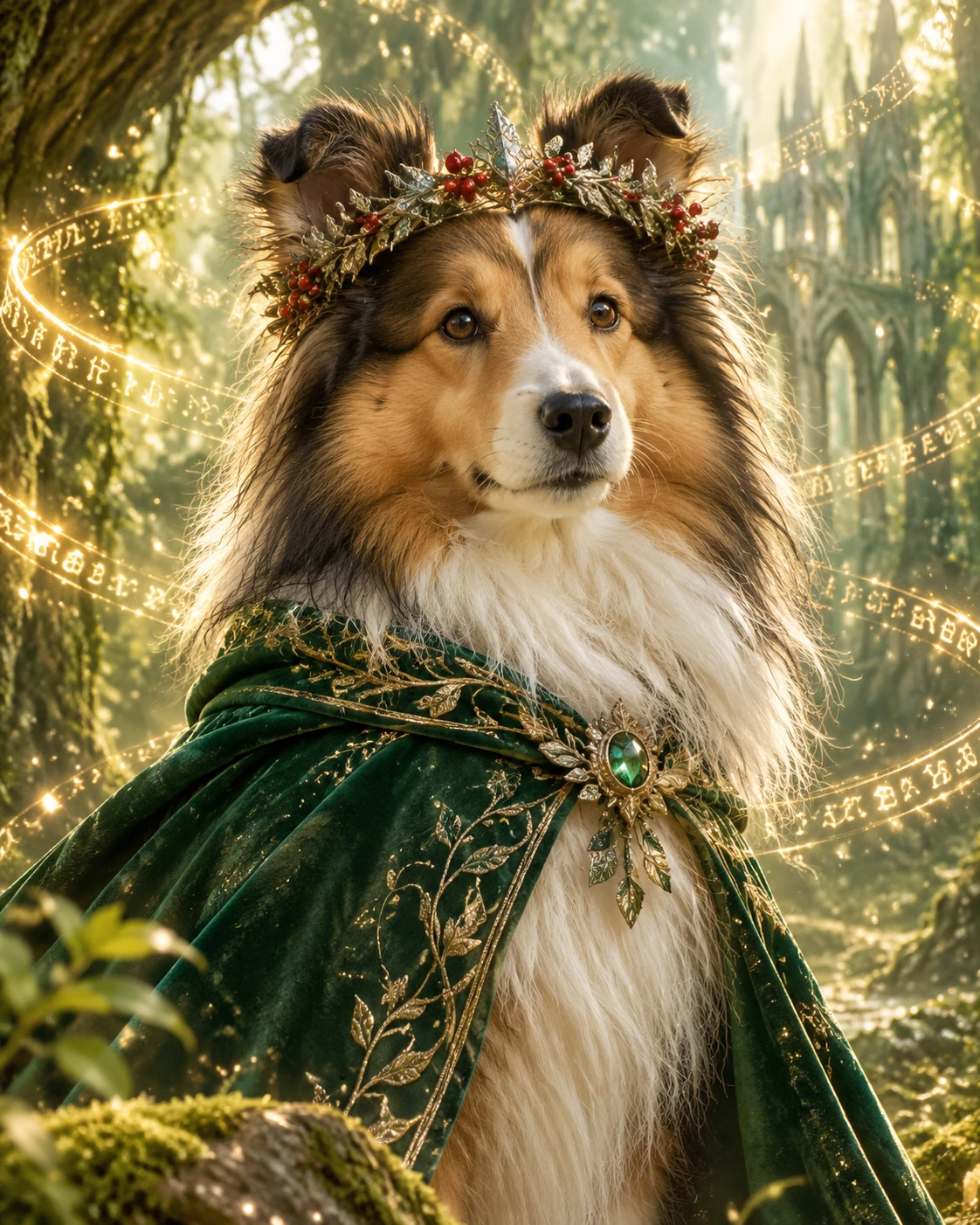 Elven kingdom guardianUse with my photo
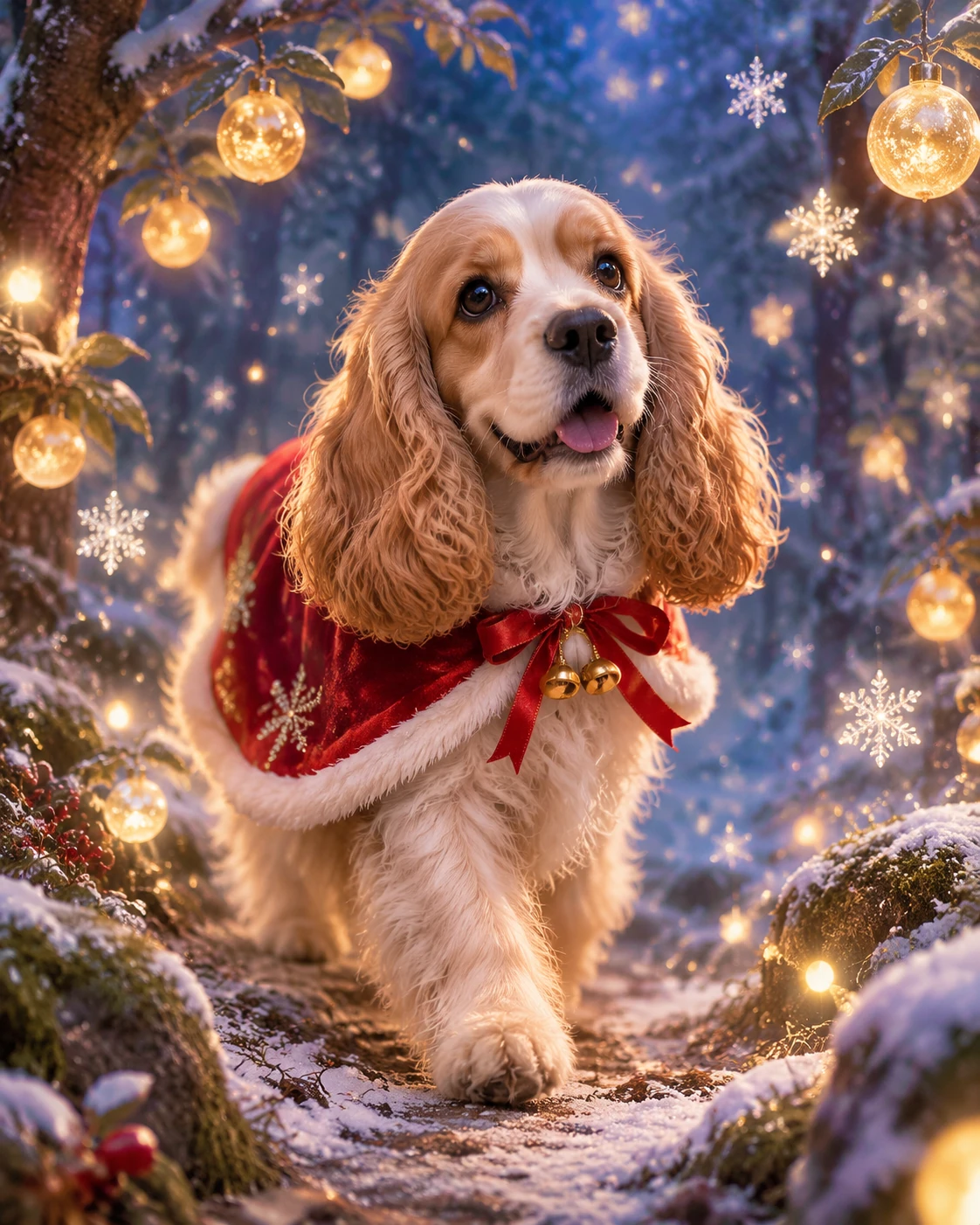 Enchanted Christmas forestUse with my photo
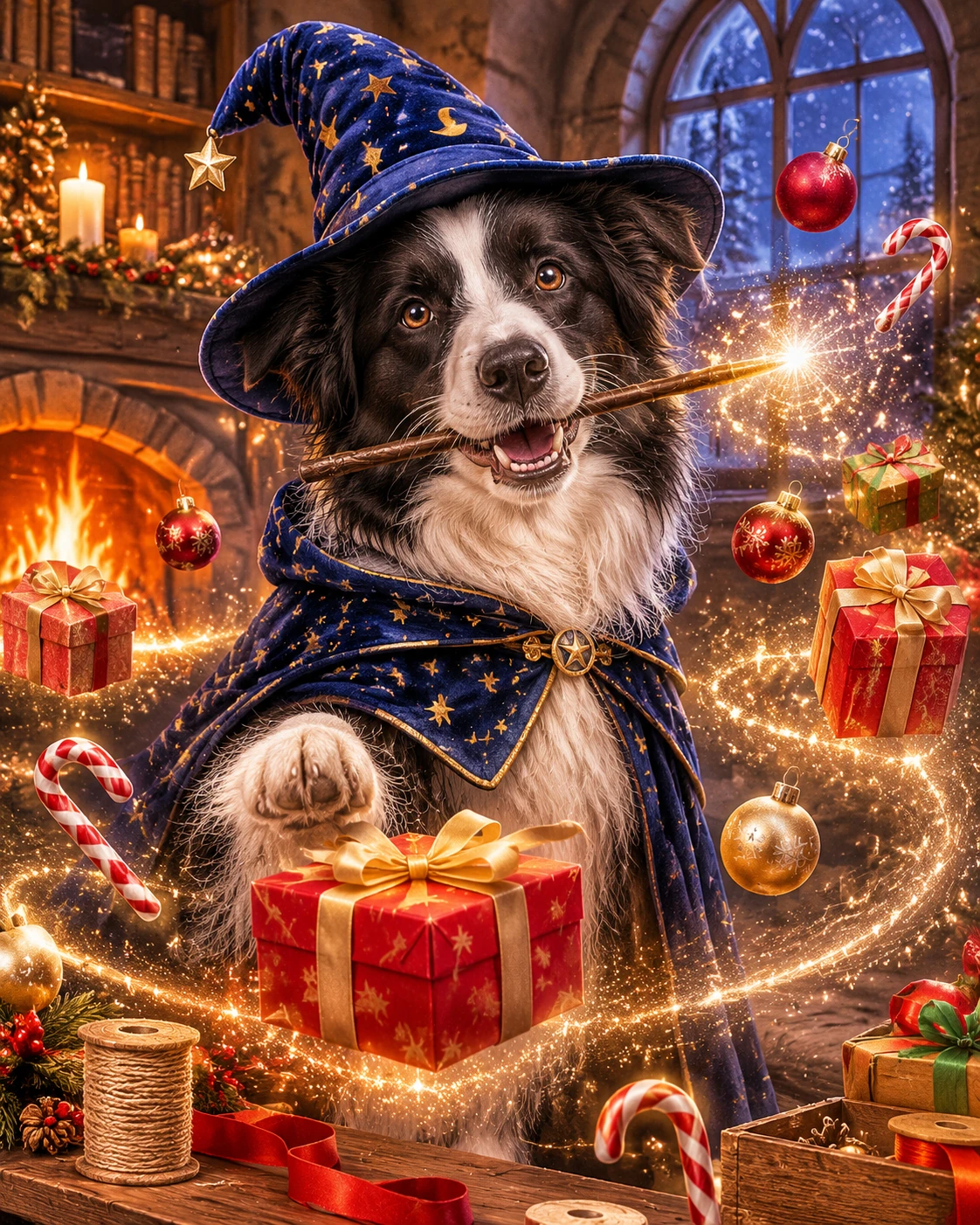 Christmas wizardUse with my photo
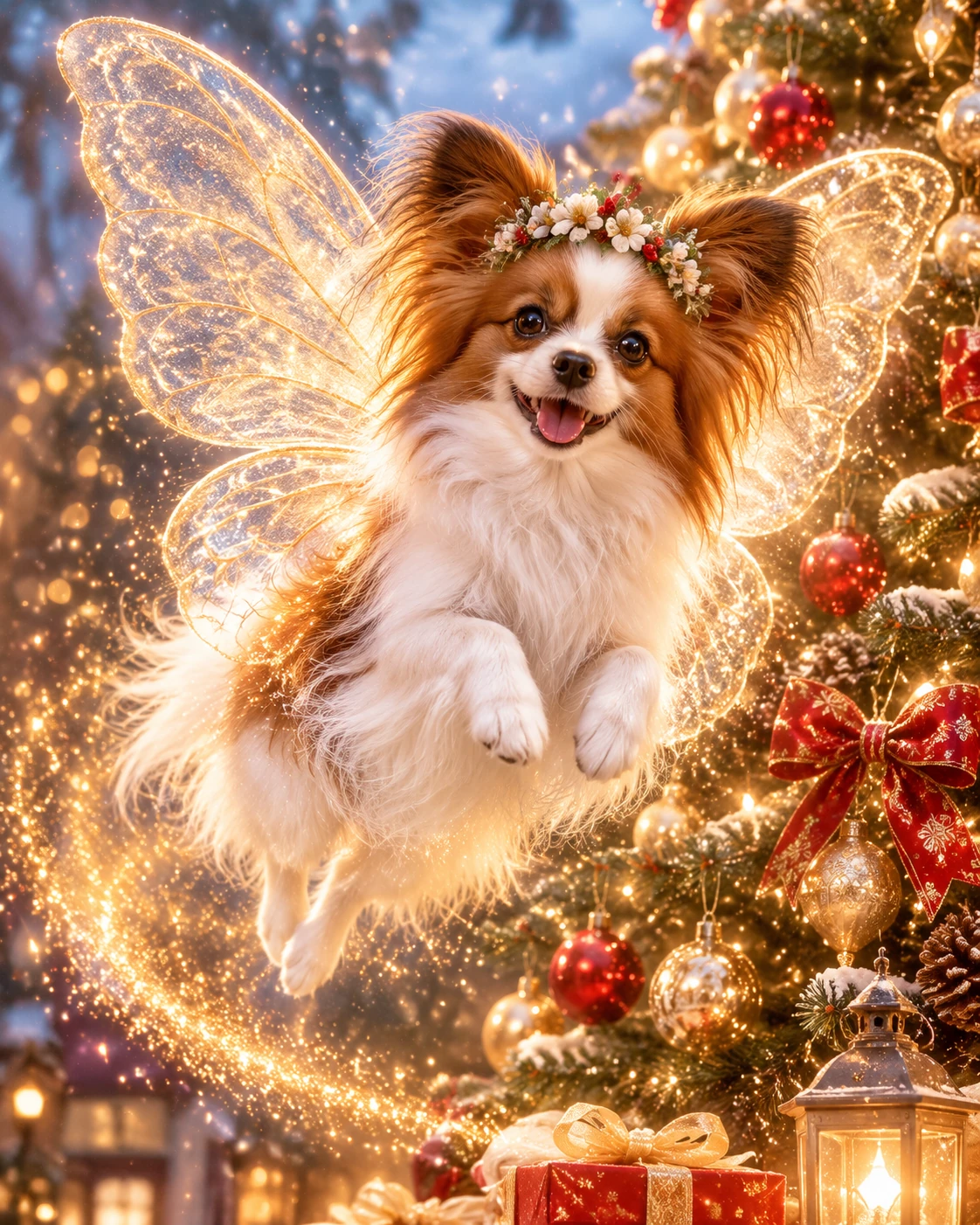 Christmas fairyUse with my photo
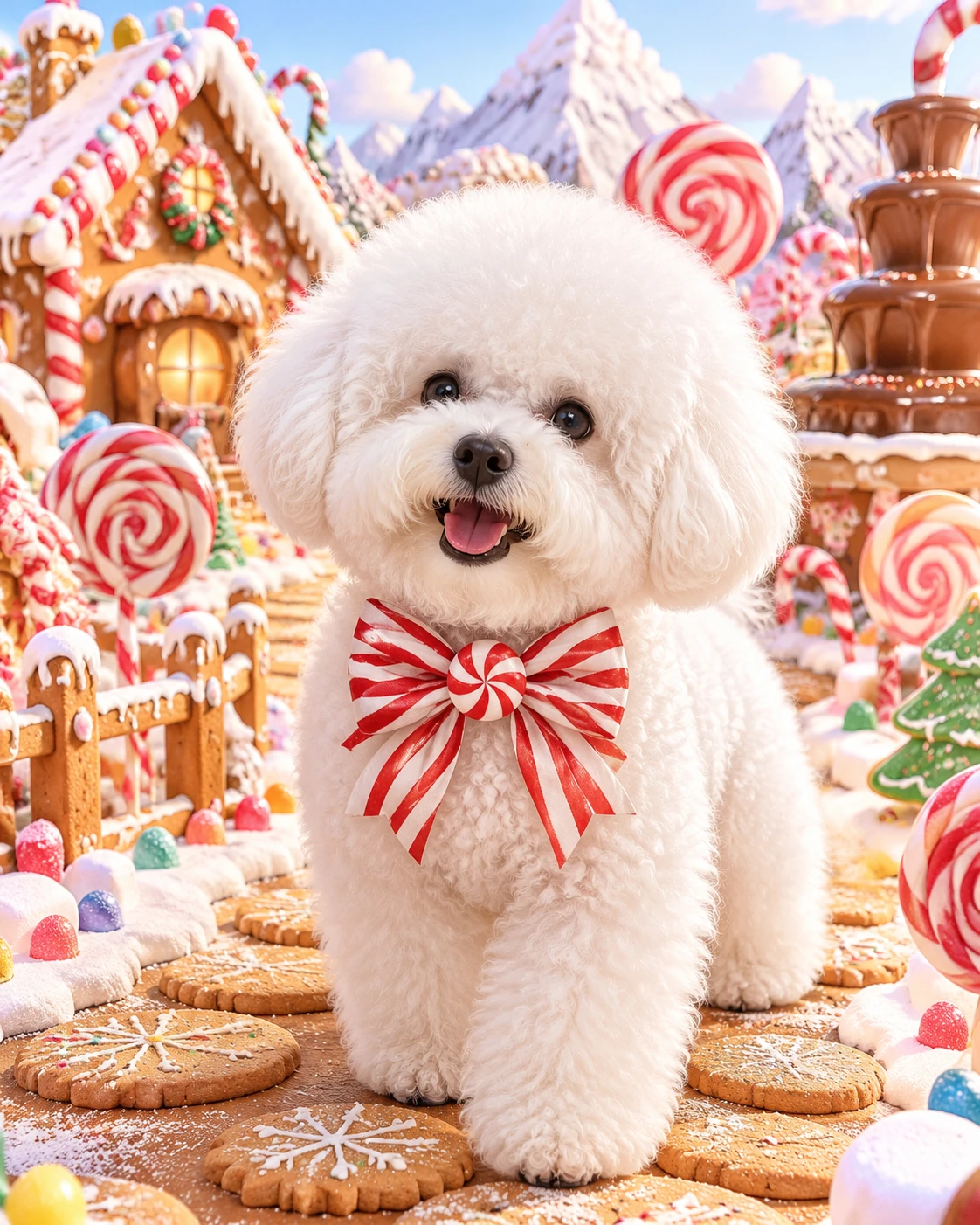 Candy kingdomUse with my photo
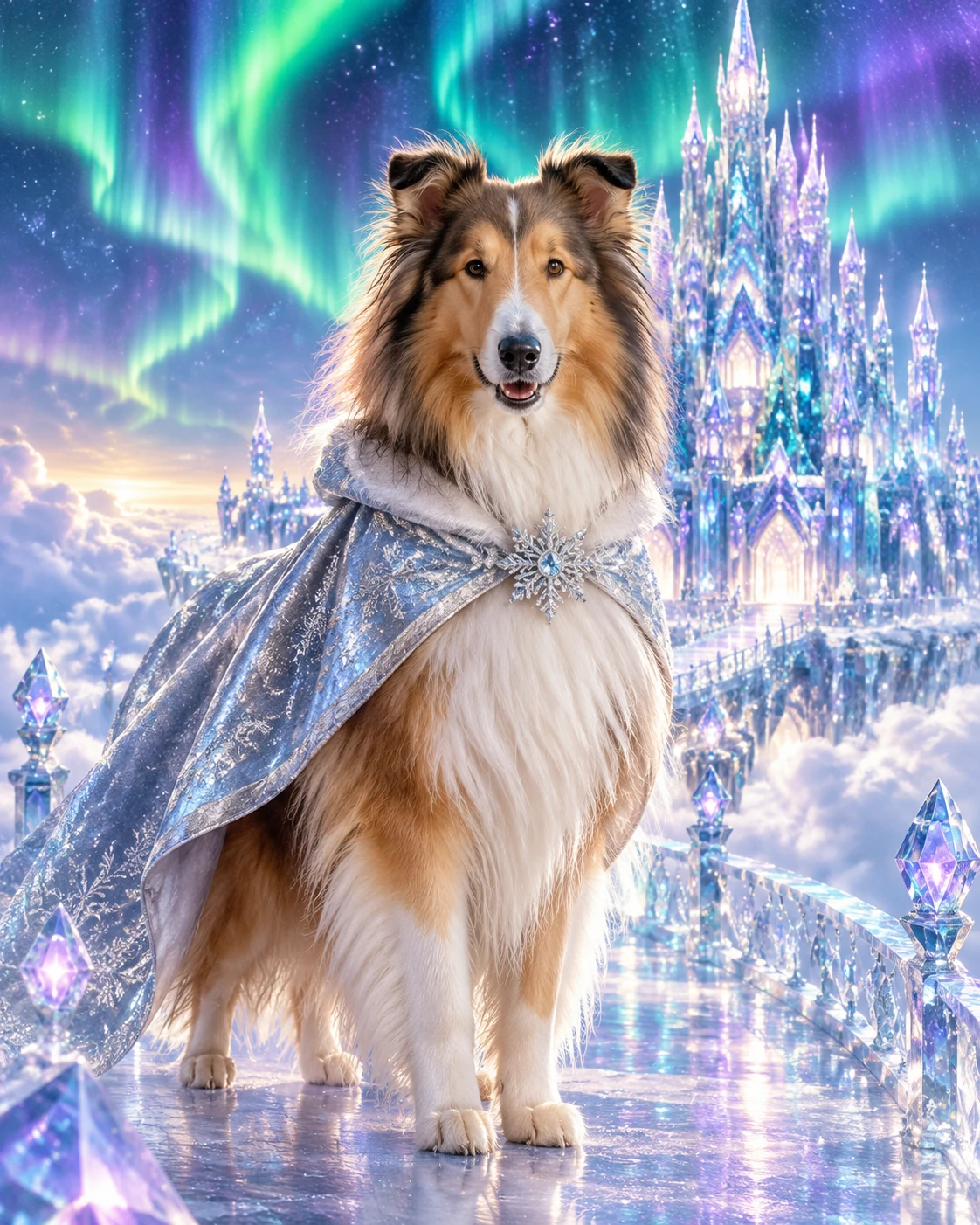 Castle in the cloudsUse with my photo
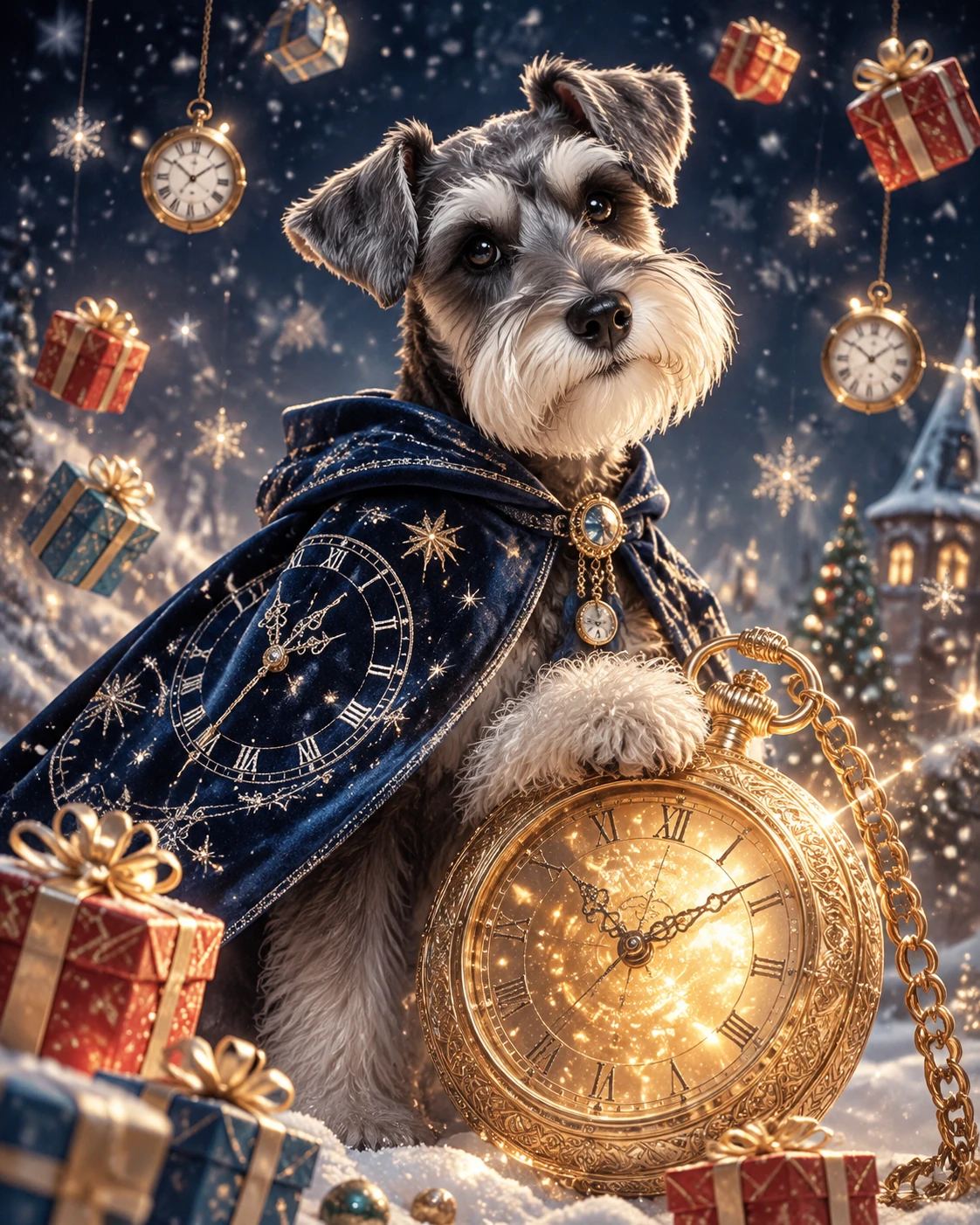 Keeper of Christmas timeUse with my photo
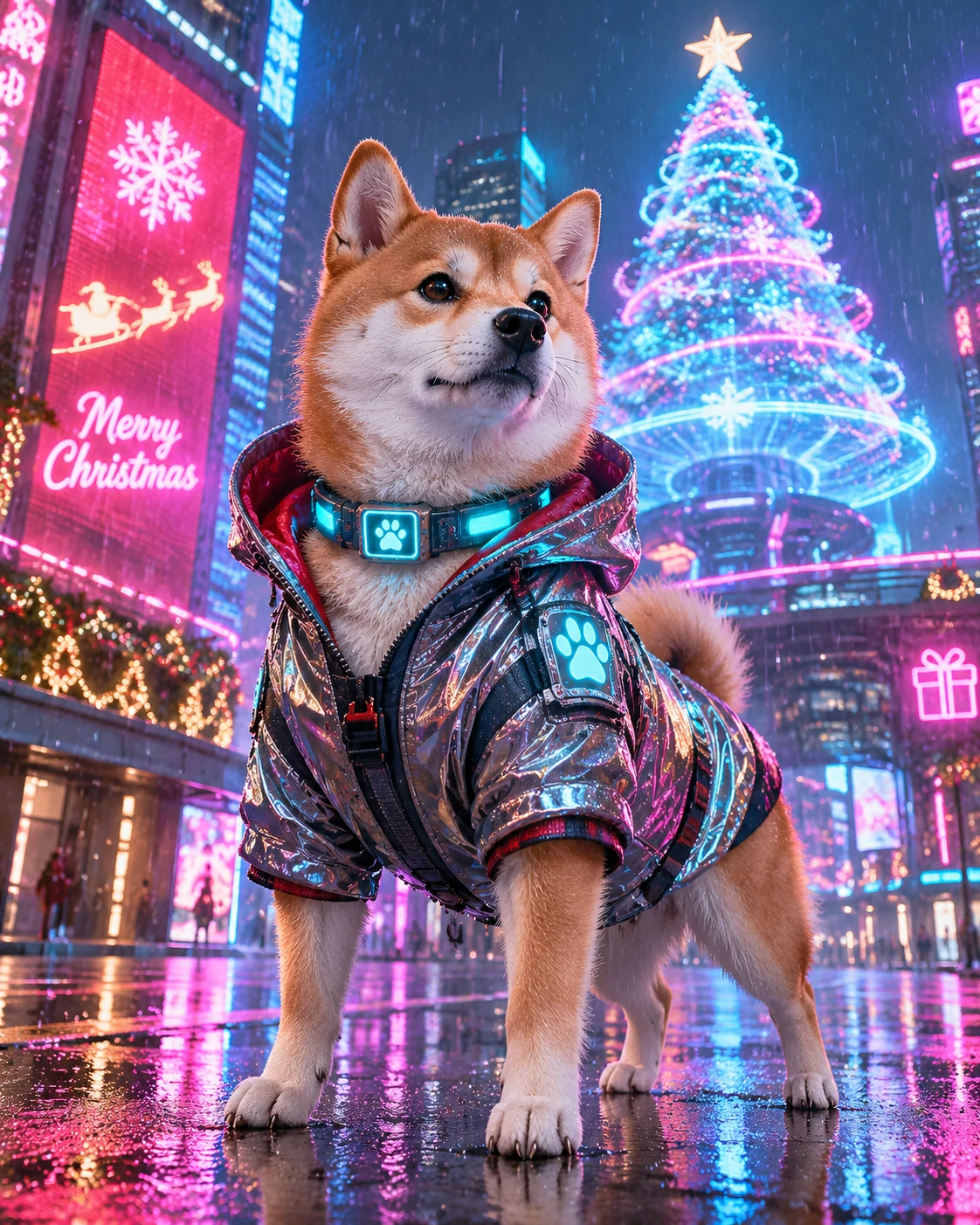 Cyberpunk ChristmasUse with my photo
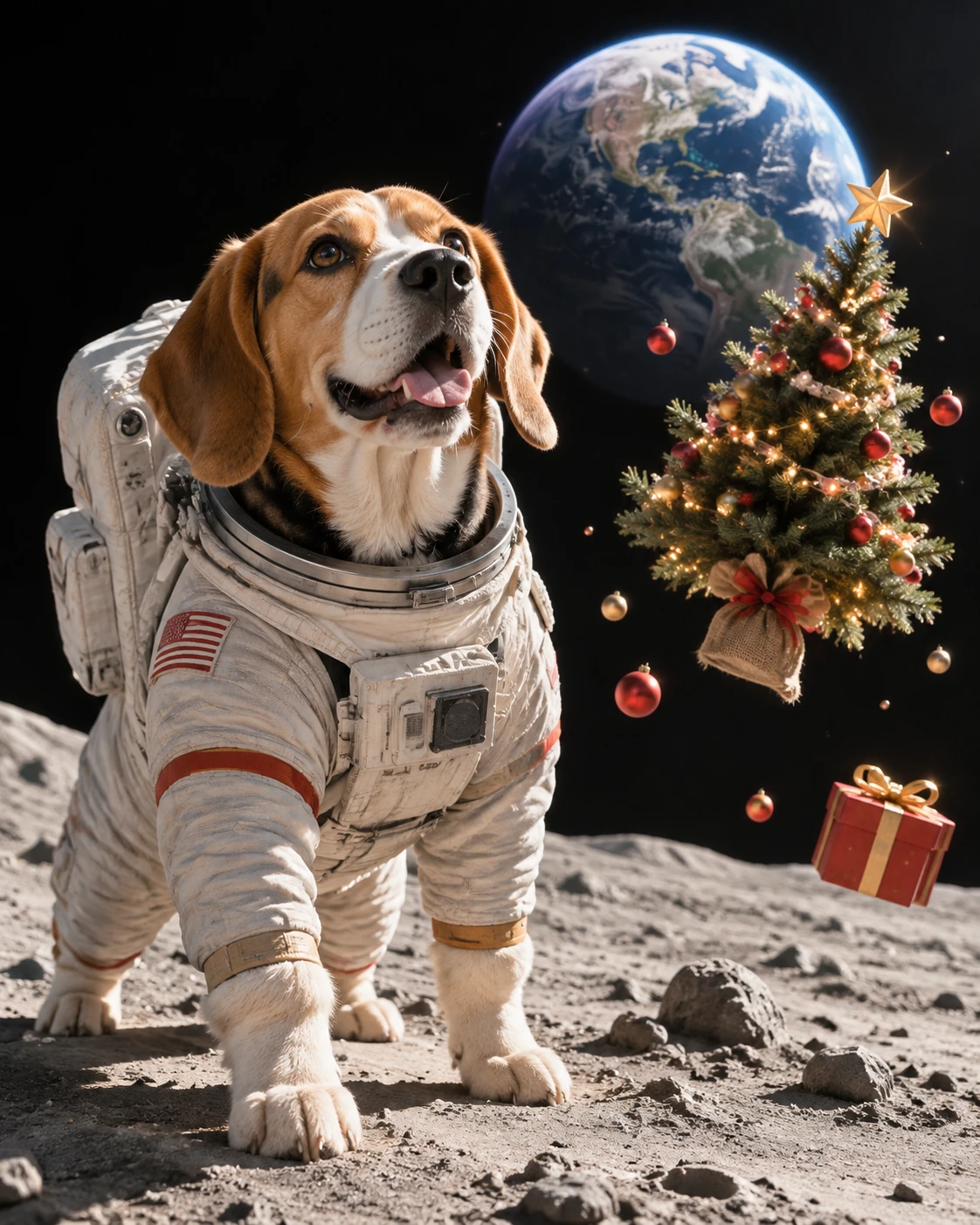 Christmas on the moonUse with my photo
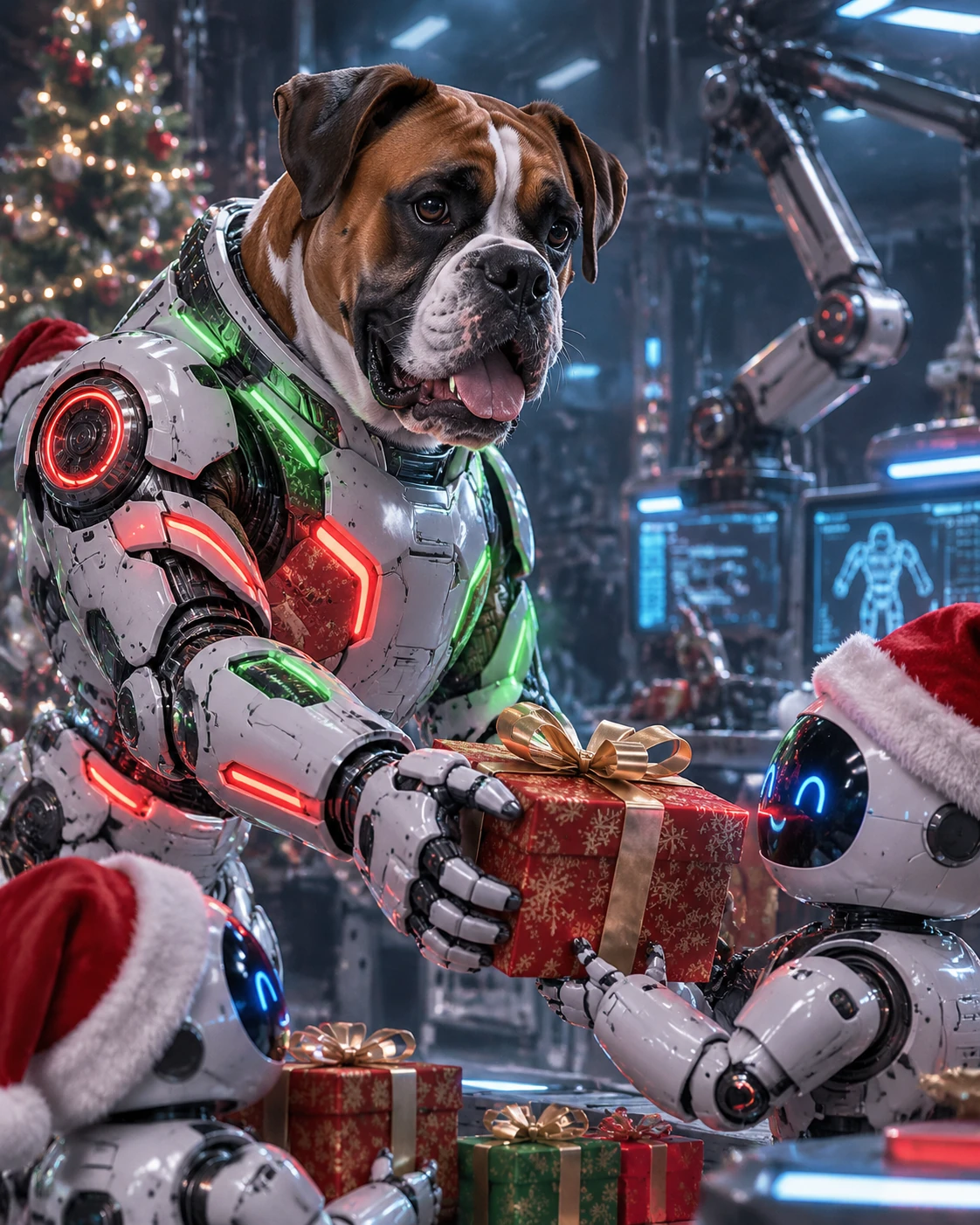 Robot armourUse with my photo
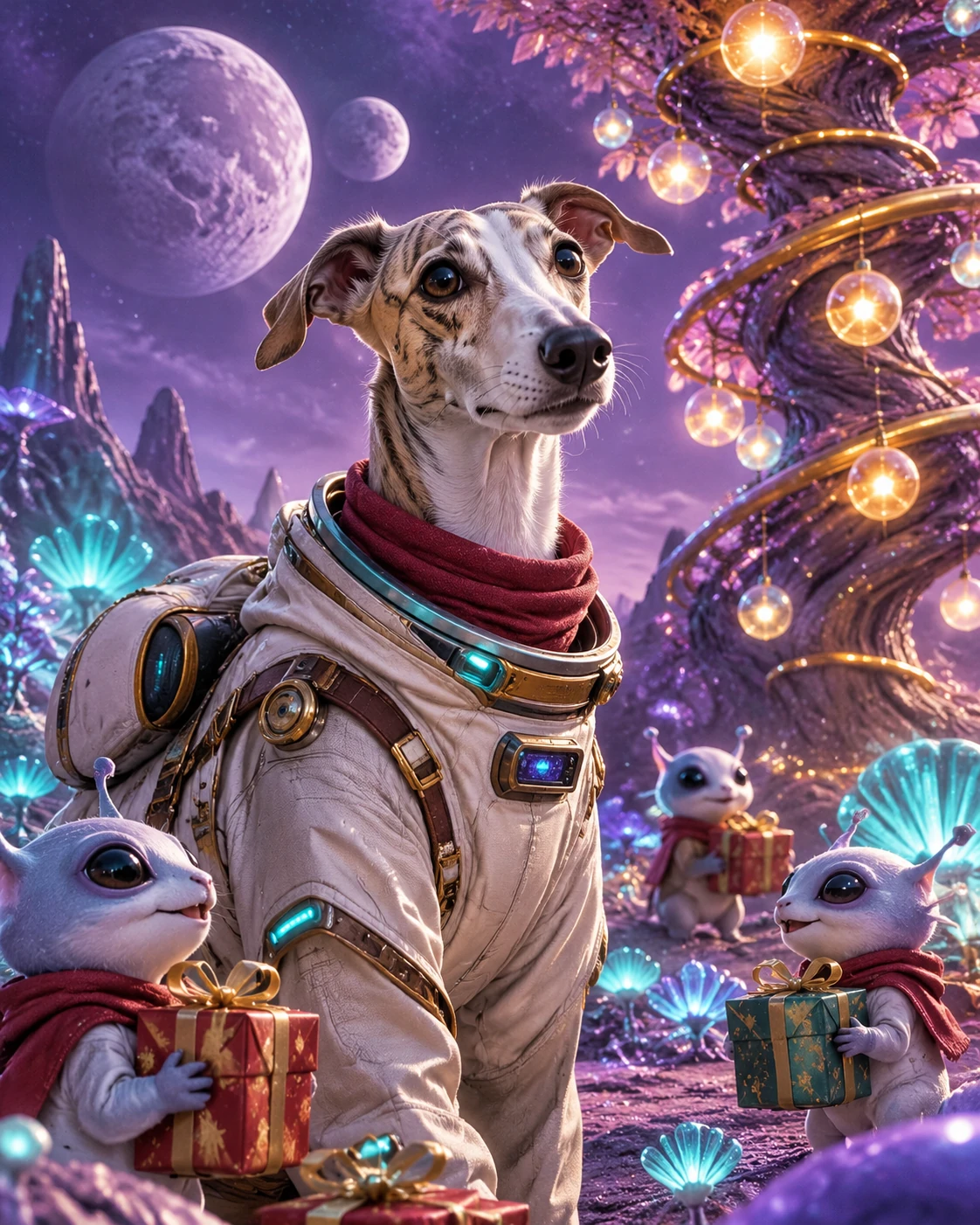 Christmas on another planetUse with my photo
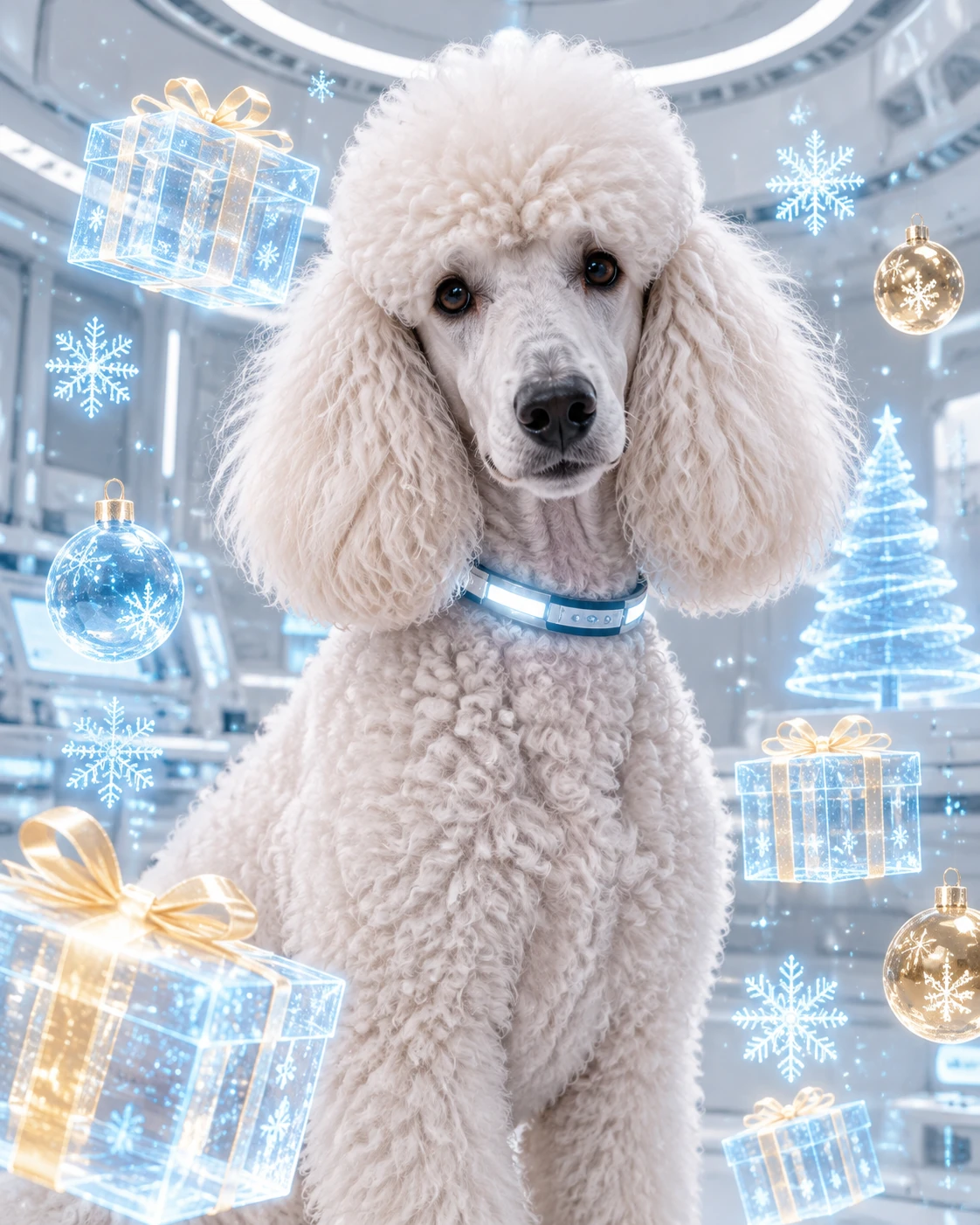 Holographic Christmas partyUse with my photo
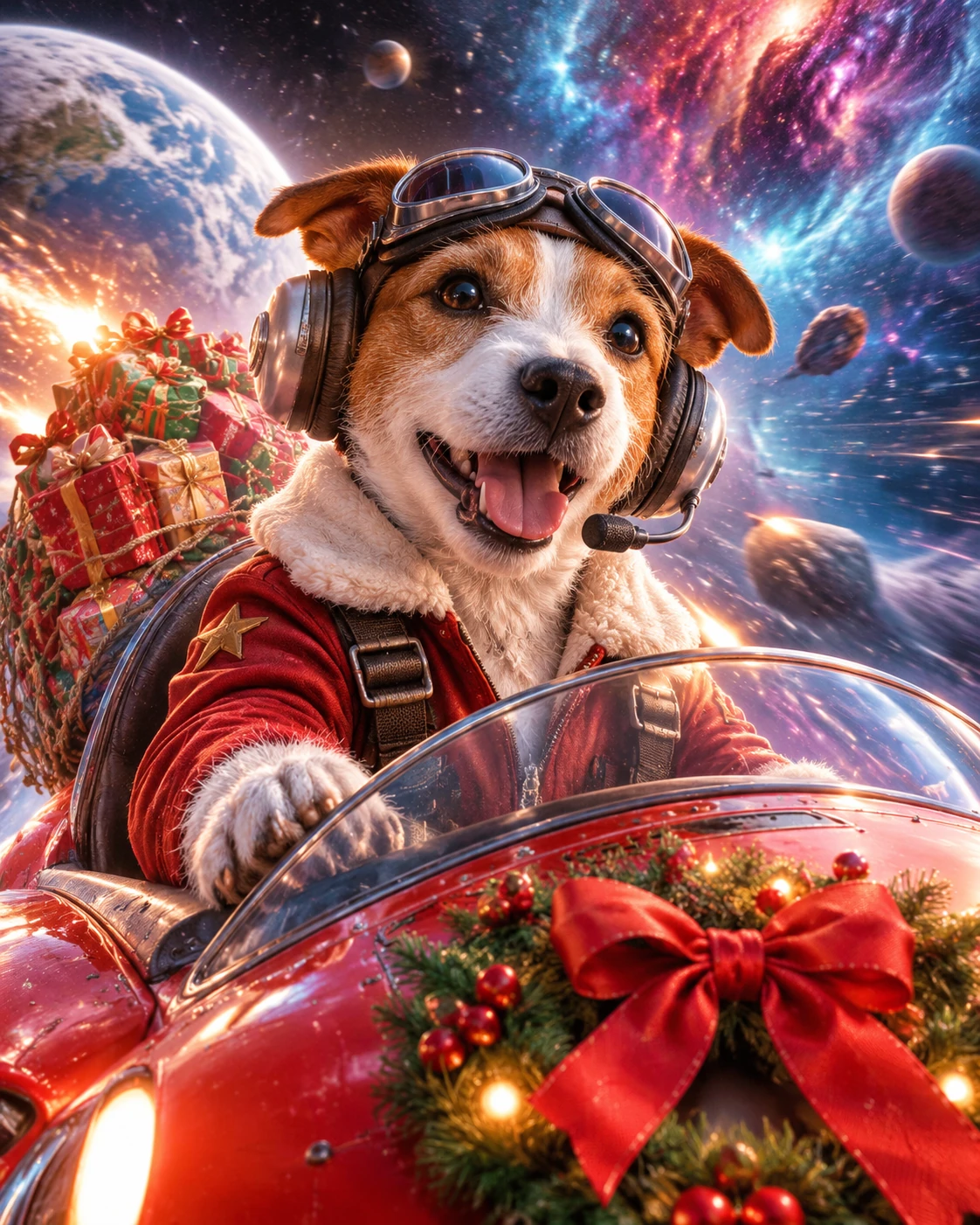 Galactic Christmas courierUse with my photo
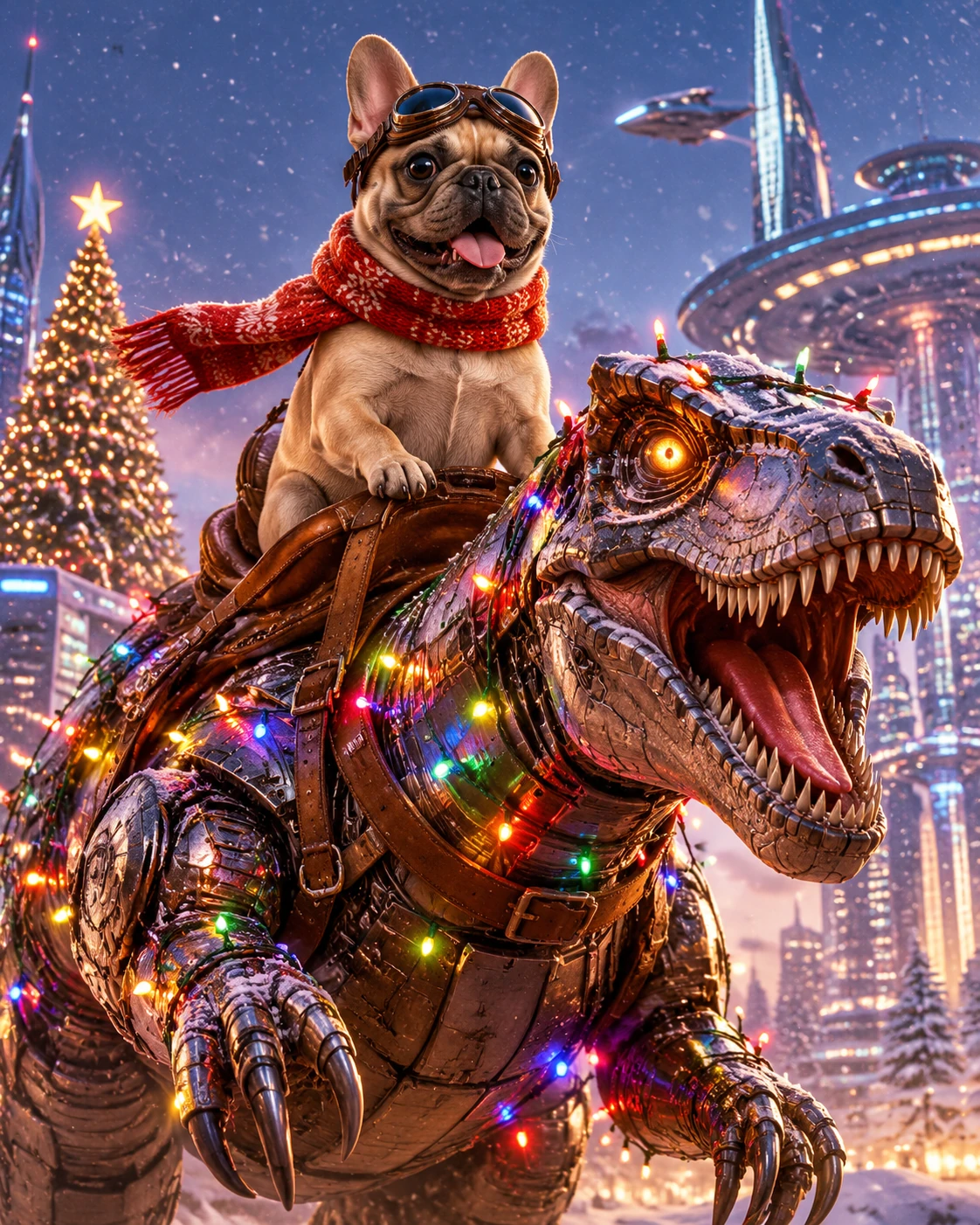 Riding a mech dinosaurUse with my photo
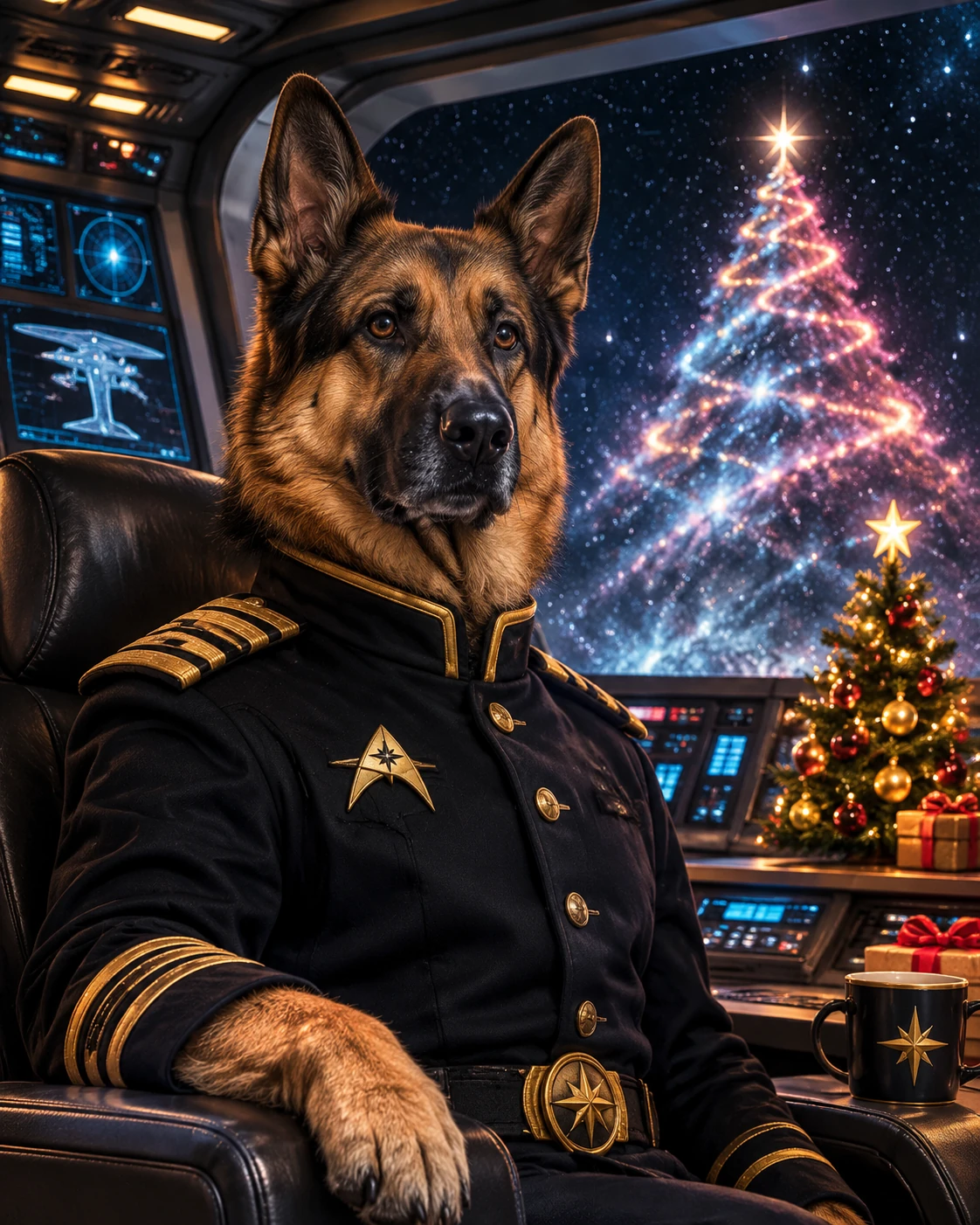 Starship commanderUse with my photo
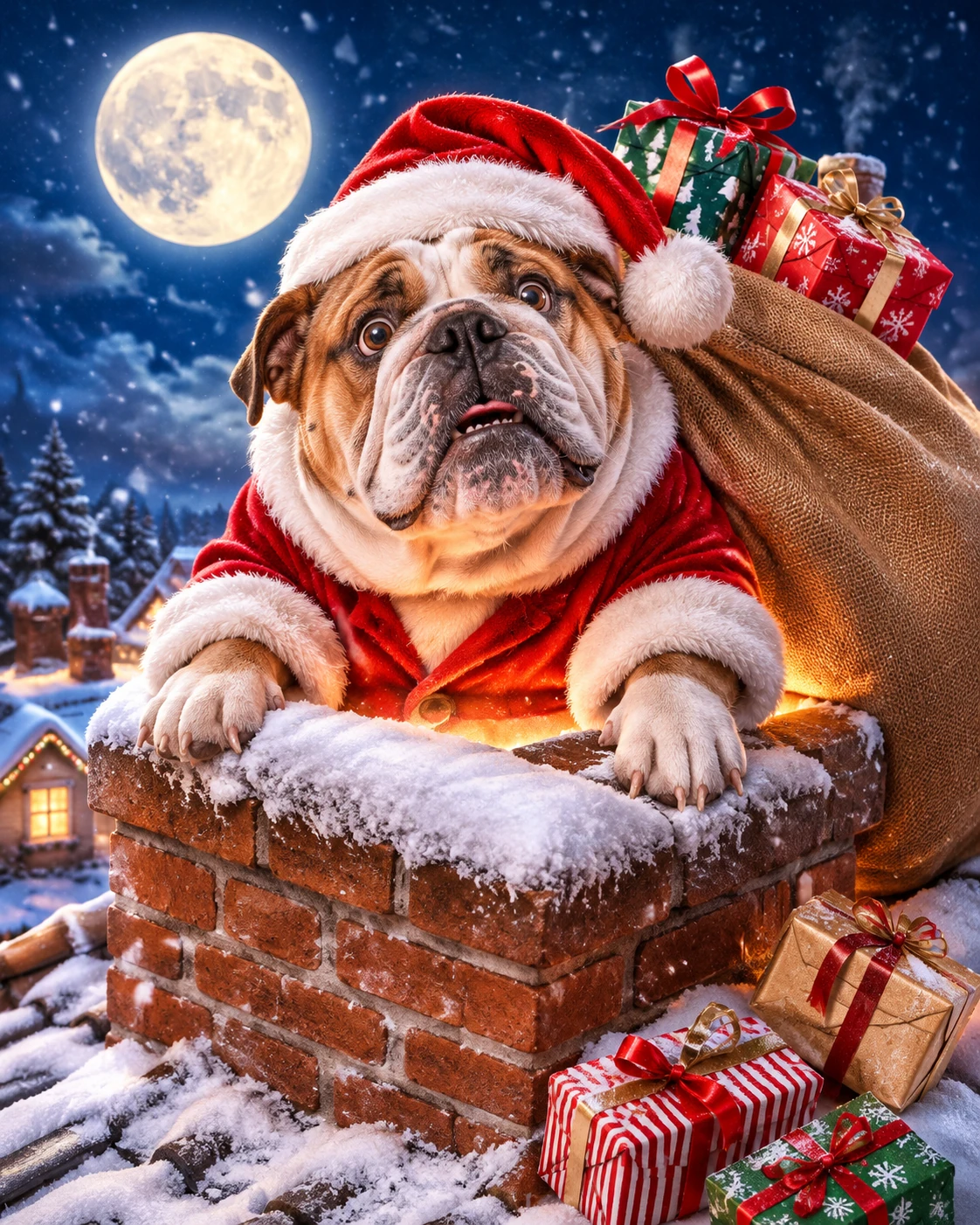 Stuck in the chimneyUse with my photo
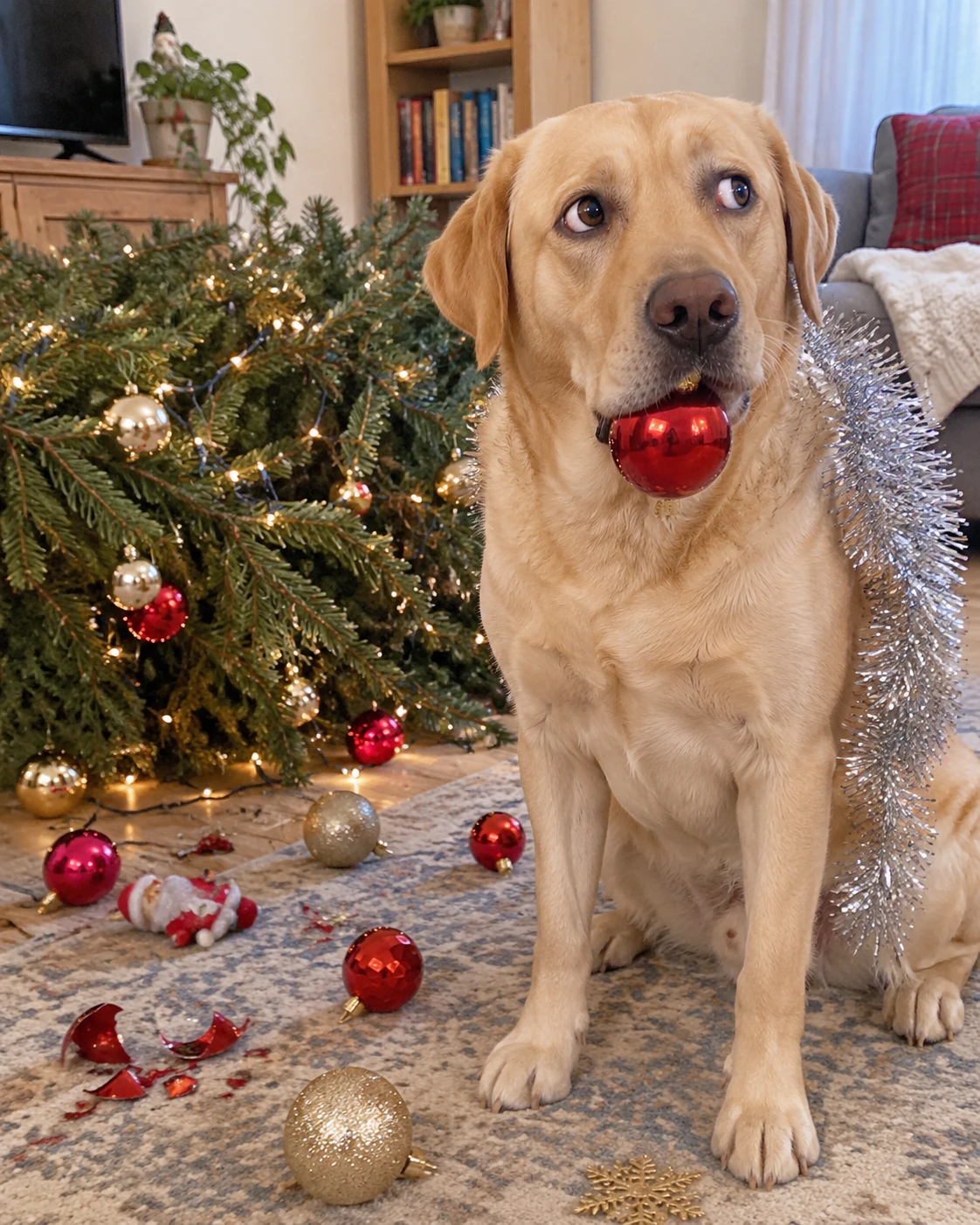 Christmas tree destroyerUse with my photo
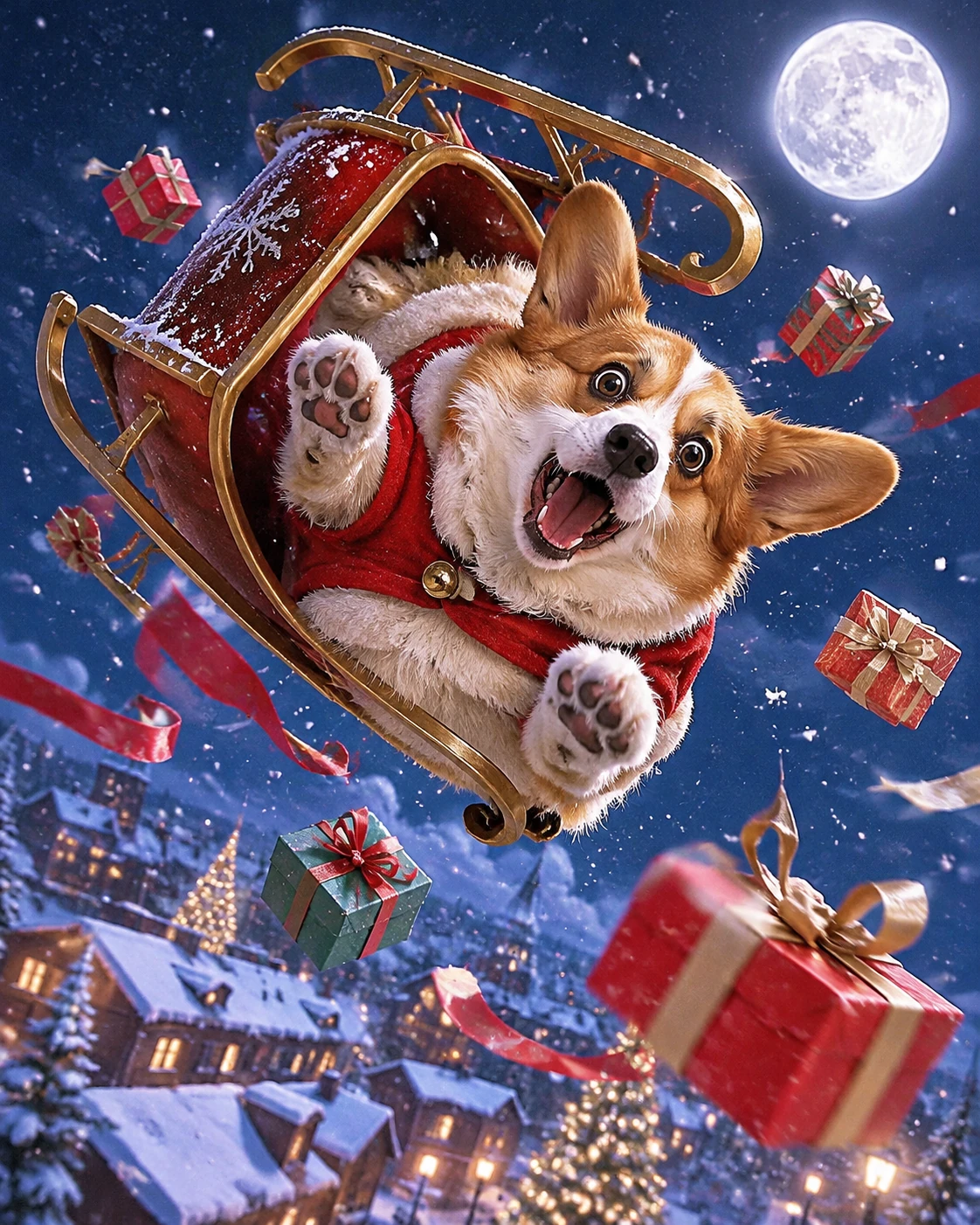 Sleigh flight failUse with my photo
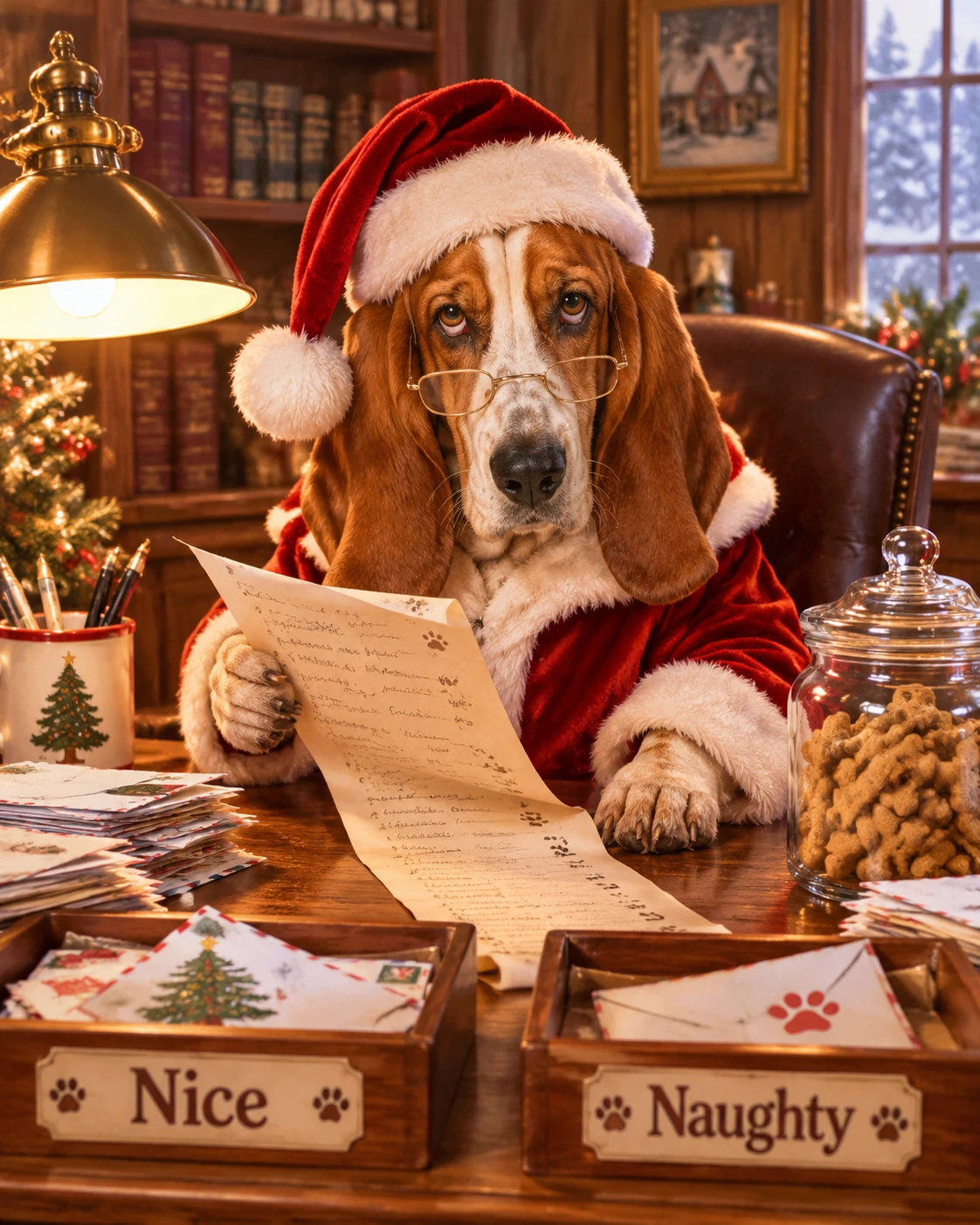 Santa’s officeUse with my photo
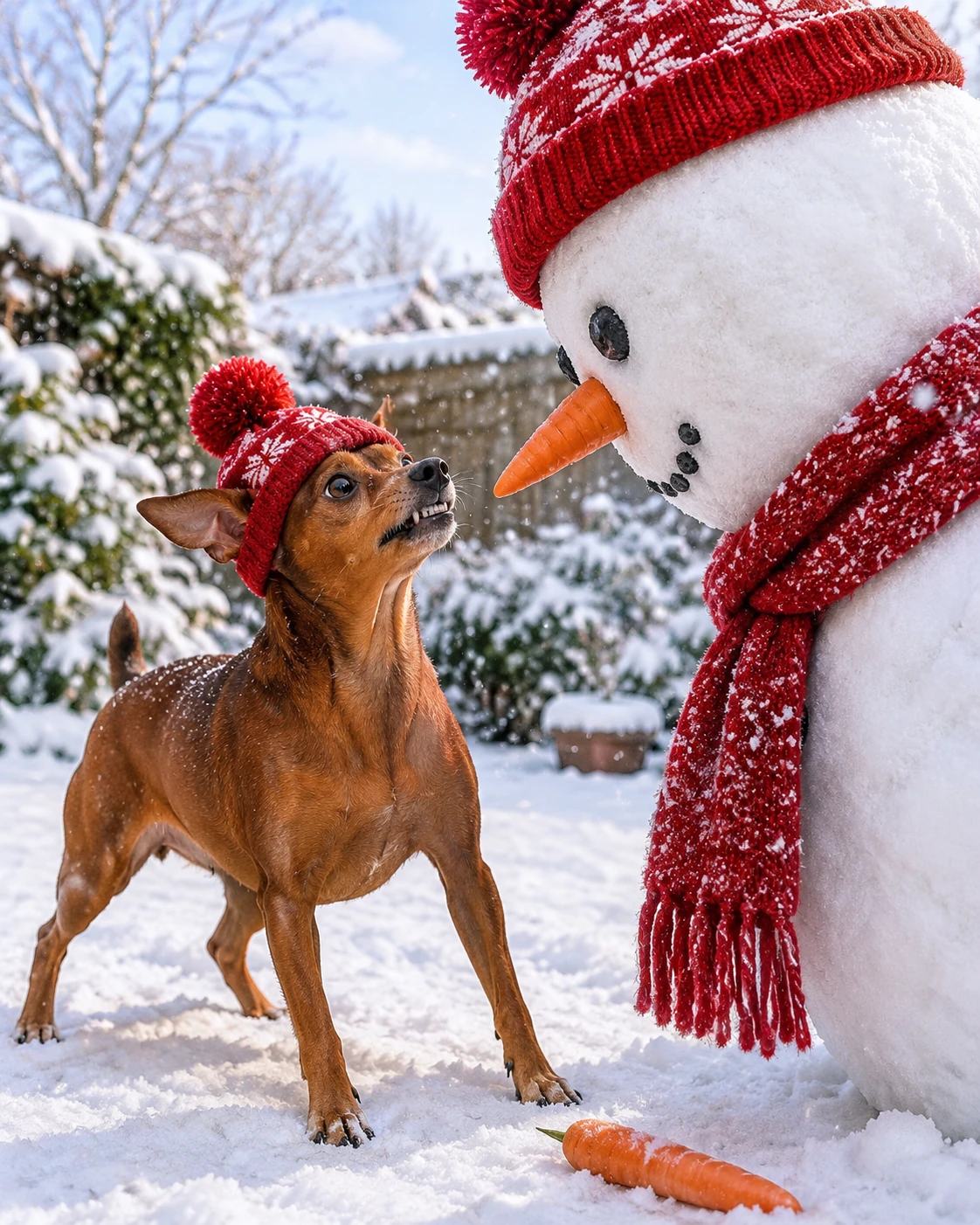 The snowman stole my hatUse with my photo
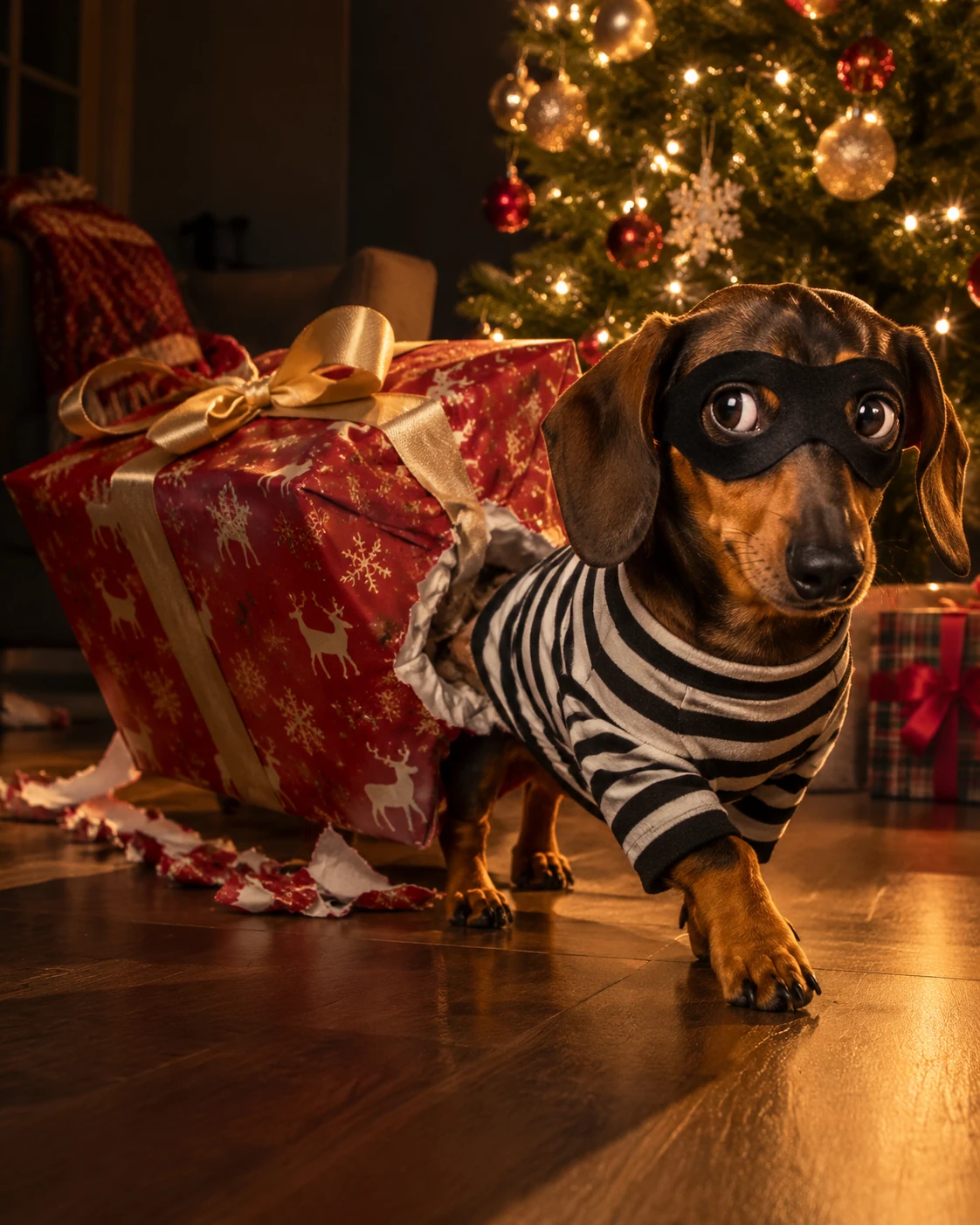 Christmas present thiefUse with my photo
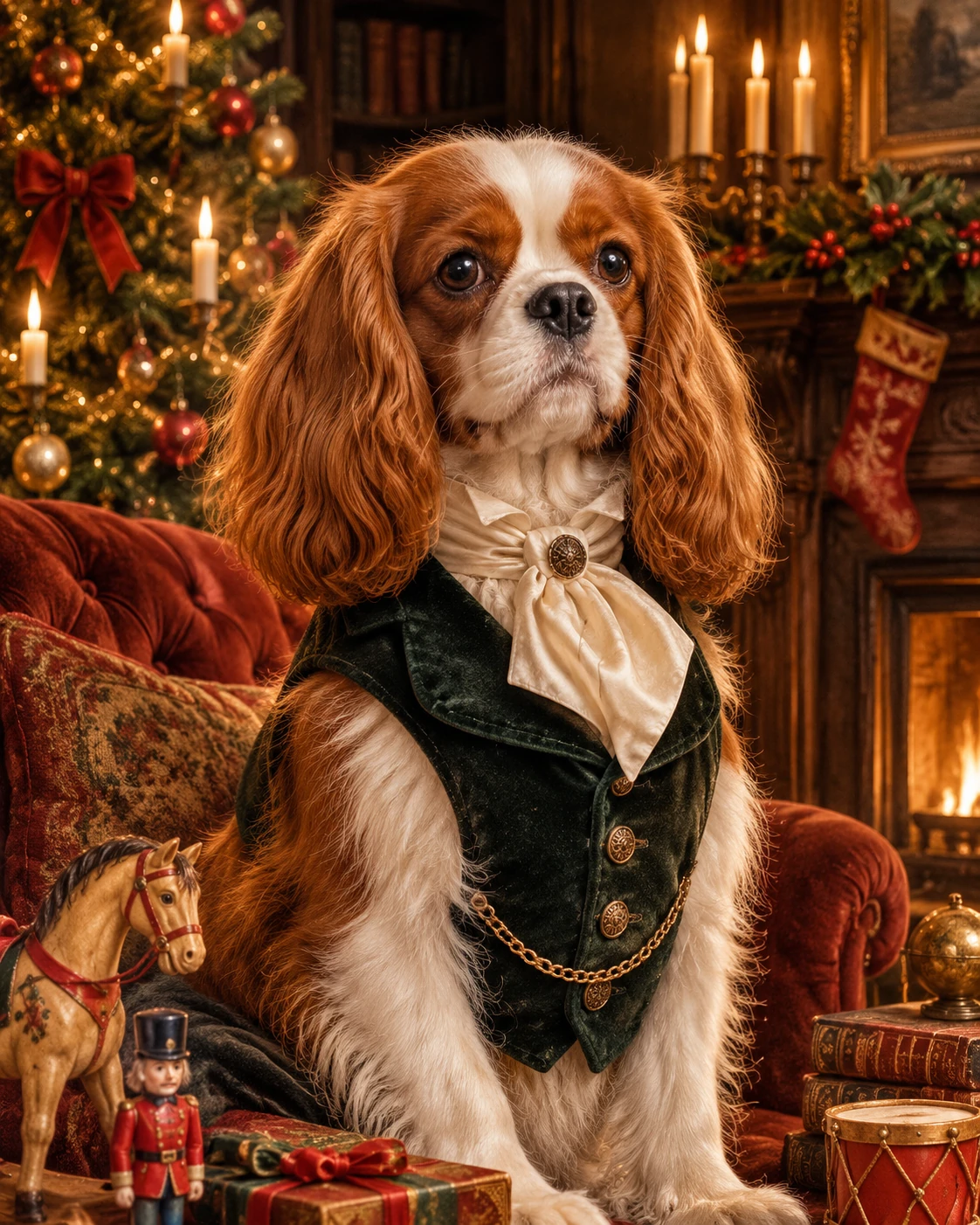 Victorian ChristmasUse with my photo
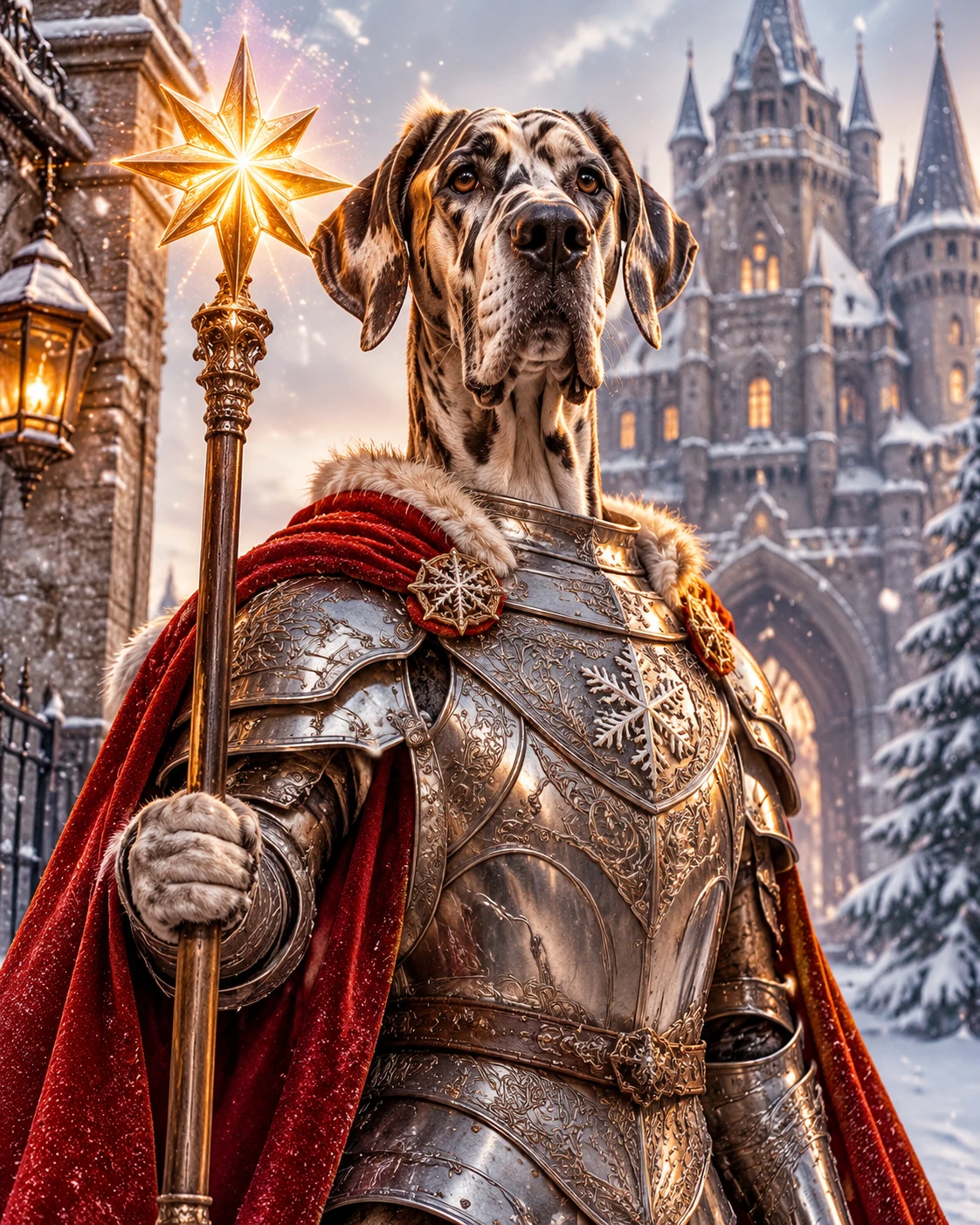 Christmas knightUse with my photo
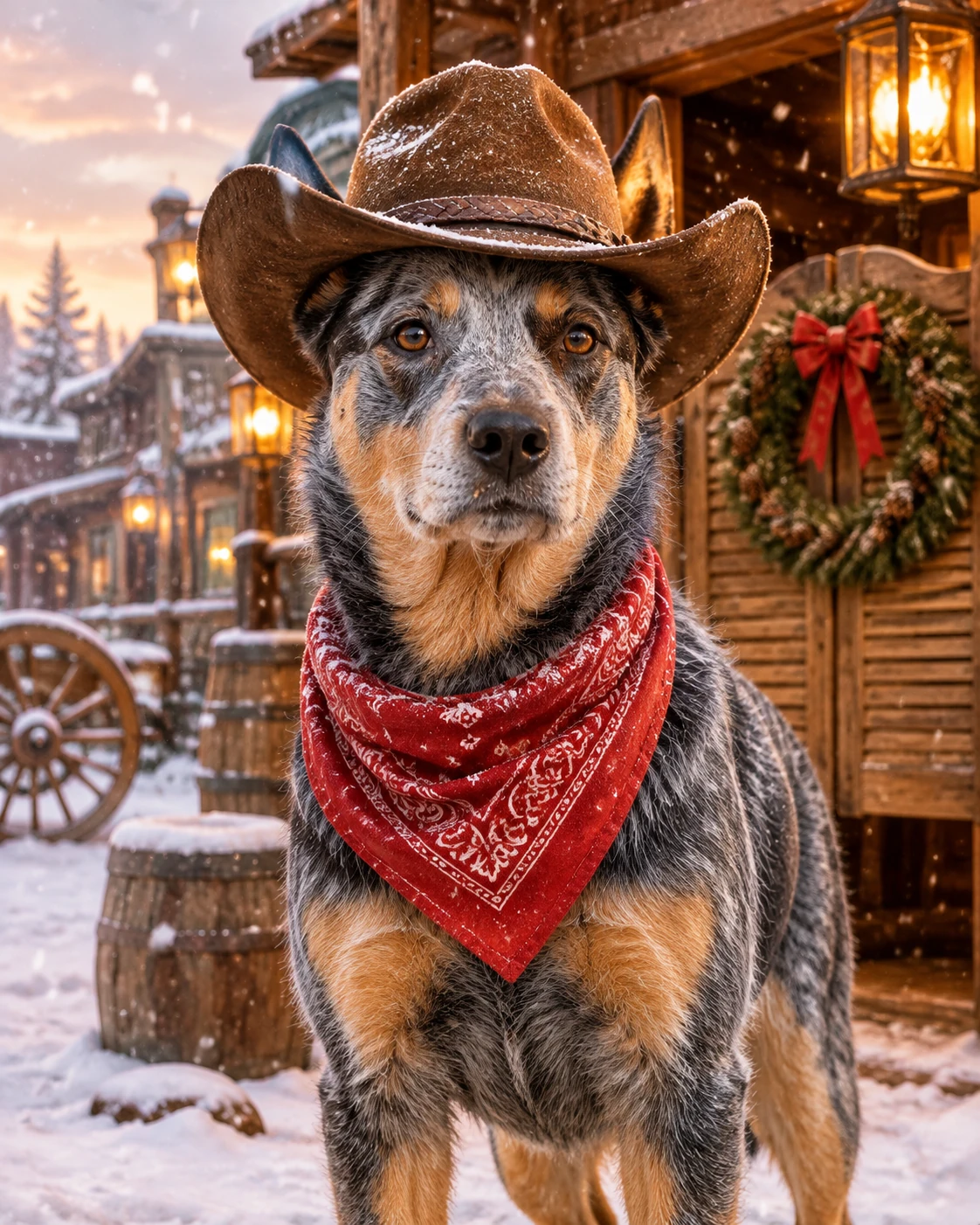 Cowboy ChristmasUse with my photo
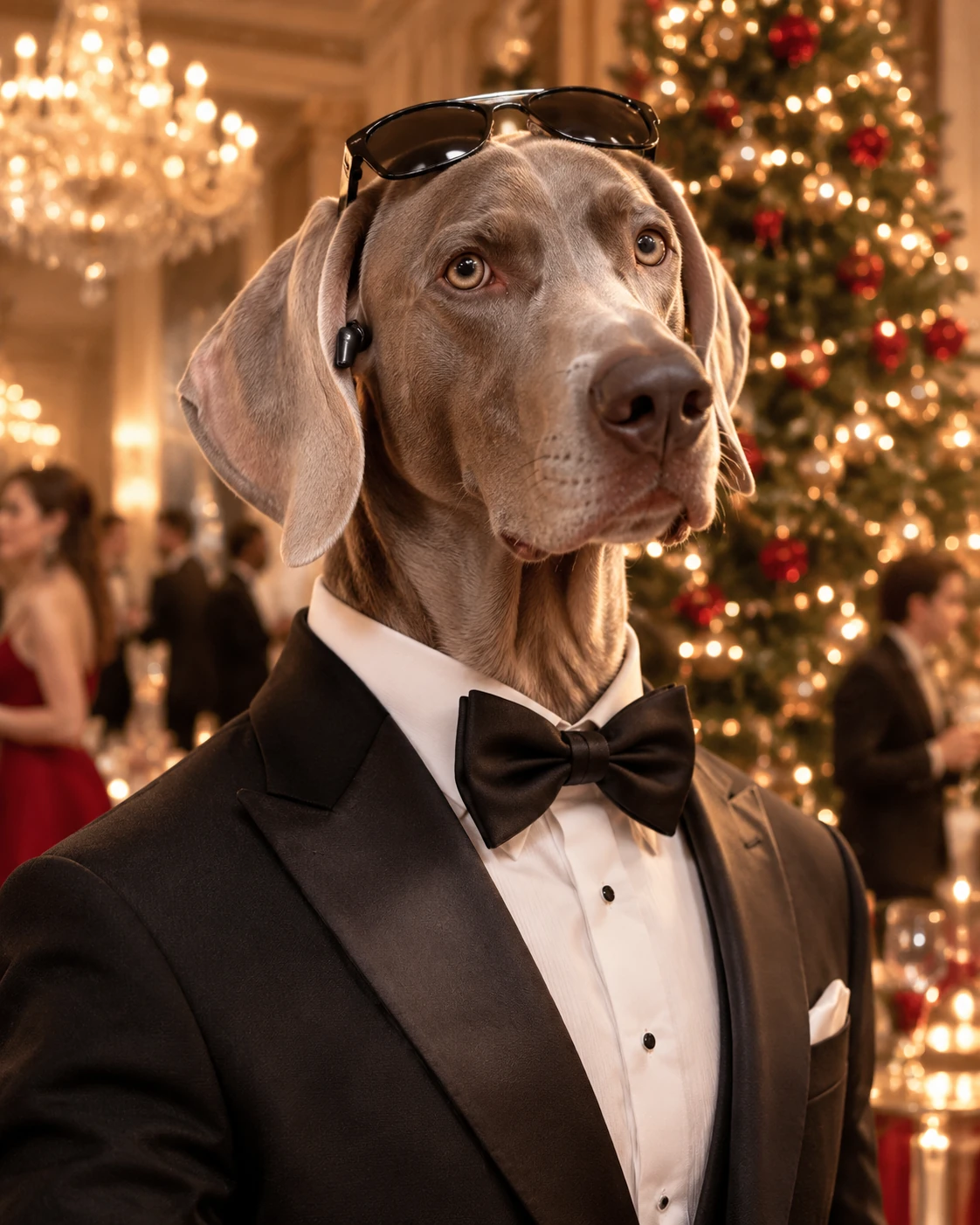 Secret agent at the Christmas partyUse with my photo
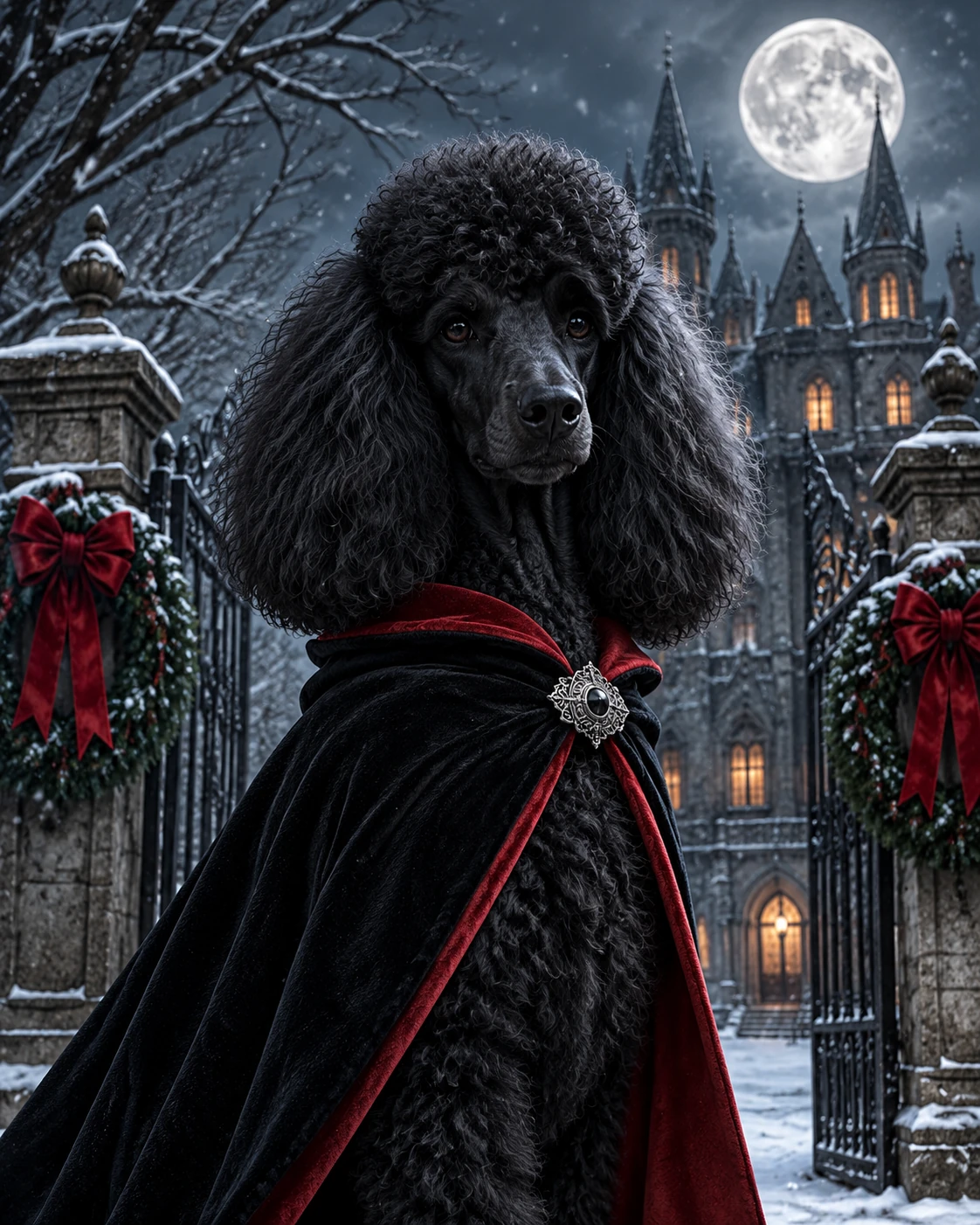 Gothic Christmas nightUse with my photo
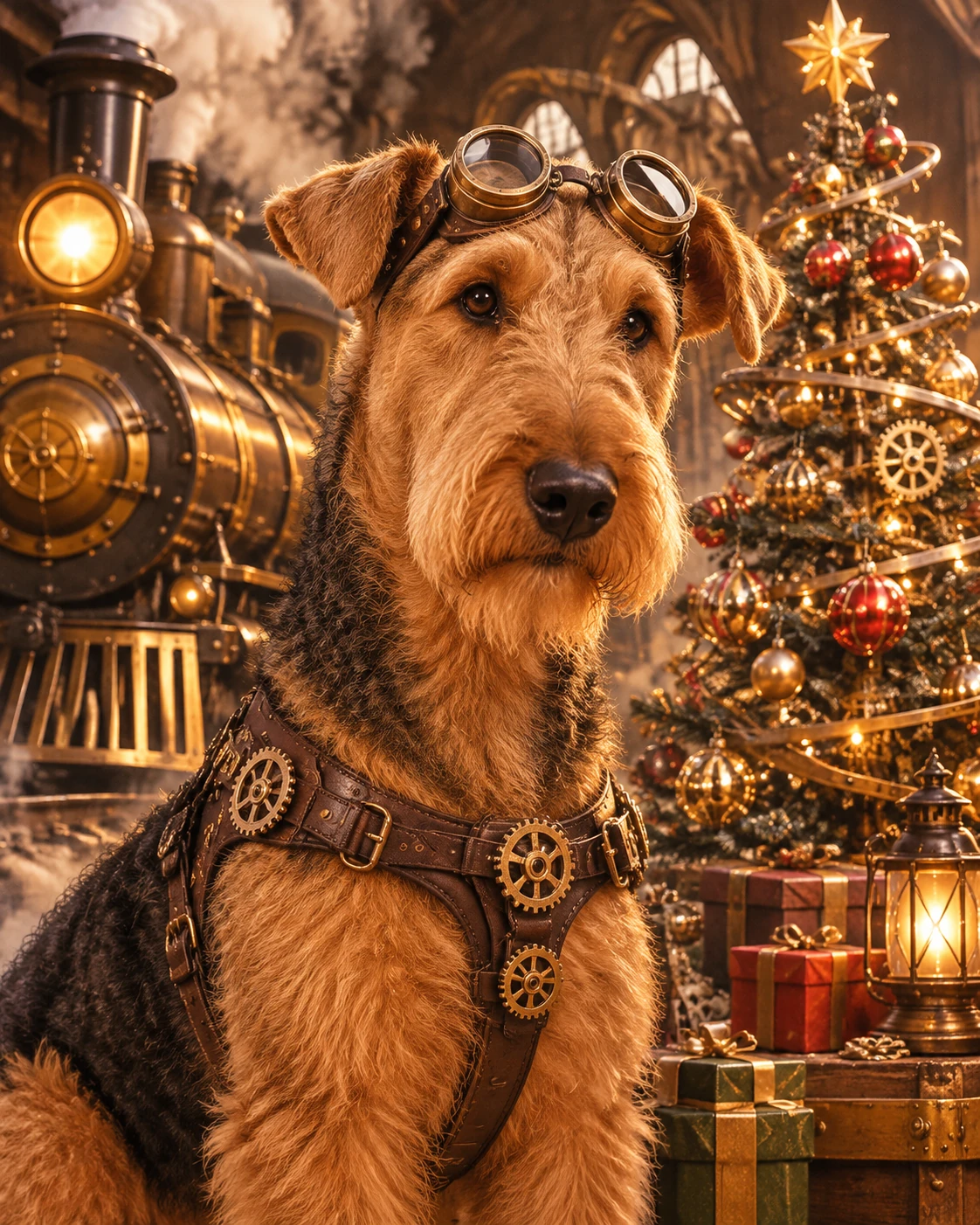 Steampunk ChristmasUse with my photo
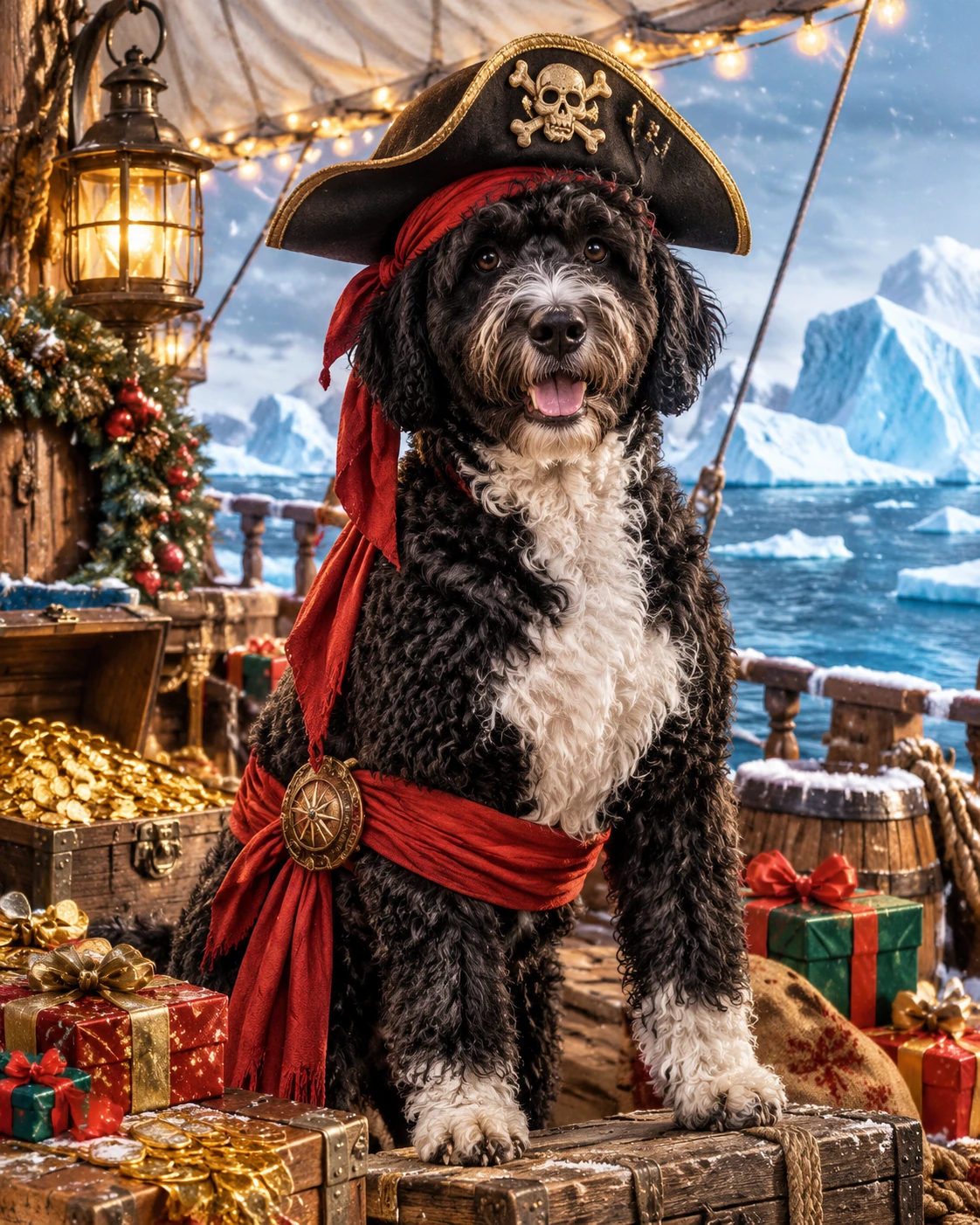 Pirate ChristmasUse with my photo
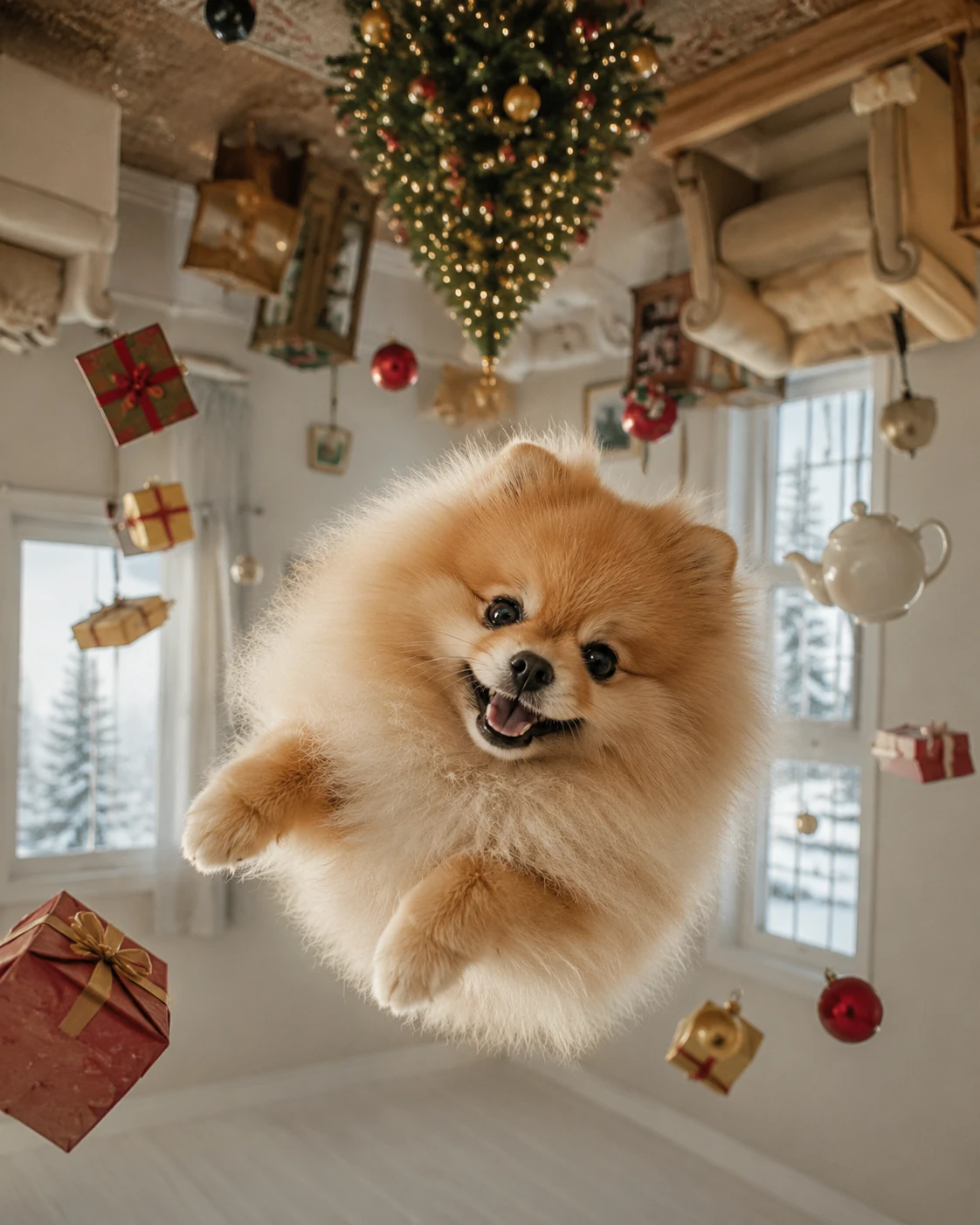 Upside-down Christmas roomUse with my photo
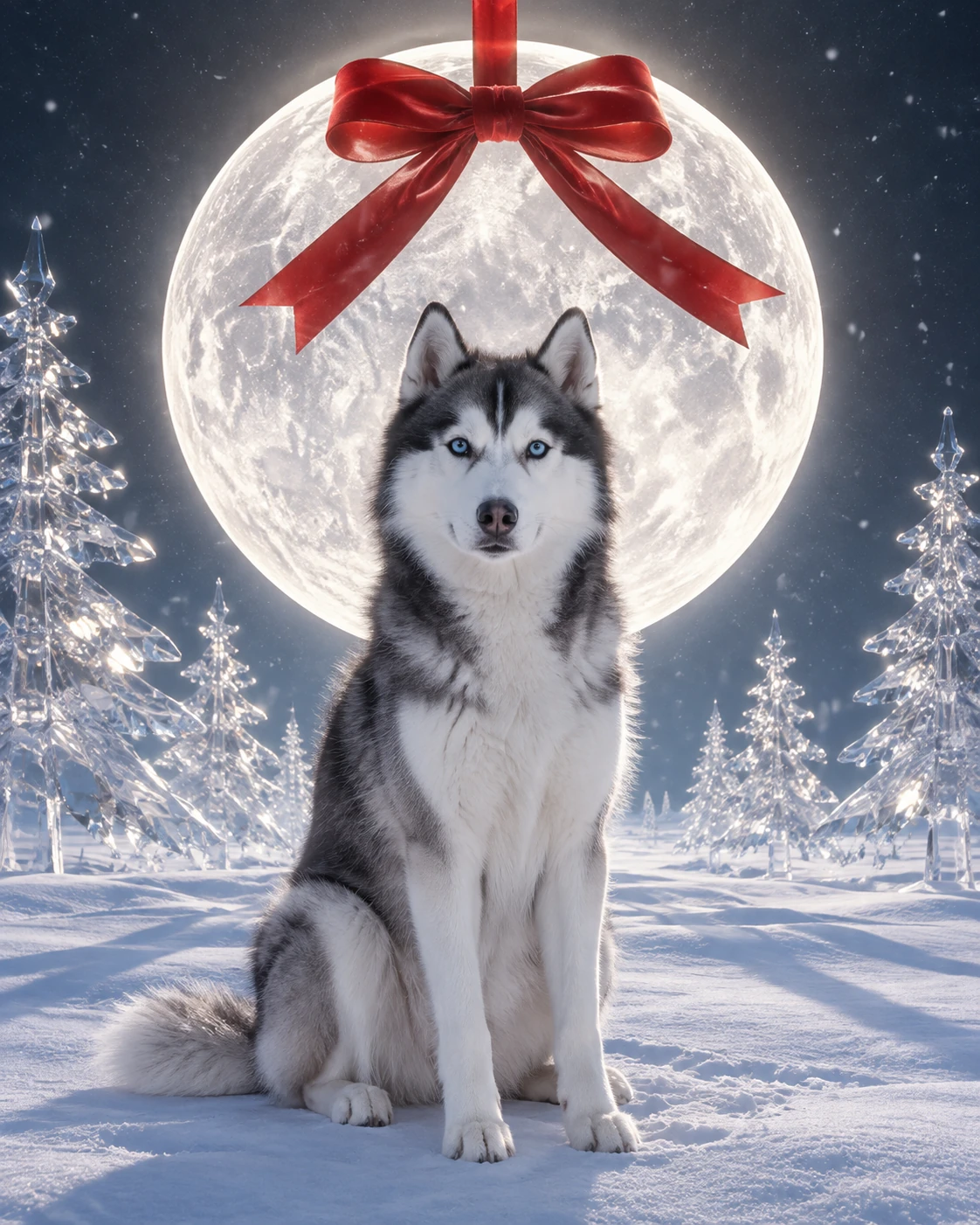 Moon over the crystal forestUse with my photo
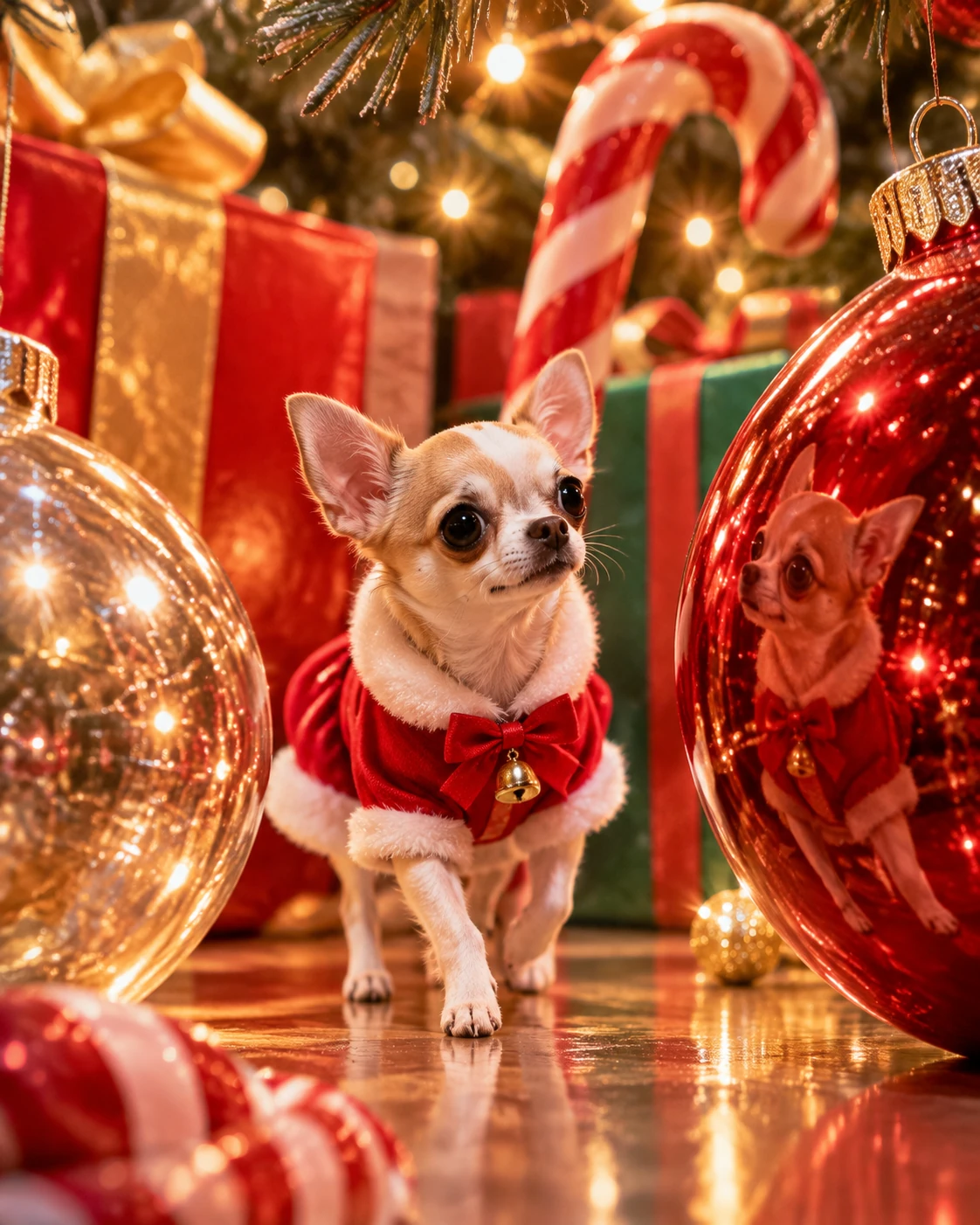 Giant ornament worldUse with my photo
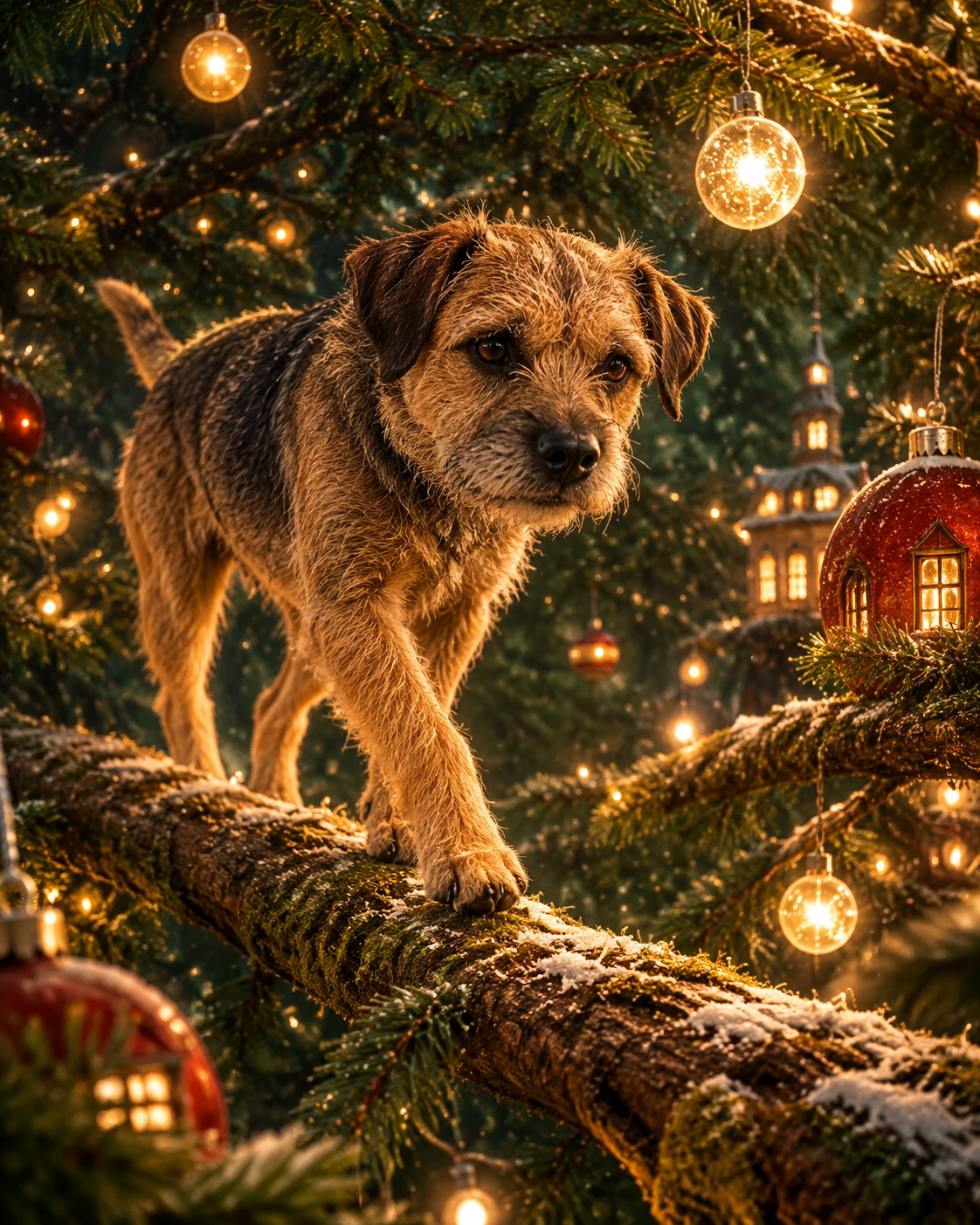 Forest inside the Christmas treeUse with my photo
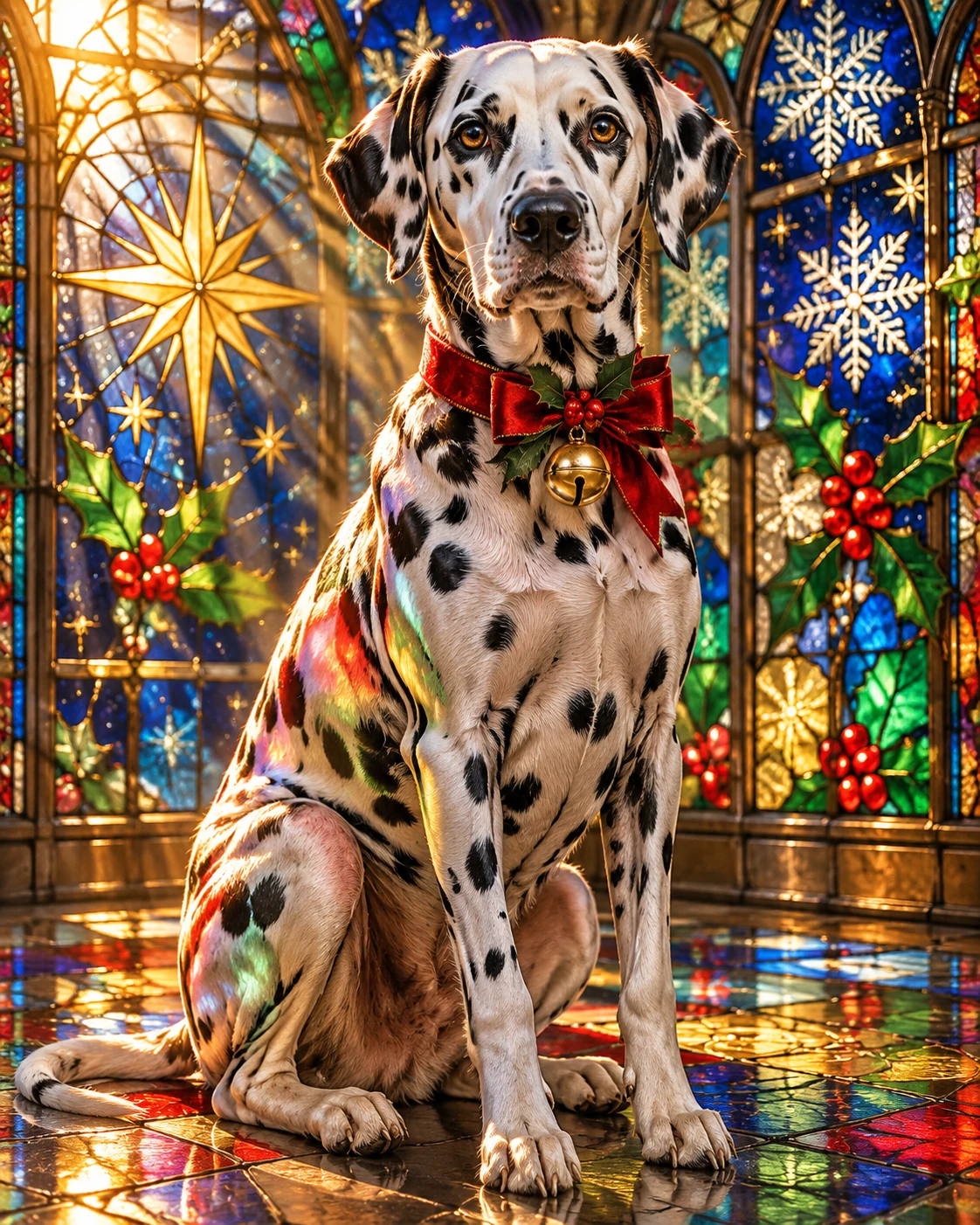 Stained glass ChristmasUse with my photo
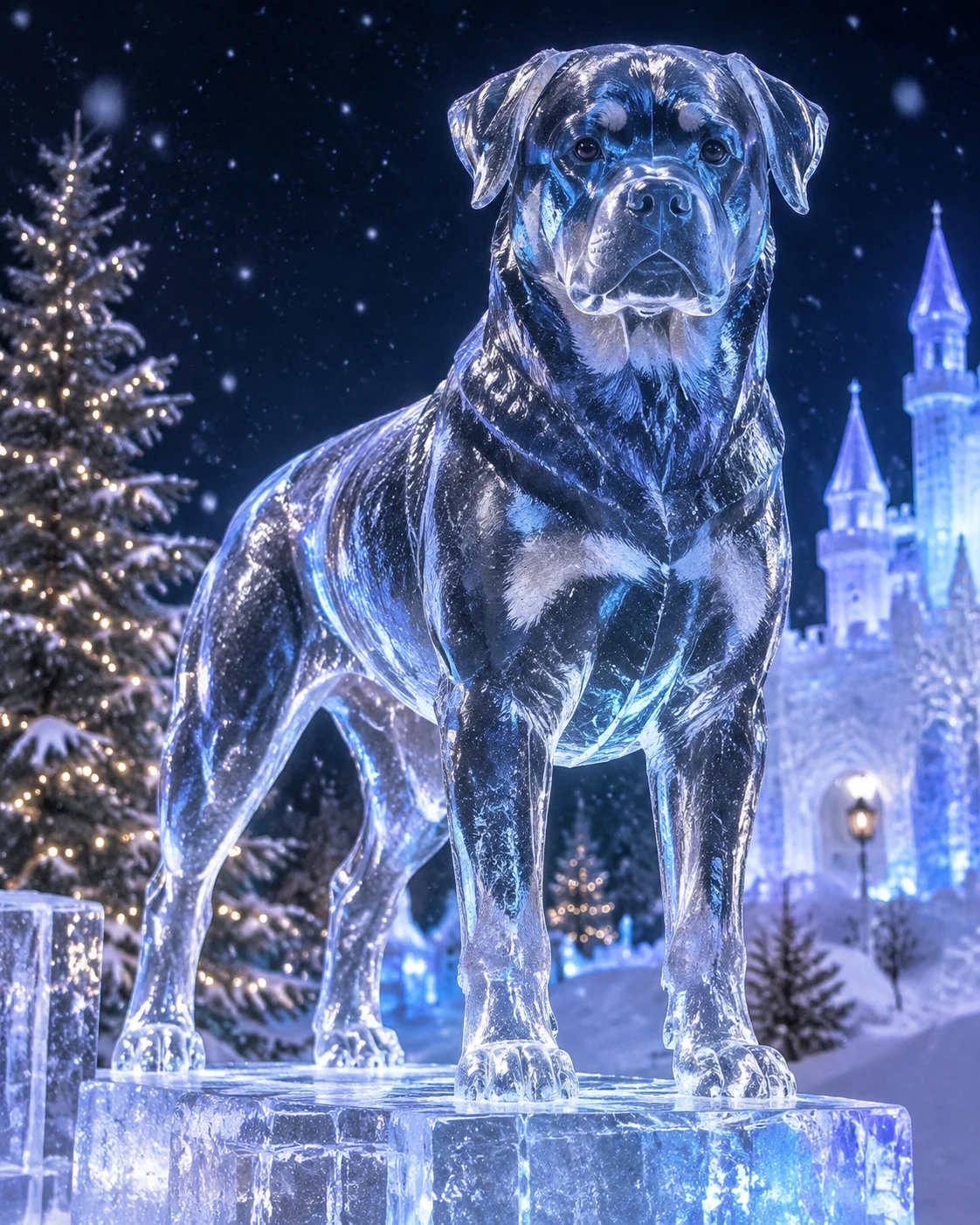 Ice sculpture of my dogUse with my photo
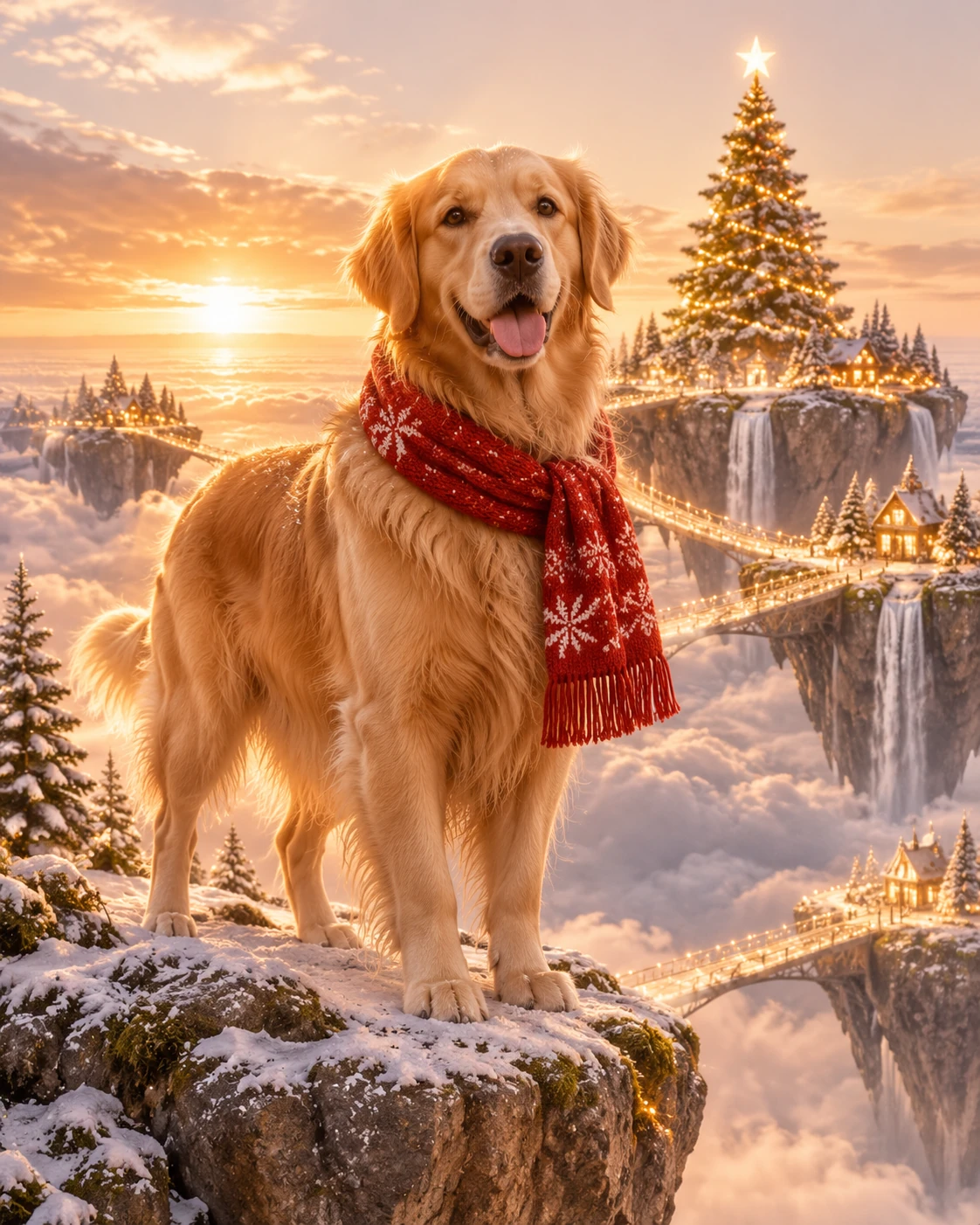 Floating islands ChristmasUse with my photo
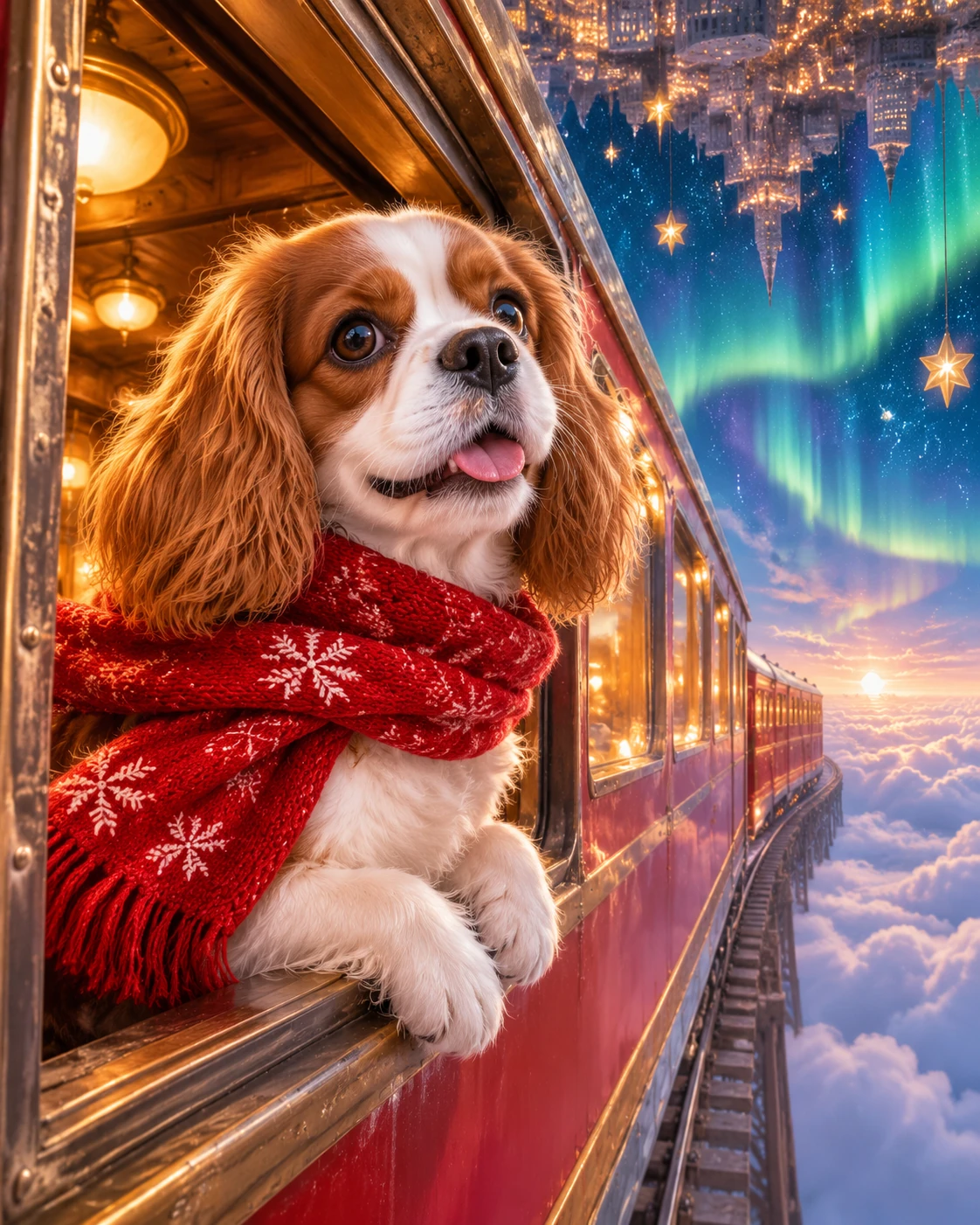 Dream train through the cloudsUse with my photo
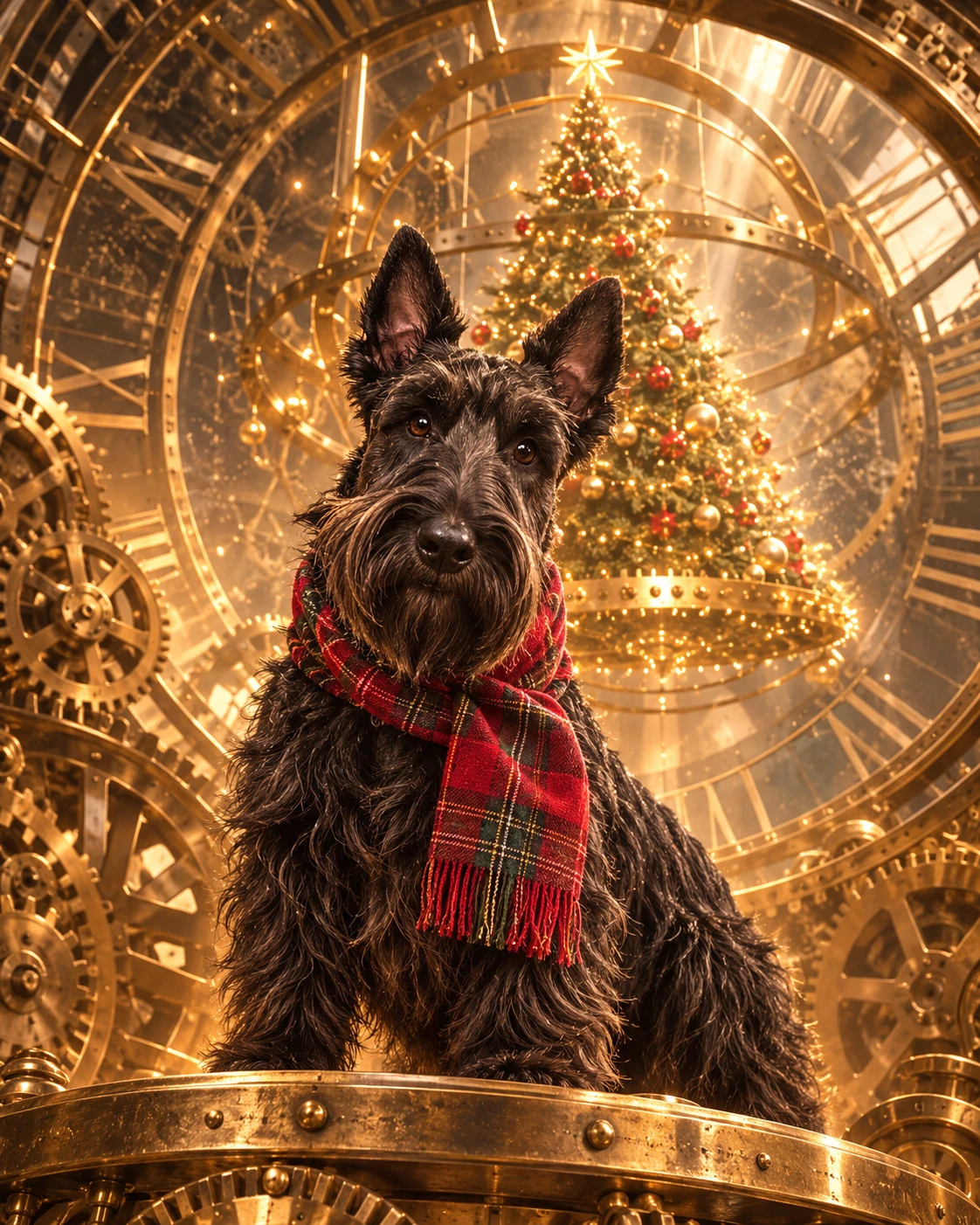 Inside the Christmas clockUse with my photo
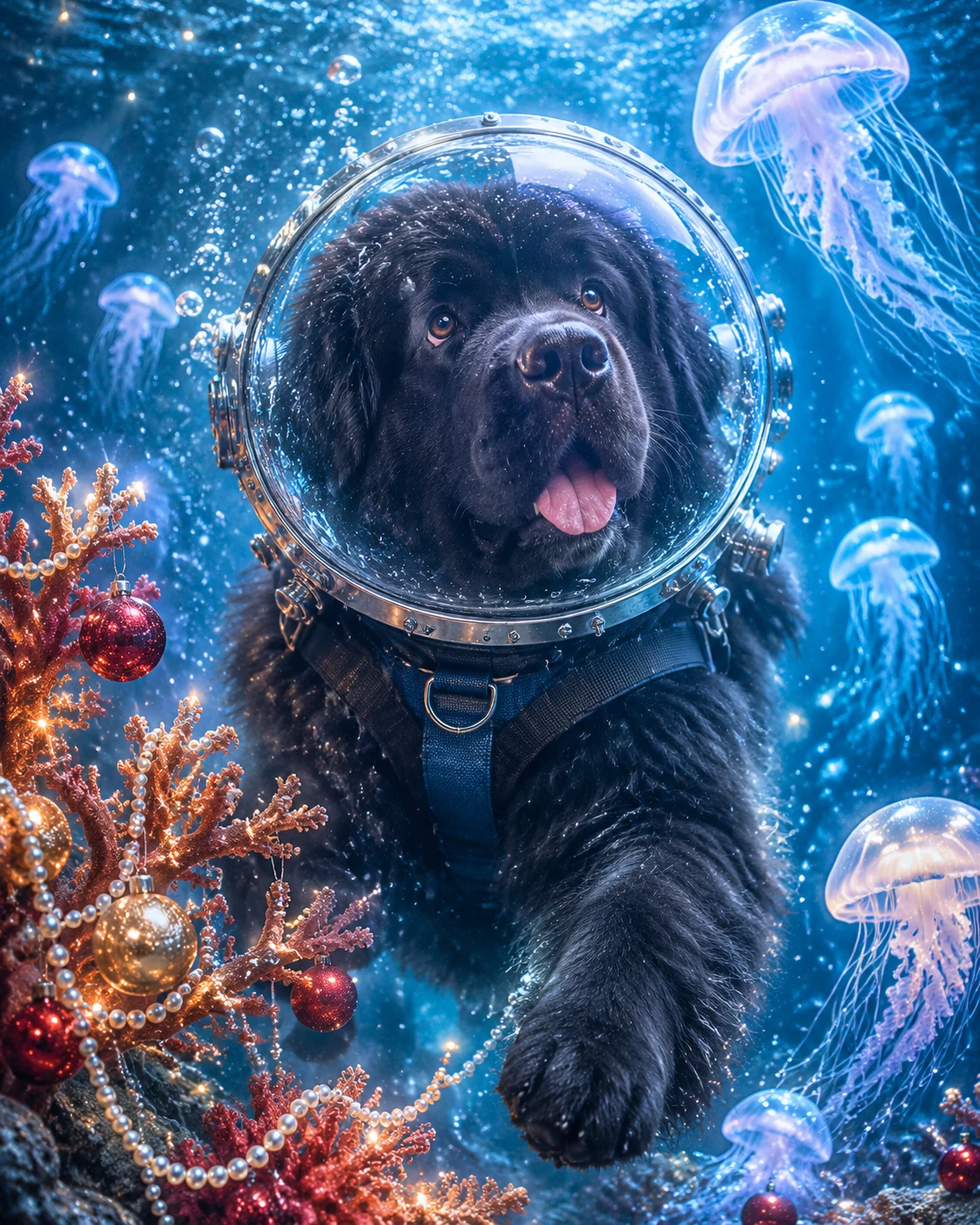 Starry underwater ChristmasUse with my photo
Cinema-inspired dog portraits 6
See the prompts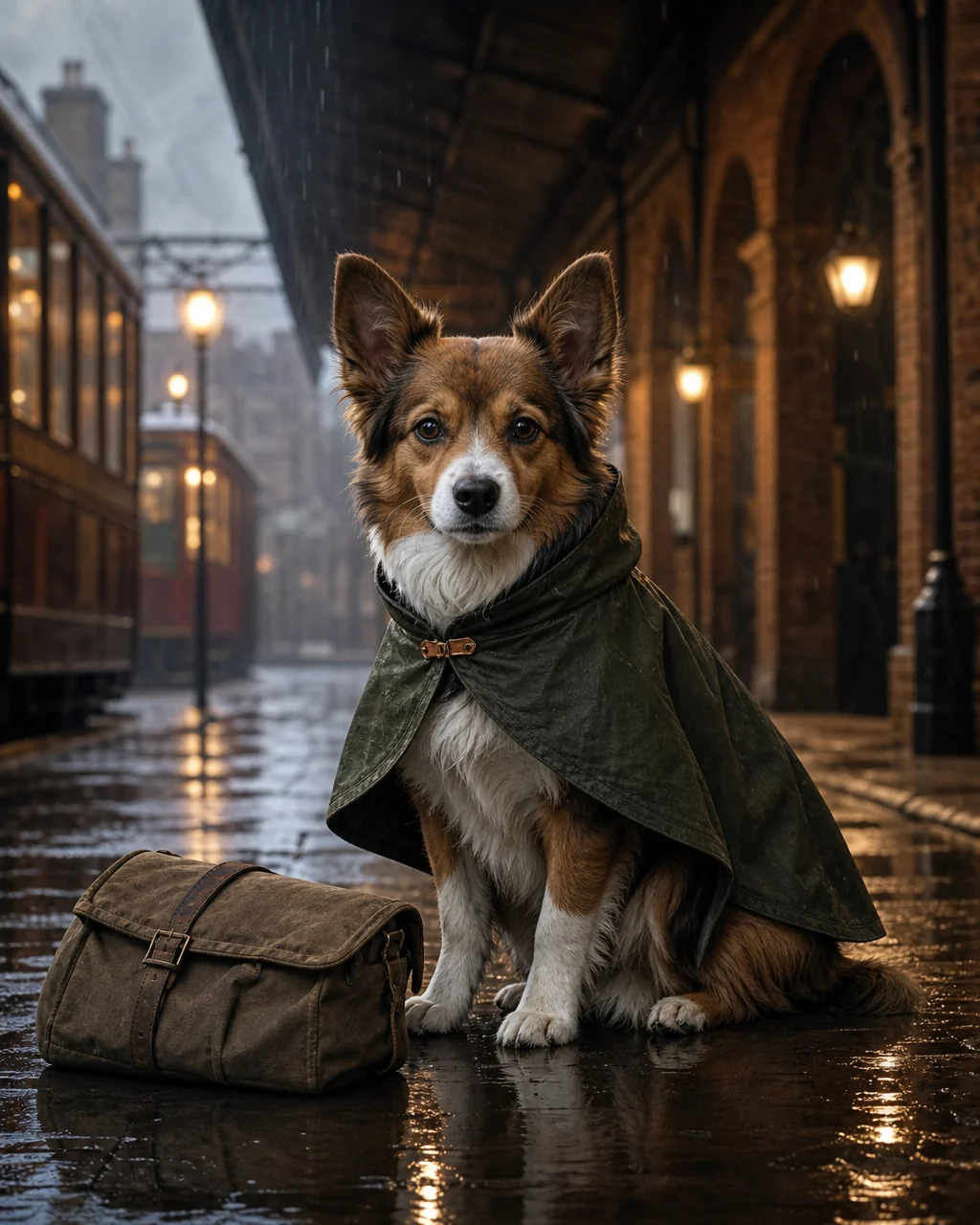
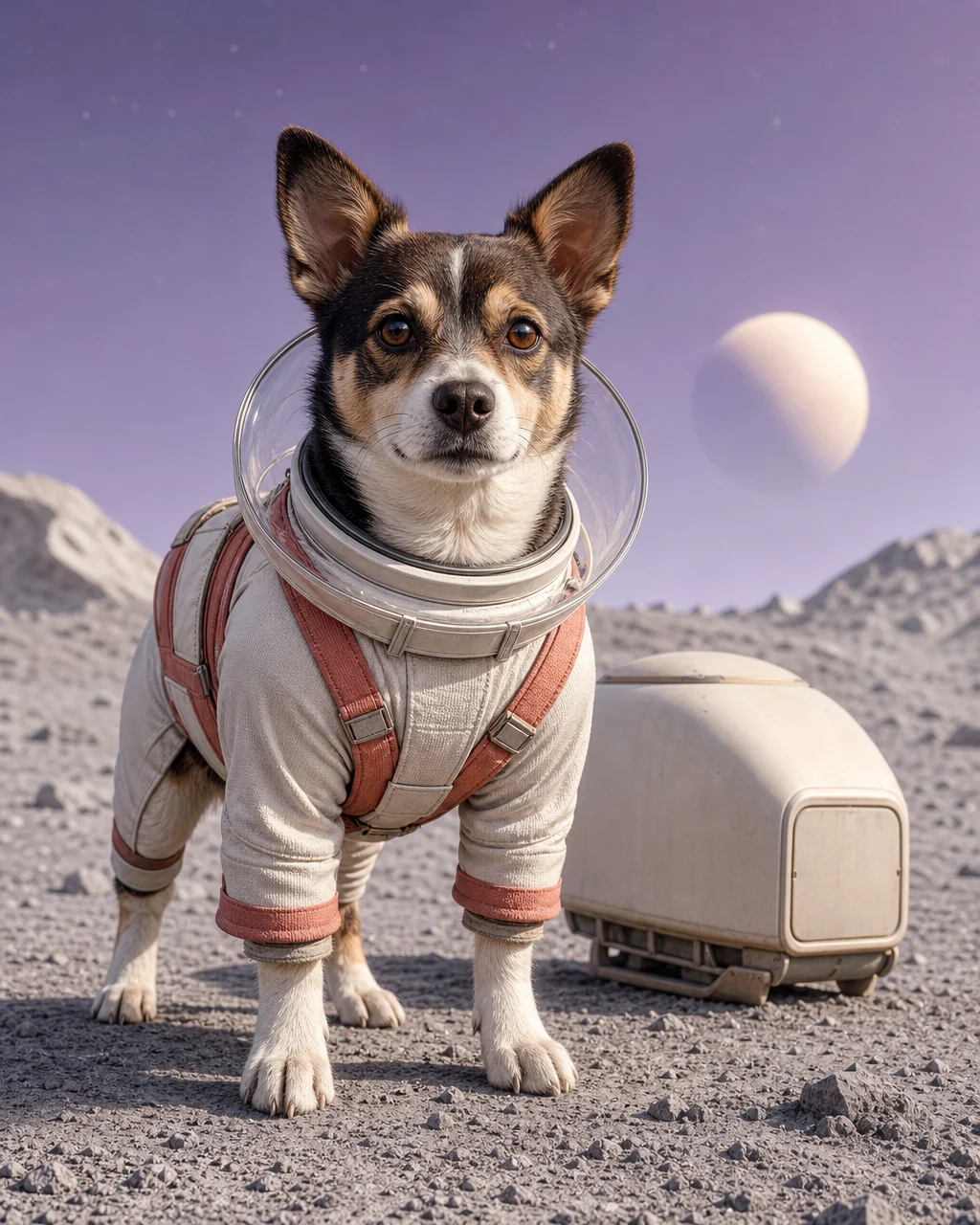
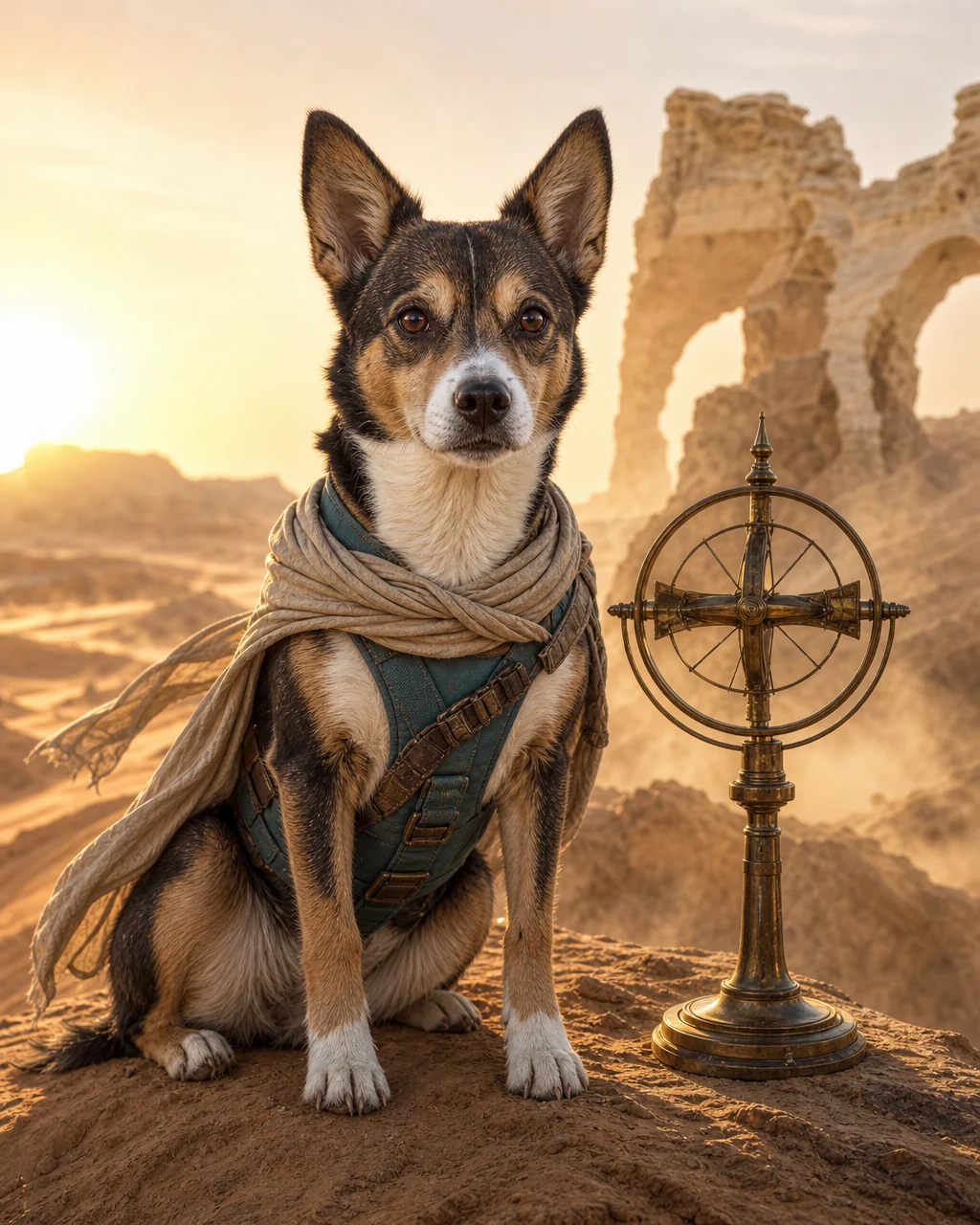
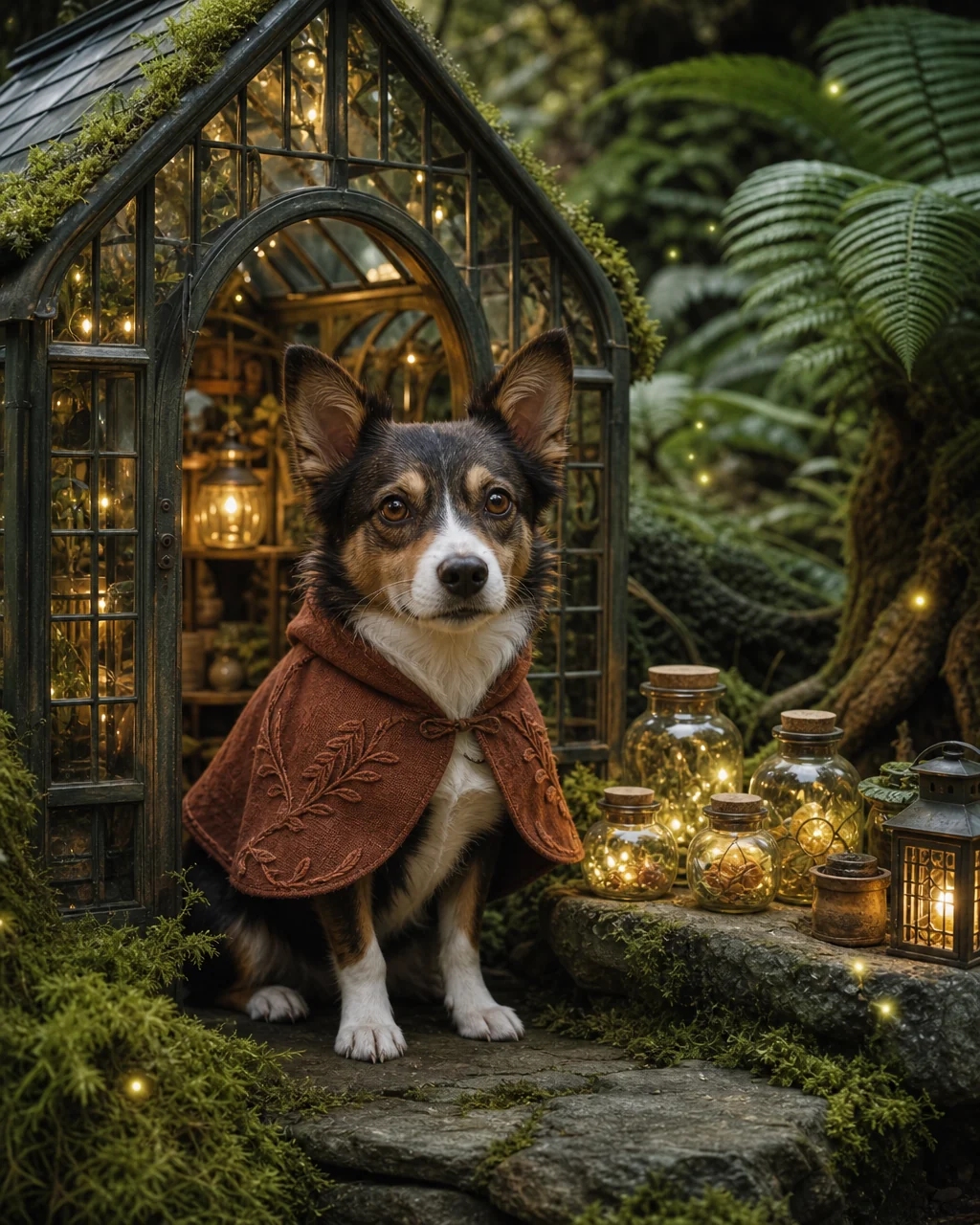
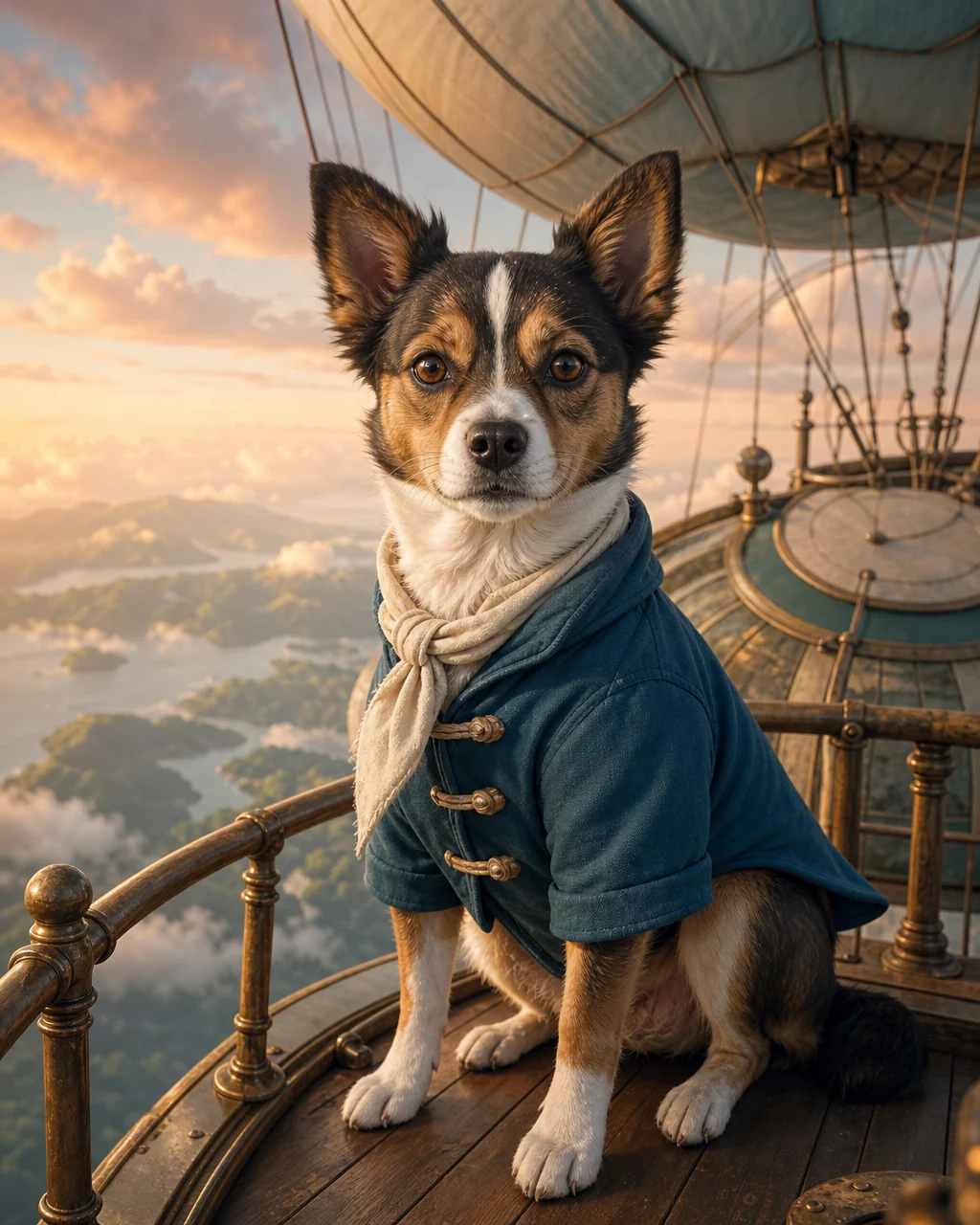
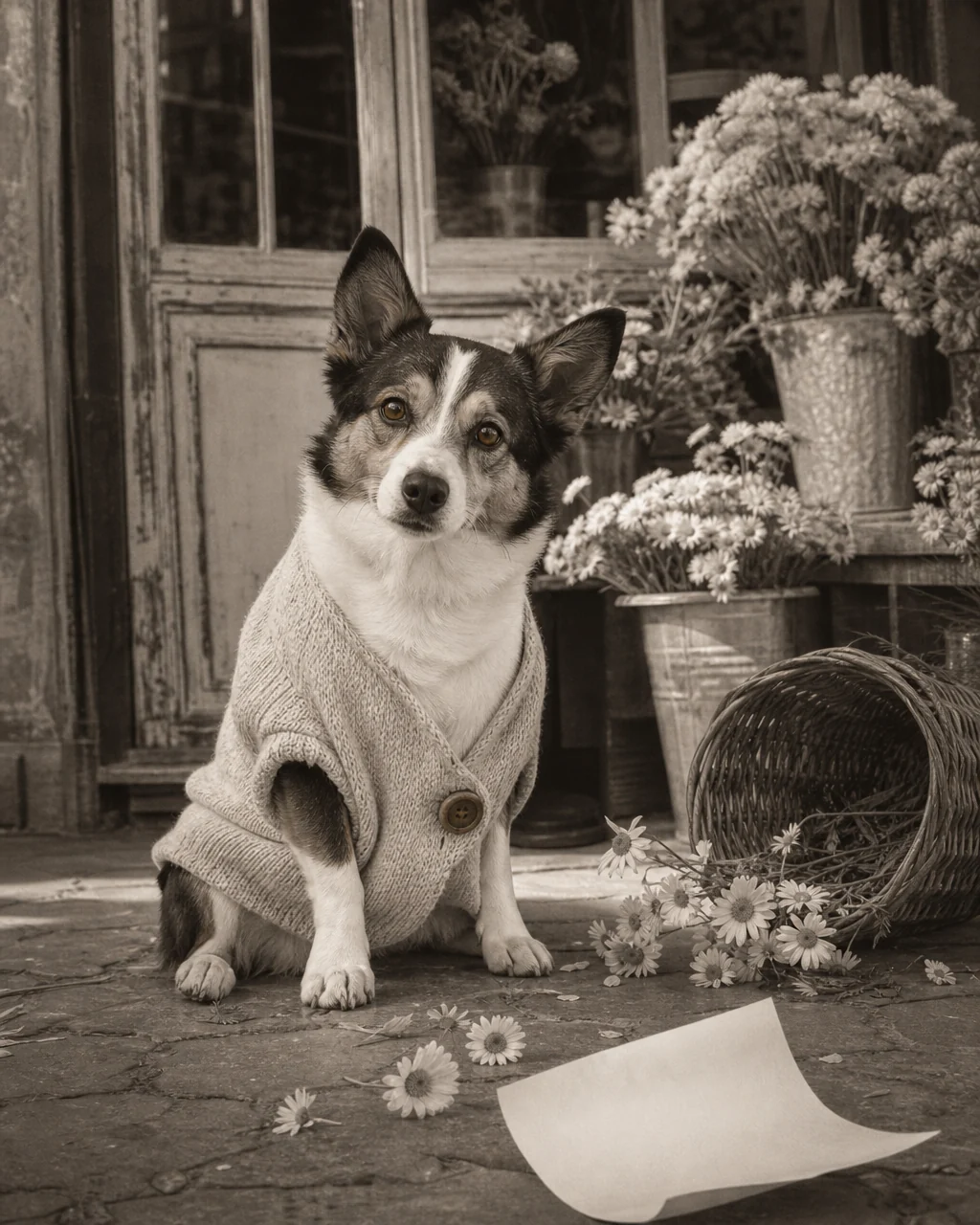
Dog Halloween costume 10
See the prompts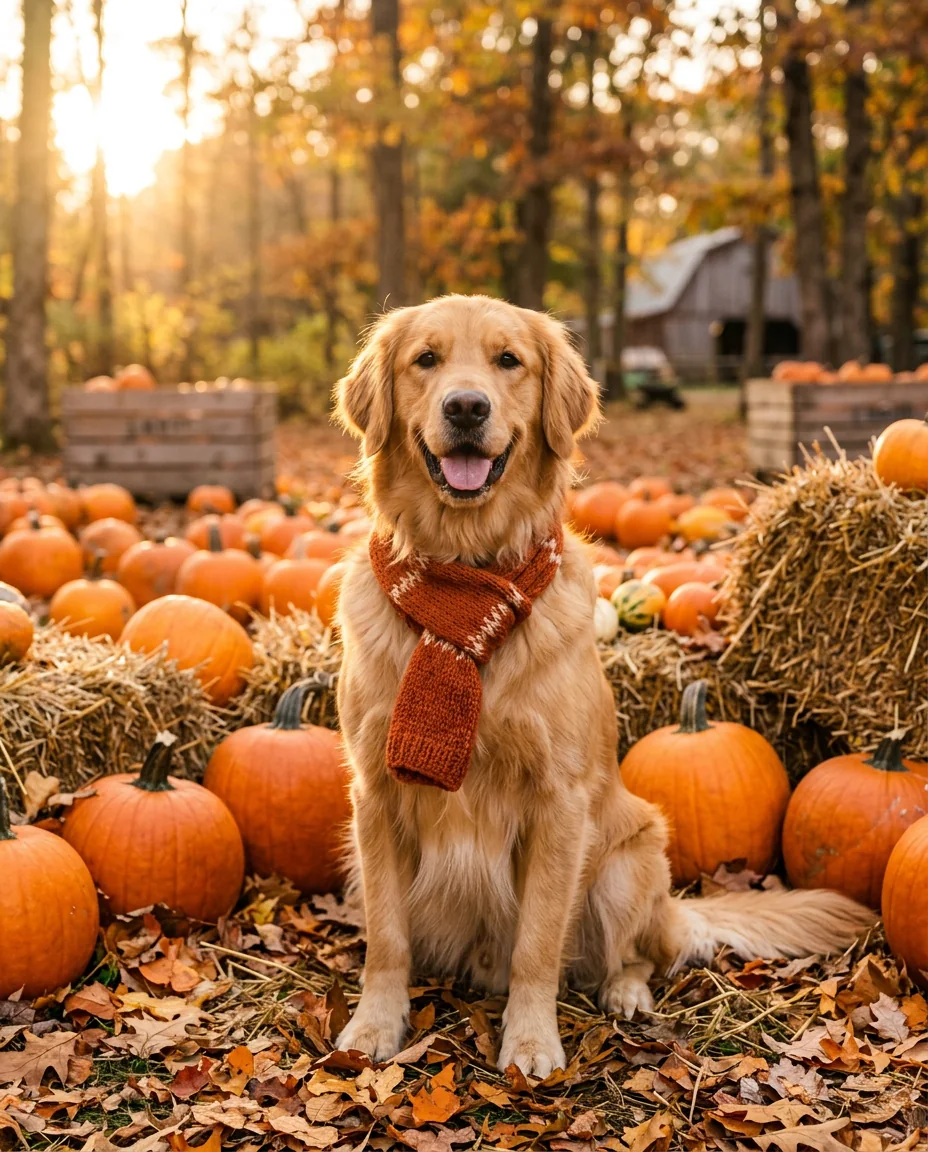 Pumpkin patch portraitUse with my photo
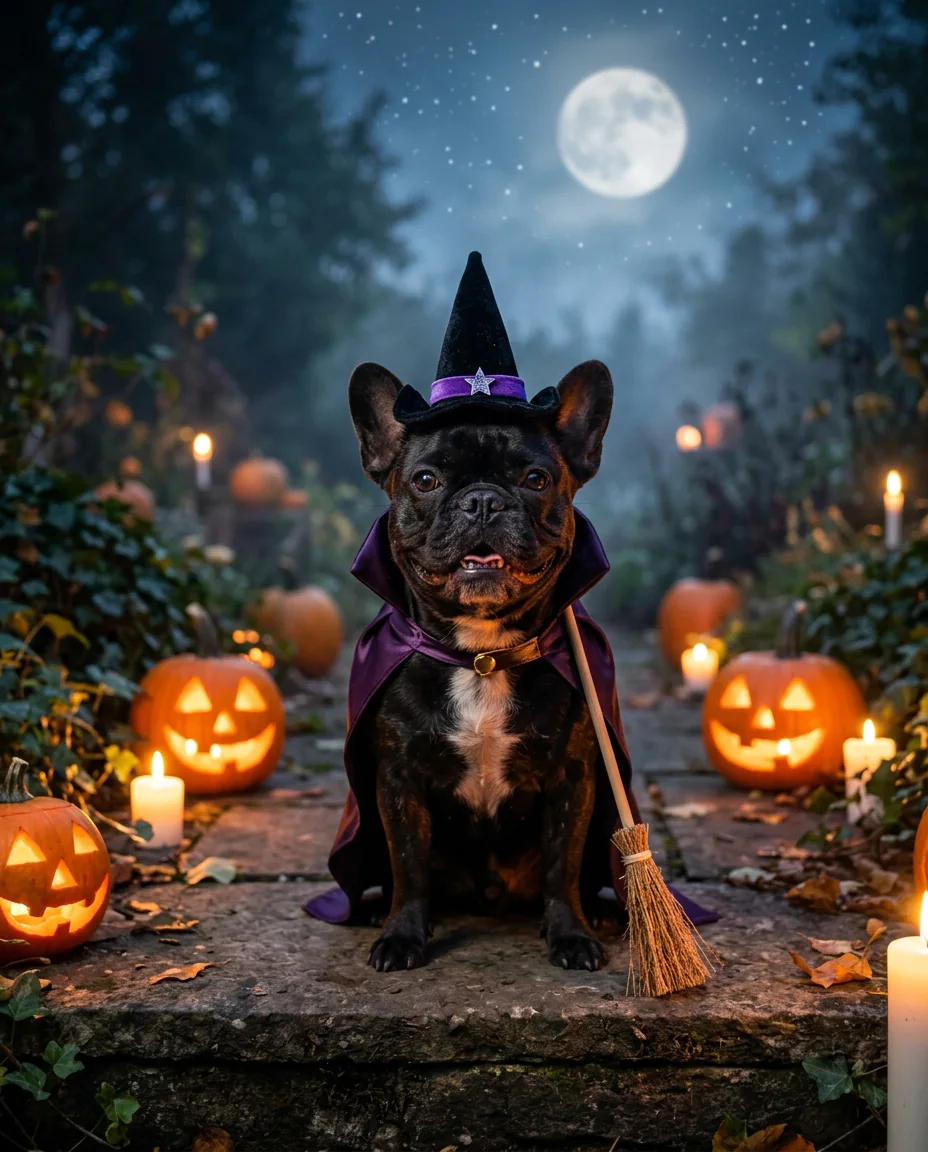 Little witchUse with my photo
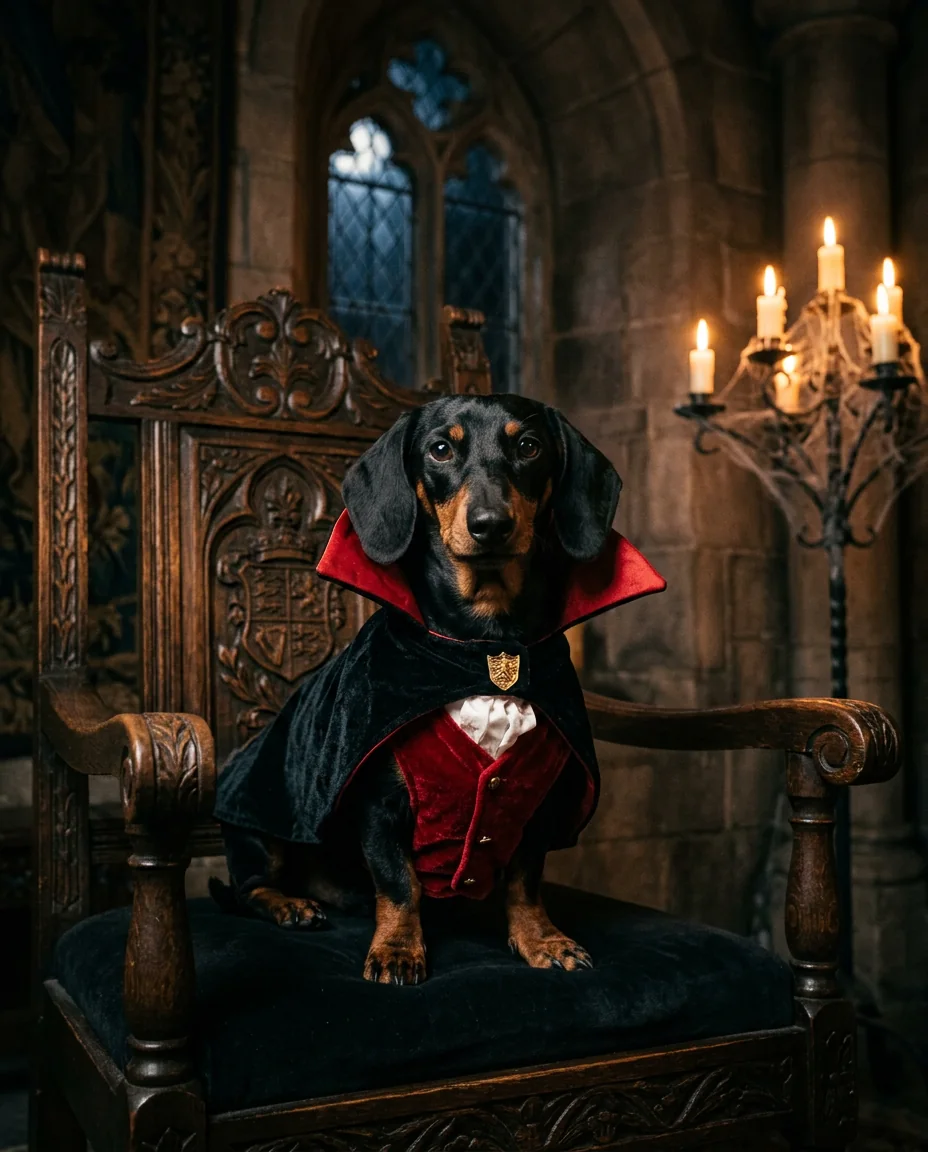 Vampire countUse with my photo
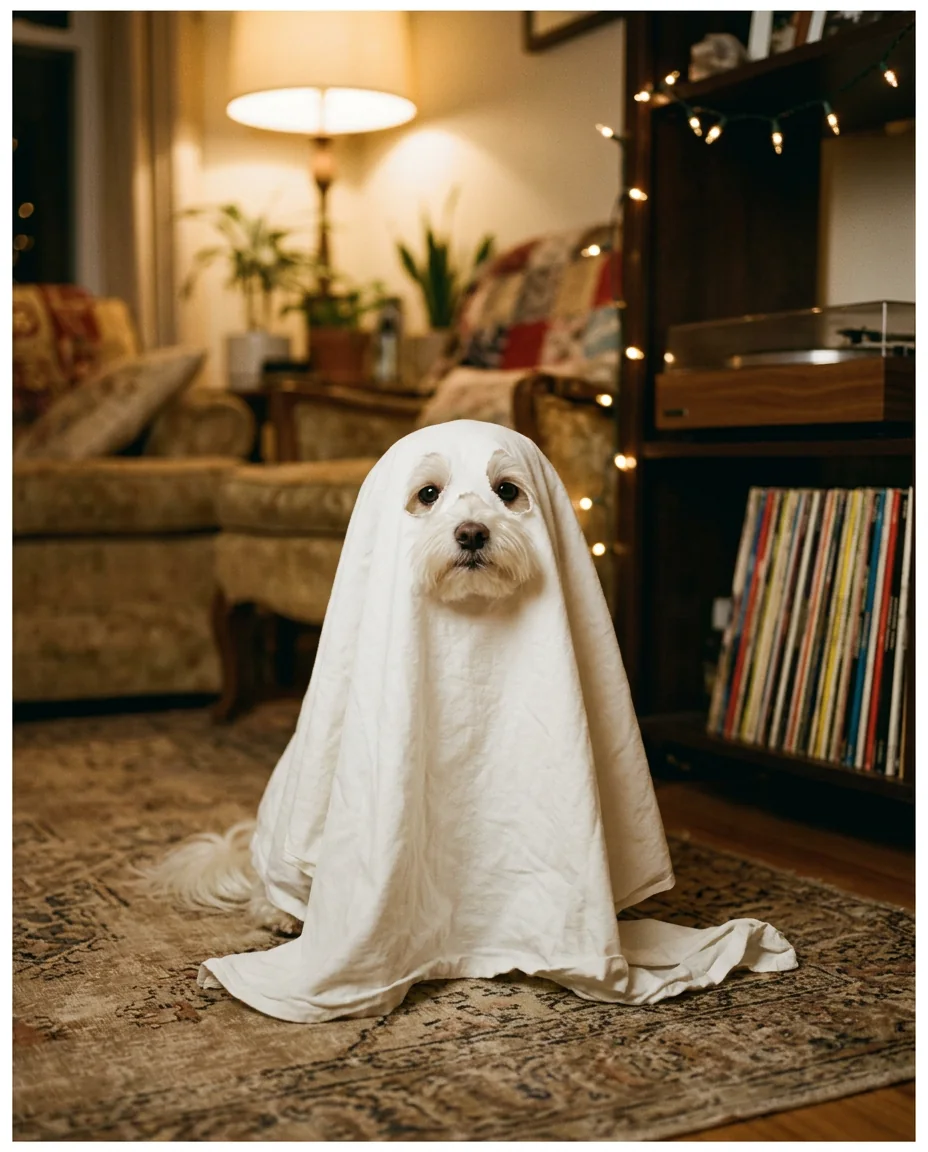 Bedsheet ghostUse with my photo
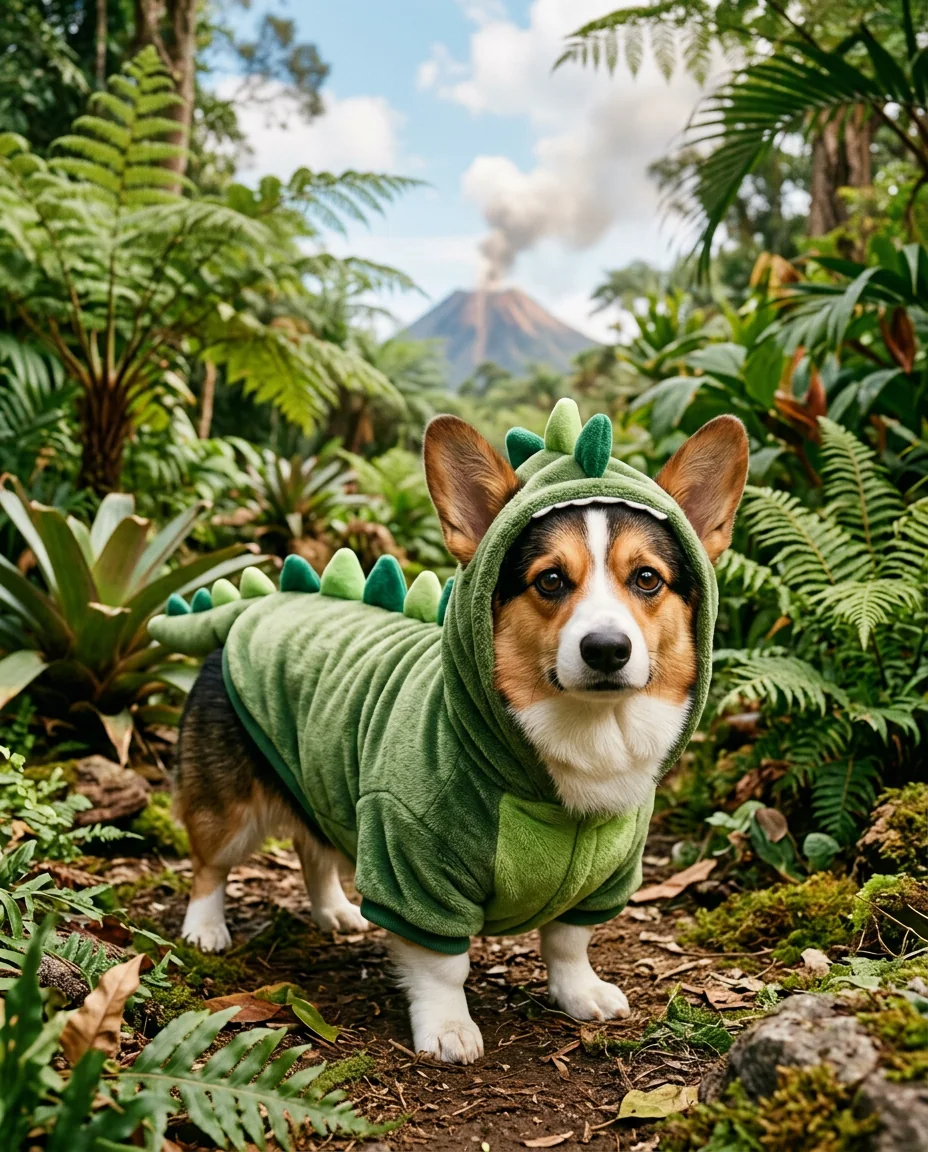 Dinosaur costumeUse with my photo
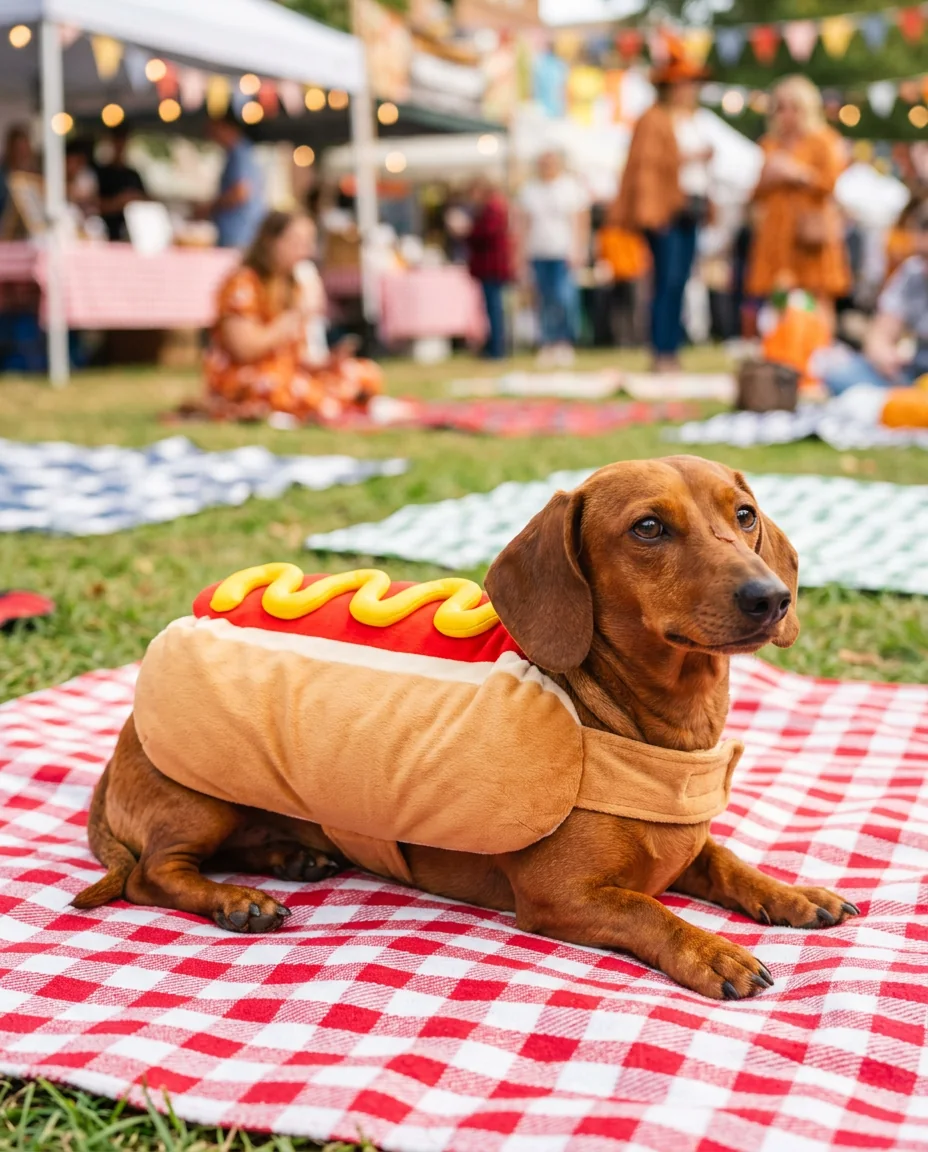 Hot dog costumeUse with my photo
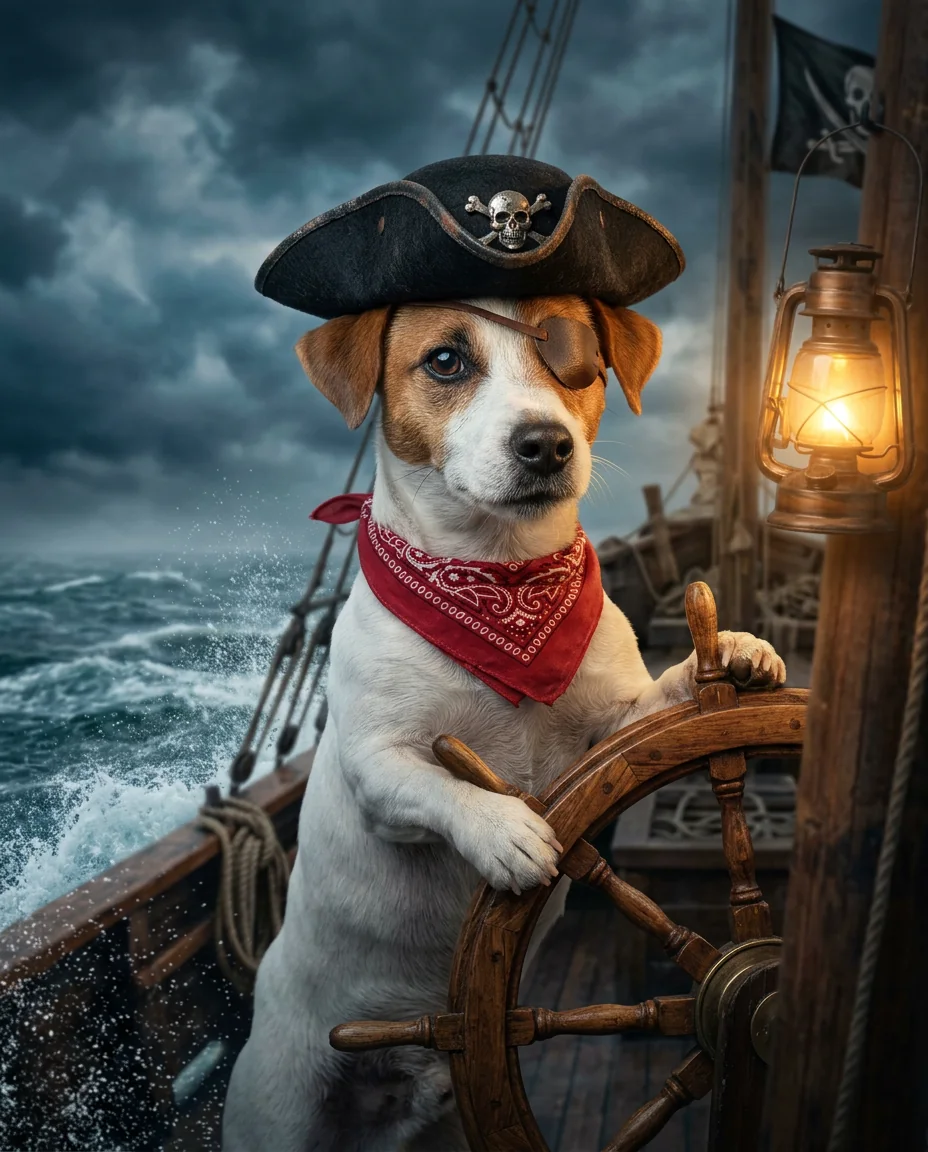 Pirate captainUse with my photo
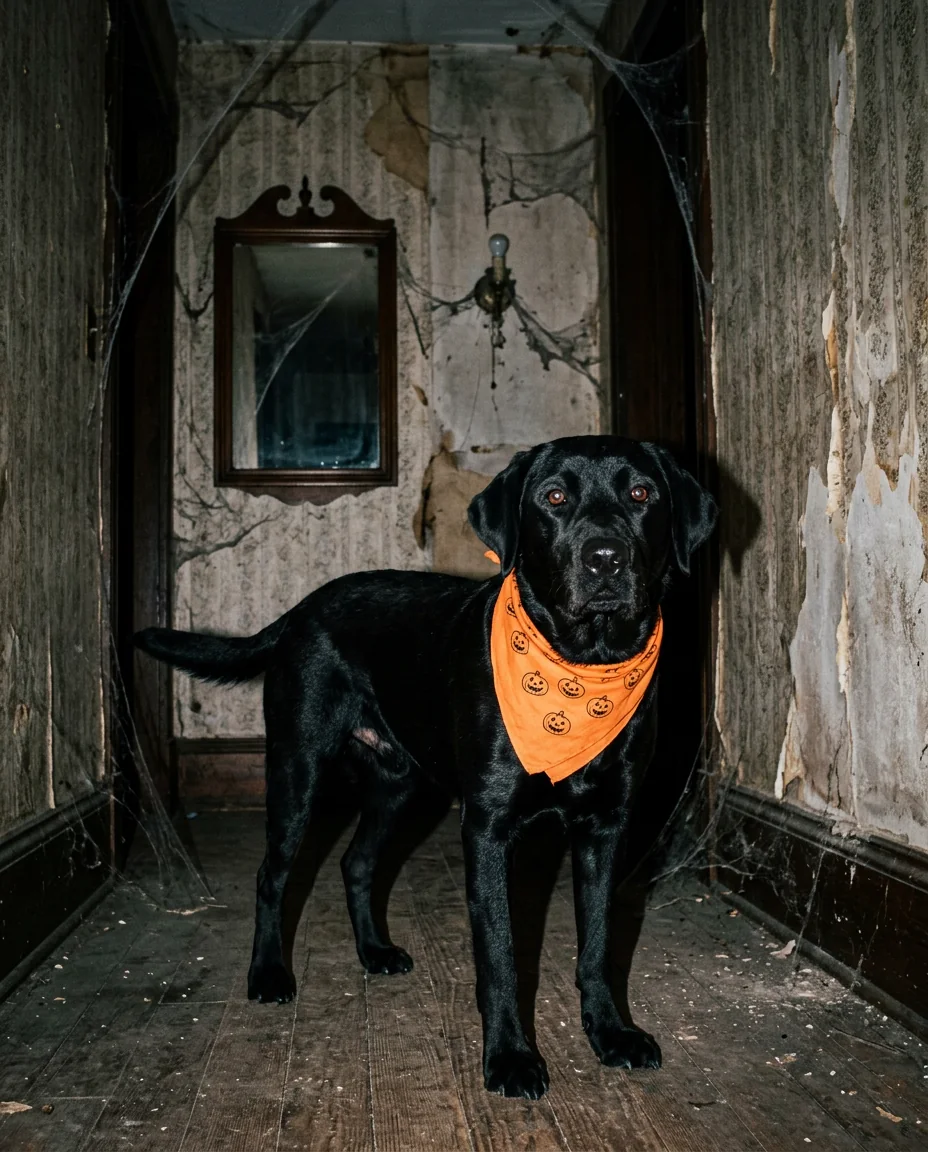 Haunted house flash photoUse with my photo
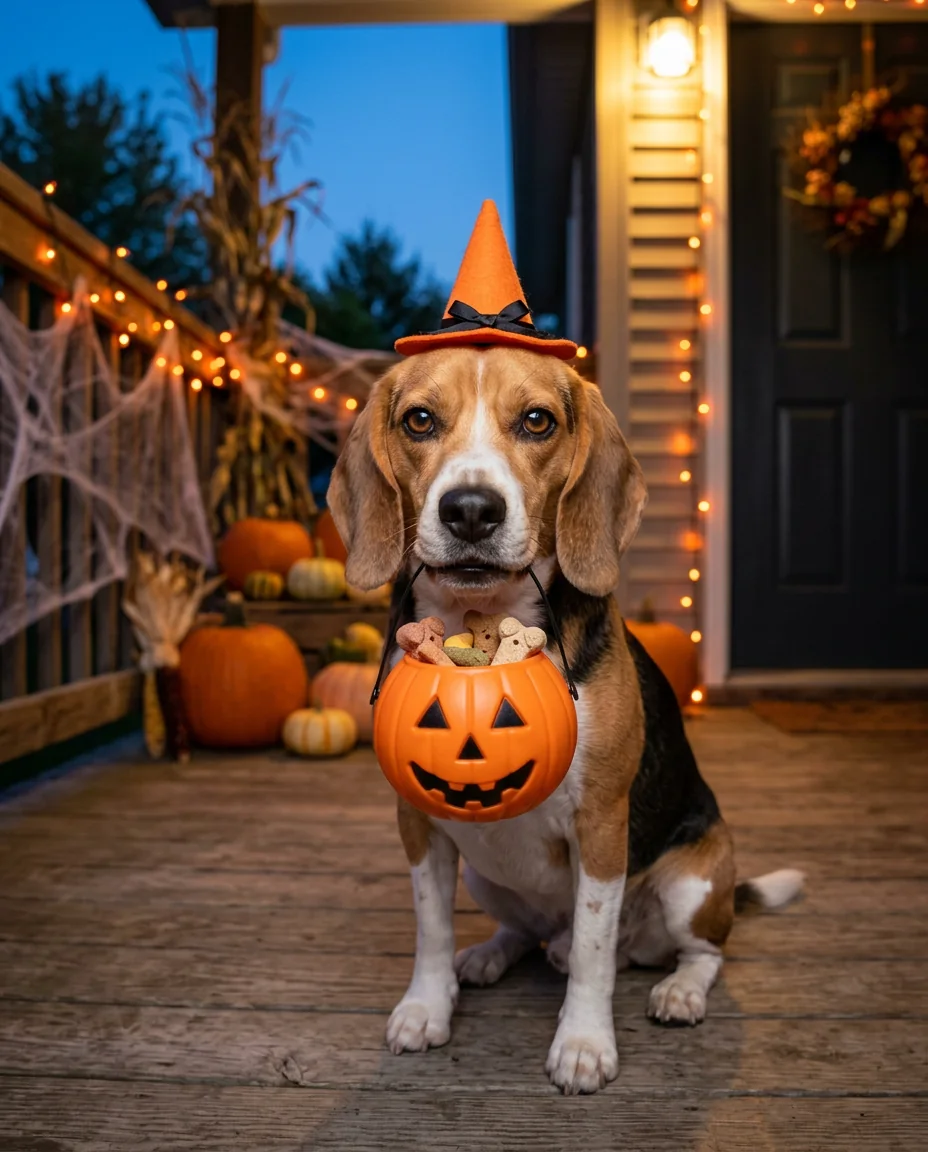 Trick-or-treatUse with my photo
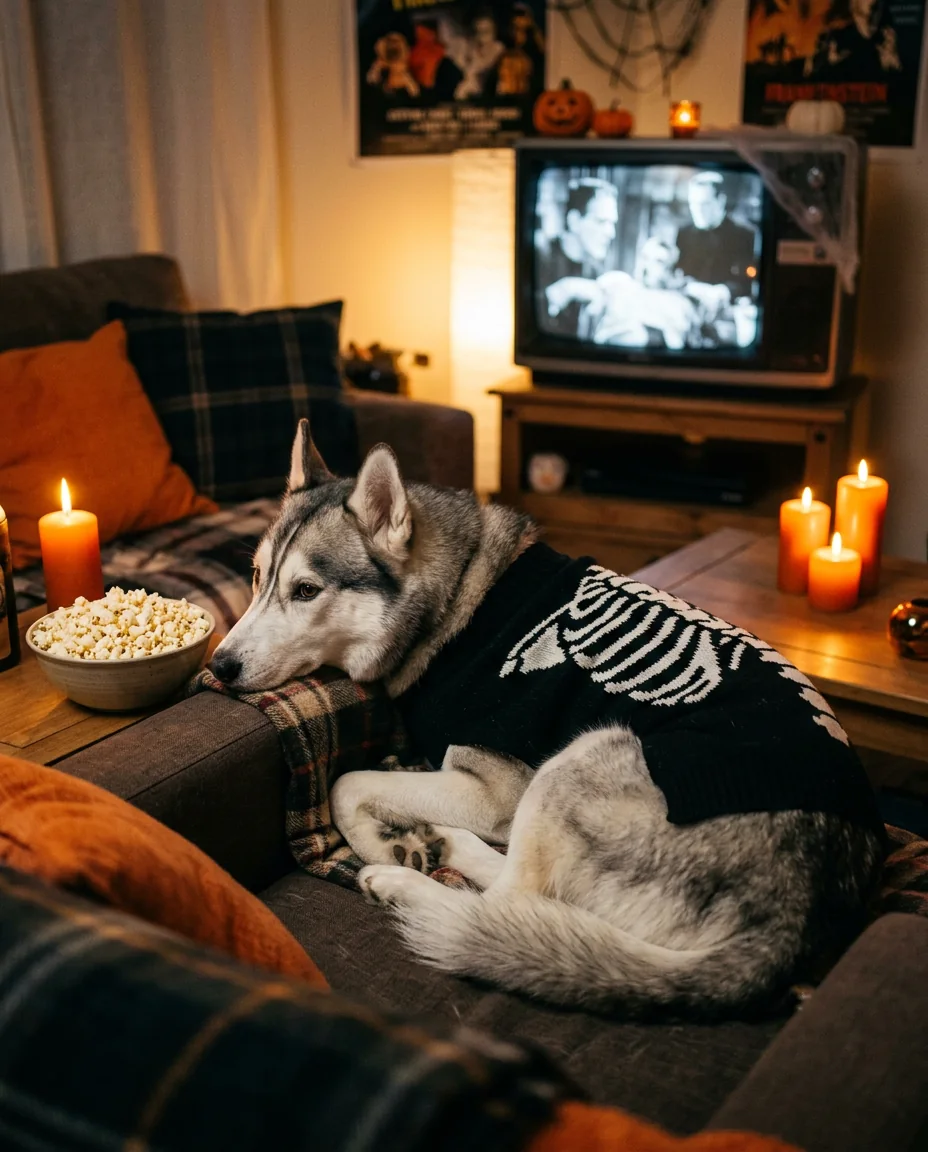 Skeleton sweaterUse with my photo
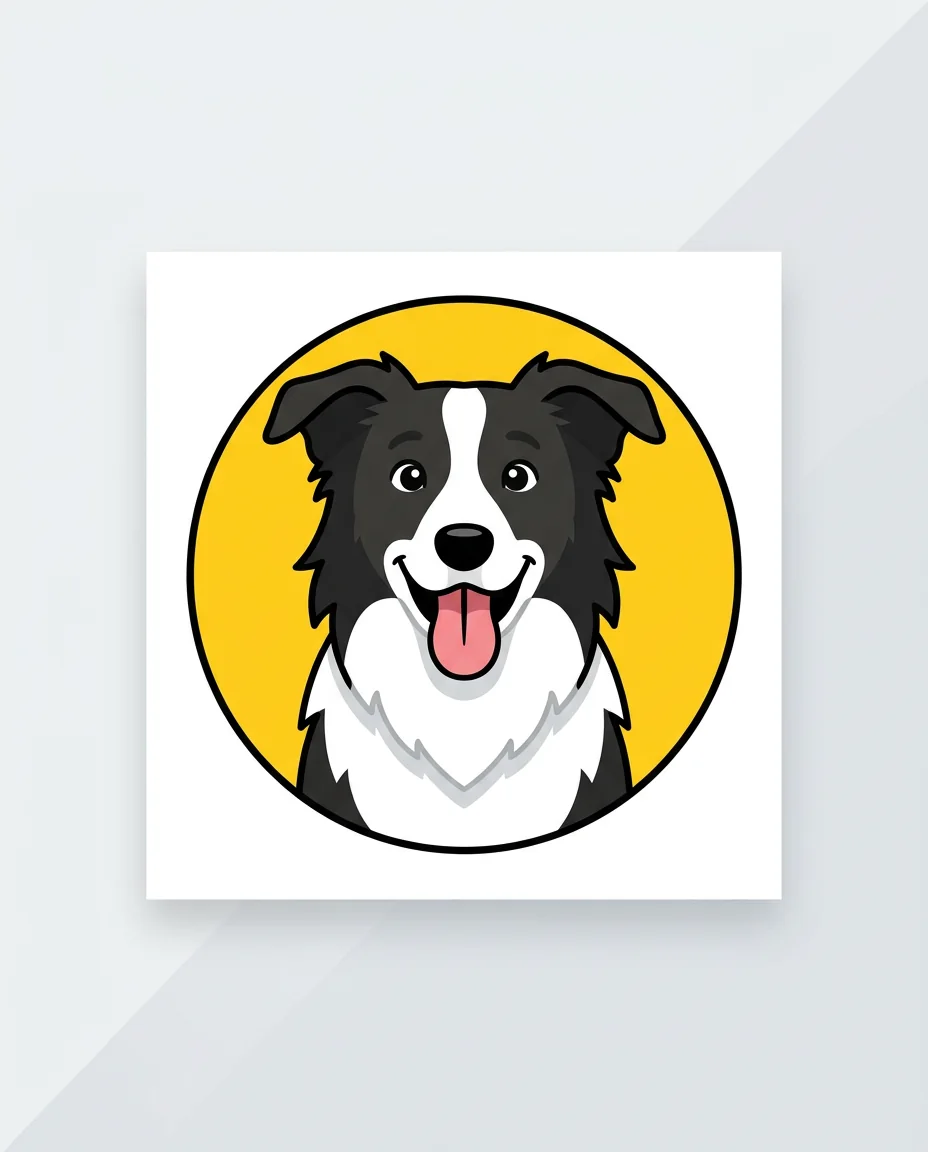
Turn your dog into a cartoon 8
See the prompts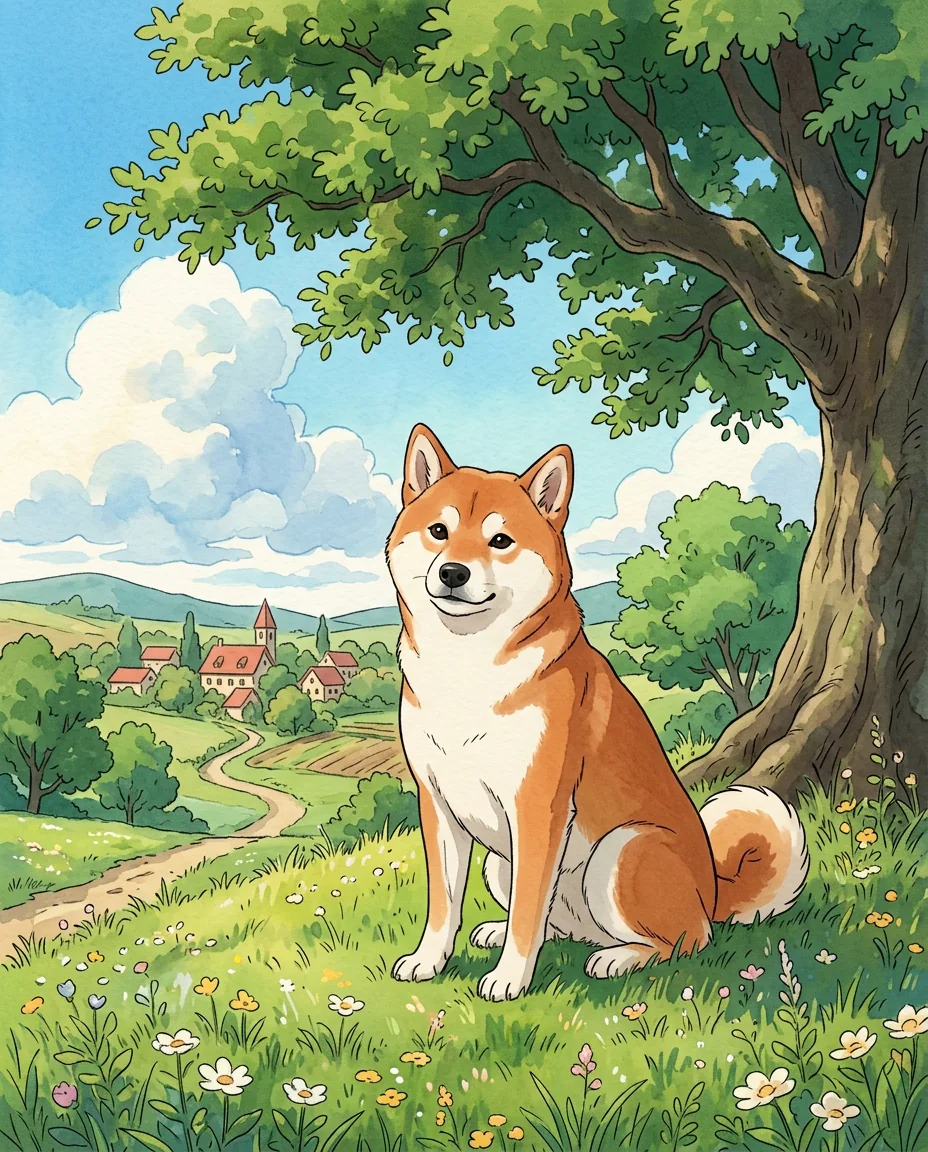
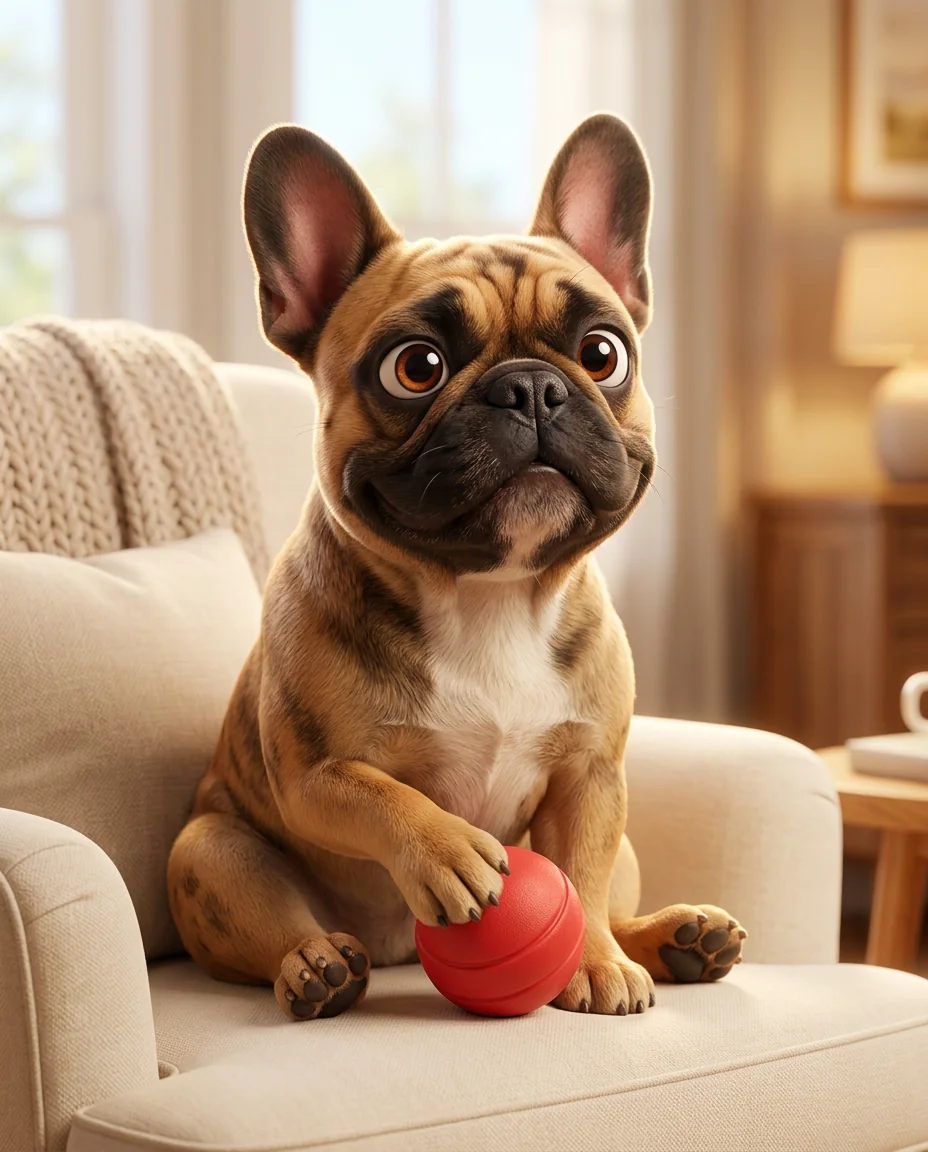
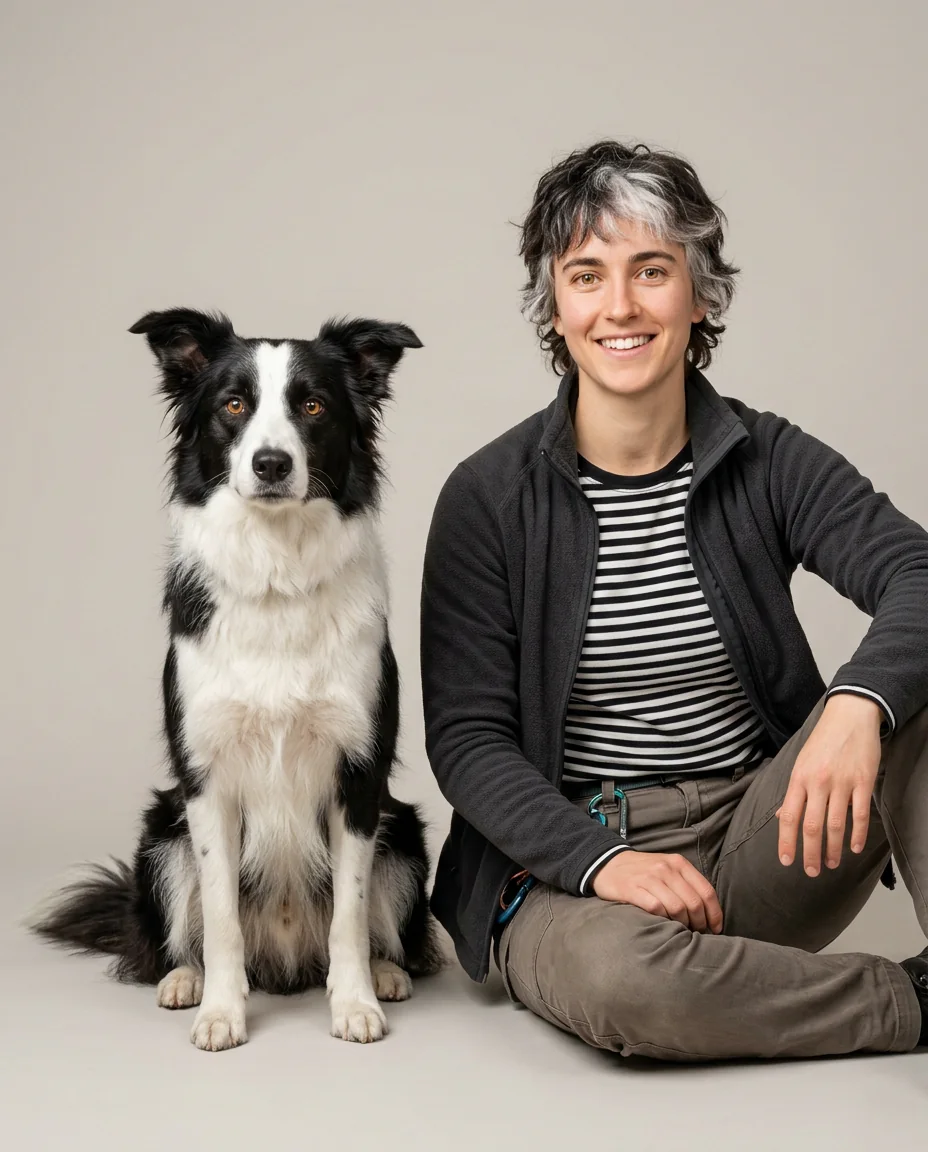
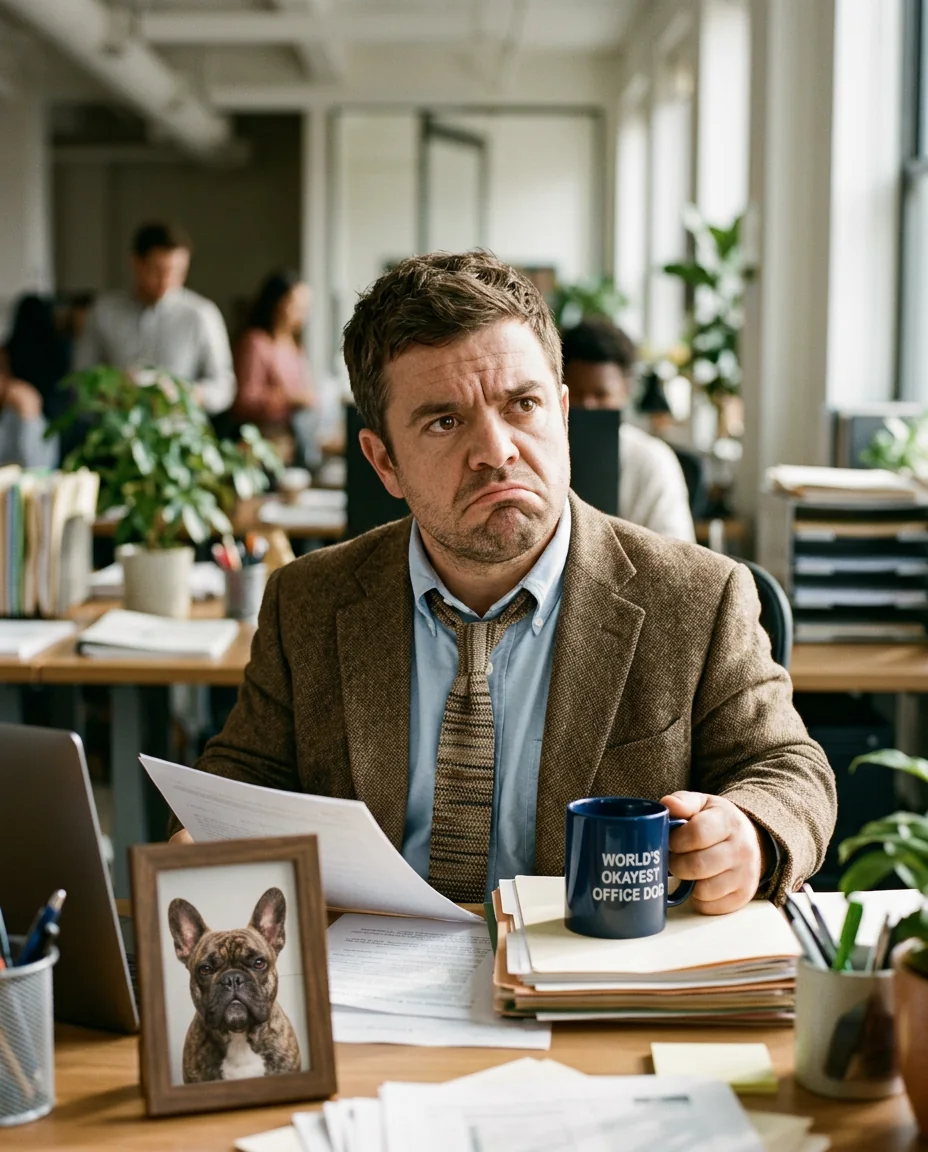
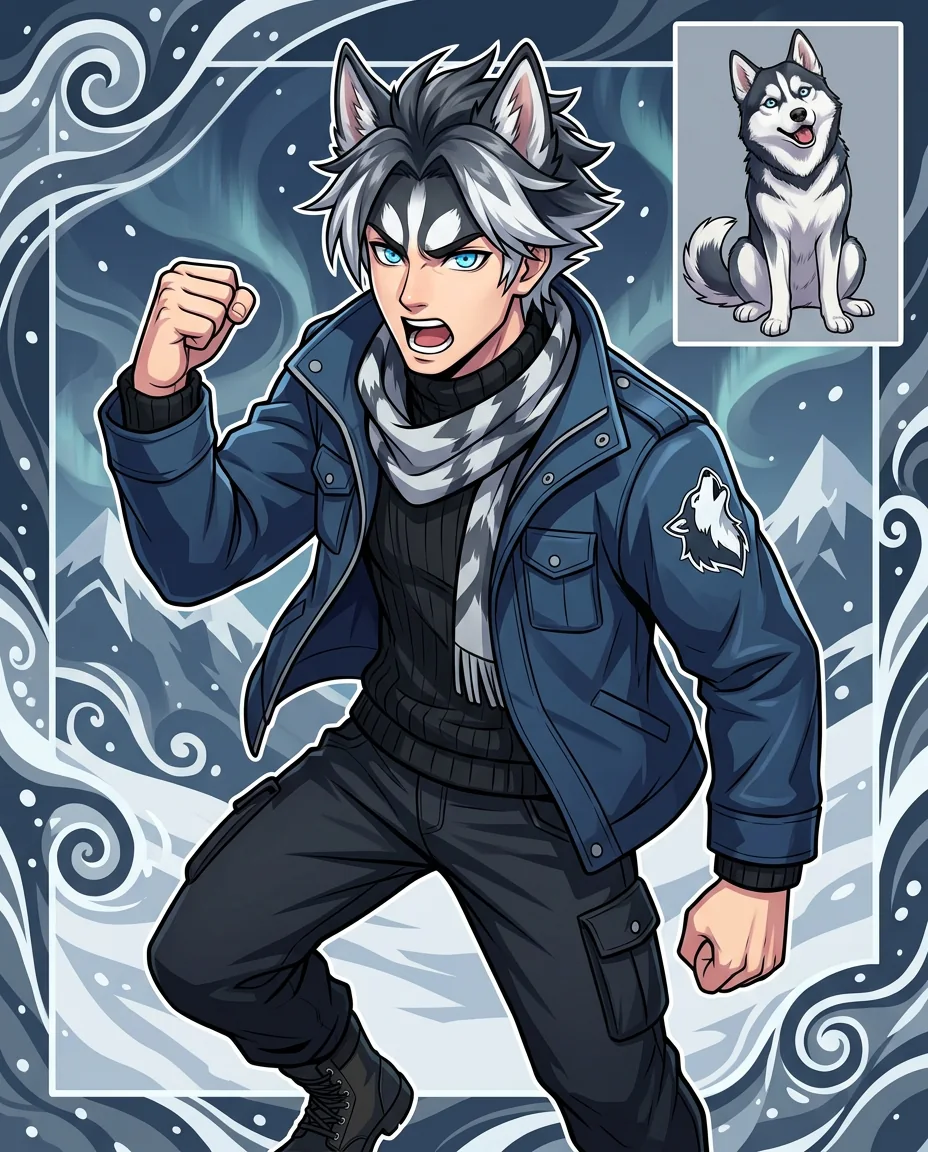
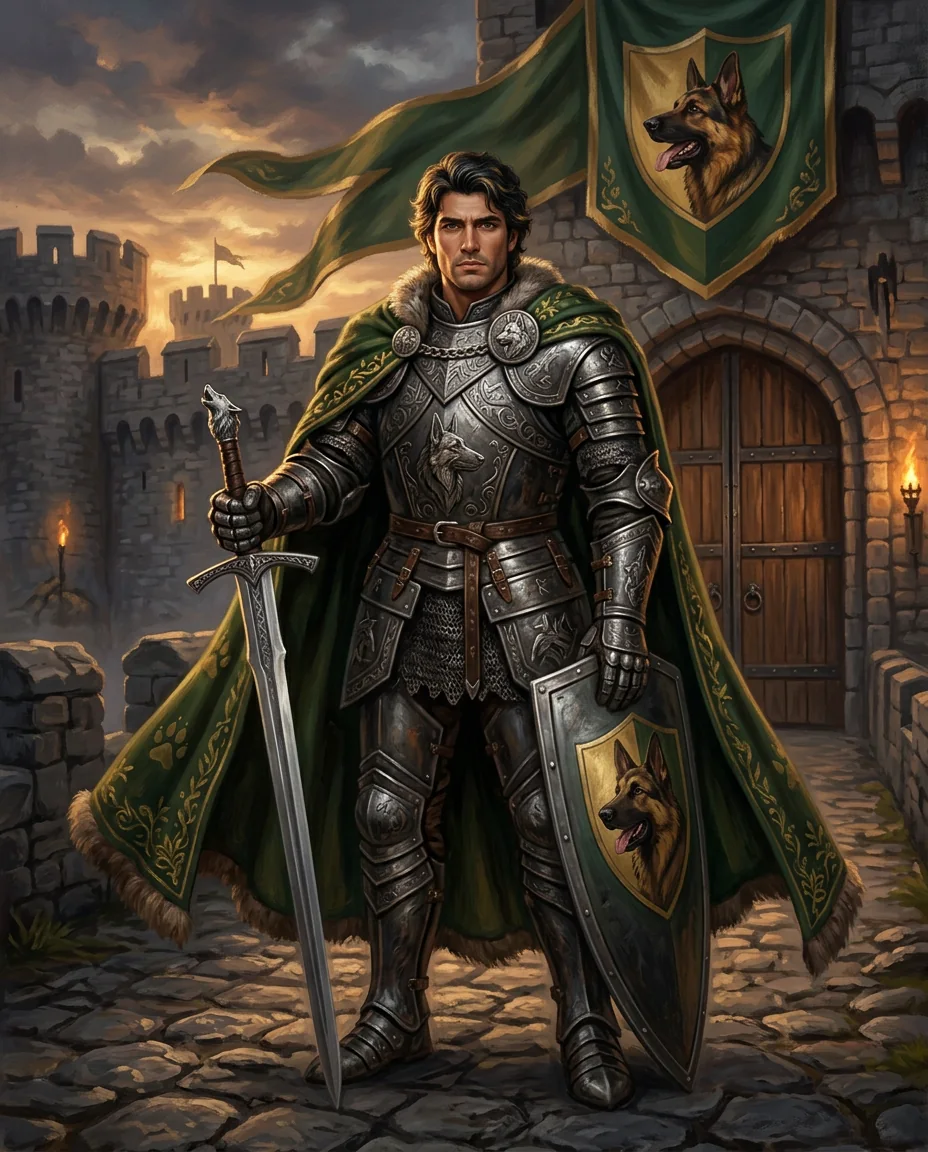
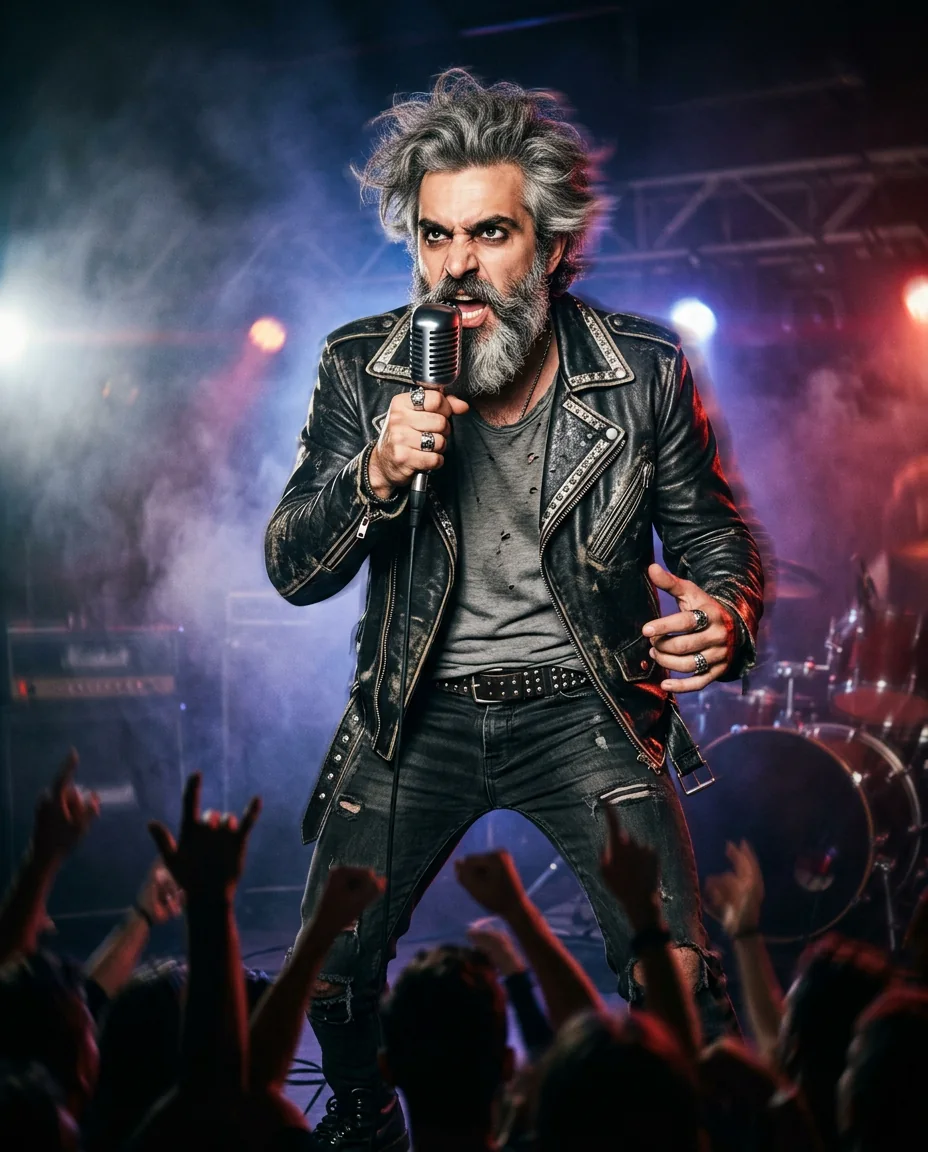
My dog as a human 6
See the prompts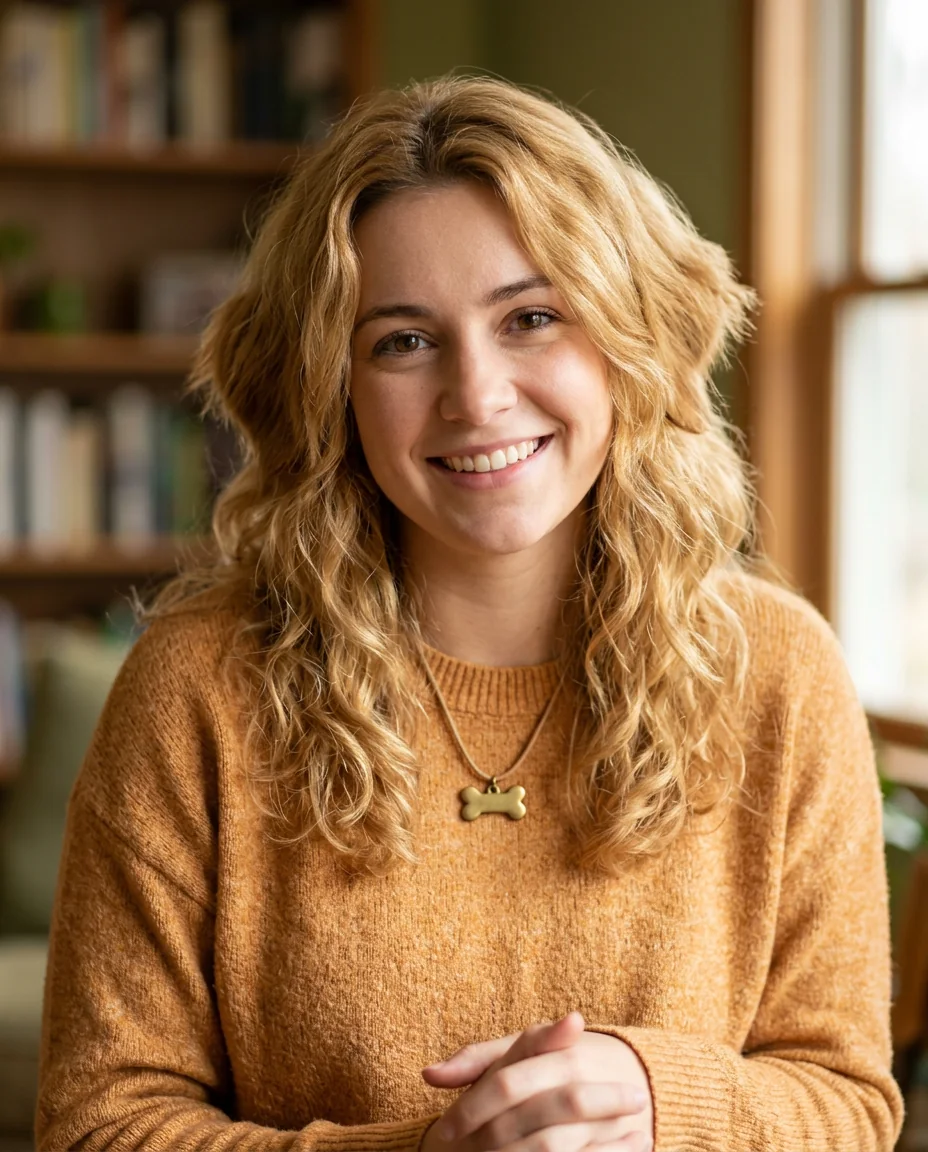
Dog birthday 24
See the prompts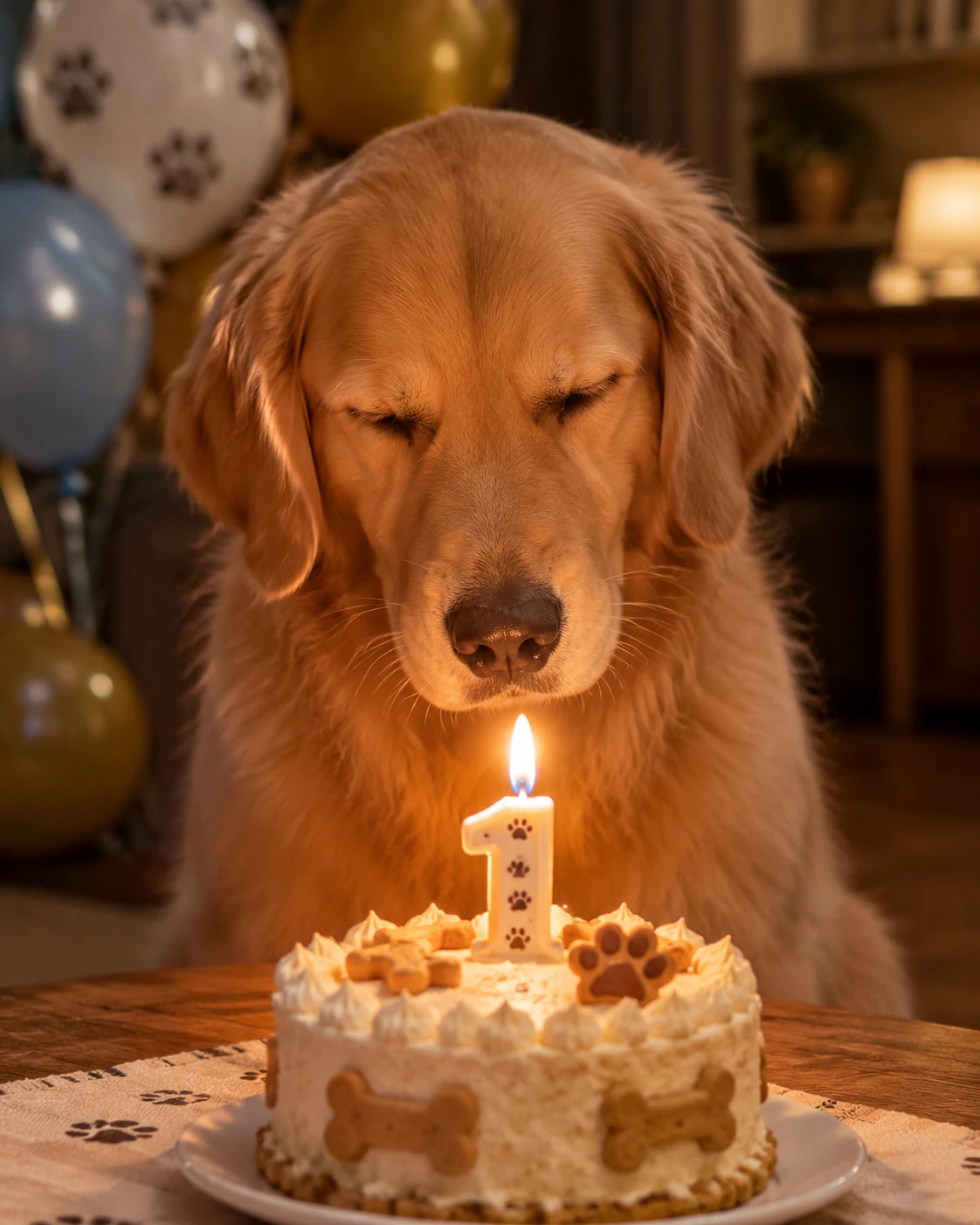 Making a birthday wishUse with my photo
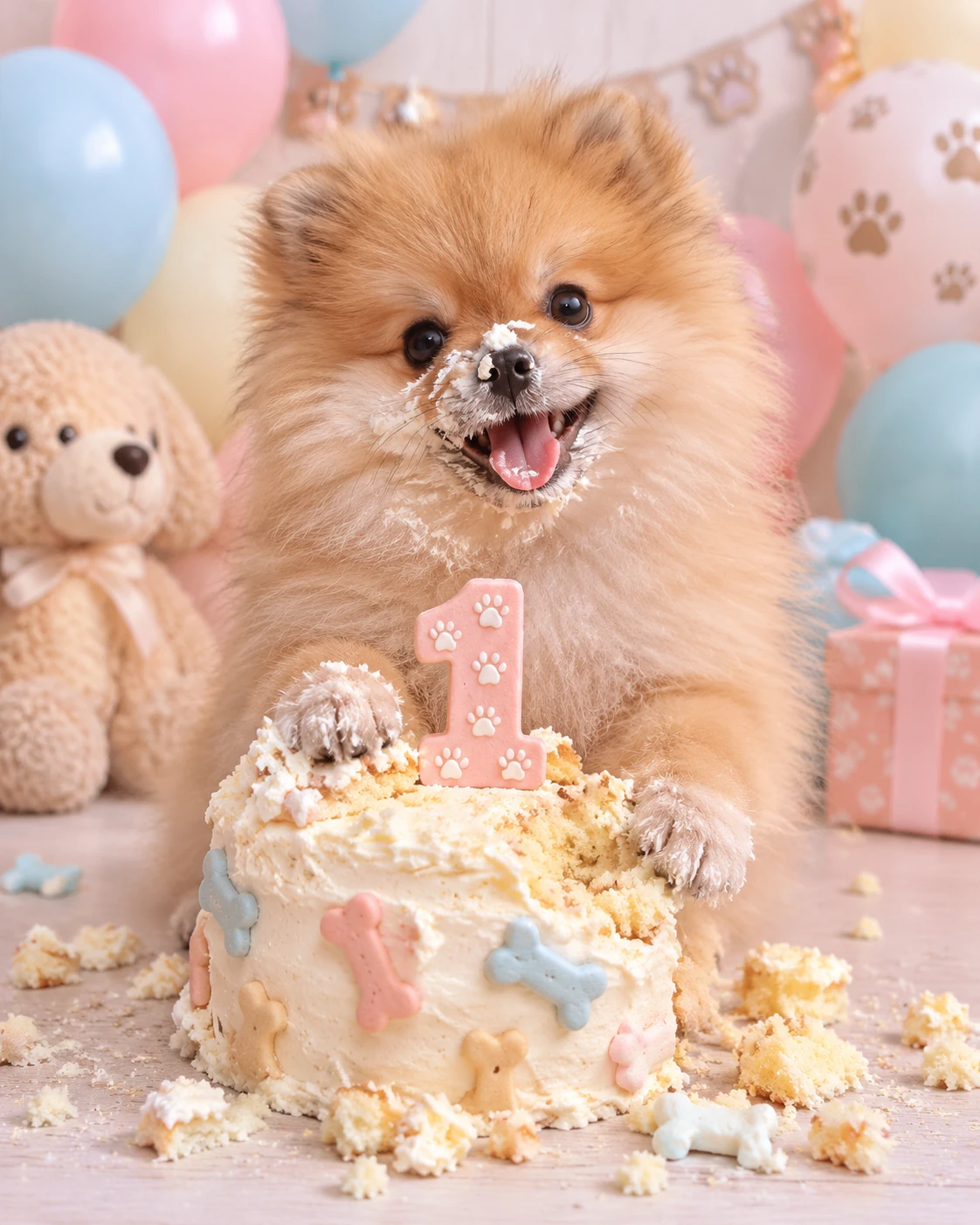 First birthday smash cakeUse with my photo
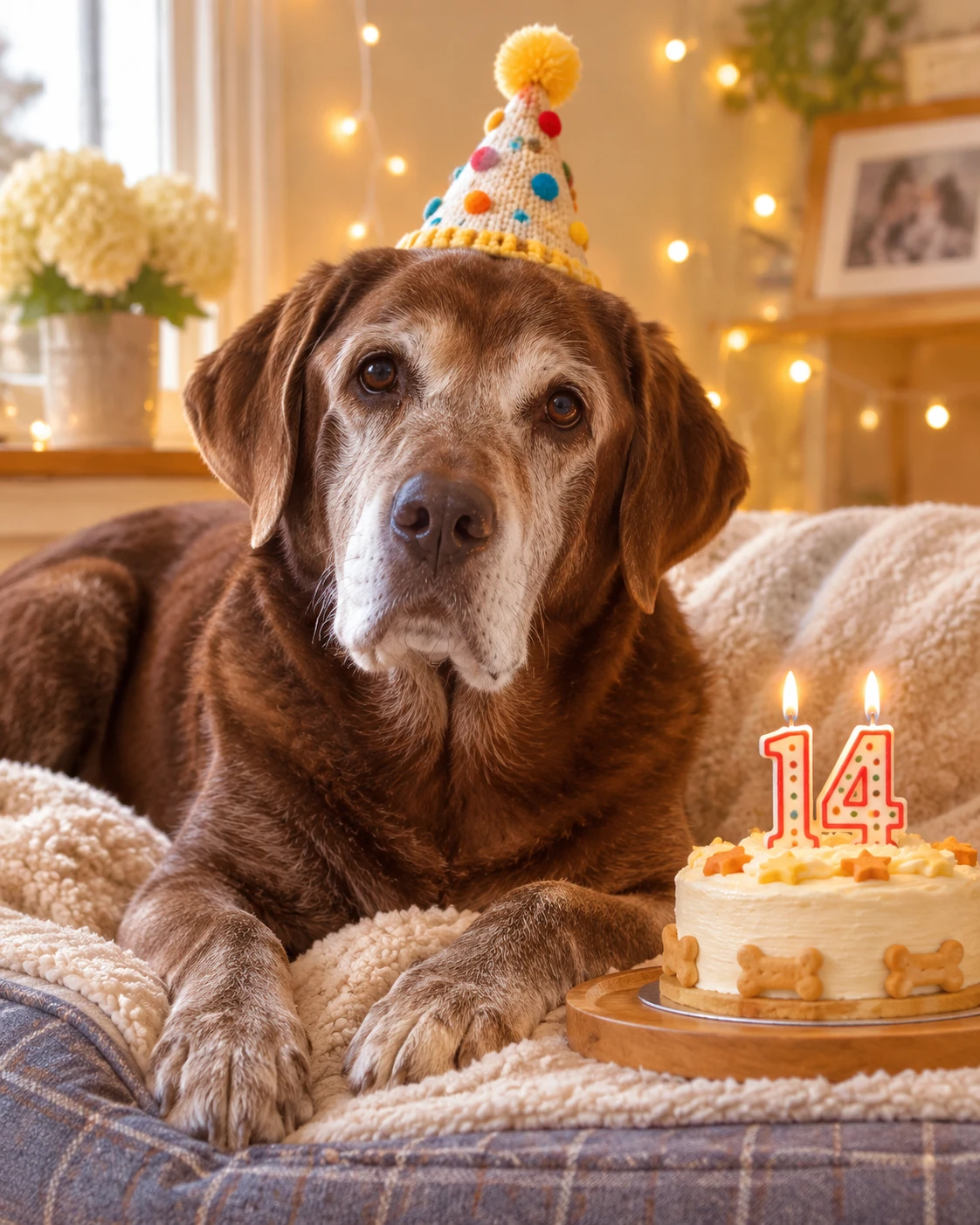 Senior birthdayUse with my photo
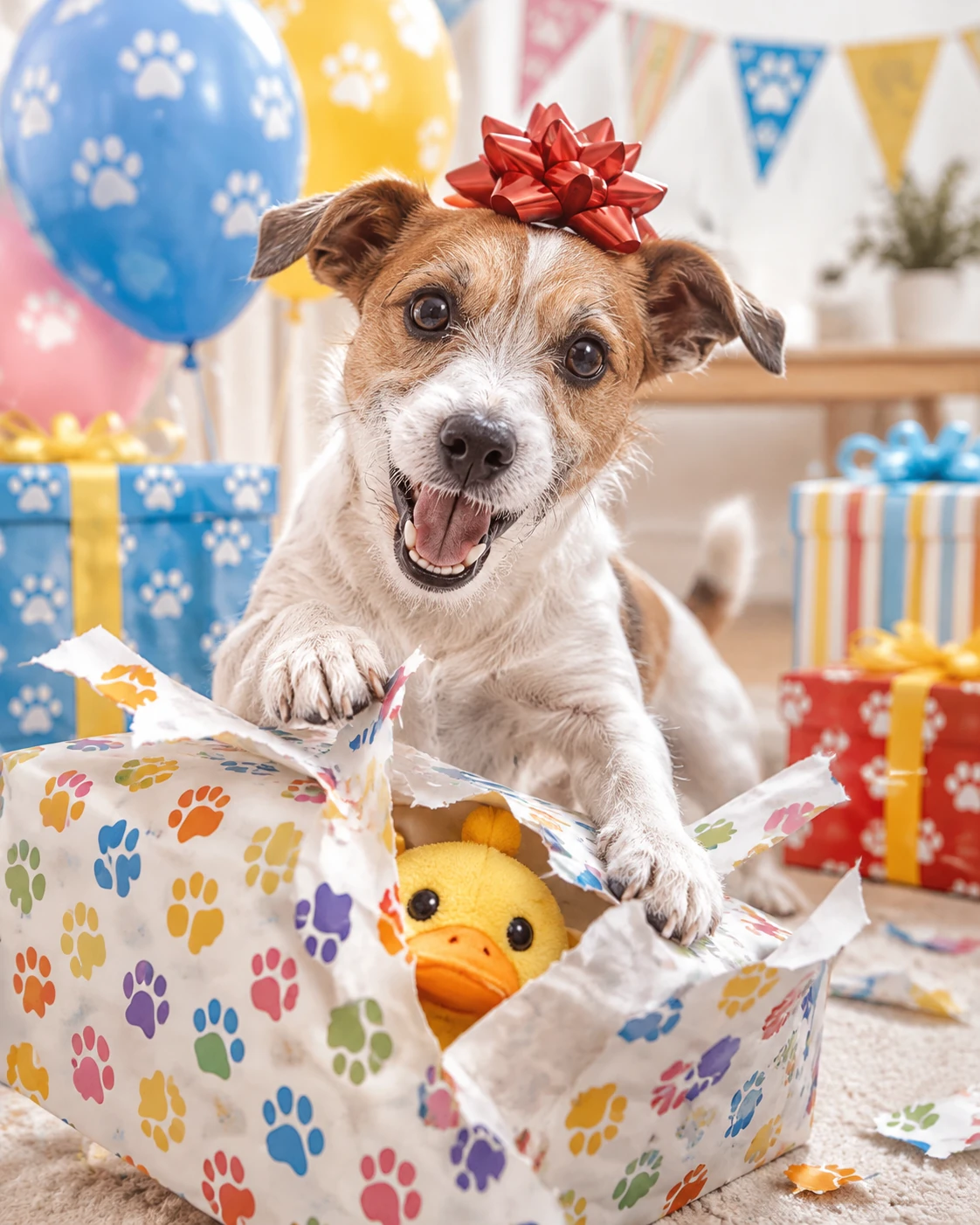 Opening presentsUse with my photo
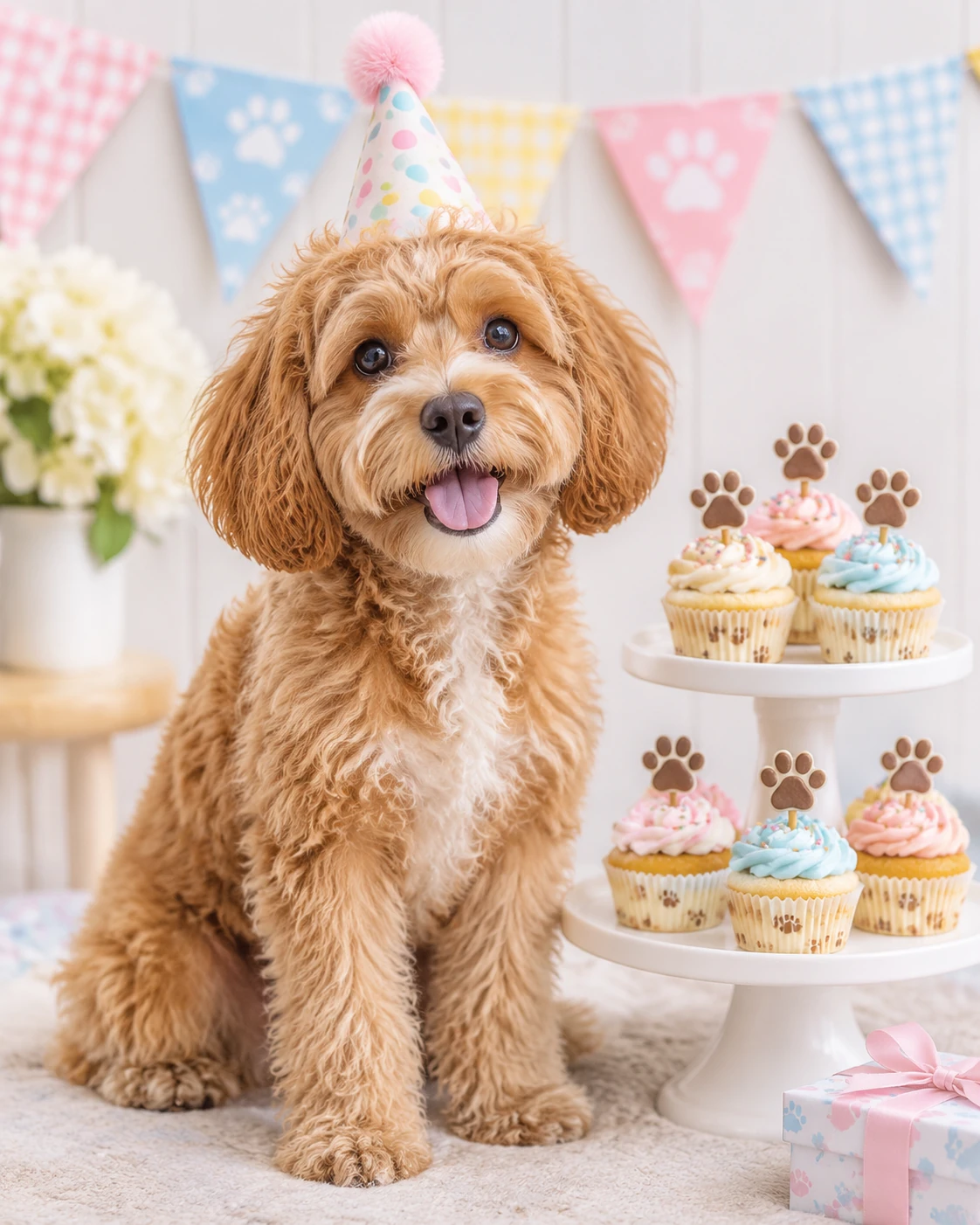 Pupcake towerUse with my photo
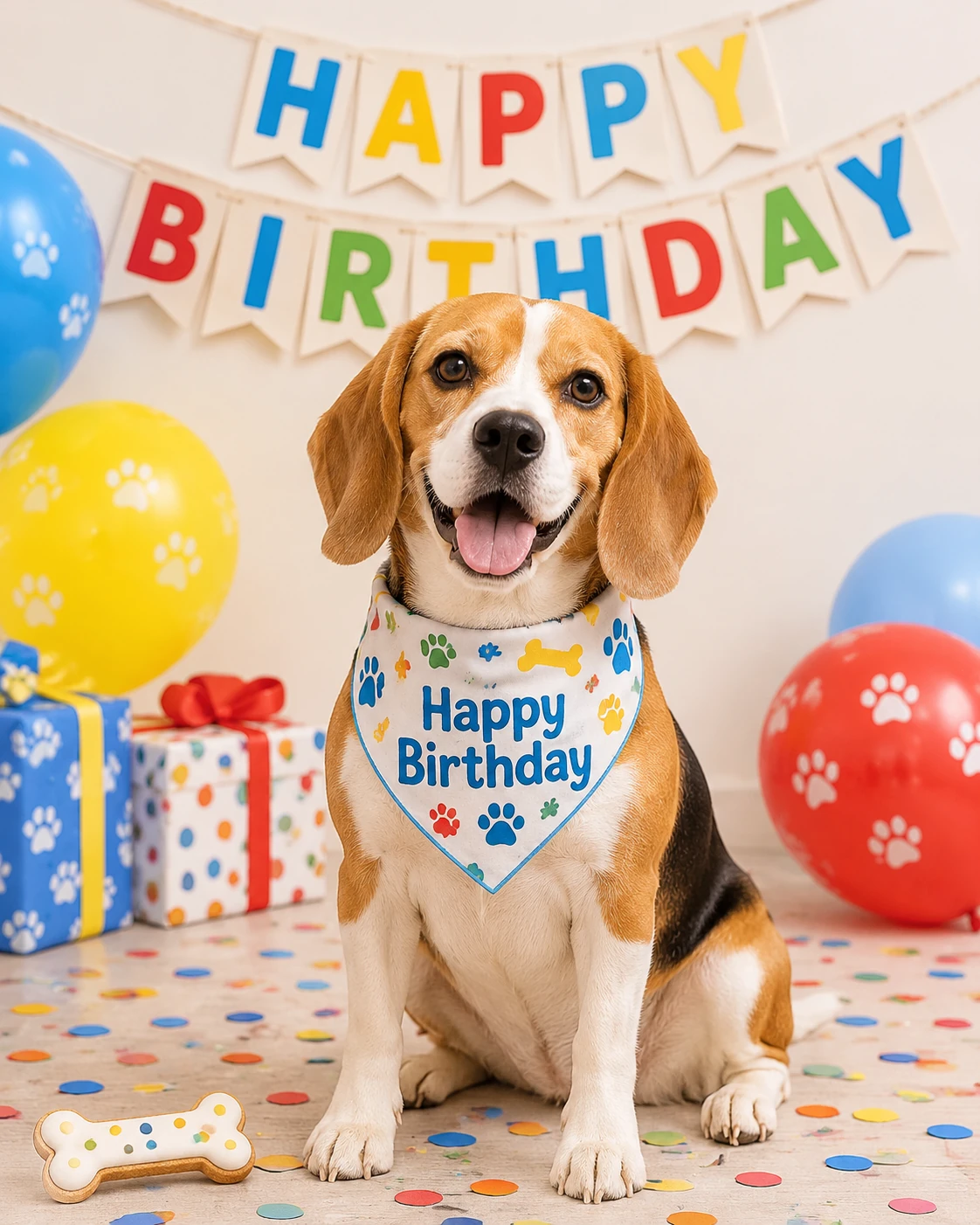 Happy birthday bannerUse with my photo
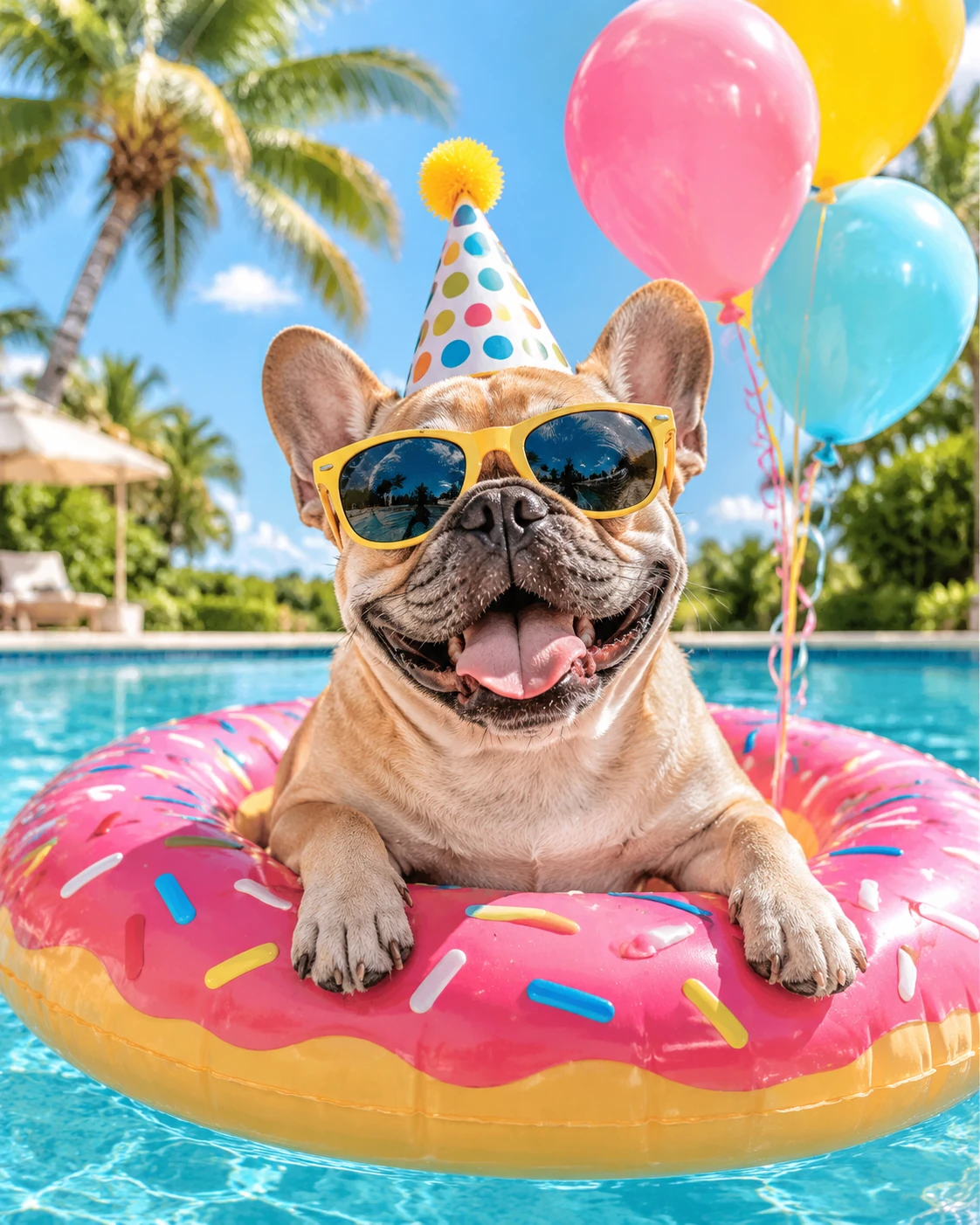 Pool party birthdayUse with my photo
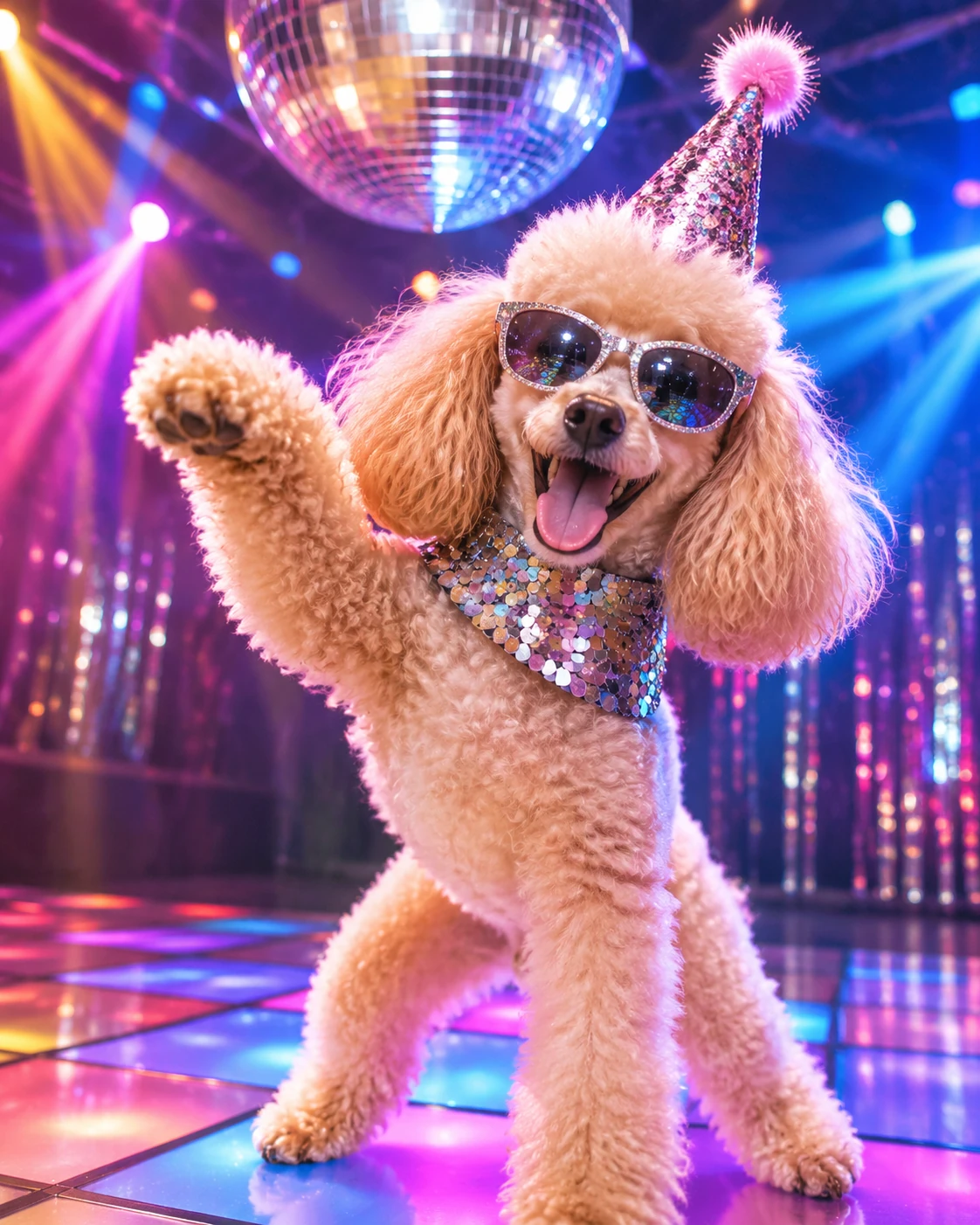 Disco birthday partyUse with my photo
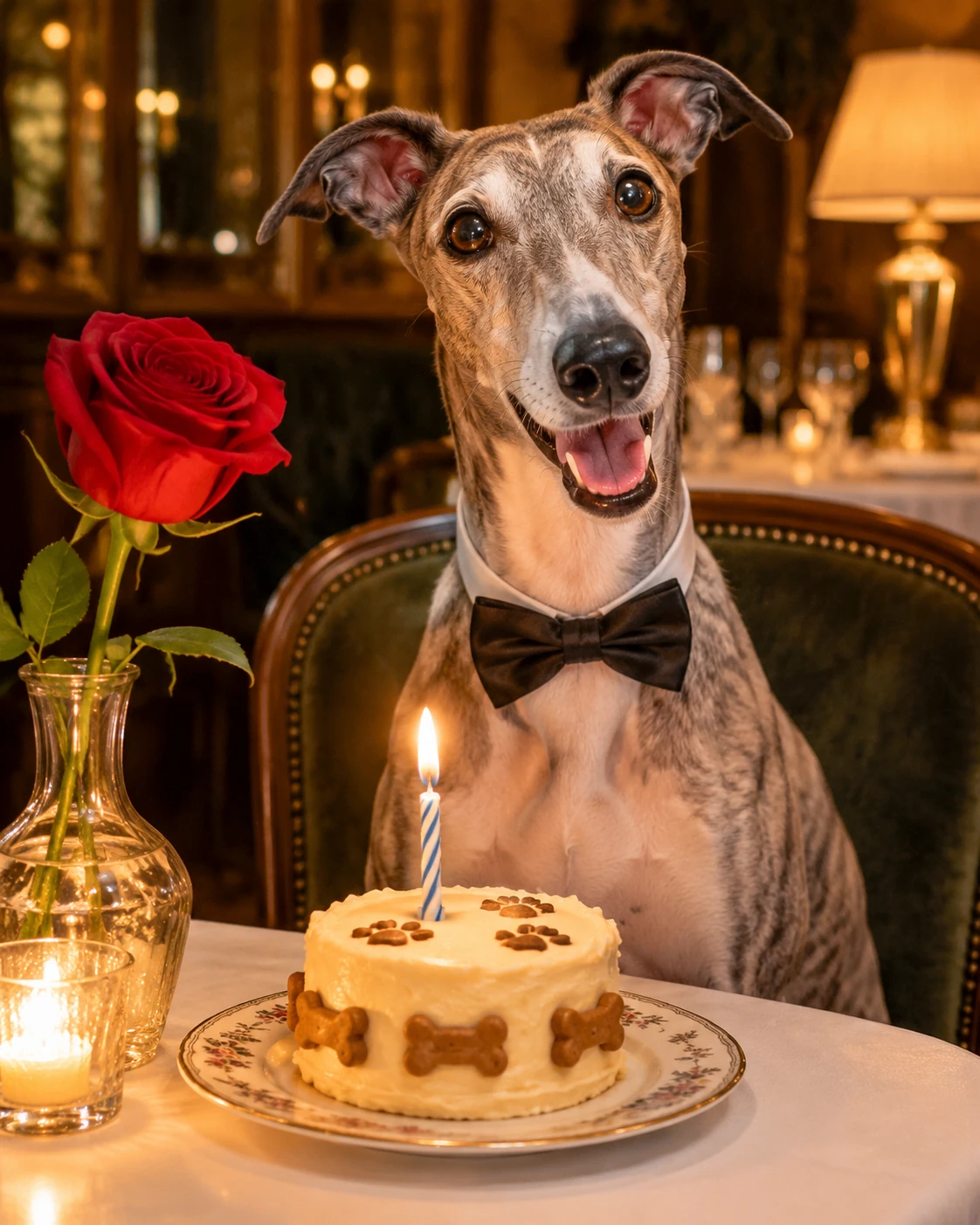 Fancy birthday dinnerUse with my photo
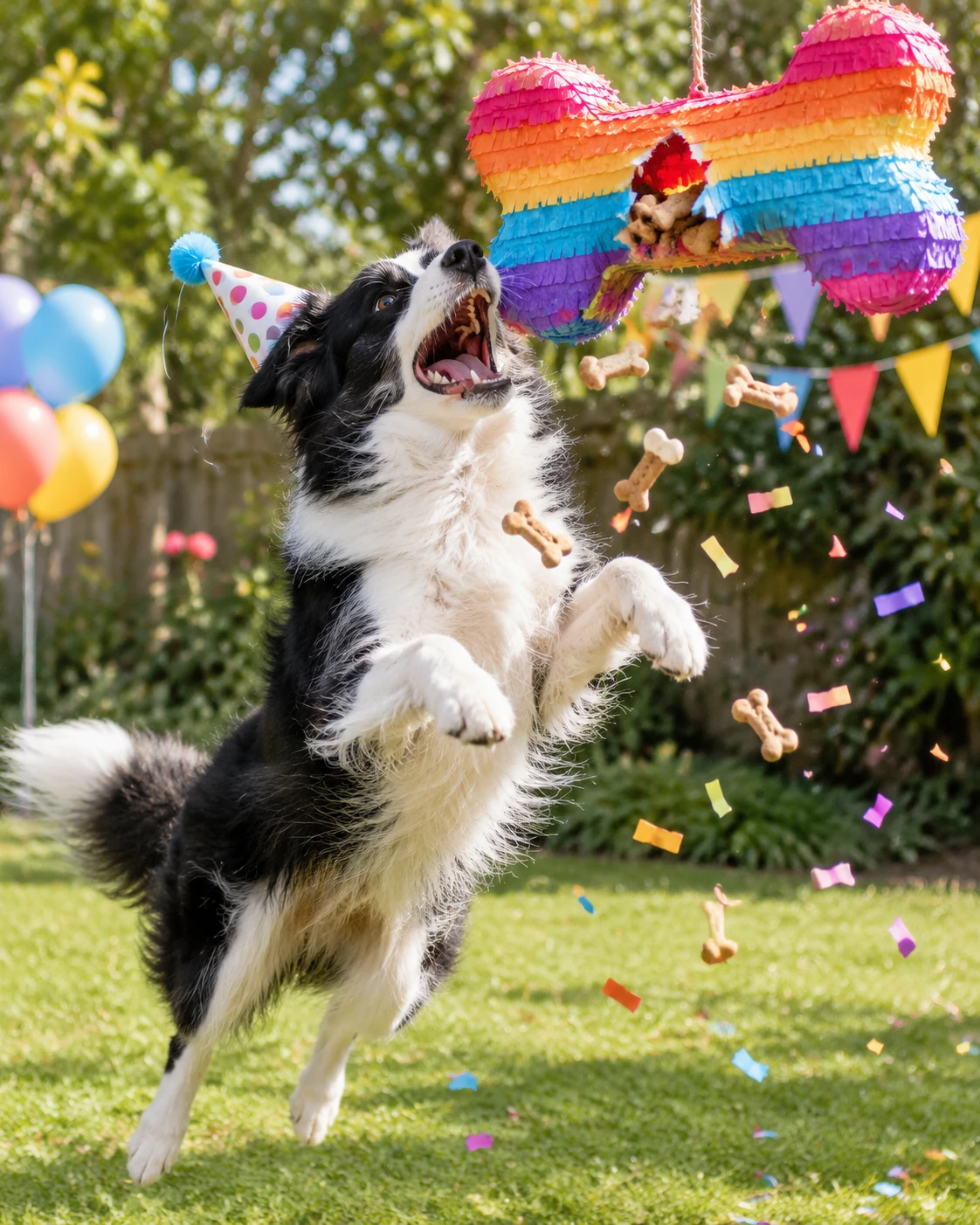 Bone piñataUse with my photo
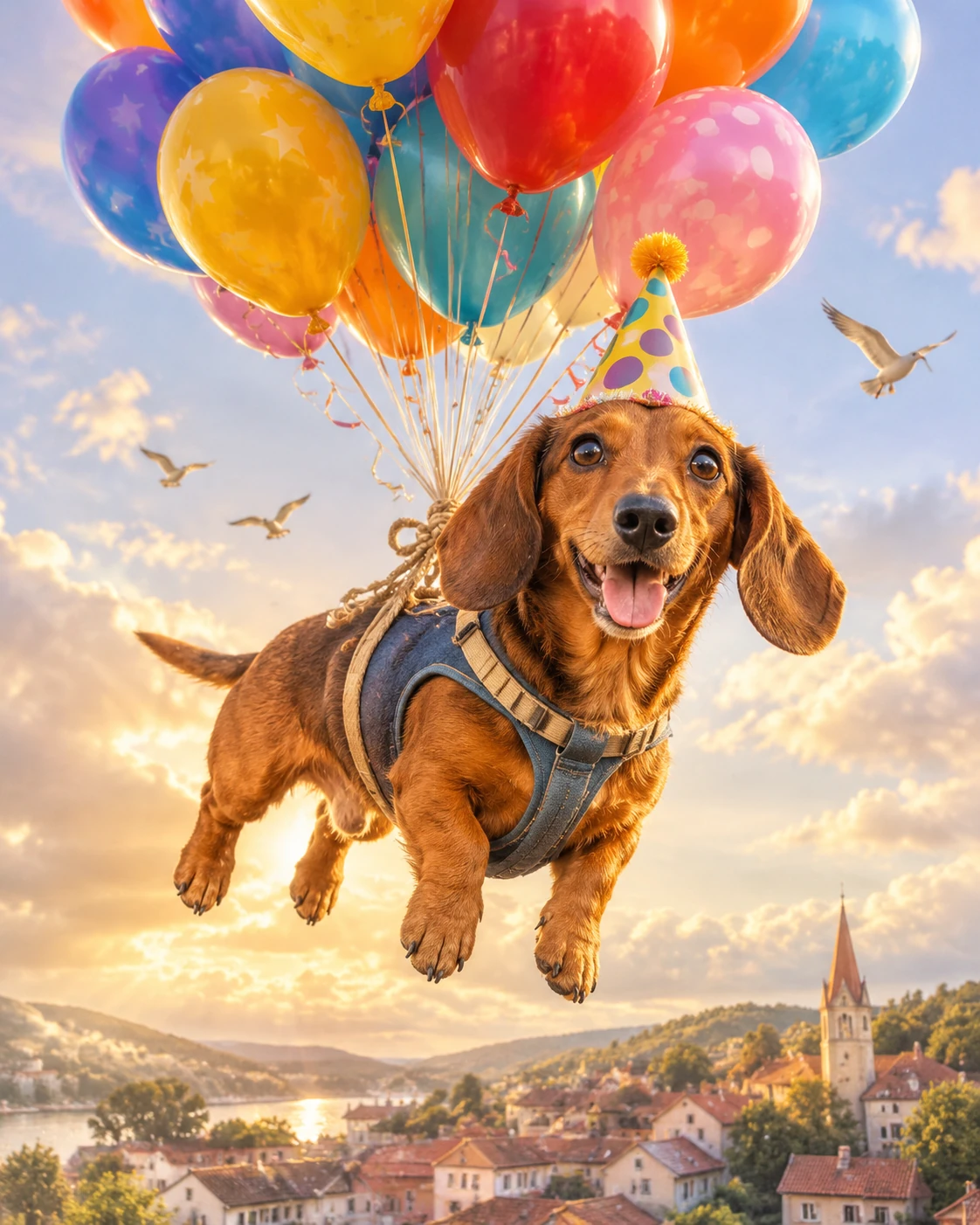 Balloon adventureUse with my photo
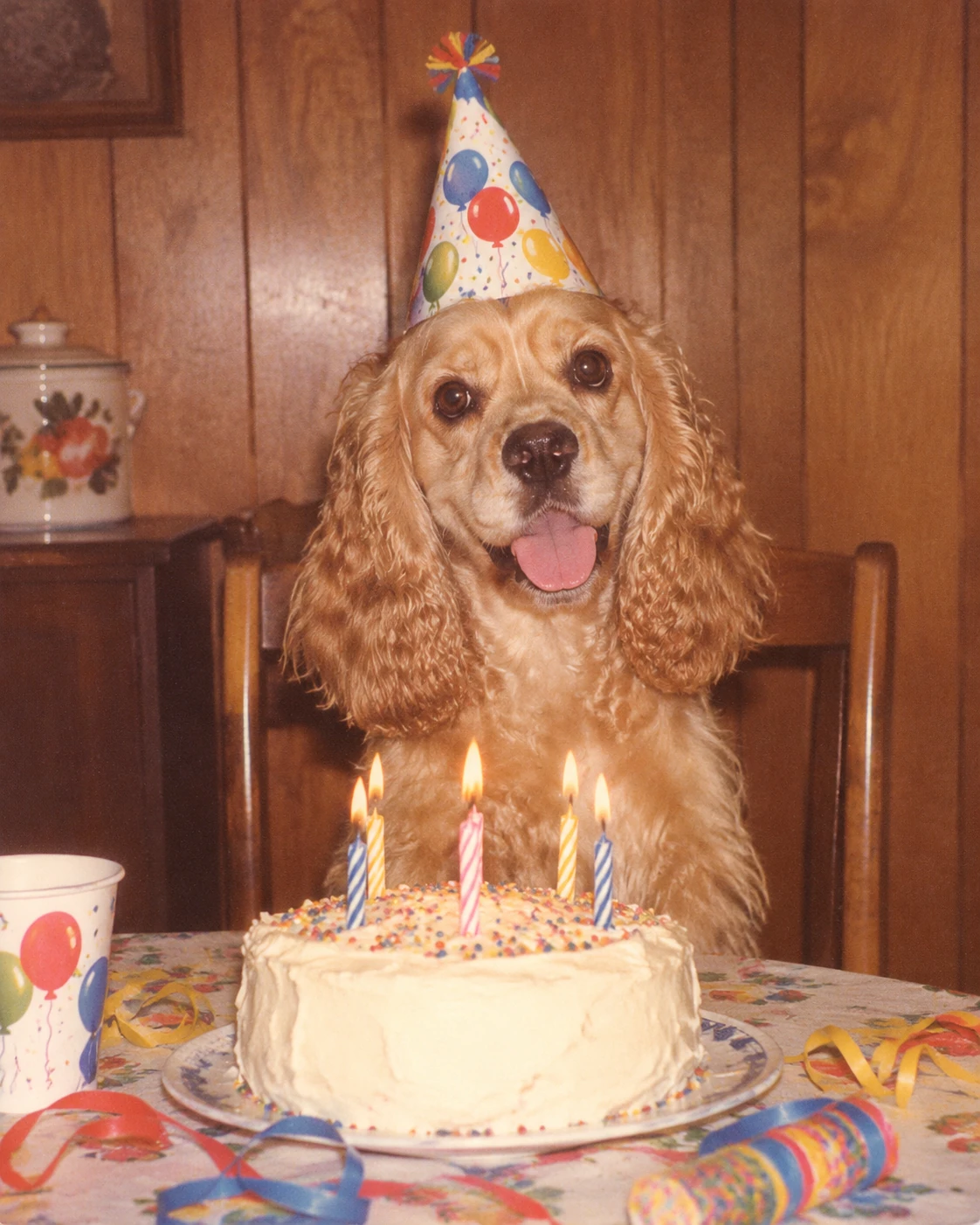 Retro birthday snapshotUse with my photo
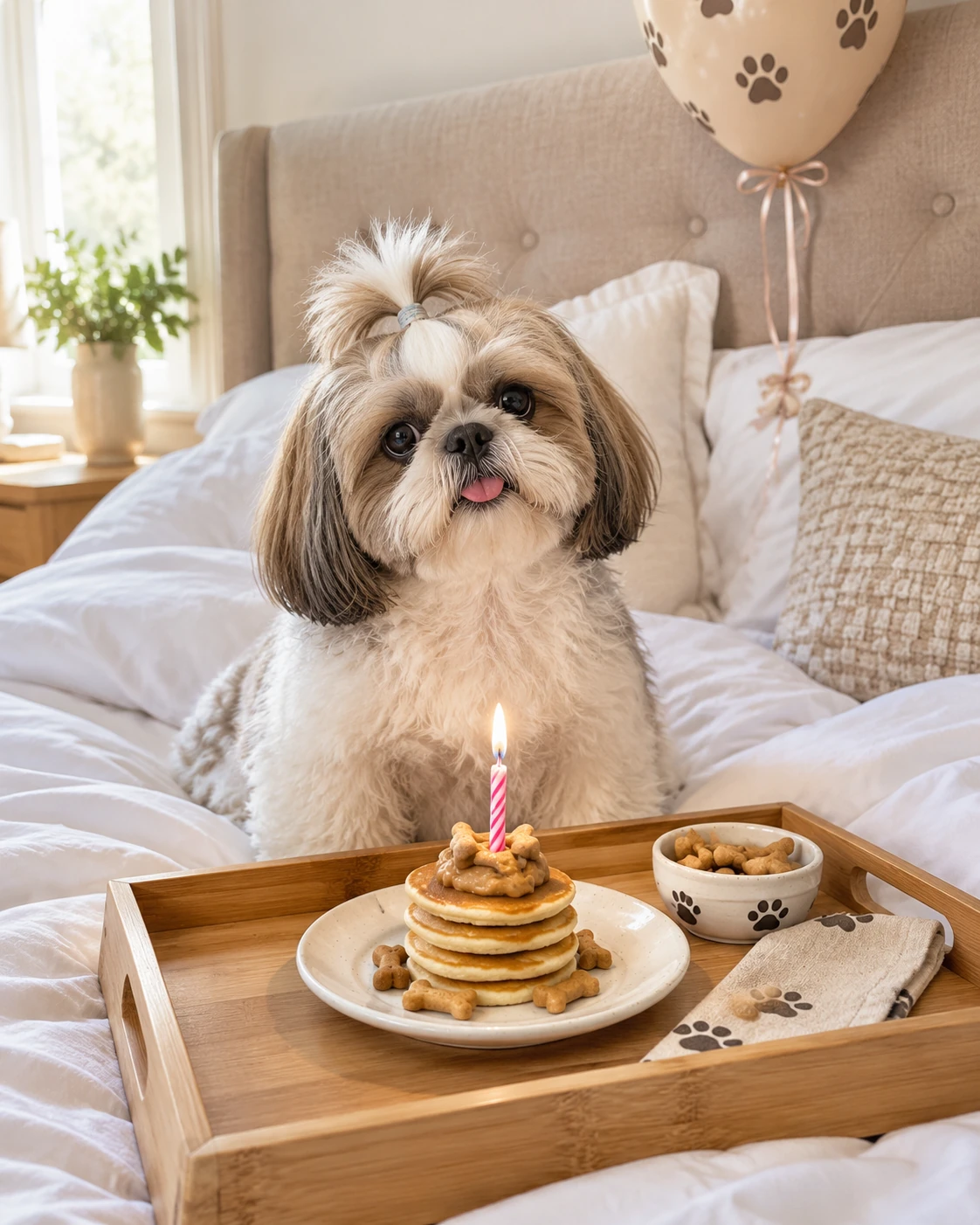 Birthday breakfast in bedUse with my photo
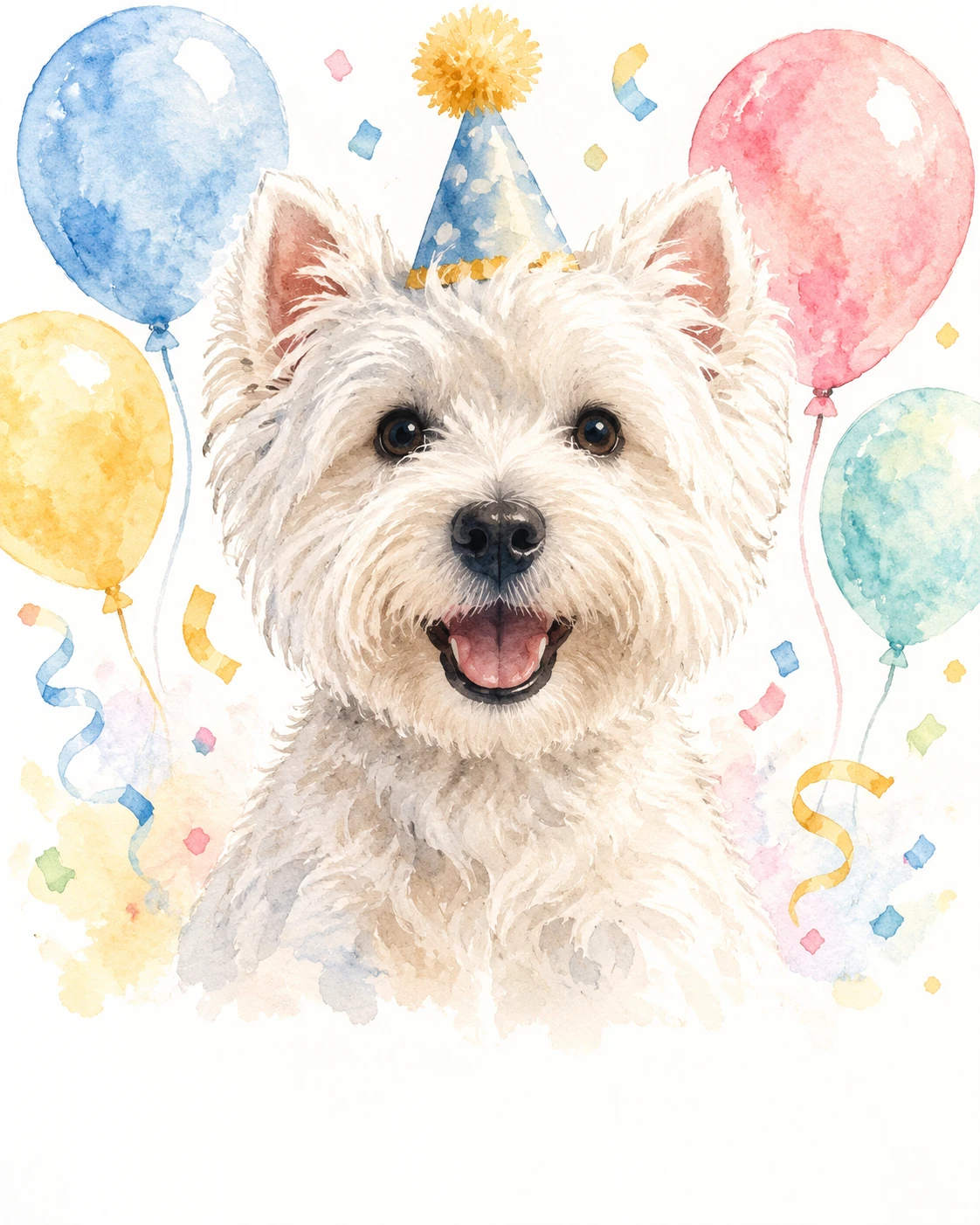 Watercolor birthday cardUse with my photo
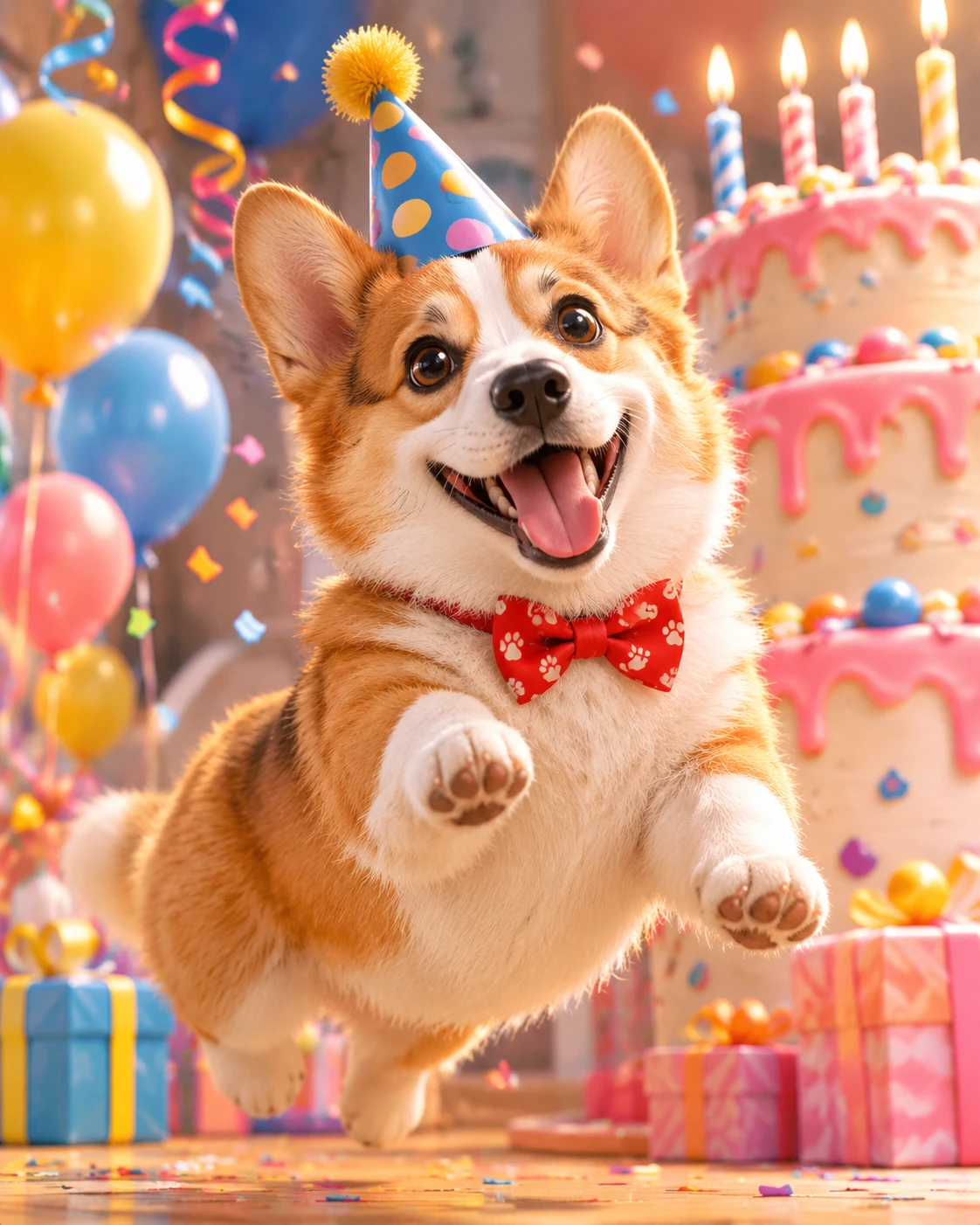 3D cartoon birthdayUse with my photo
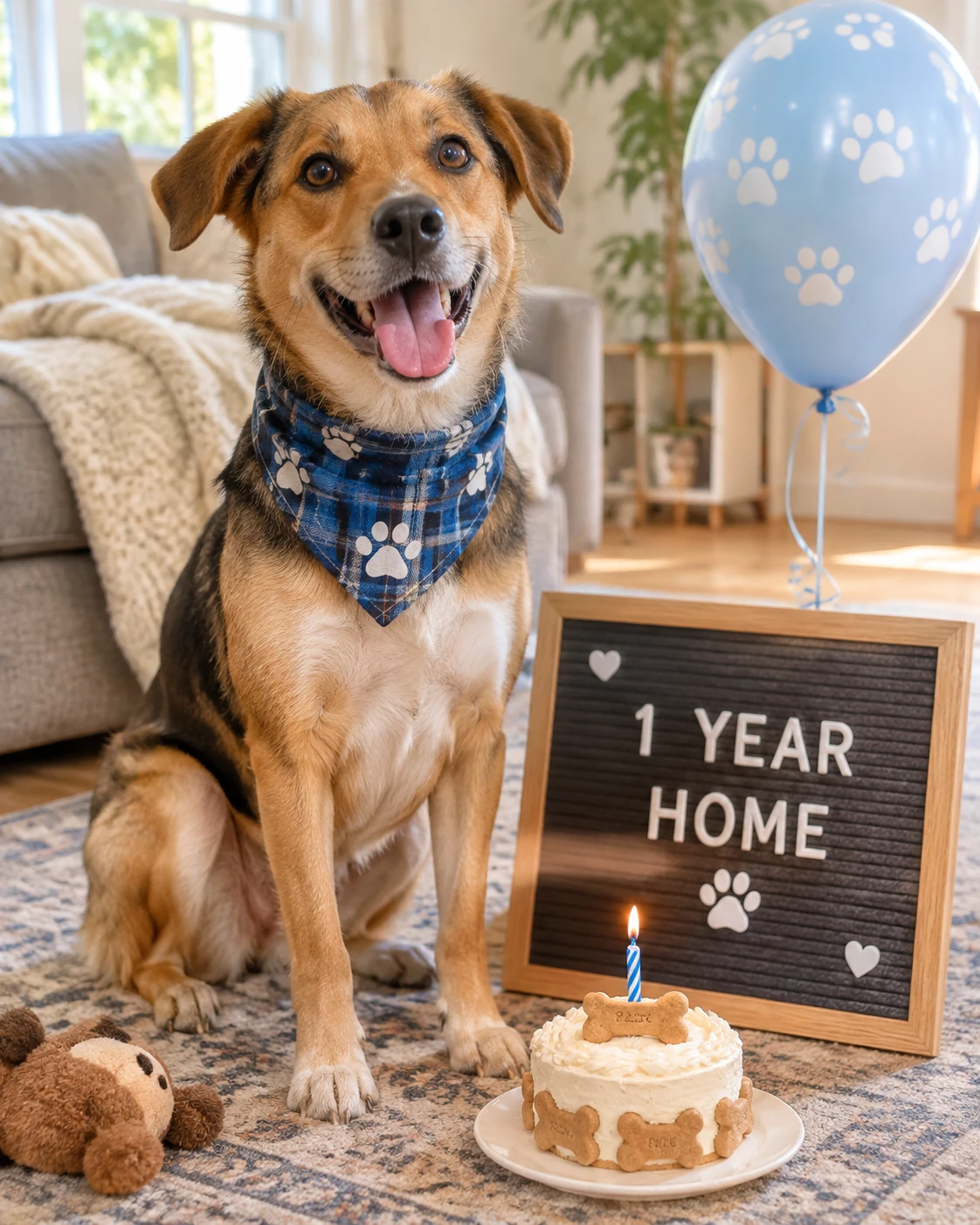 Gotcha dayUse with my photo
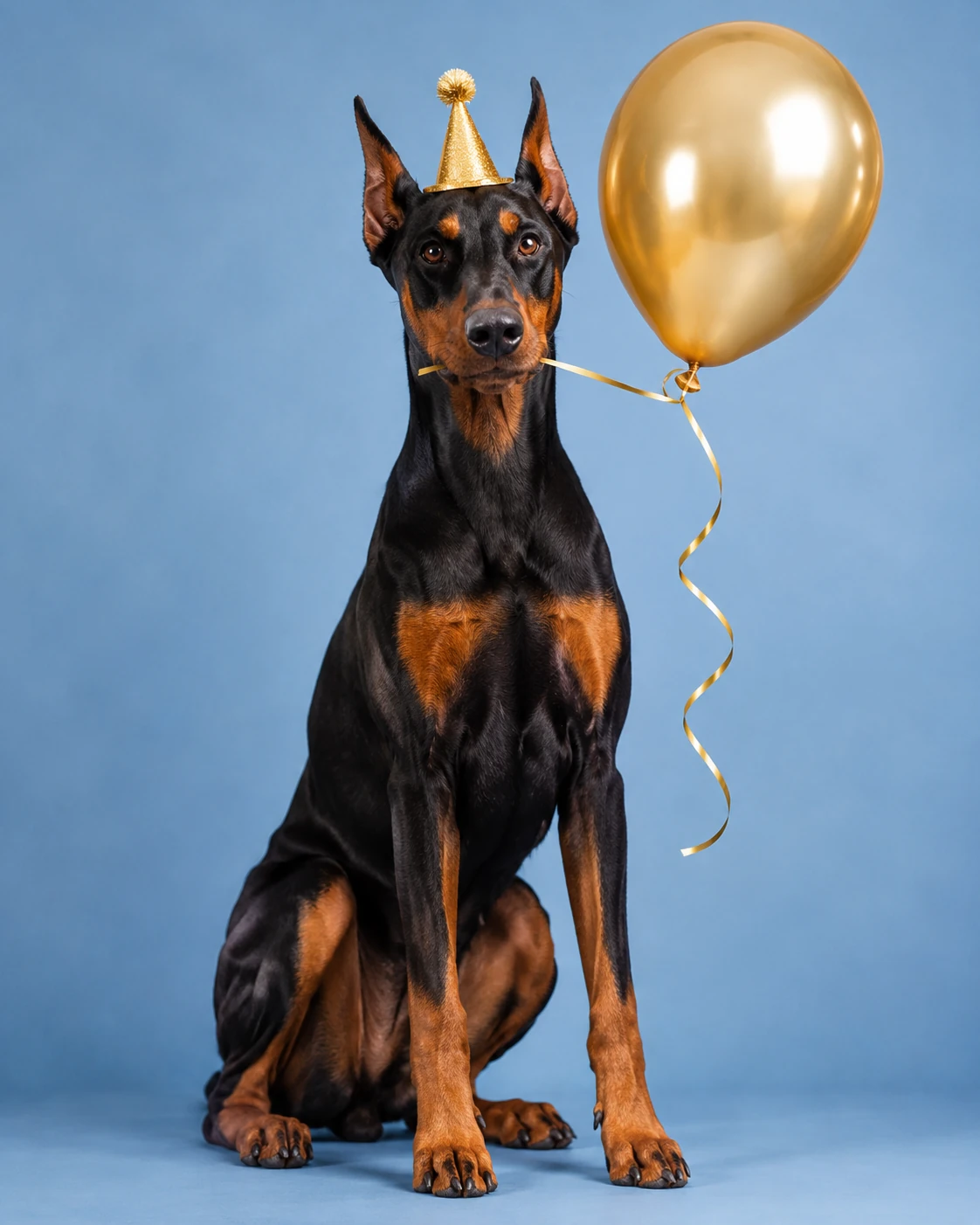 Classic birthday studio portraitUse with my photo
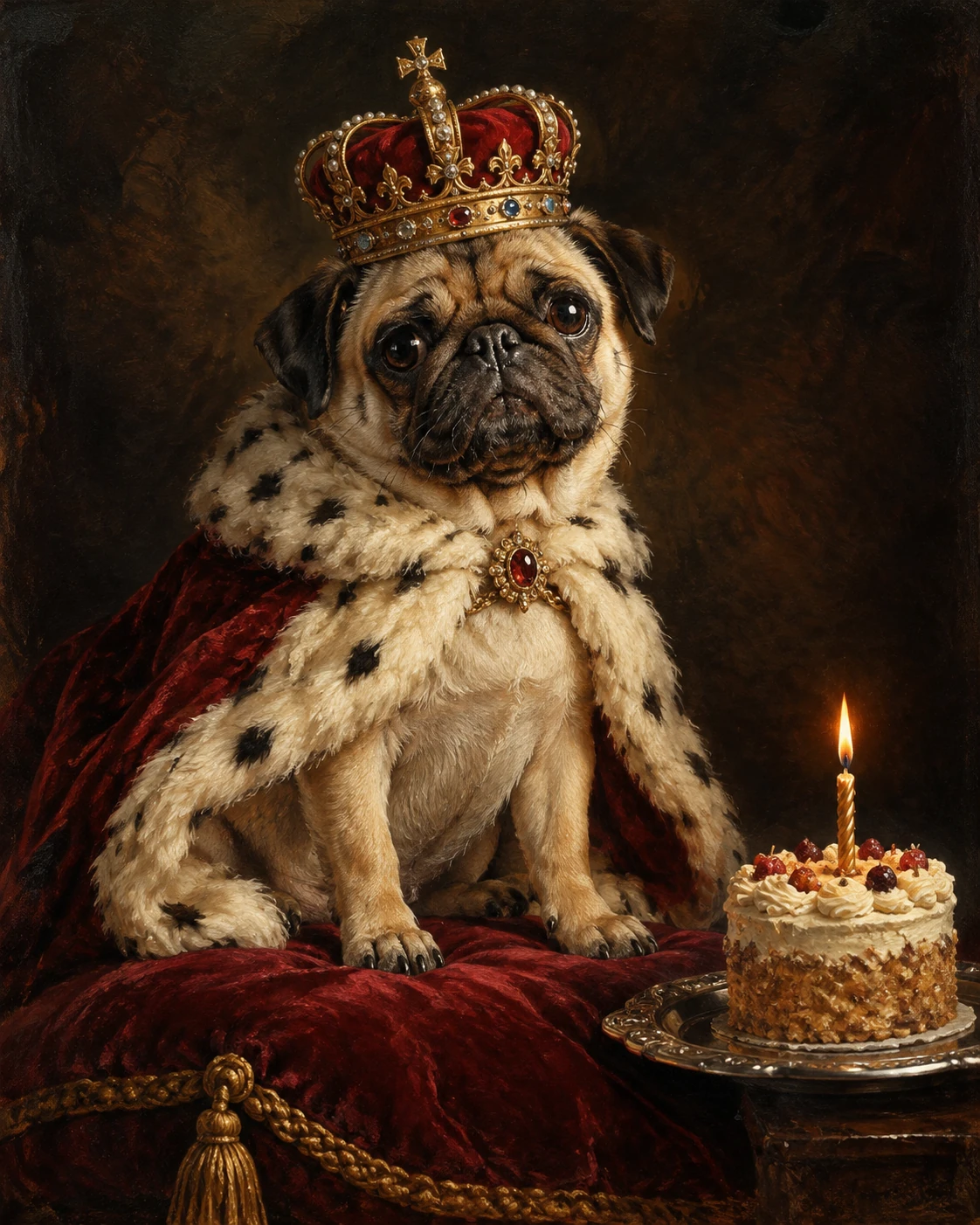 Birthday royal oil paintingUse with my photo
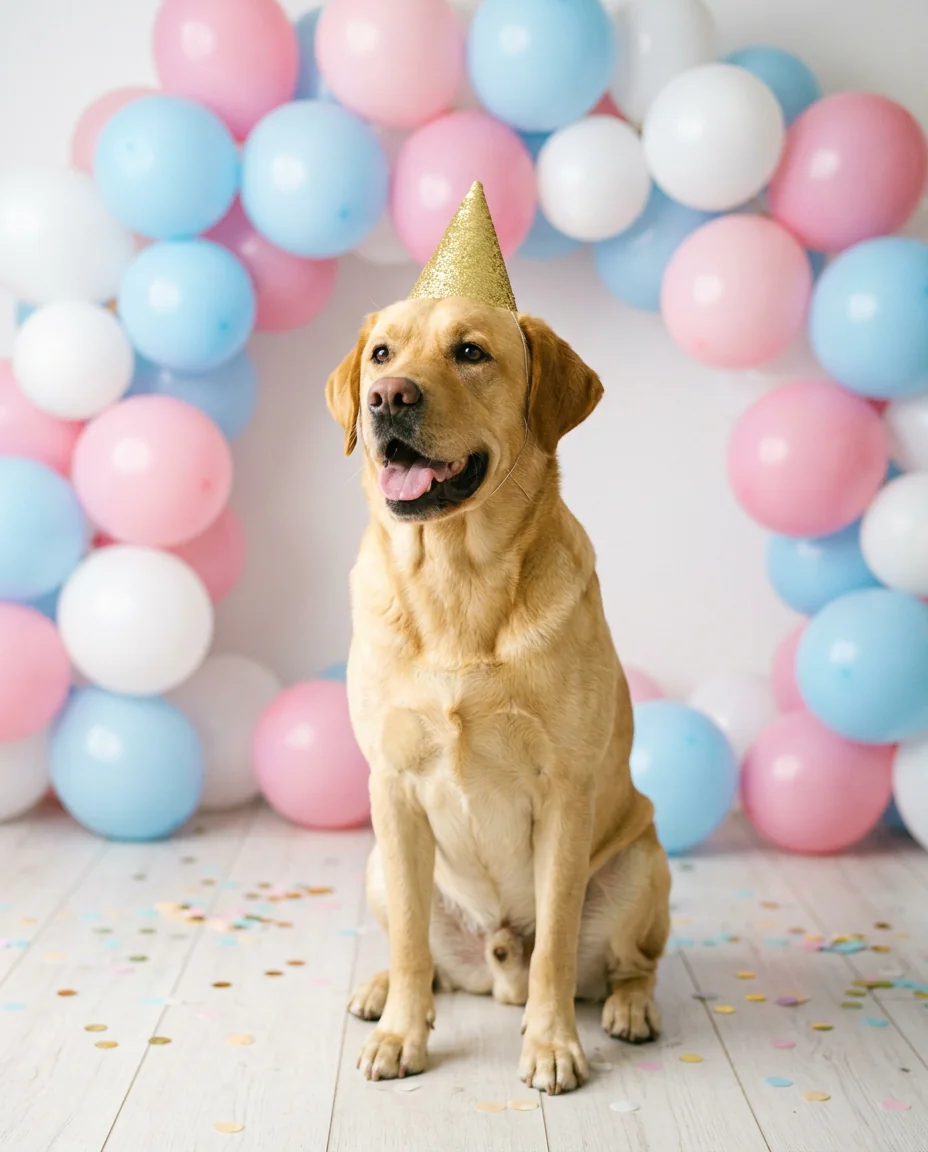 Party hat and balloonsUse with my photo
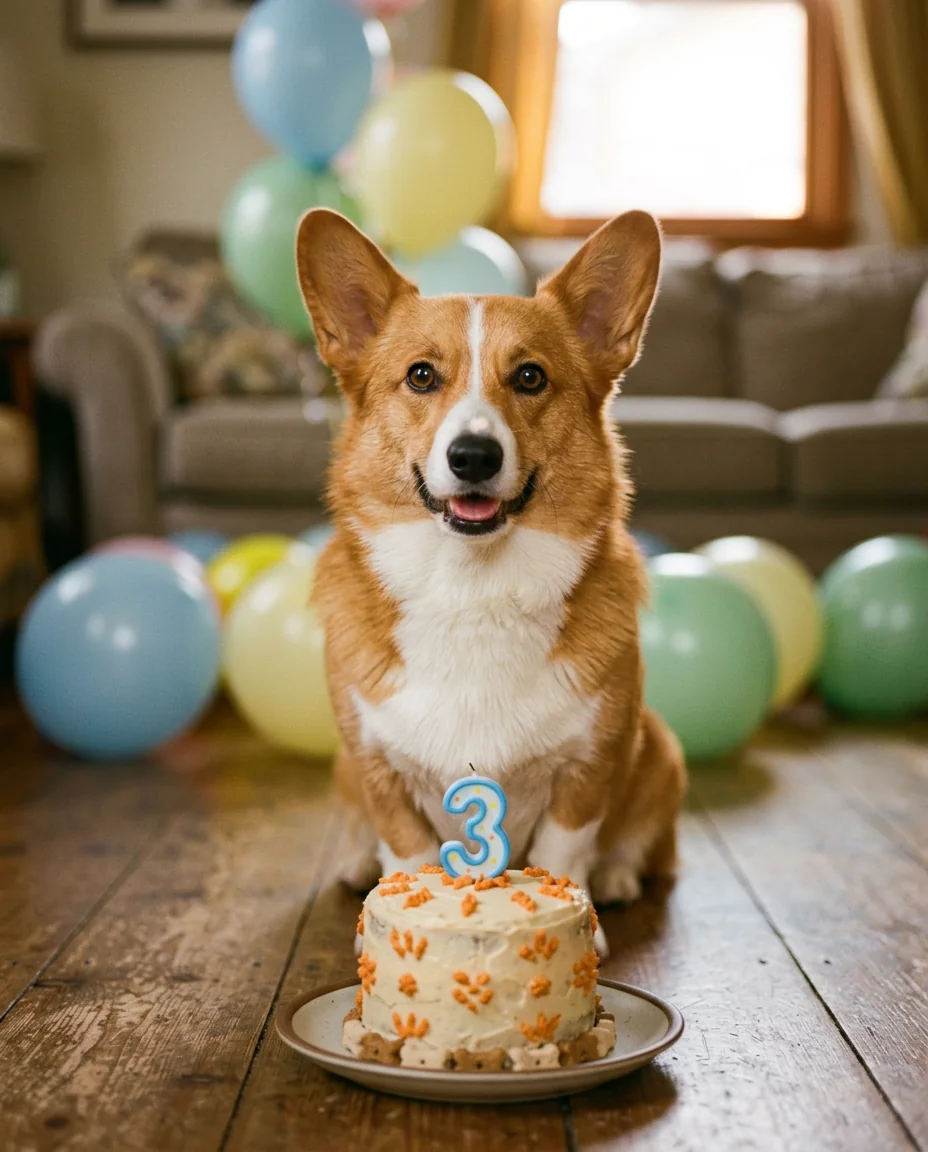 Birthday cake portraitUse with my photo
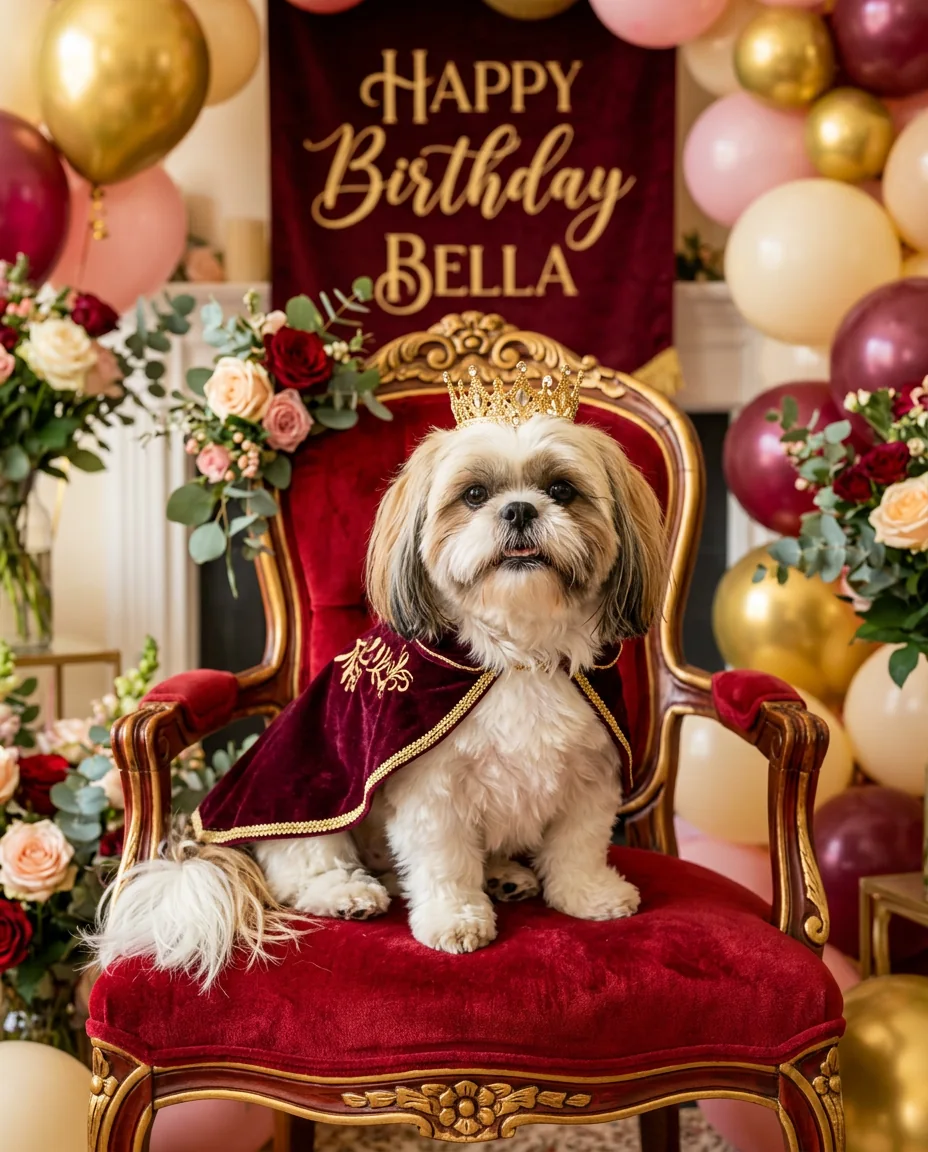 Birthday throneUse with my photo
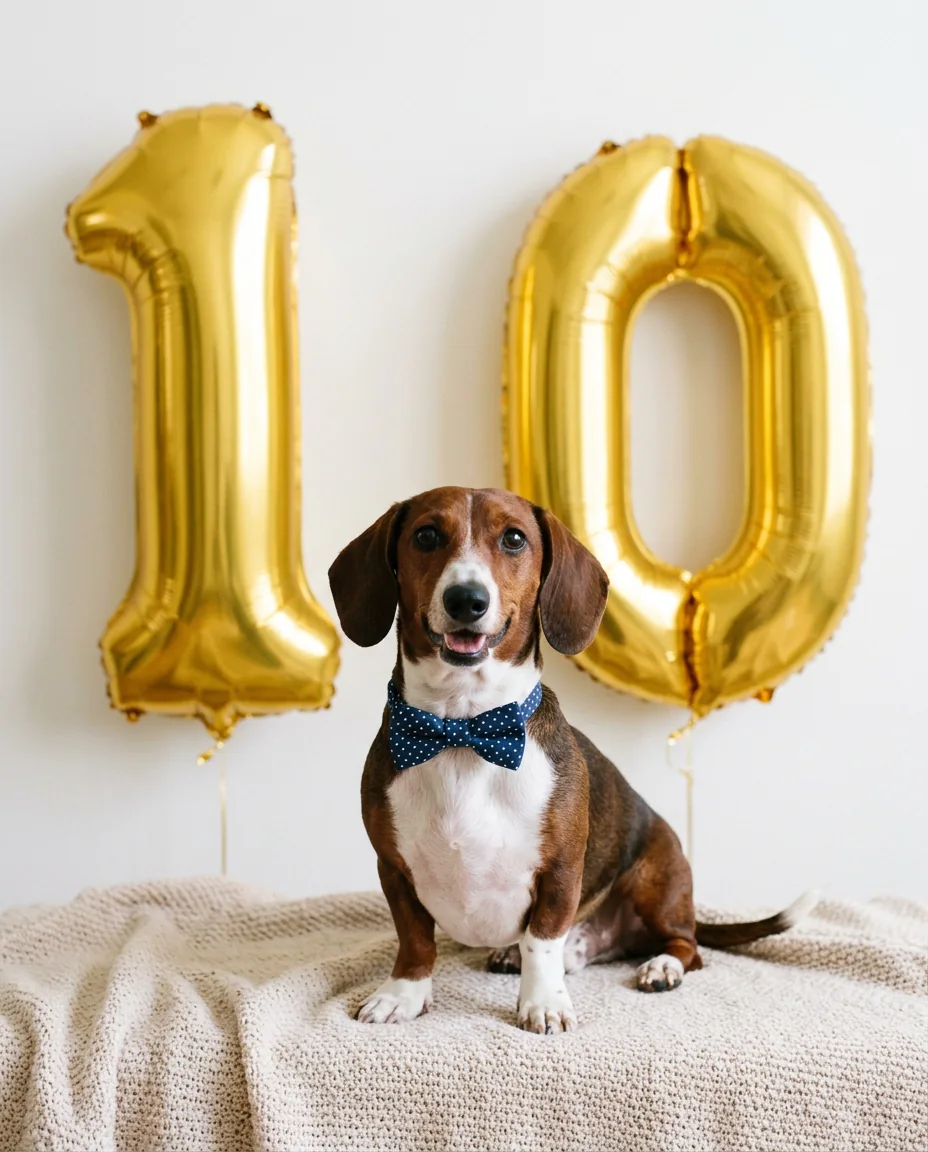 Number balloonsUse with my photo
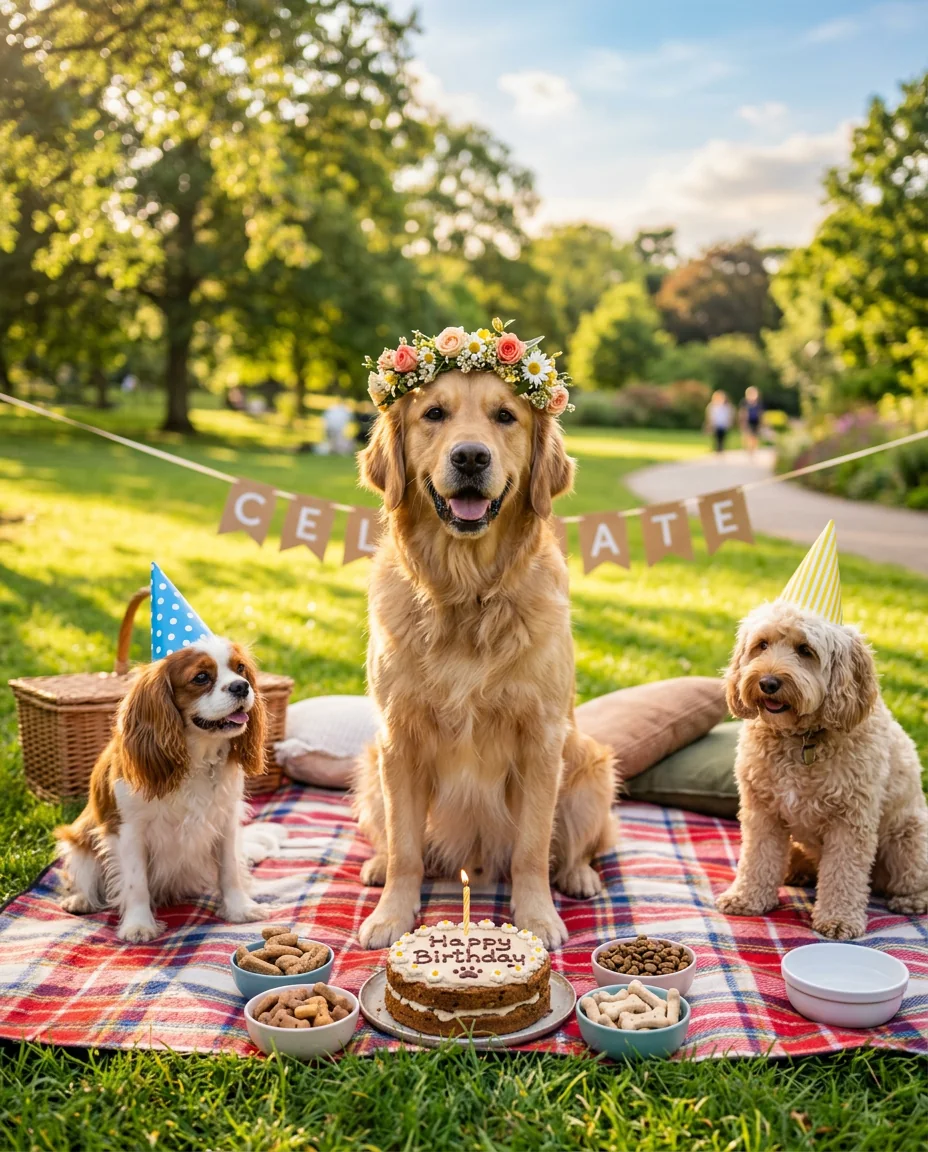 Birthday picnicUse with my photo
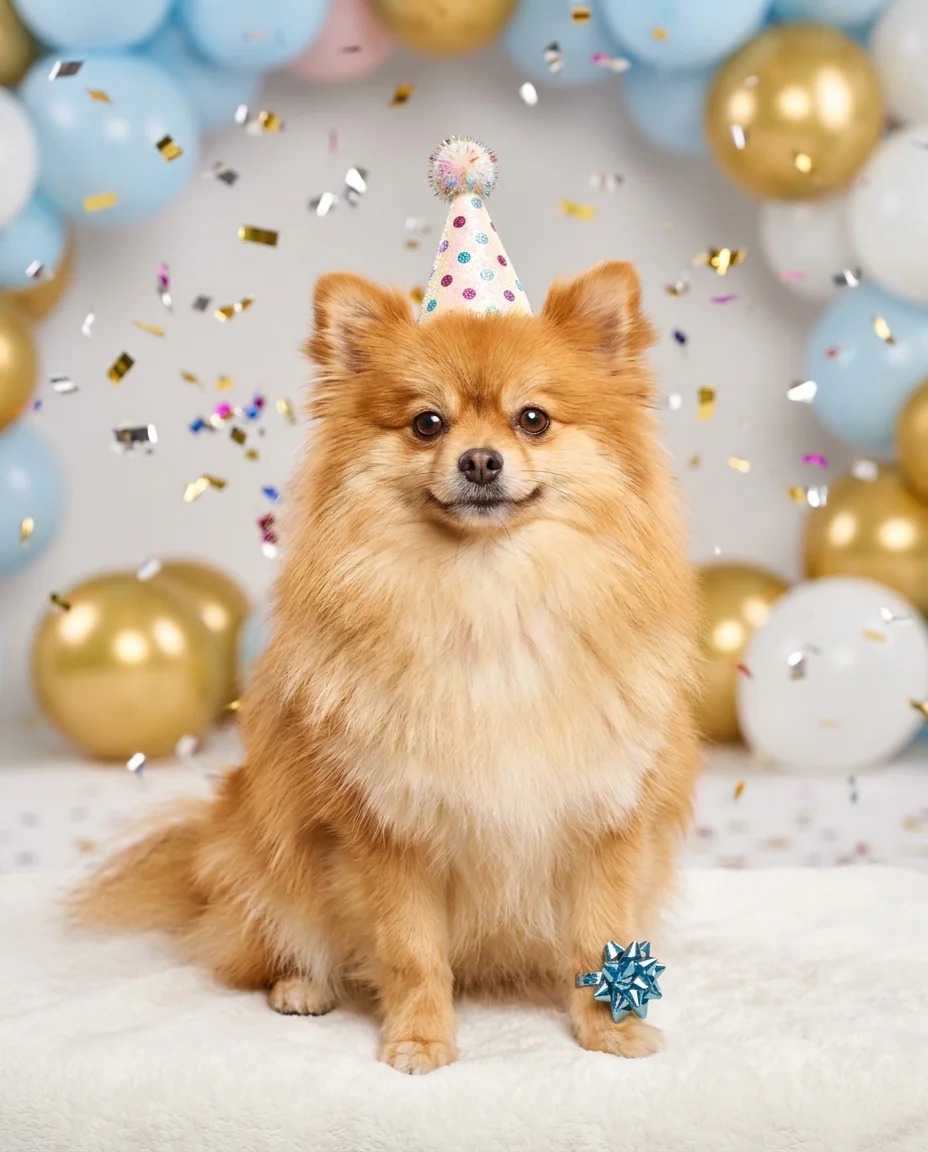 Birthday magazine coverUse with my photo
Dog photo 5
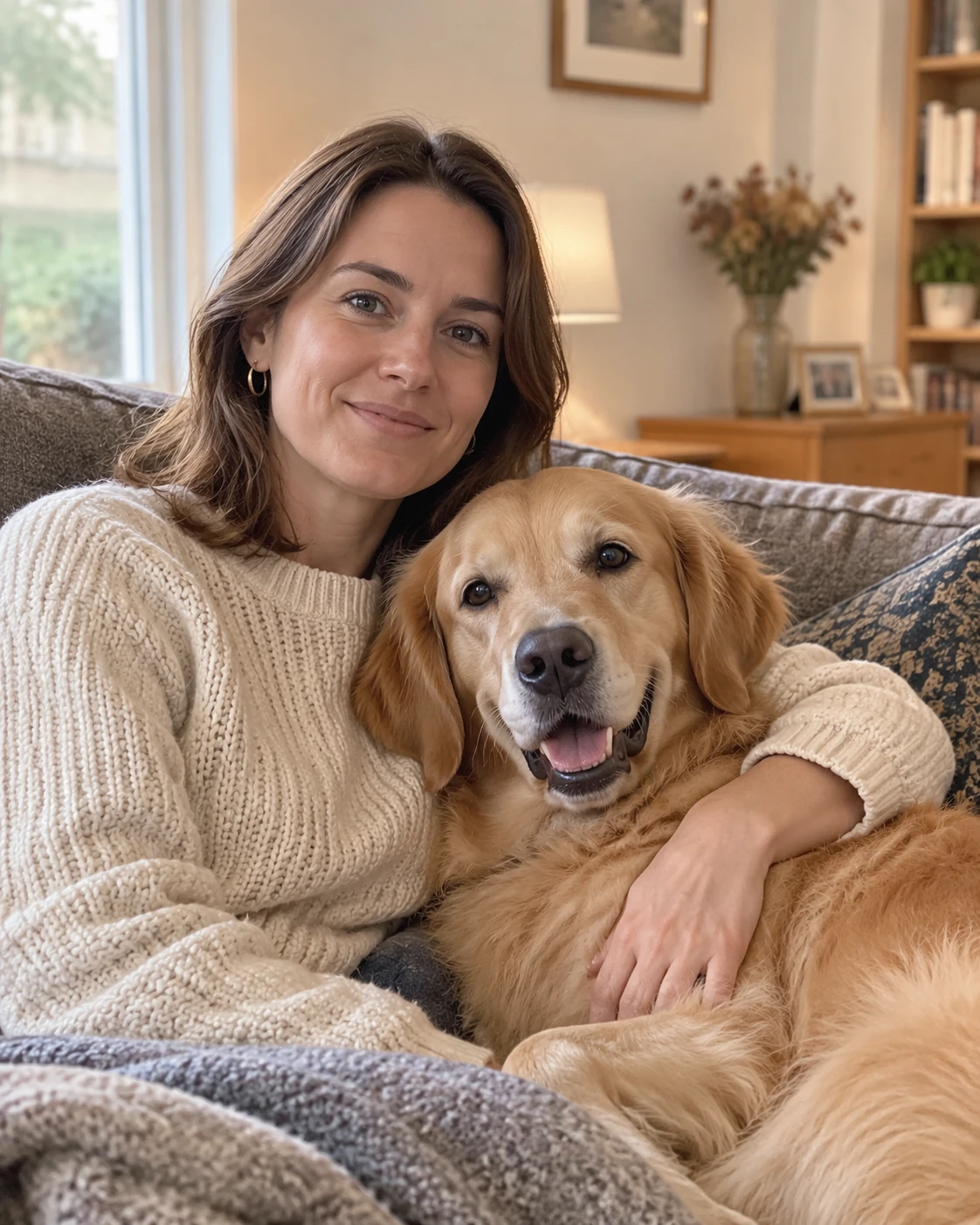
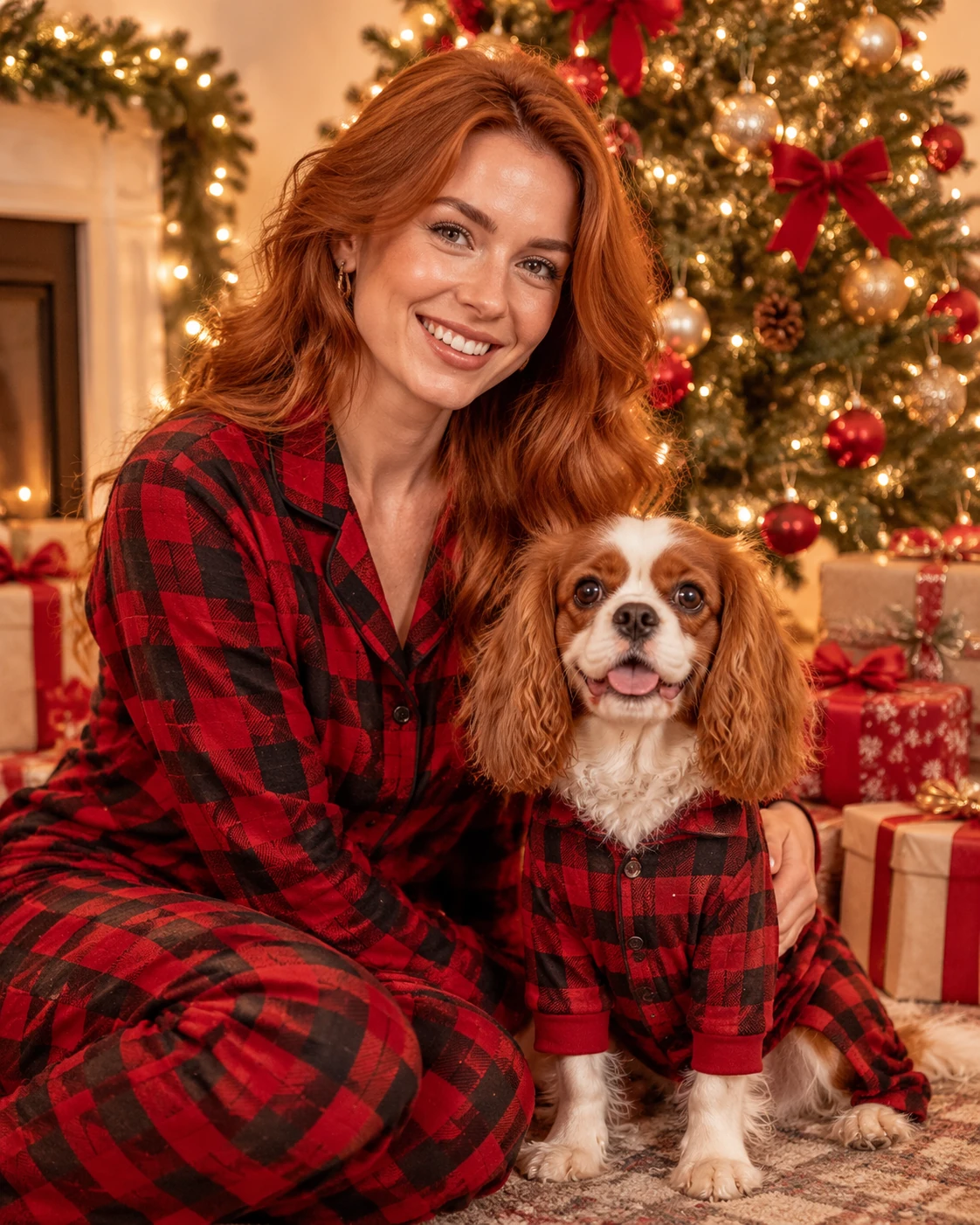
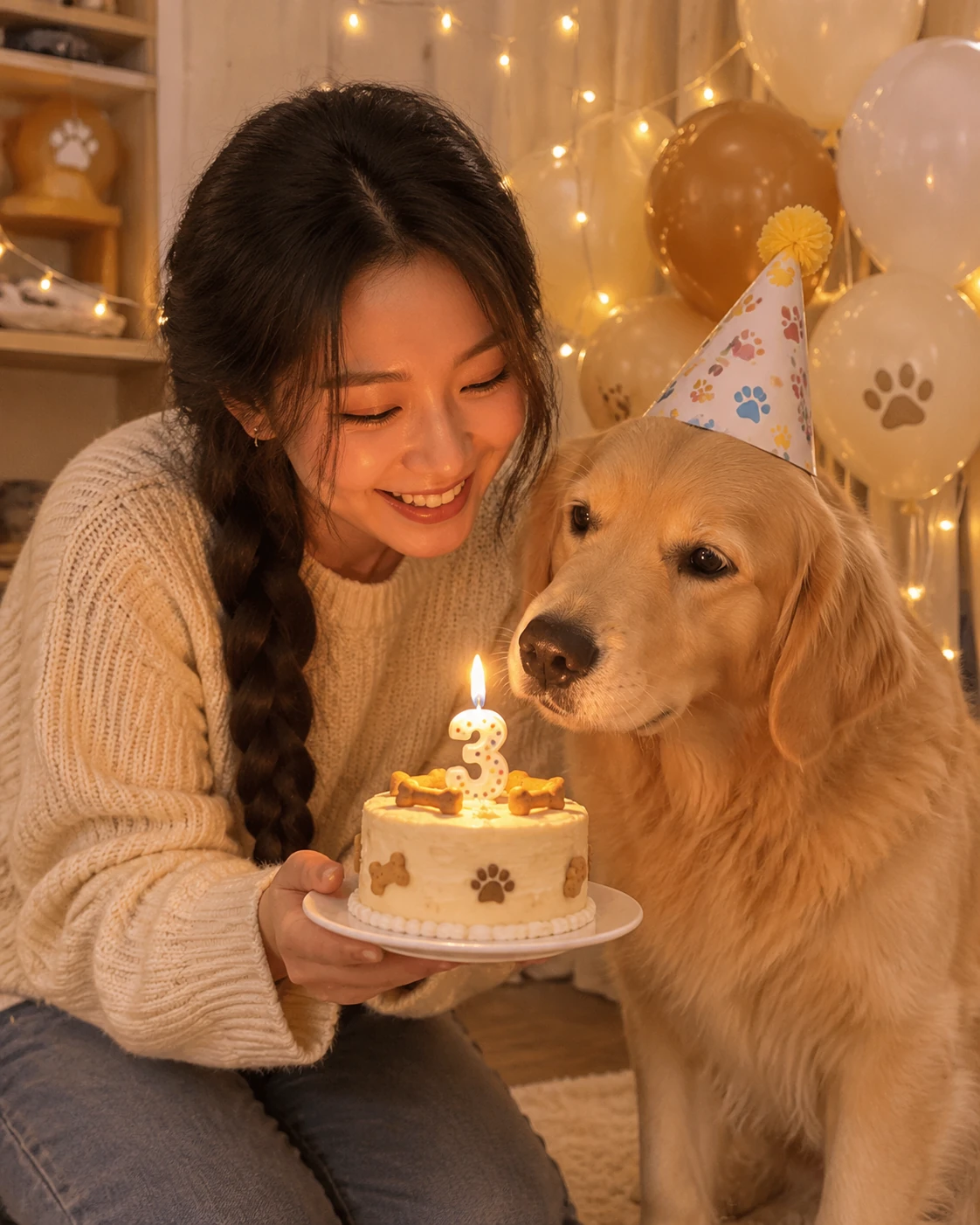
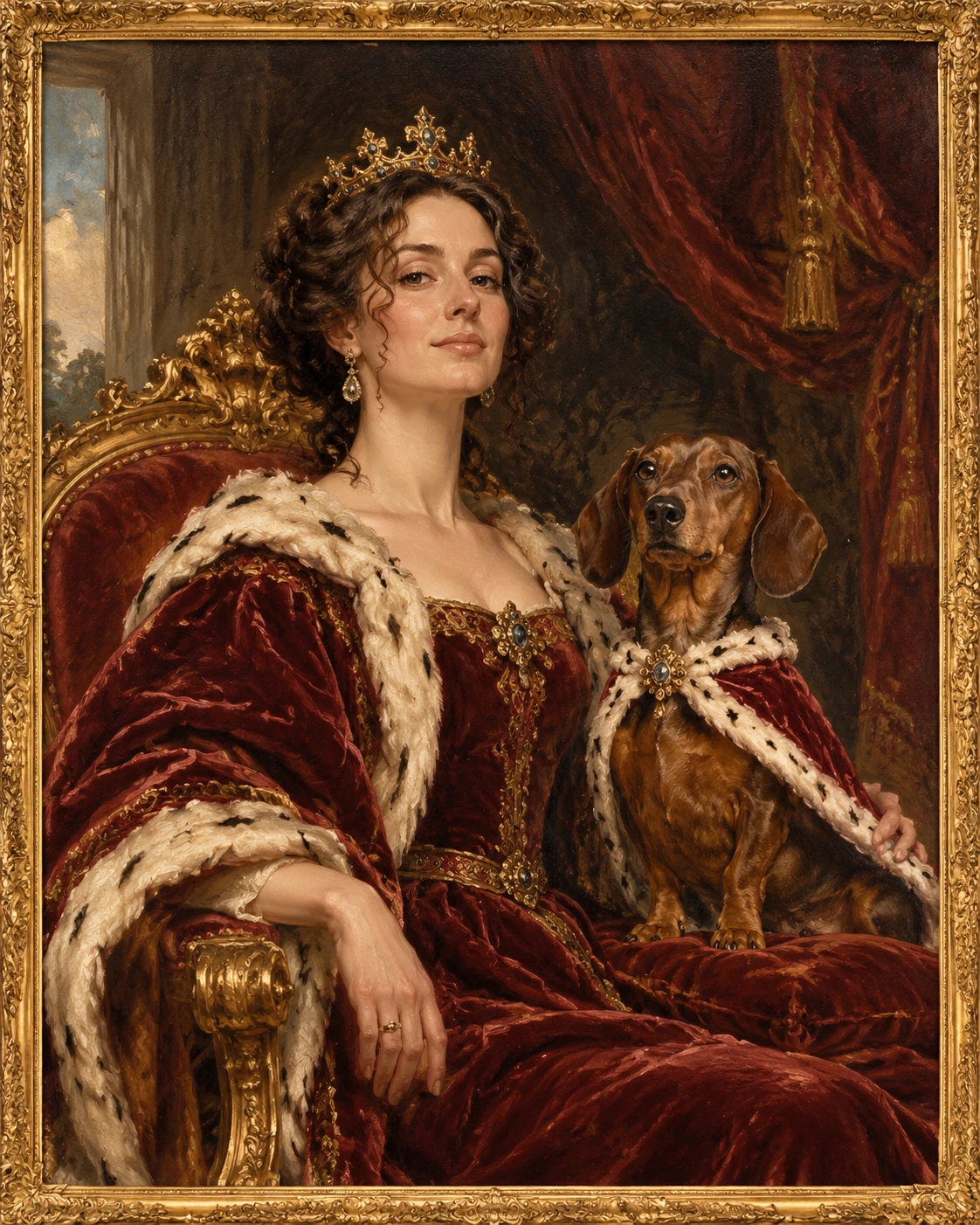
See the promptsYou and your dog together
All 50 scenesWant to be in the picture too? Upload a photo of you and one of your dog.
What the portrait maker keeps
The edit instruction explicitly asks the model to keep your dog’s face, coat colours, markings, eye colour, ear shape and muzzle proportions, and to change only the style, clothing, light and background. AI editing can still vary from one attempt to the next, so use a clear source photo and check the result carefully.
Looking for ideas? See dog portrait ideas for paintings, drawings, cartoons, gifts and memorial portraits, or browse portraits by breed.